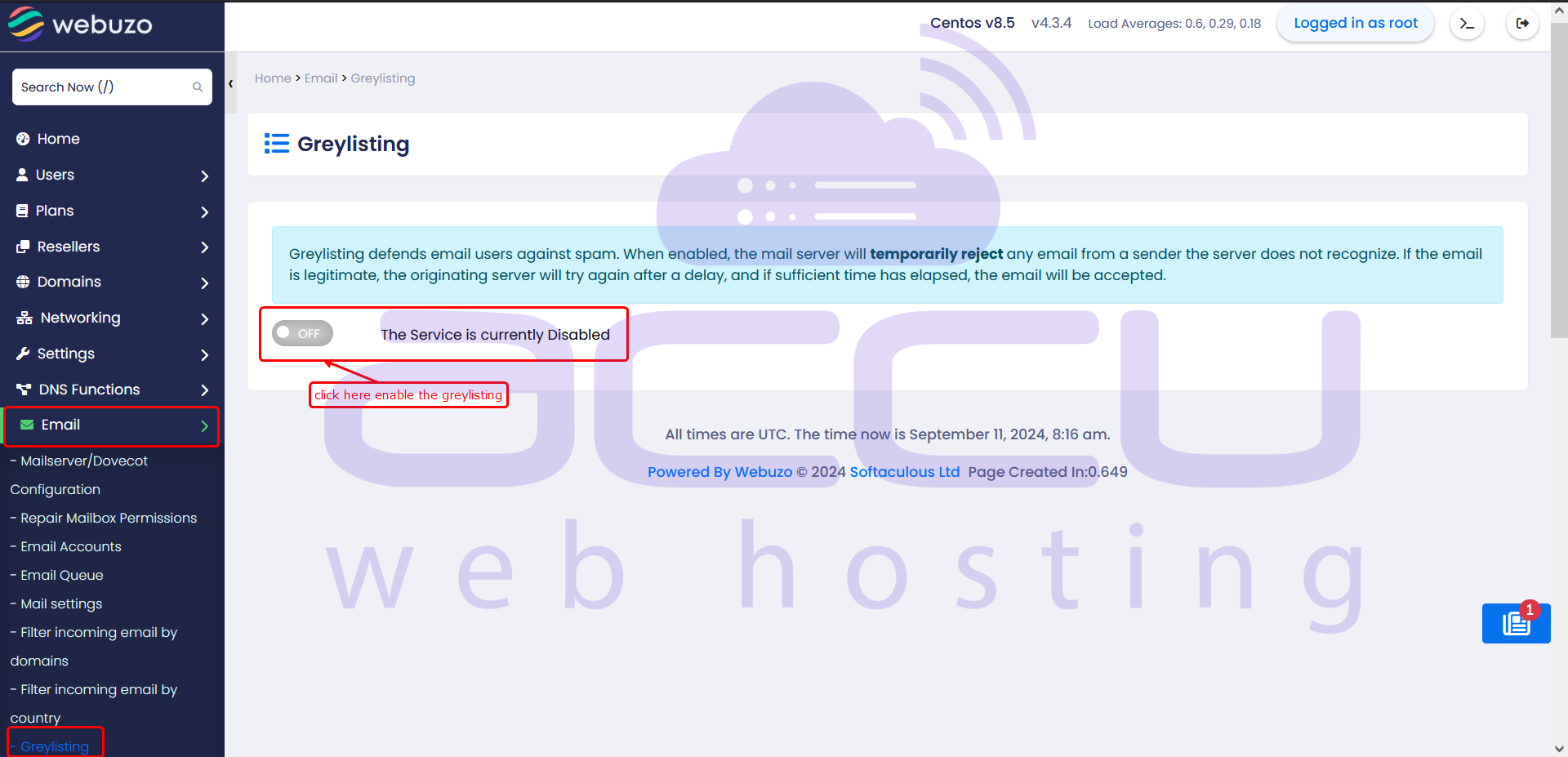
To enable or disable greylisting in Webuzo,
Navigate to the Webuzo Admin Panel > Email > Greylisting section.
In this menu, you can toggle the greylisting feature, which filters incoming emails by temporarily blocking unknown senders to reduce spam.
Steps to Manage Greylisting
- Log in to your Webuzo Admin Panel.
- Navigate to the Email section.
- Click on Greylisting.
- Toggle the settings (Yes/No or Enable/Disable) to activate or deactivate the feature.