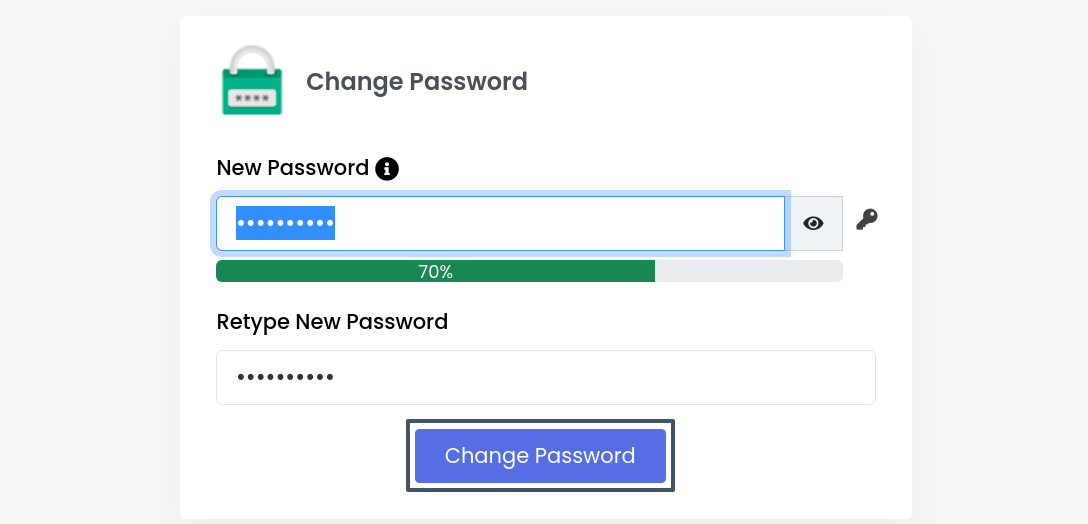
Changing the security details like passwords and pins is better to prevent un-authorization. This guide will assist you in changing the password for the webuzo control panel user.
Let’s see the steps below.
1) log in to your webuzo end-user control panel.
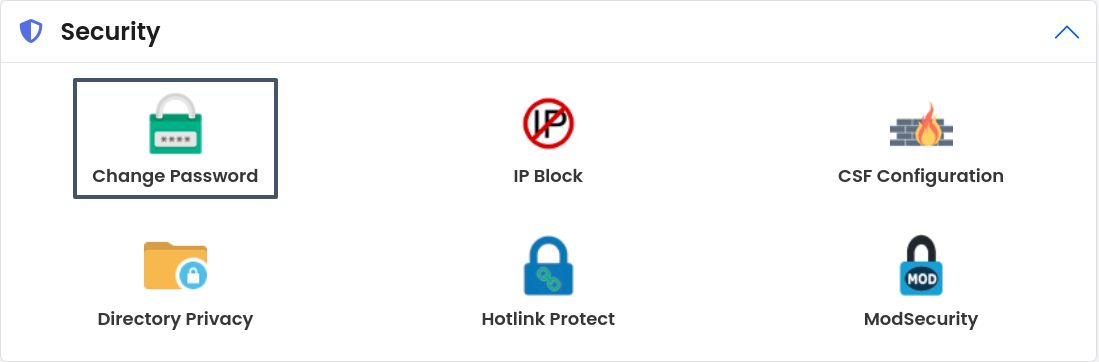
2) Navigate to the “Security” section and click on the “Change Password”.
3) Add/generate a strong password on this screen and click on the “Change Password” button to change the password.