
Webuzo has a feature to force the insecure domain connection to HTTPs. With a Few clicks, Webuzo users can easily enable the HTTPs redirection for the domain name.
The below steps will assist you with the same.
Step 1: Log in to your end user webuzo panel.
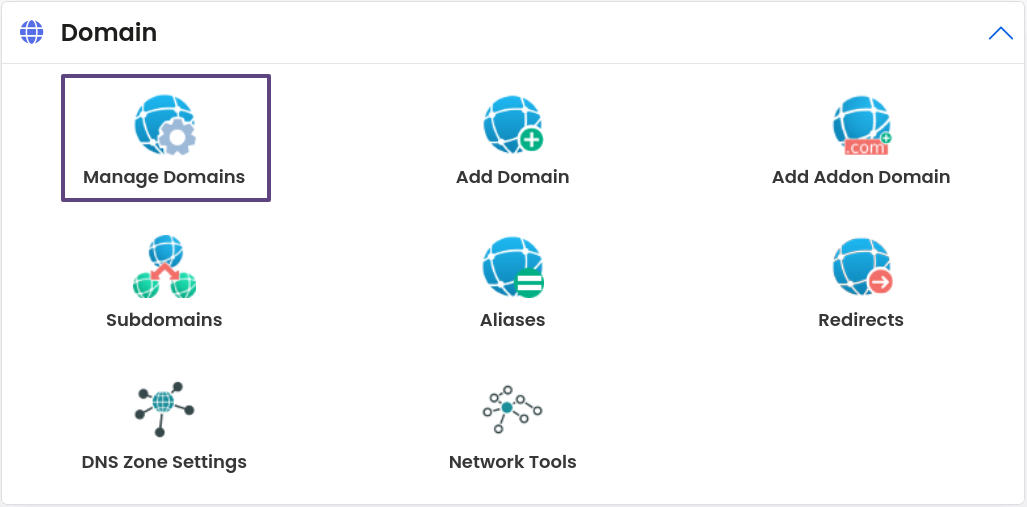
Step 2: Navigate to the “Domains” section and click on “Manage Domain.”
Step 3: Next, click on the toggle button.
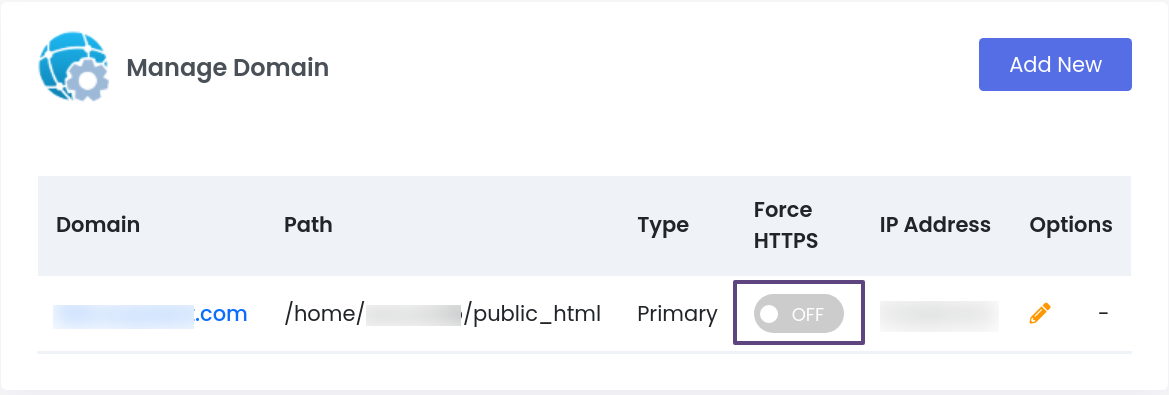
Step 4: Once you click on the toggle button to enable Force HTTPs, it will open the pop to confirm the HTTPs redirection. Click on the “Yes” button to Force HTTPs.

*Note: If the SSL is not installed on the domain name, it is not possible to enable Force HTTPs for the domain.


