
Introduction:
Managing database security is a crucial part of maintaining any server environment, and one of the most important steps is ensuring that your MySQL root password is strong and regularly updated. In Webuzo, a popular web hosting control panel, changing the MySQL root password is a straightforward process that helps protect your databases from unauthorized access. Whether you are performing routine maintenance or responding to a security concern, understanding how to update this password is essential for safe and efficient server management.
Steps:
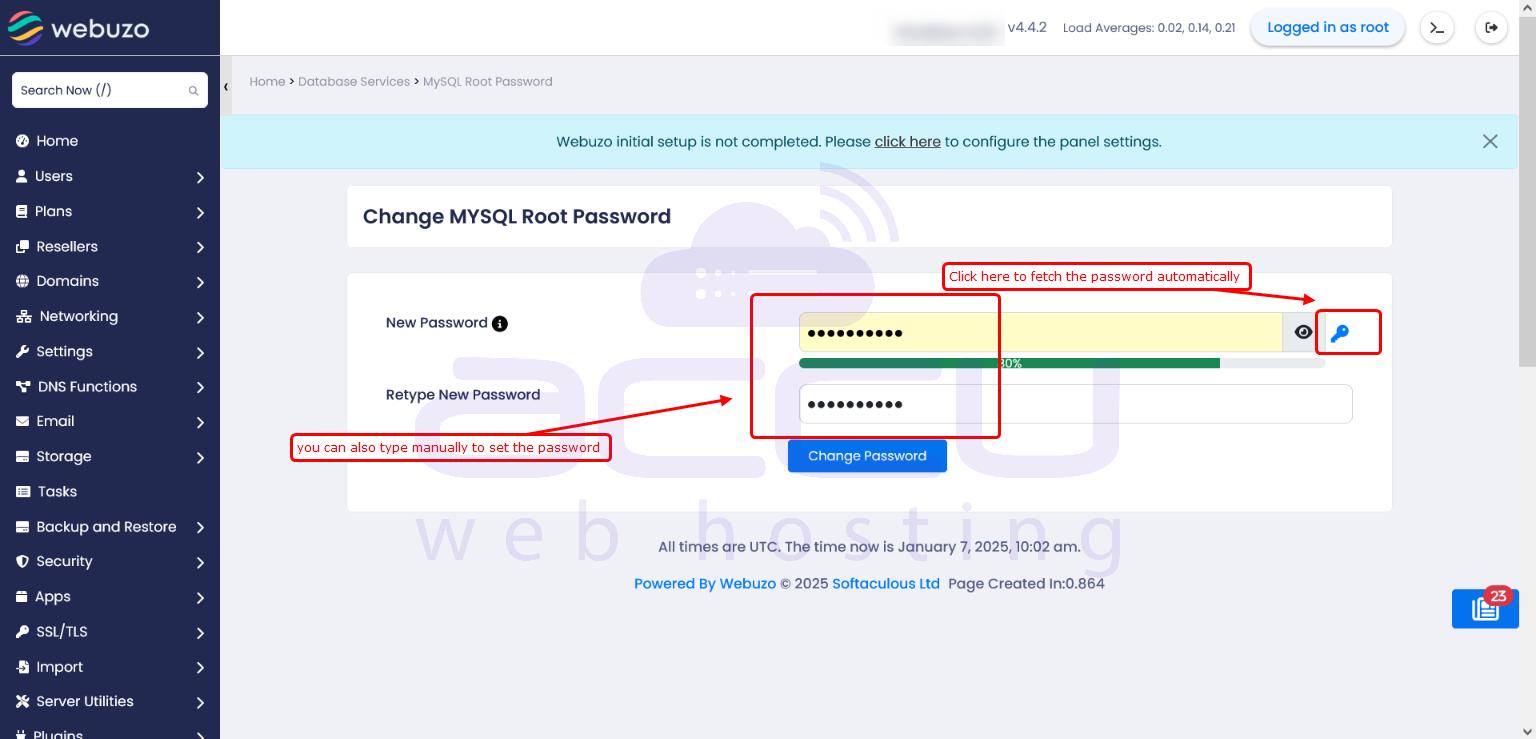
- To set or reset the MySQL root password, please navigate to Home > Database Services > MySQL Root Password.
- Click on the key icon to automatically generate the new password, or you can enter the password manually.
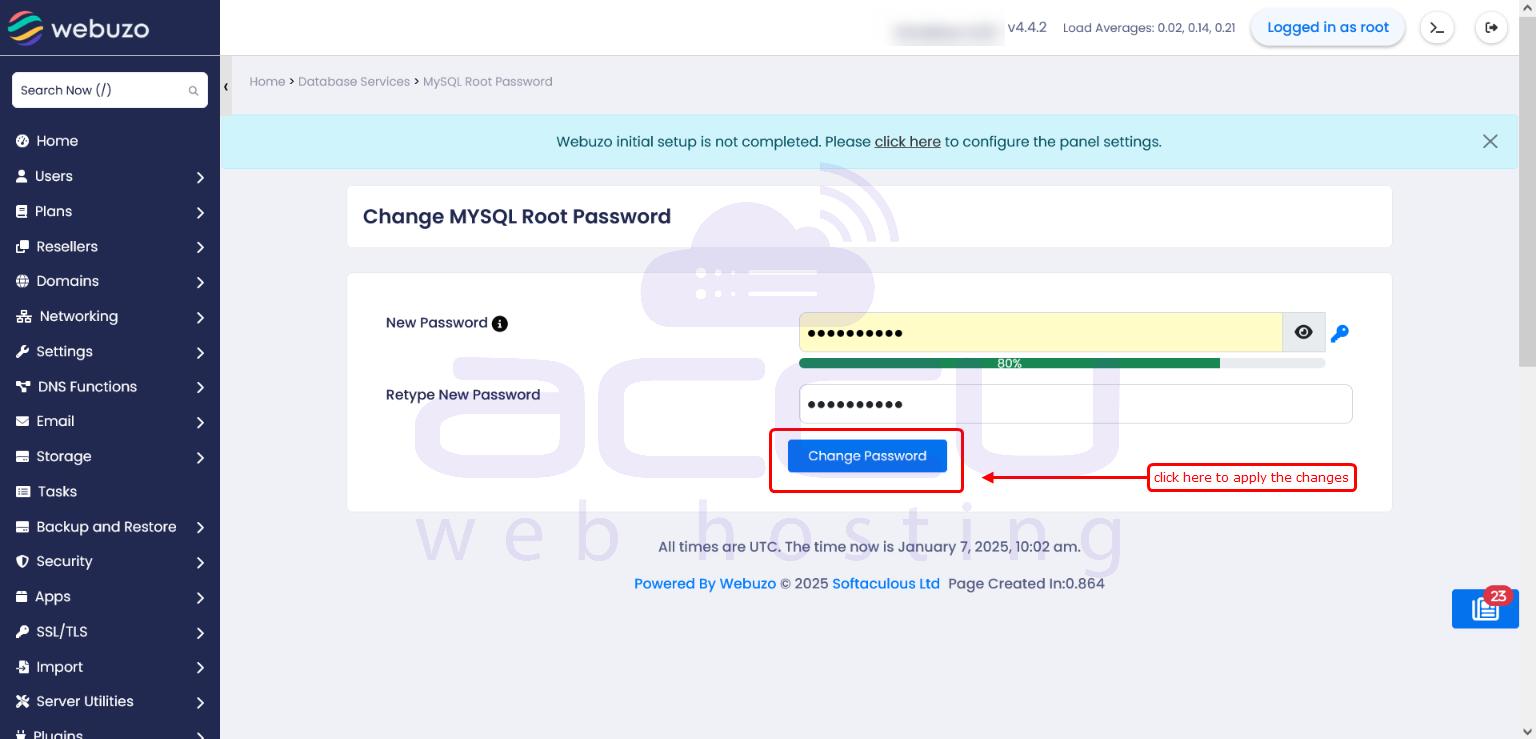
- After selecting the password, please click on the "Change Password" button to set the new password.
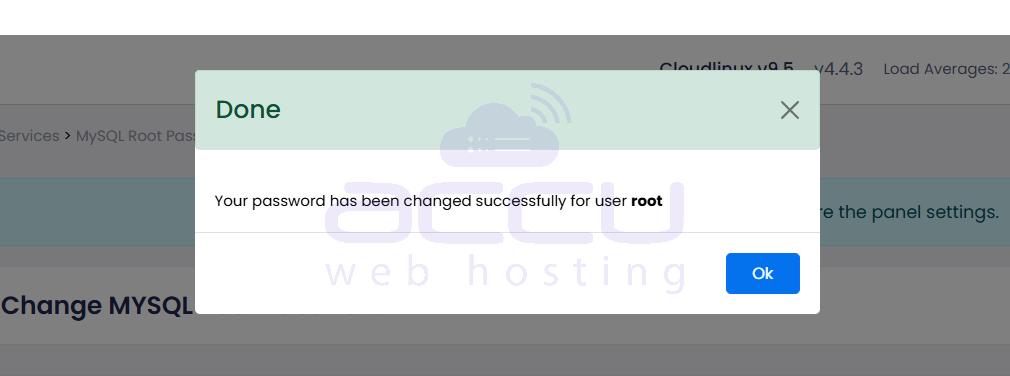
The MySQL root password has now been set or reset successfully.
Conclusion:
In conclusion, changing the MySQL root password in Webuzo is a simple yet vital task that enhances the security of your server and databases. By following the correct steps and keeping your credentials secure, you can prevent potential security risks and maintain smooth database operations. Regular updates and proper password management practices will ensure that your system remains protected and reliable over time.


