
What is SiteJet Builder?
Sitejet Builder is a user-friendly website creation tool integrated within cPanel. It allows you to design, build, and publish professional websites without any coding knowledge. With an easy-to-use interface and helpful features, it's a great solution for both beginners and experienced designers.
Key Features of Sitejet Builder
Sitejet Builder stands out due to its comprehensive set of features that make website creation easy and efficient:
- Drag-and-Drop Editor: This simplifies website building by allowing users to visually design their sites without needing coding skills.
- Professionally Designed Templates: Over 140 responsive and customizable templates tailored to various industries.
- AI-Assisted Content Creation: This generates text and design suggestions to enhance productivity.
- SEO Optimization: Includes tools like SEO Domain Analysis by XOVI for better search engine rankings.
- Multilingual Support: Allows users to create websites in multiple languages for a global audience.
- E-Commerce Integration: Enables the addition of online stores for selling products or services.
- Stock Media Library: Provides access to free stock photos and videos to enrich website content.
- Customizable Widgets: Includes widgets like contact forms, blogs, and social media feeds.
How to Access and Use Sitejet Builder in cPanel:
1. Log in to the cPanel account provided by your web hosting provider.
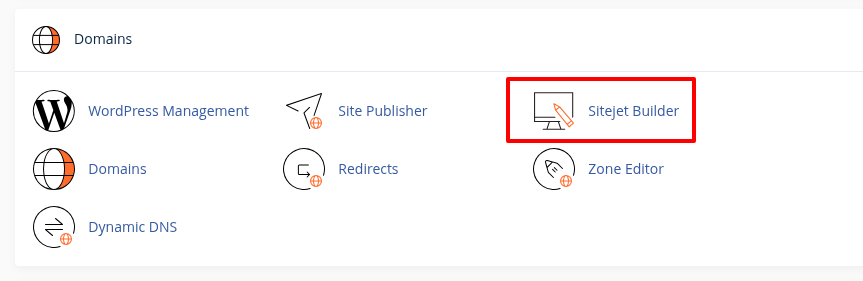
2. In the cPanel dashboard, navigate to the Domains section. Then, click on Sitejet Builder to open the interface.
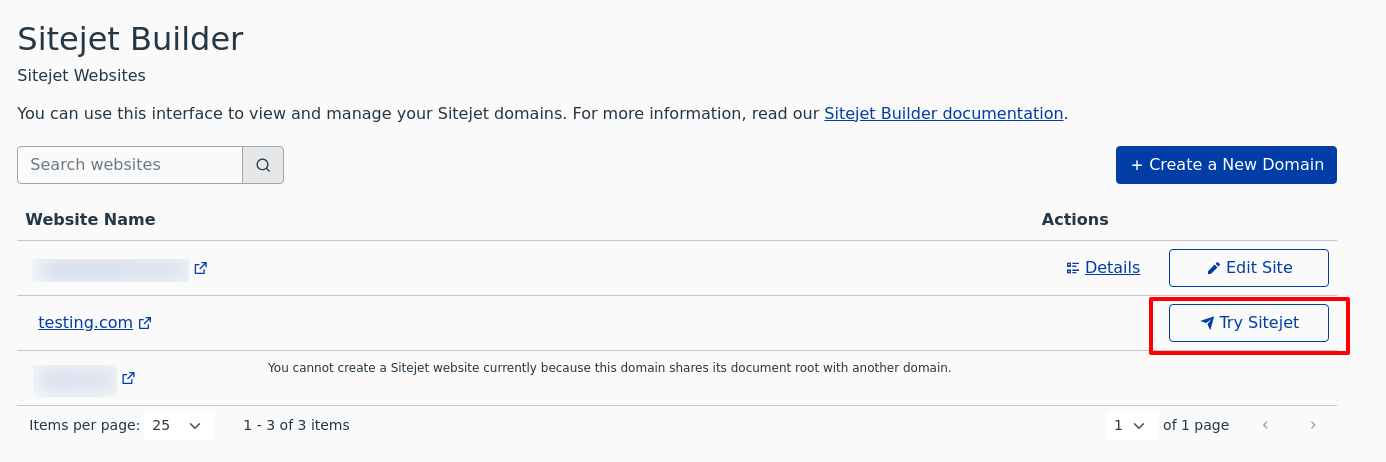
3. You'll see a list of all domains associated with your hosting account. Choose the domain for which you want to create or edit a website.
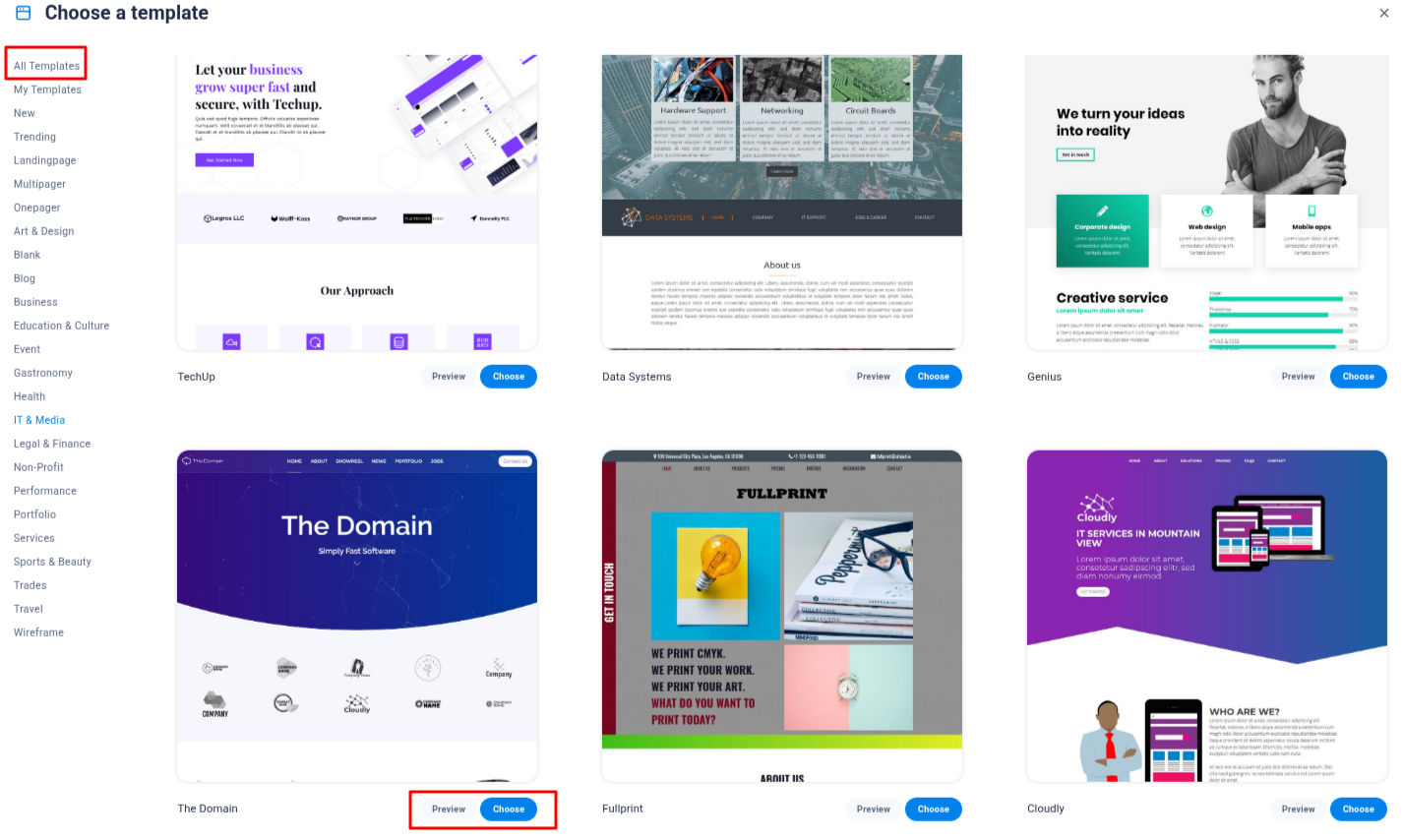
4. Browse through the extensive library of professional templates.
5. Preview and select a template that aligns with your website's purpose and aesthetic preferences.
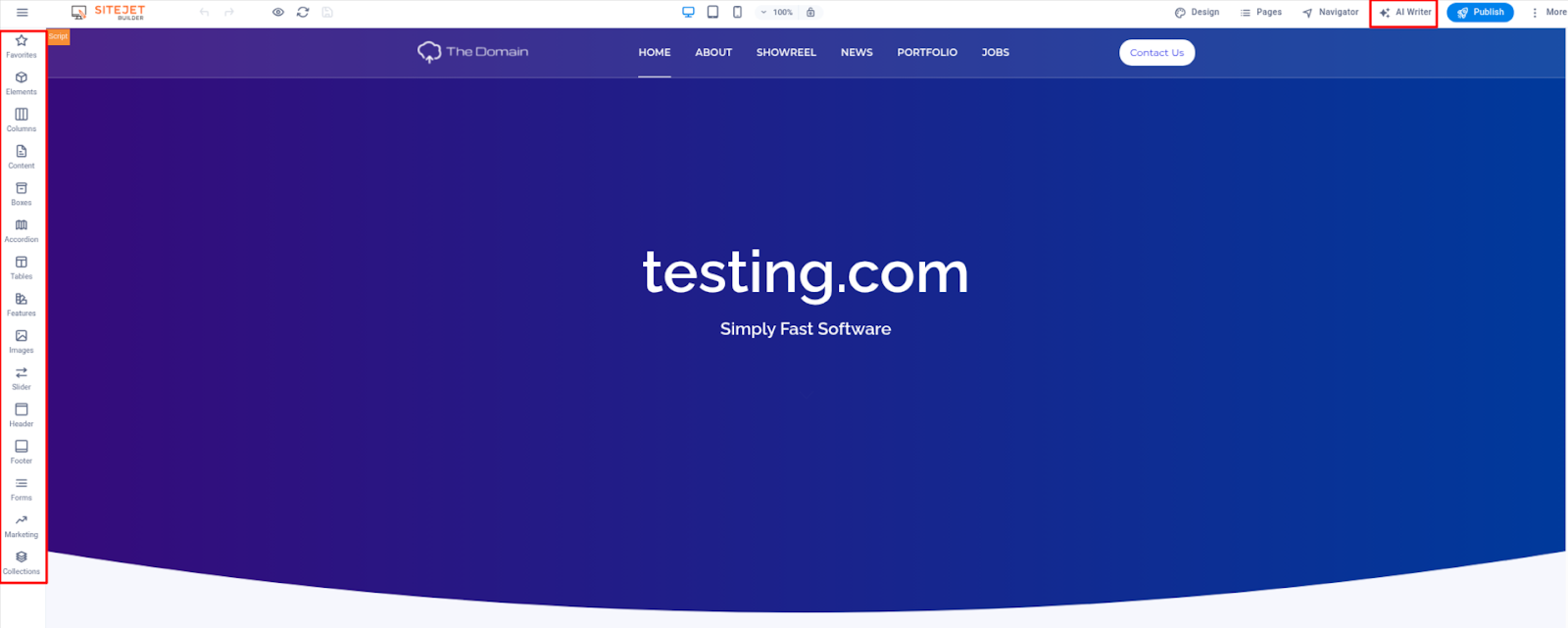
6. Use the drag-and-drop editor to add, remove, or rearrange elements on your site.
7. Modify text, images, and other content to personalize your website.
8. Generate content quickly using the built-in AI Writer to save time on writing.
9. Utilize the integrated SEO tools to optimize your site's content for search engines.
10. Before publishing, preview your website to ensure it appears as desired across different devices.
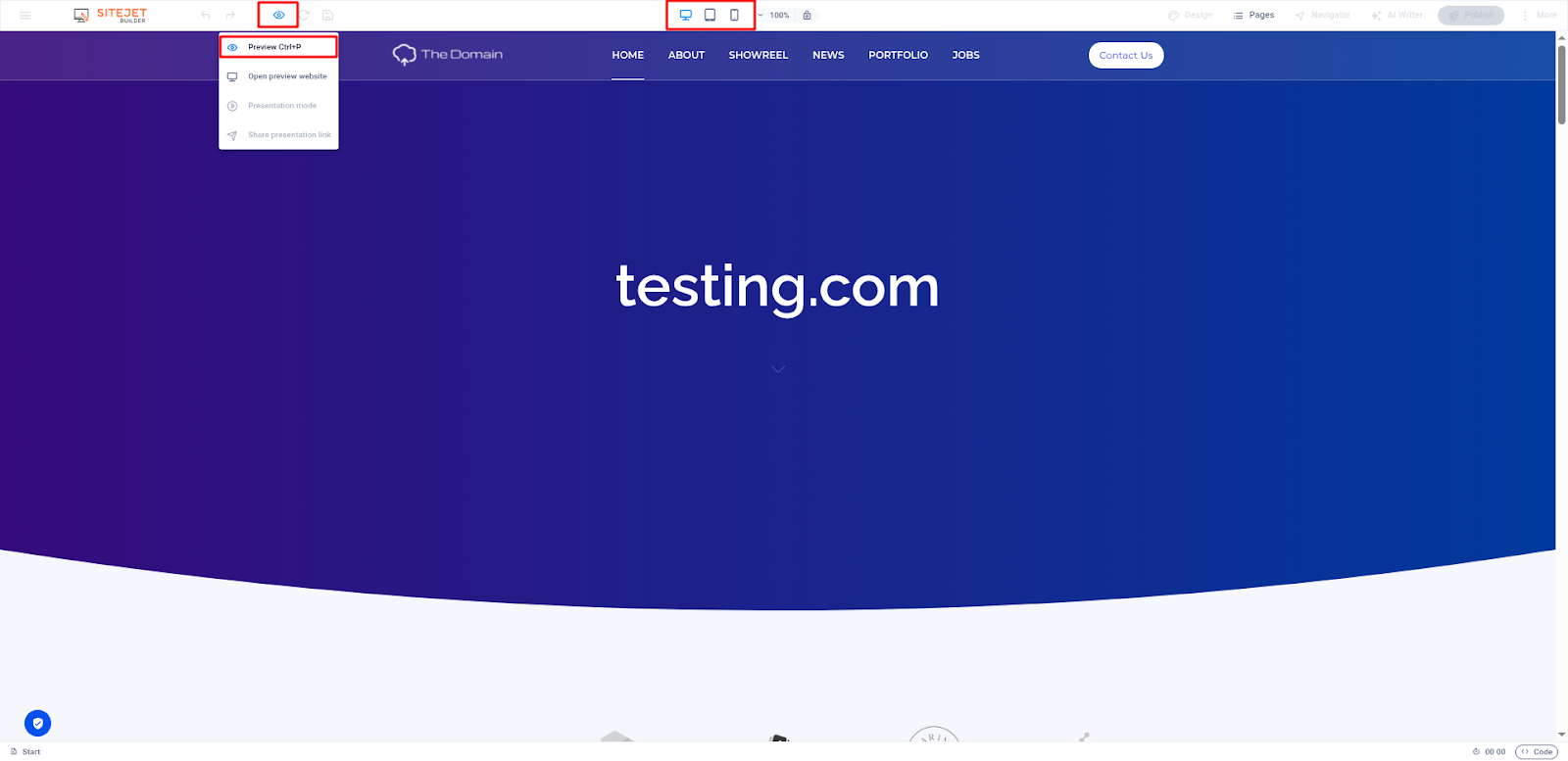
11. Once satisfied, click on the Publish button to make your website live.

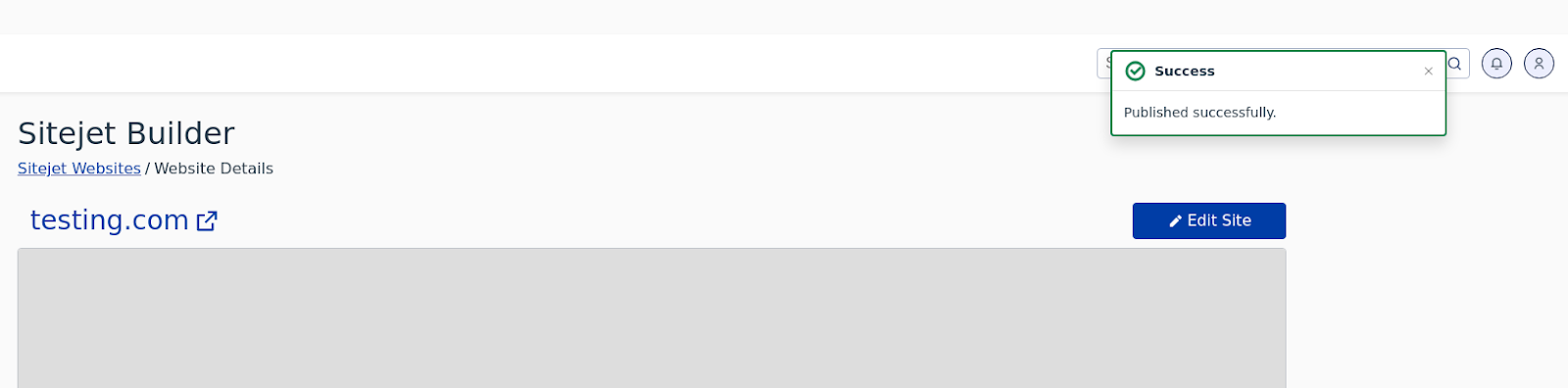
12. After it is published, your site will also be accessible in cPanel, and you can edit it anytime.
Benefits of Using Sitejet Builder:
- Ease of Use: Designed for users of all skill levels, eliminating the need for coding knowledge.
- Cost Efficiency: Included free with your cPanel license, saving costs on third-party builders.
- Time Savings: AI-assisted tools and pre-designed templates speed up website creation.
- Integrated Hosting Management: Websites are automatically hosted on the cPanel server, simplifying scaling and domain management.
Advanced Features for Developers
For users with technical expertise, Sitejet Builder offers additional features:
- Access to Code: Developers can edit HTML/CSS directly if needed.
- API Integration: Hosting providers can use APIs like create_sitejet_account and start_publish_sitejet for automated account creation and publishing workflows.
- Project Management Tools: Includes collaborative tools for managing complex projects efficiently.
Sitejet Builder makes it easy to create professional websites right from your cPanel dashboard. Whether you're a beginner or a developer, its helpful tools and features save time and effort. It's a great way to build and manage your website without extra cost.


