
Webuzo provides the feature to add/remove FTP accounts. Creating and managing the FTP account with the webuzo control panel is very easy.
Let’s see the steps below…
1: Log in to your end users' webuzo control panel.
2: Navigate to the FTP section and click on “FTP Accounts.”
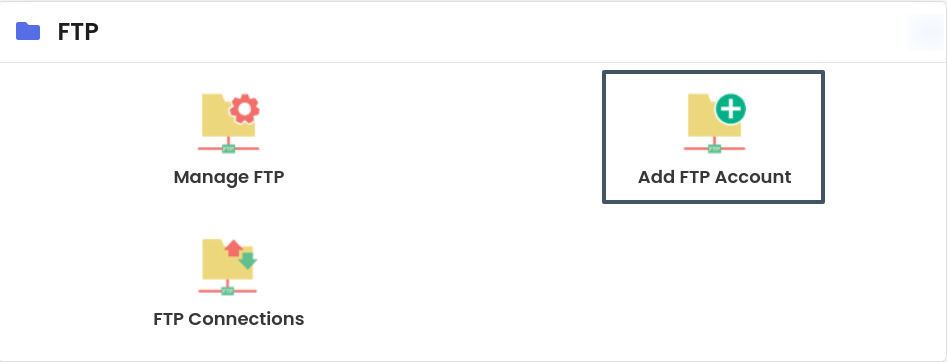
3: On this screen, add the below details.
Login: Name of the FTP account.
Password: Add a strong password for the FTP account.
Quota: Add the quota you want to assign to the FTP account.
Directory: The directory this user is allowed to access.
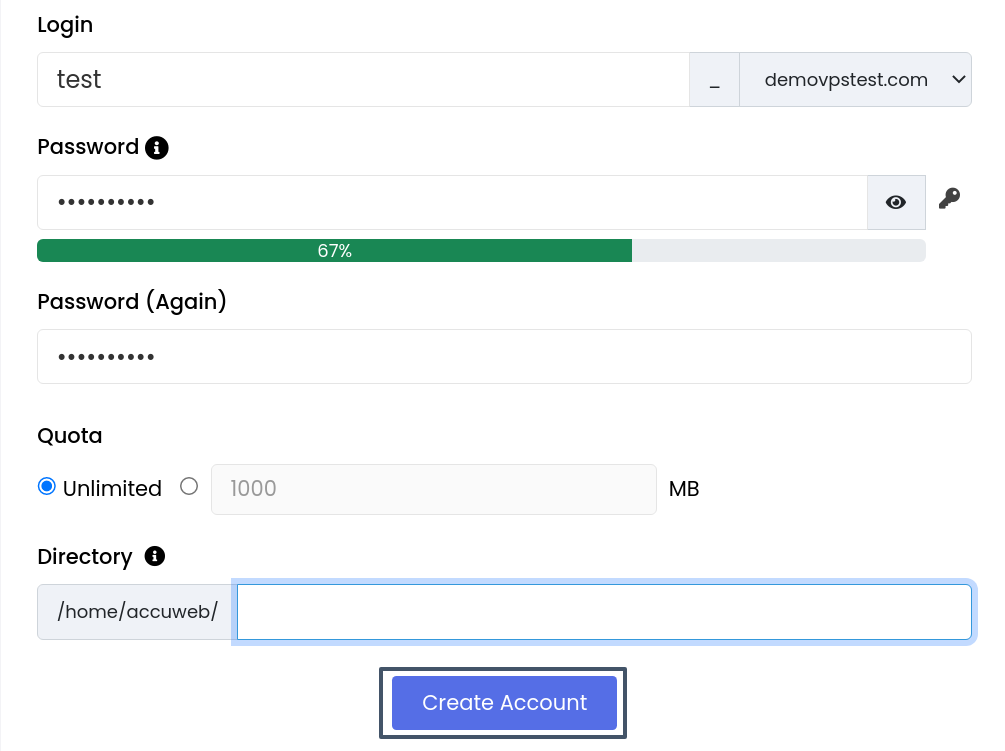
Next, Click on the “Create Account” button to create the FTP account.


