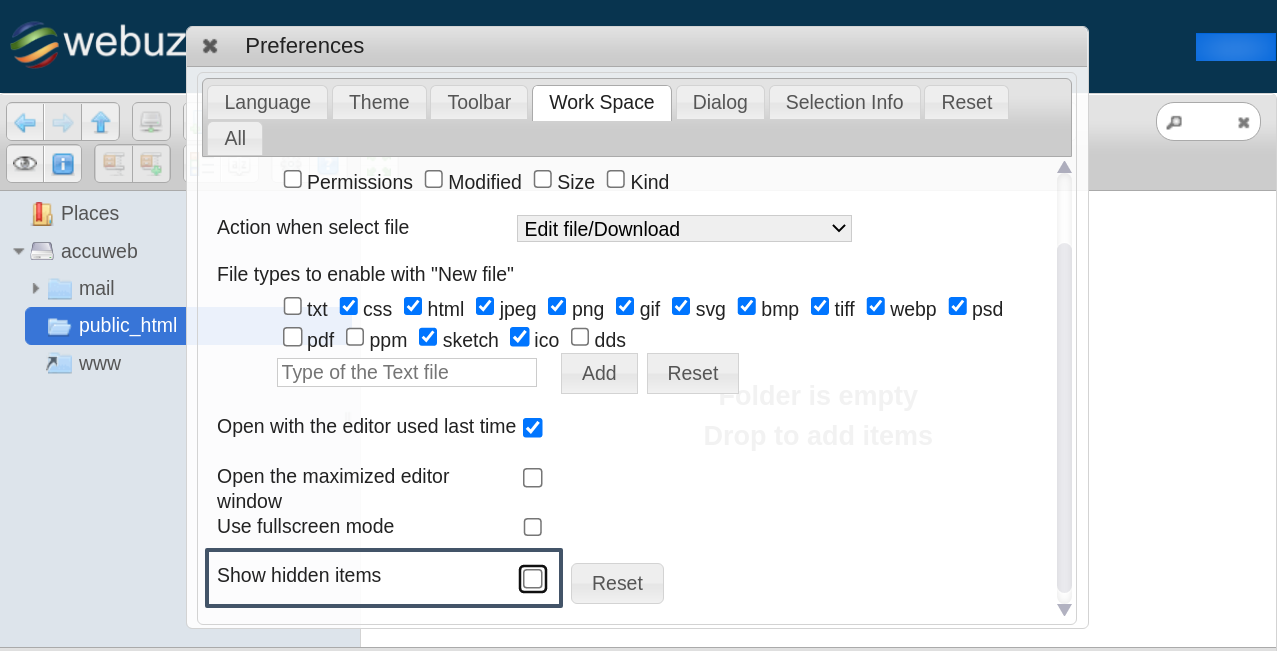
.htaccess is the critical file that manages the behavior of the website. By default .htaccess file is a hidden file; if you need to edit it, you must locate it.
This article will assist you in displaying hidden files (.htaccess) in the webuzo control pane.
Step 1: Log in to the End user webuzo control panel.
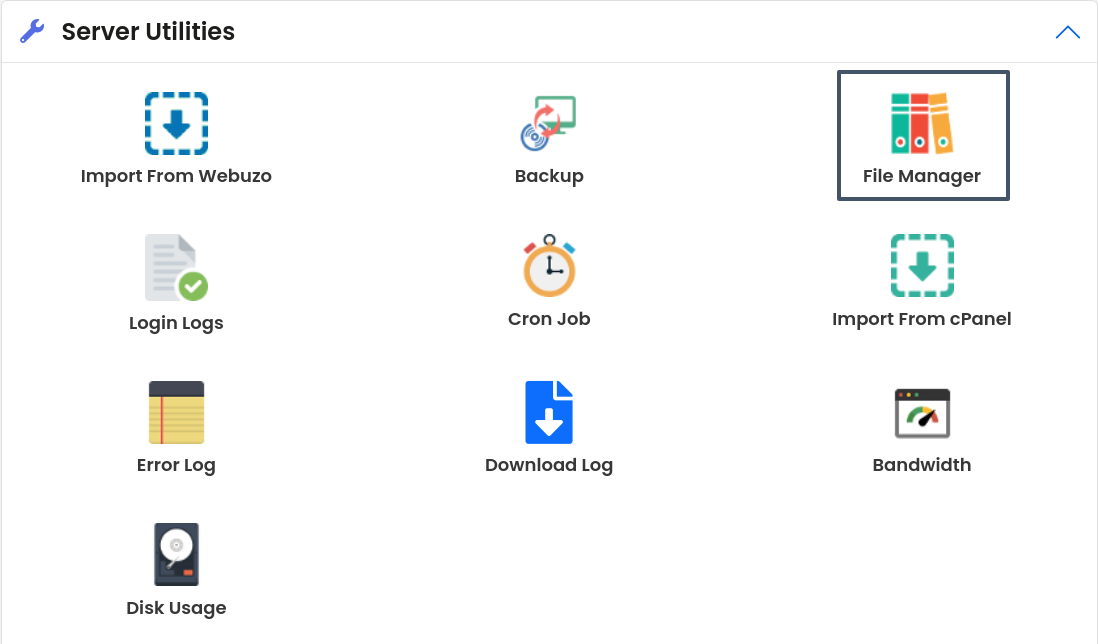
Step 2: Navigate to the “Server Utilities” and click on the “File Manager” option.
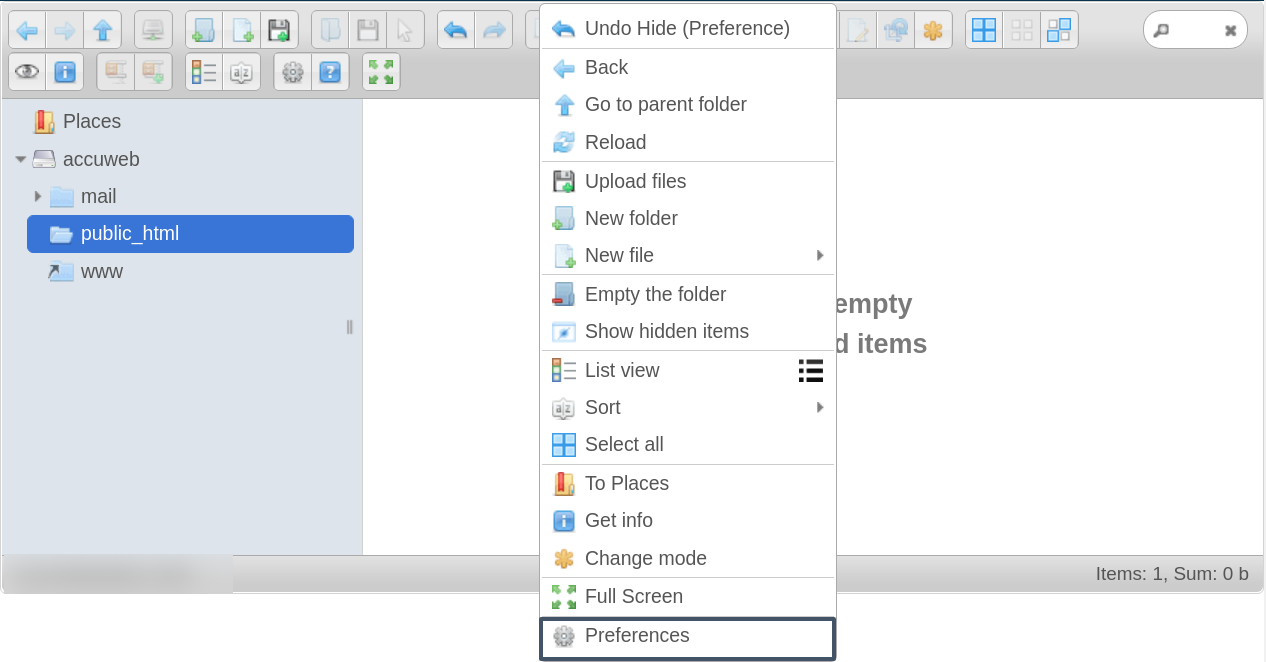
Step 3: Navigate to the directory of the website you want to edit the .htaccess file.
Step 4: Right-click on the interface, and it will open a pop-up. Click on “Preference.”
Step 5: On this screen, check for the “Show hidden items” and check the checkbox to show the hidden .htaccess files.