
Webuzo control panel provides rich features to manage the services from the control panel. With the Webuzo control panel, you can check the status and enable and disable the services.
Let’s see how to do it!
1: Log in to the root webuzo control panel.
2: Navigate to the “Apps” and click on “Services.”
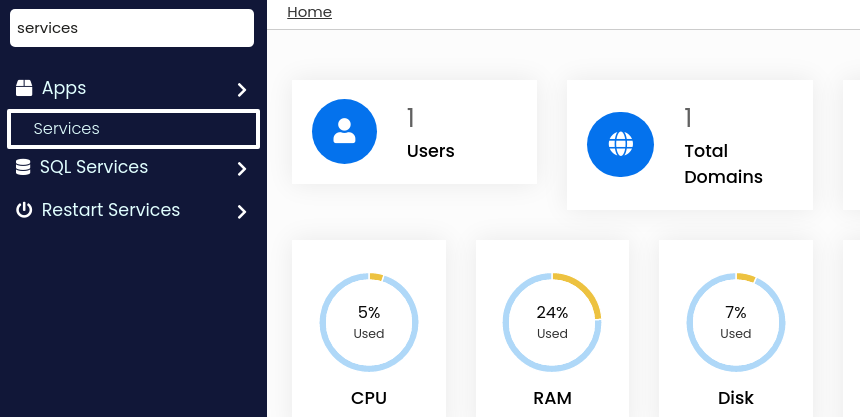
3: You will get the available services and manage them on this screen.
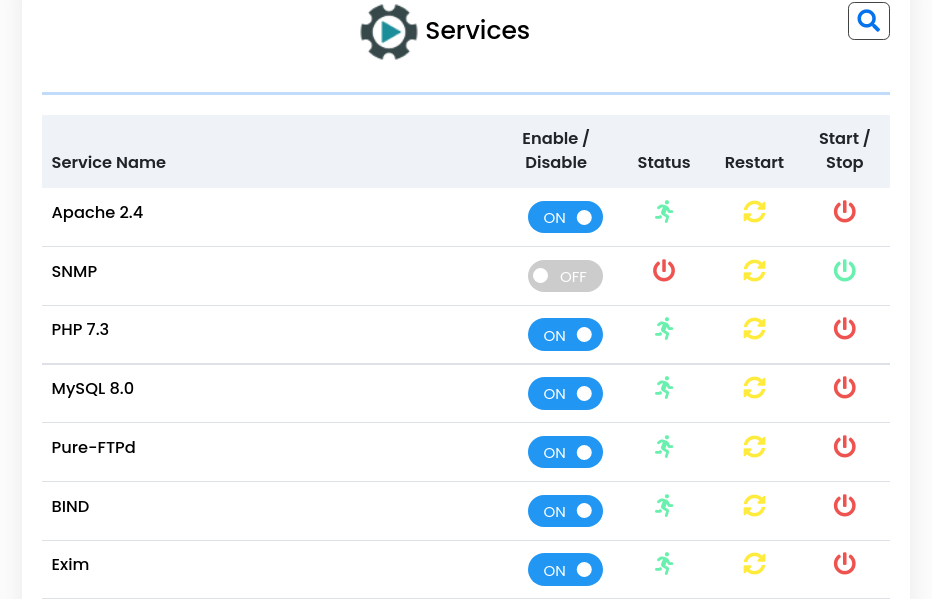
Red sign: Red sign in the status shows that the service is stopped.
Green sign: Green sign in the status shows that the service is running.
Yellow sign: Using the yellow sign, you can restart the service.
That’s all you have to do for service management in the Webuzo control pane.


