
PHP handlers are Apache modules that contain libraries for the Apache web server to use when running PHP code.
Apache's PHP handlers are configured in the /etc/apache2/conf.d/php.conf configuration file.
cPanel & WHM come with six PHP handlers. Apache handles PHP requests differently based on the files and implementation of each handler.
- CGI
- DSO
- FastCGI Process Manager (FPM)
- FCGI daemon (FCGId)
- LSAPI
- suPHP
How to Change PHP Handlers in WHM?
Method 1: WHM
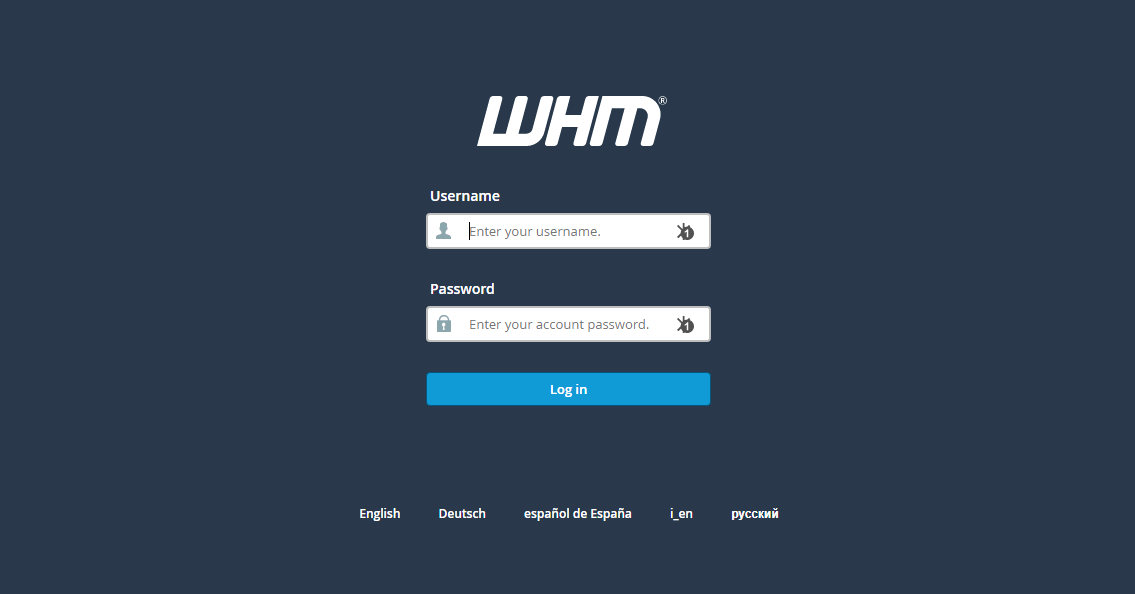
Step 1: Log in to the WHM Panel.
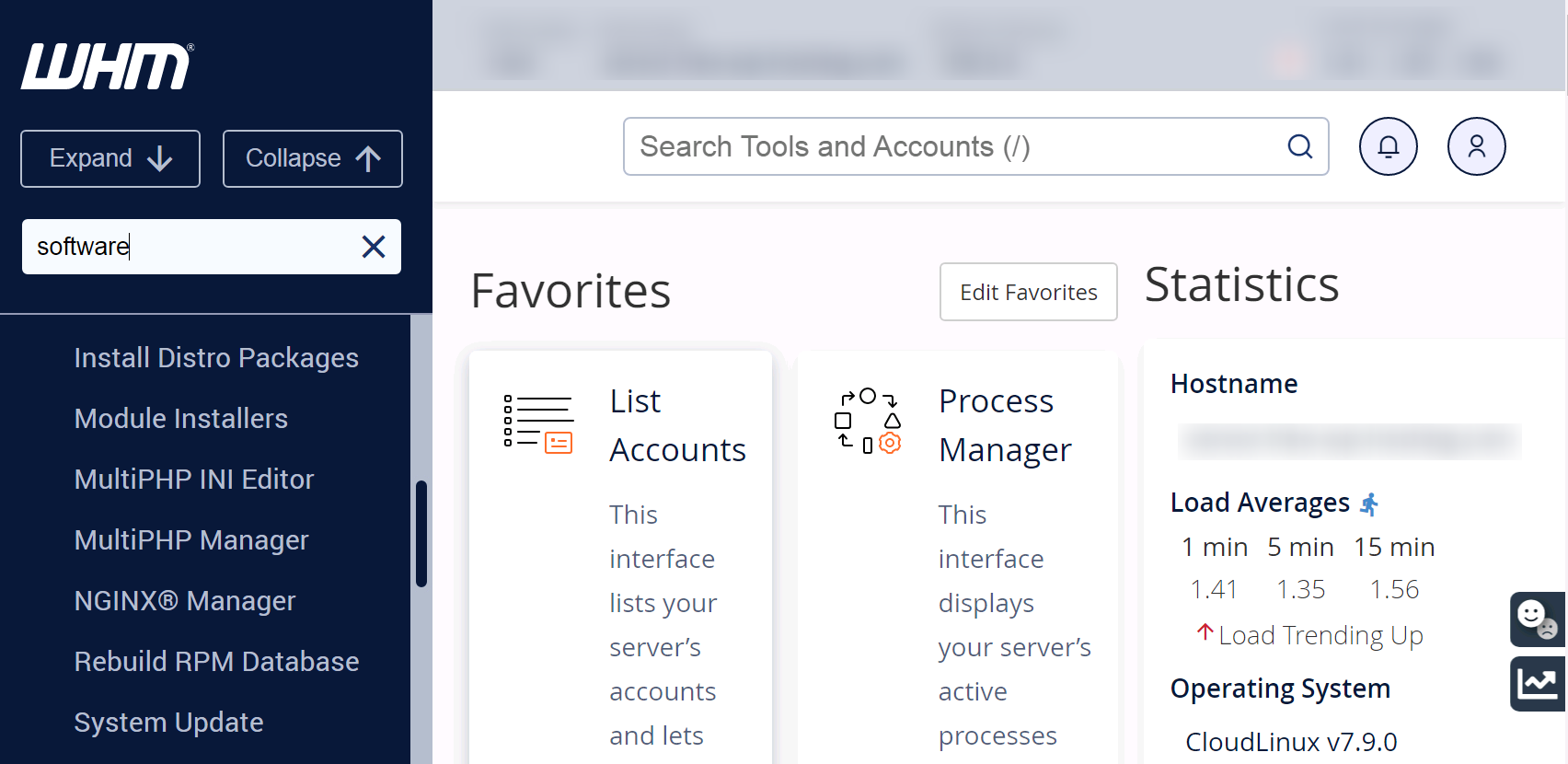
Step 2: Navigate to the Software >> MultiPHP Manager section.
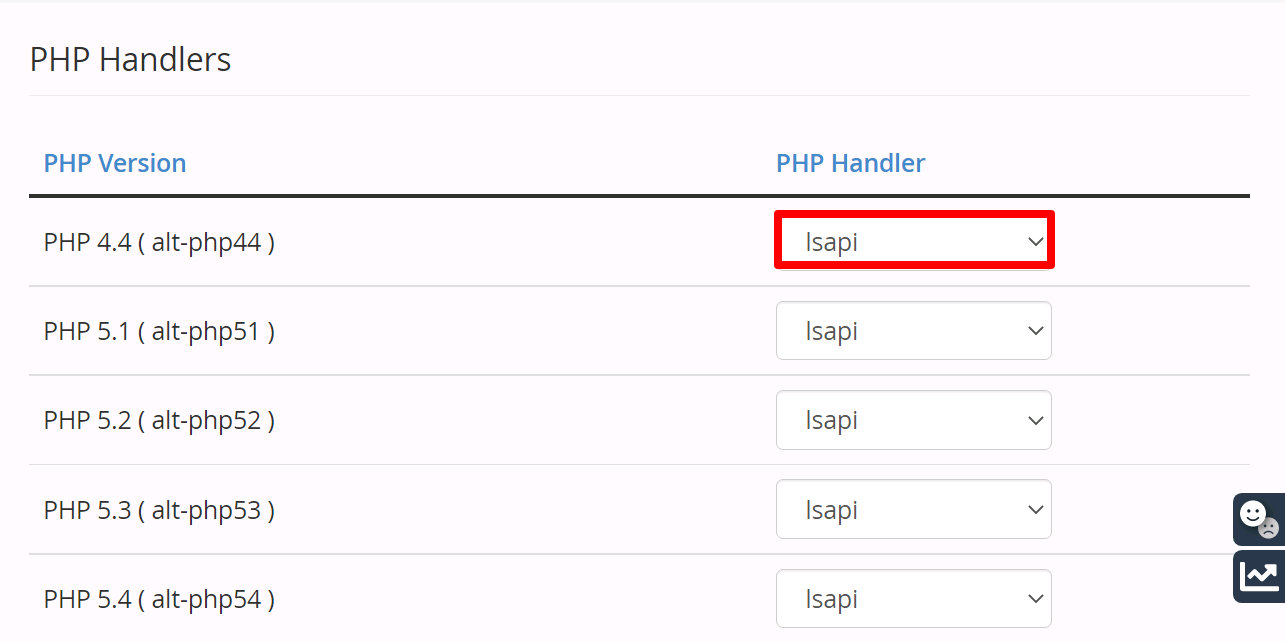
Step 3: Select the PHP Handler from the dropdown for the PHP version you want to change the PHP handler. The system will automatically change the PHP handler once you select it.
Method 2: The rebuild_phpconf script
You can also change the PHP Handler by running the rebuild_phpconf script.
Step 1. Log in to the server using SSH.
Step 2. Run the following command as per your requirement.
To list current handler:
# /usr/local/cpanel/bin/rebuild_phpconf --current
To list all available PHP handlers on the server
# /usr/local/cpanel/bin/rebuild_phpconf --available
To change the current PHP handler to “DSO”
# /usr/local/cpanel/bin/rebuild_phpconf 4 dso none 1
To change the current PHP handler to “SuPHP”
# /usr/local/cpanel/bin/rebuild_phpconf 5 none suphp 1
To change the current PHP handler to CGI
# /usr/local/cpanel/bin/rebuild_phpconf 5 none cgi 1
To change the current PHP handler to FastCGI
# /usr/local/cpanel/bin/rebuild_phpconf 5 none fcgi 1
For example, if you wish to change the PHP Handler for PHP 7.4 (ea-php74) to suPHP, run the following command:
#/usr/local/cpanel/bin/rebuild_phpconf --ea-php74=suphp


