
1: You have to take a backup of your WordPress website at your source server using Filezilla.
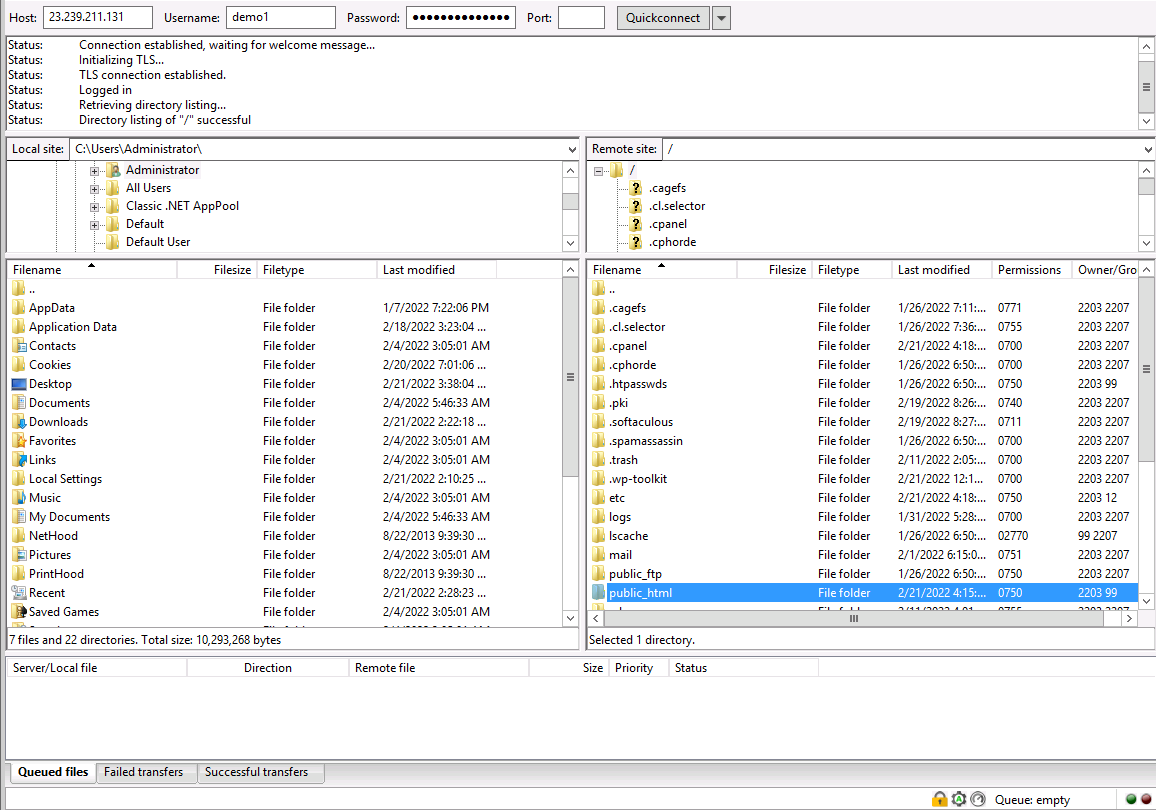
2: Now, export The WordPress Database
- Go to cPanel -> phpMyAdmin -> Select database -> Export
- Select "Quick - display only the minimal options" and click on the Go button to export the database.

- Suppose you forgot the name of the database which is linked with your site. You can find it out from the WordPress config file.
- Go to File Manager -> Public_html -> open wp-config.php file and find out the database details.

Finally, you will have to import web files and databases to the Destination Server. Read more..


