
For Phase-1 you can refer to this article: Phase-1 at the source server
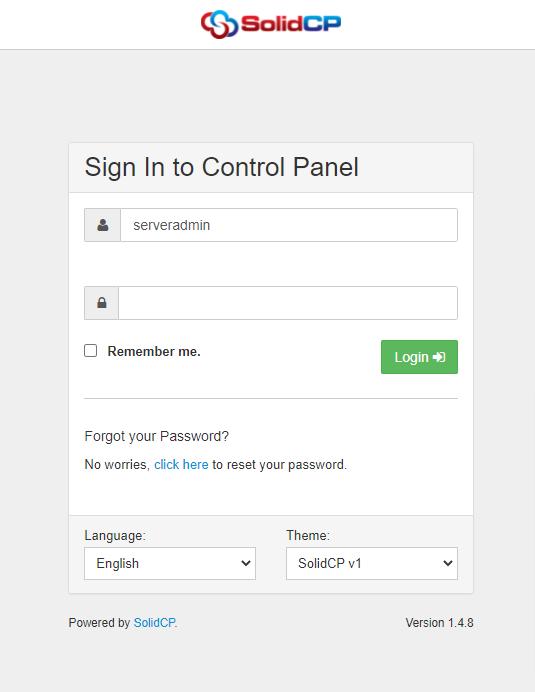
1: Login In to the SolidCP.
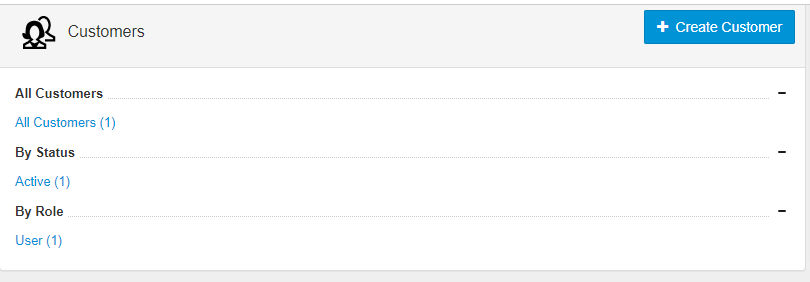
2: Select the Customers.
3: Select the Username. Once you select any username, you will see the below page.
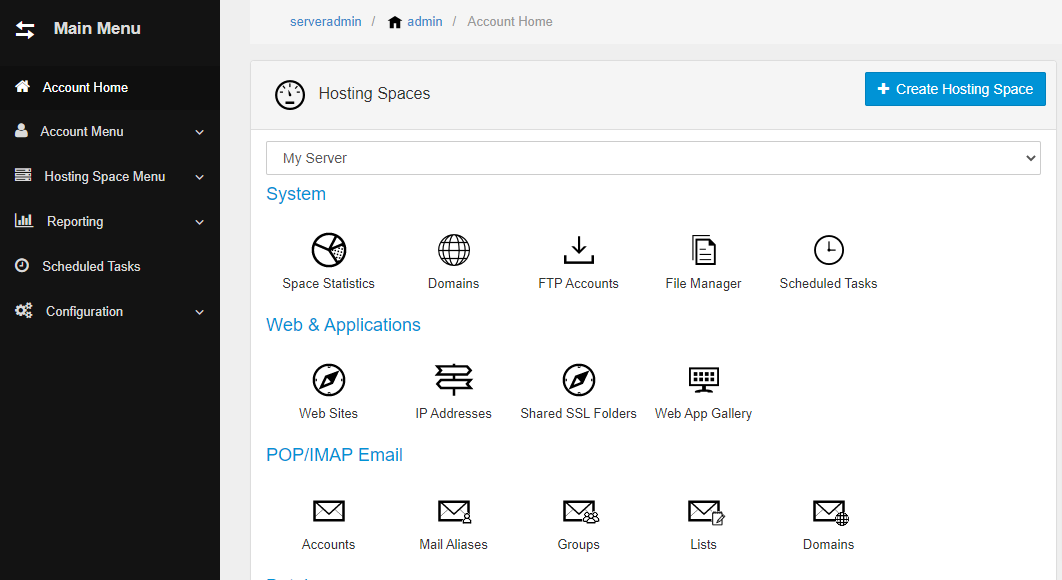
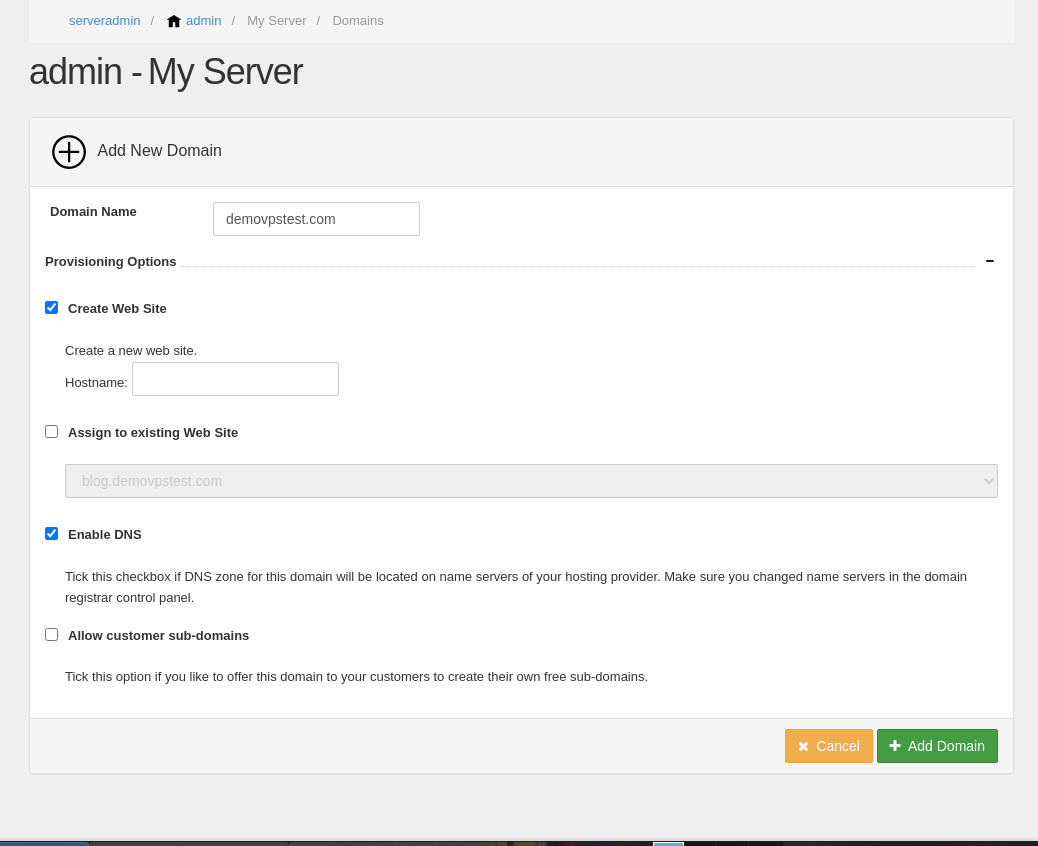
- Click on the domain -> Add a domain
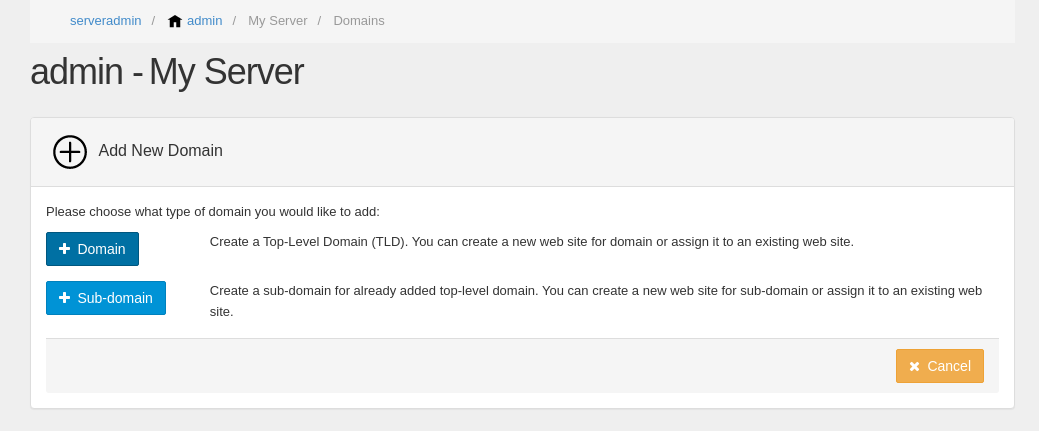
- Add the domain name and click on the add domain.
4: Now, Open MySQL Database.
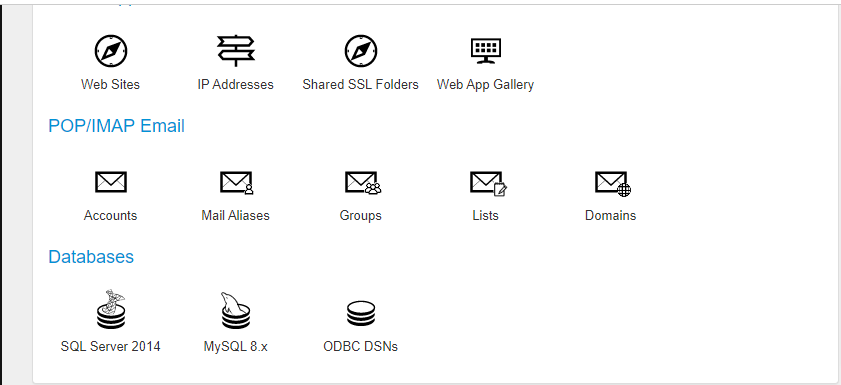
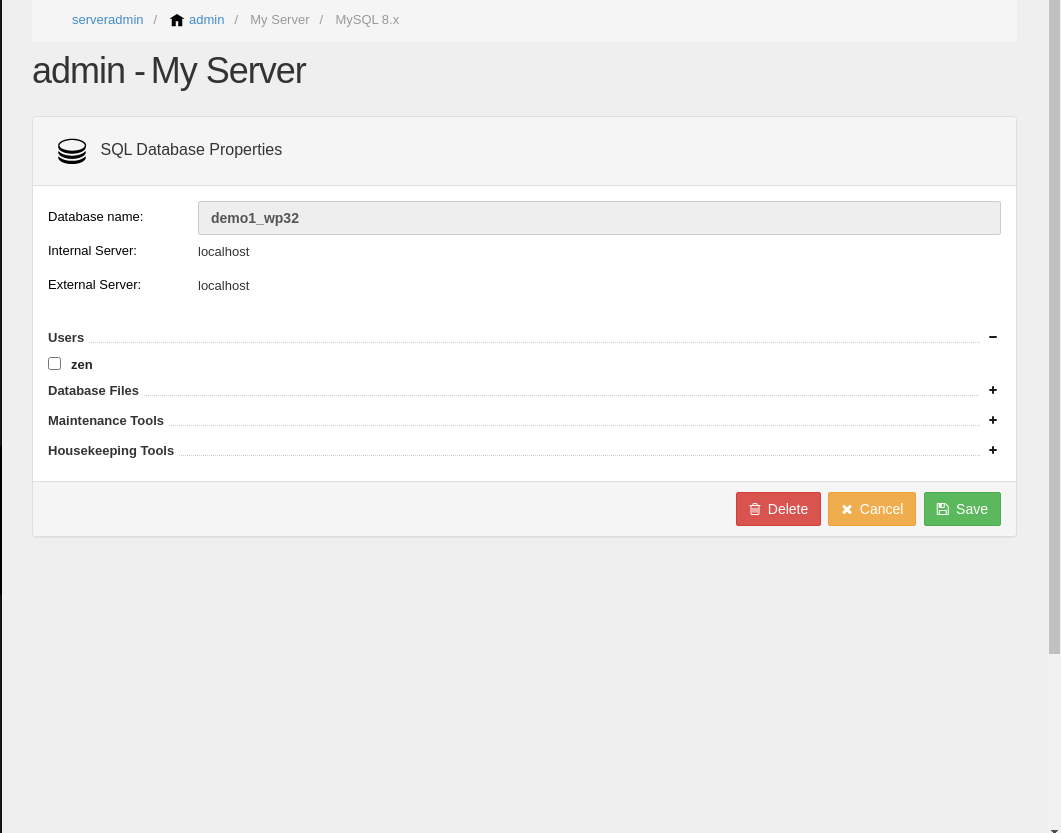
- Create a database that you have created at your source server.
- Now, add the same database user.
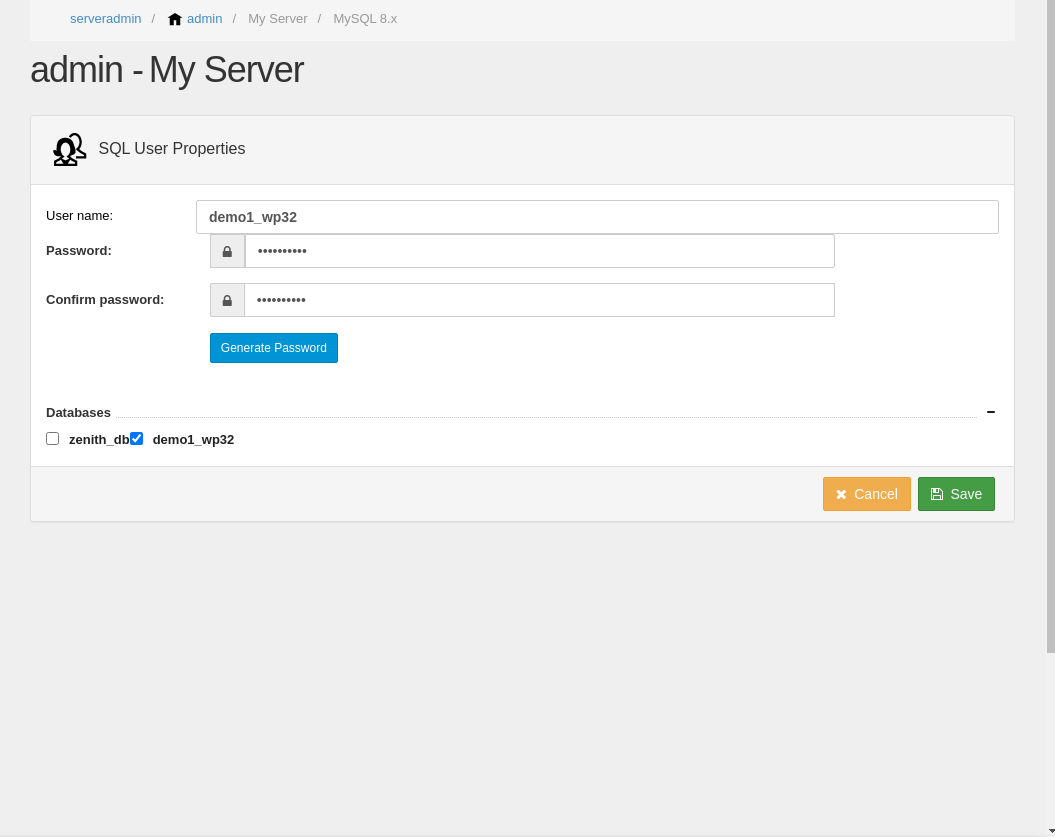
Select the database and click on the Save button.
5: Import Database
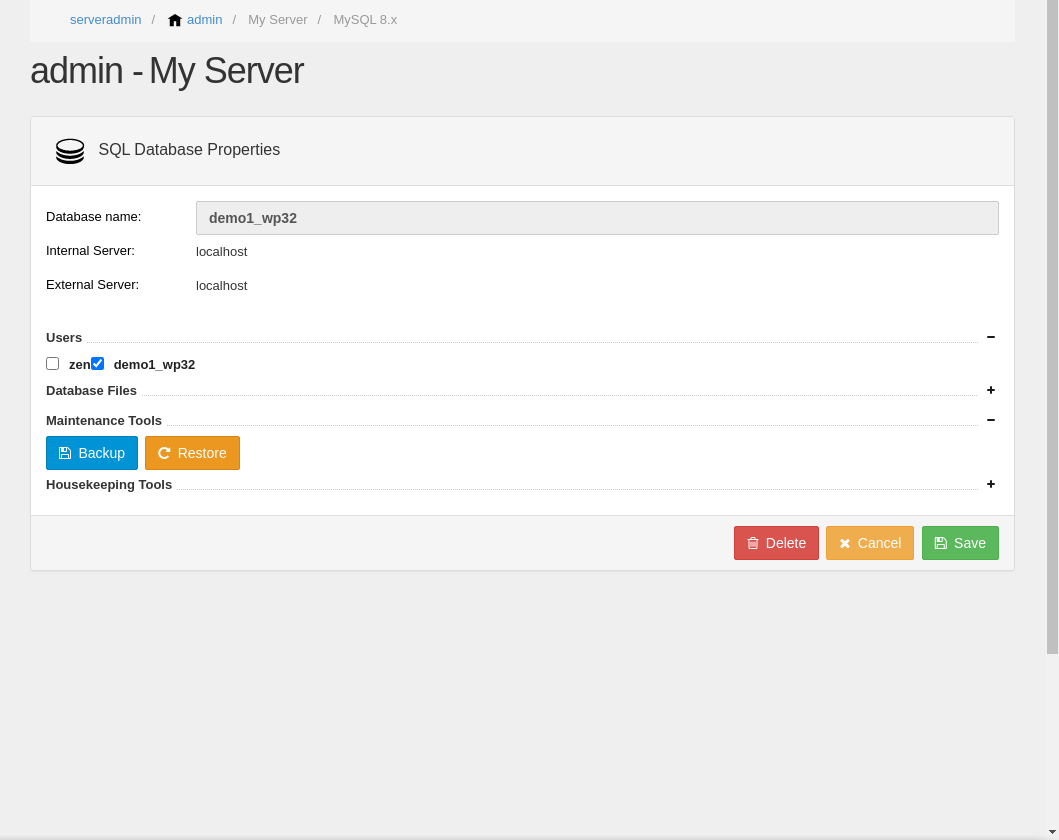
- Open MySQL Database
- Select the database
- On the maintenance section, click on the restore button.
- Upload your database file via local or hosting space file.
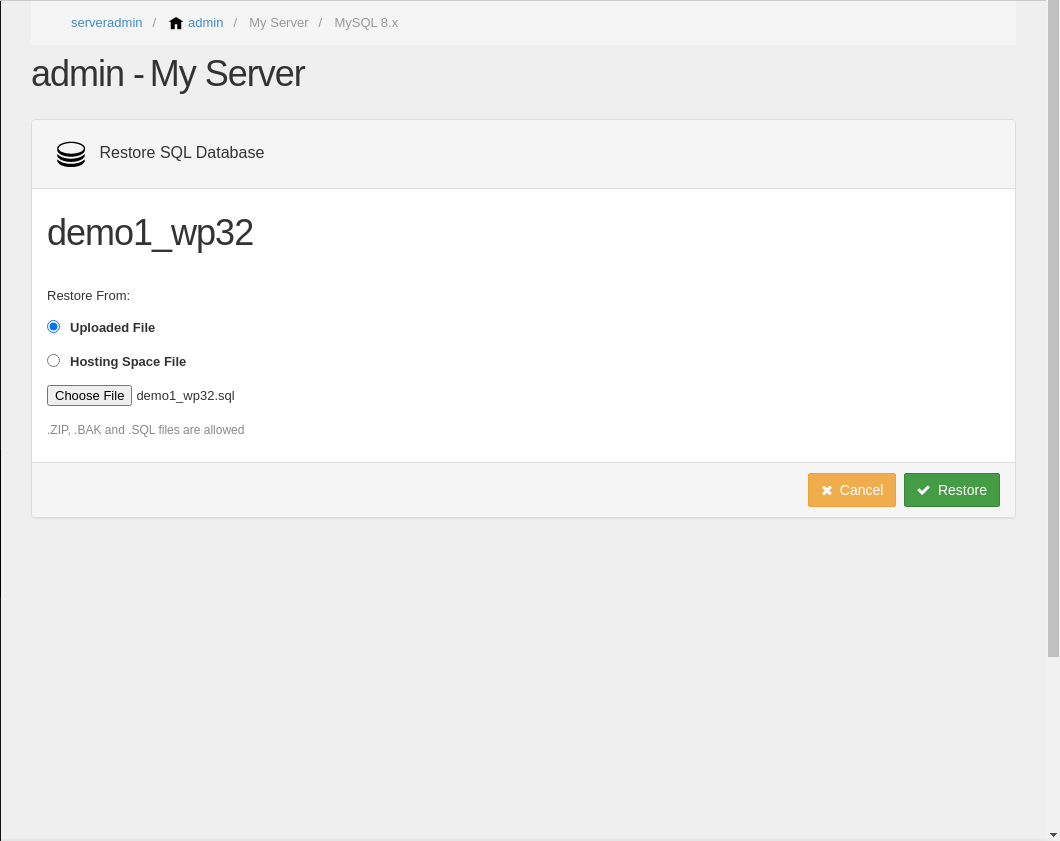
- Click on Restore and Save
6: Upload The WordPress Files To Your New Host
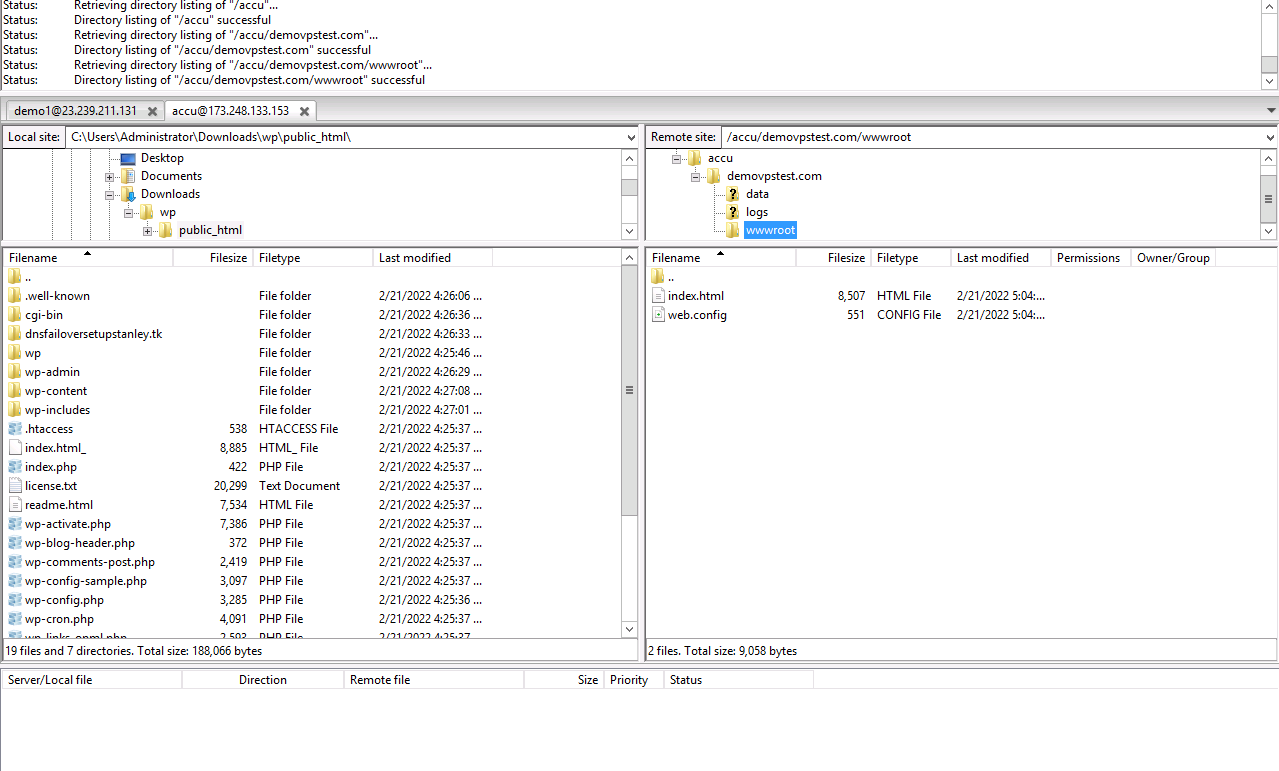
- Login into VPS
- Upload all web files from your source to your domain/wwwroot folder via Filezilla.
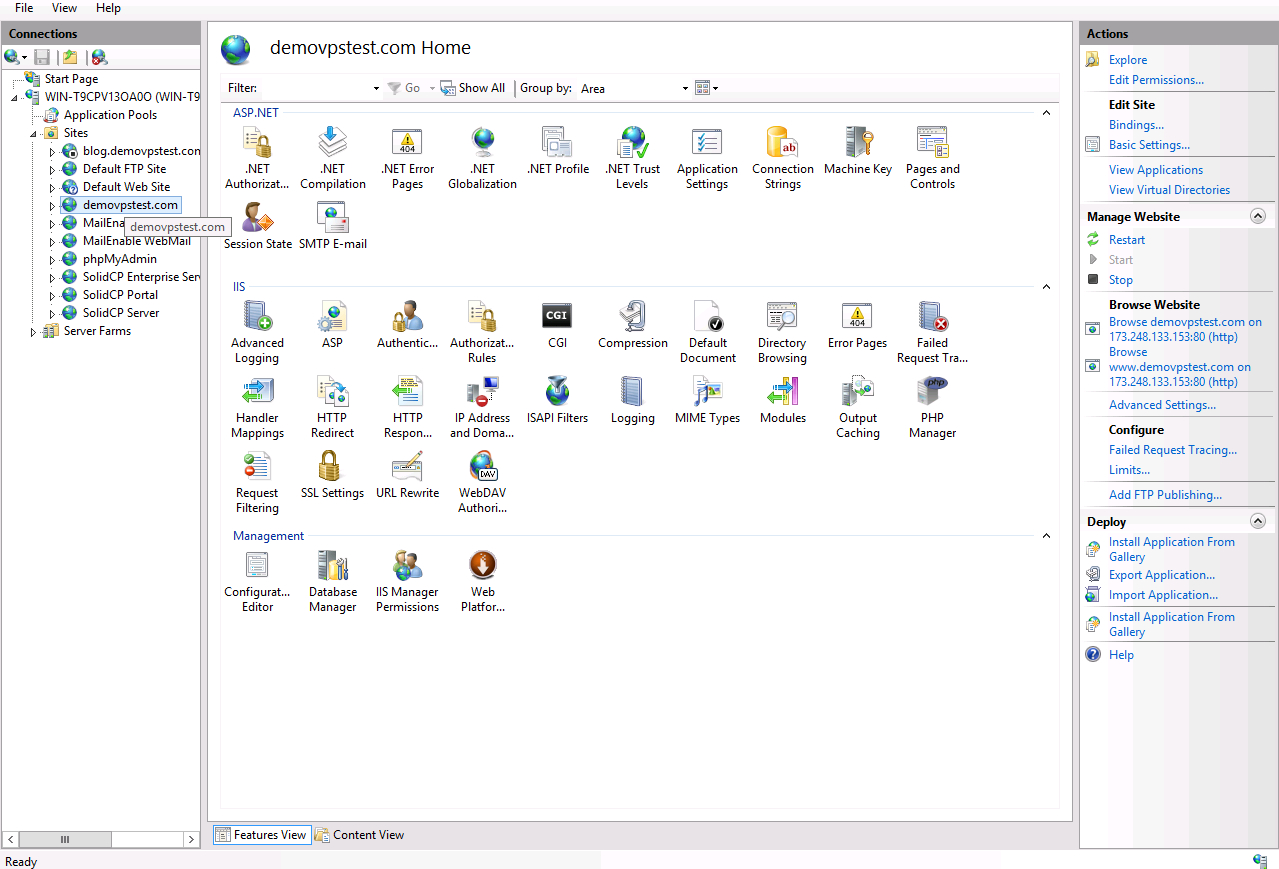
- You can browse your website in IIS.
Note:-
- You need to update the A record in your DNS zone.
- Any DNS changes may take 12 - 24 hours to propagate worldwide.


