You may receive the email notification for high disk usage, high memory usage, etc., from cPanel or root@server-hostname.com.
You receive these email notifications at the email address configured in your email preference.
Please refer to the following steps to change the email address for these notifications.
Step 1: Log in to your WHM Panel.
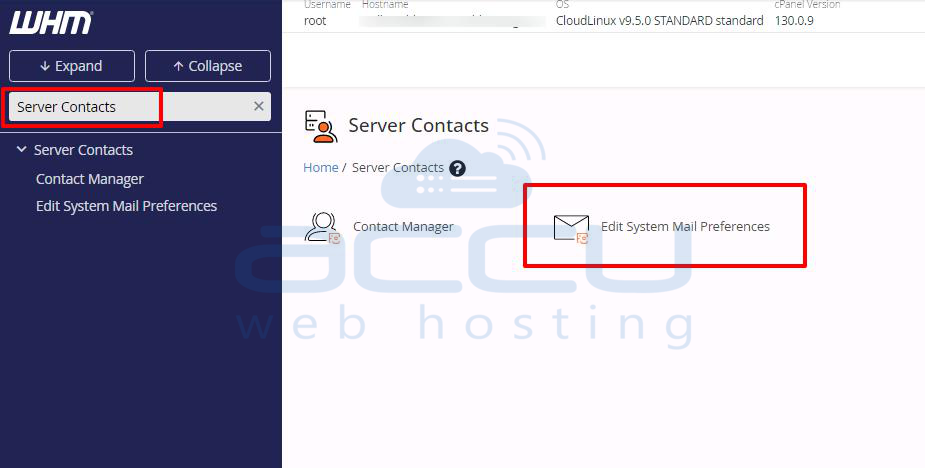
Step 2: Click on the Server Contacts >> Edit System Mail Preferences.
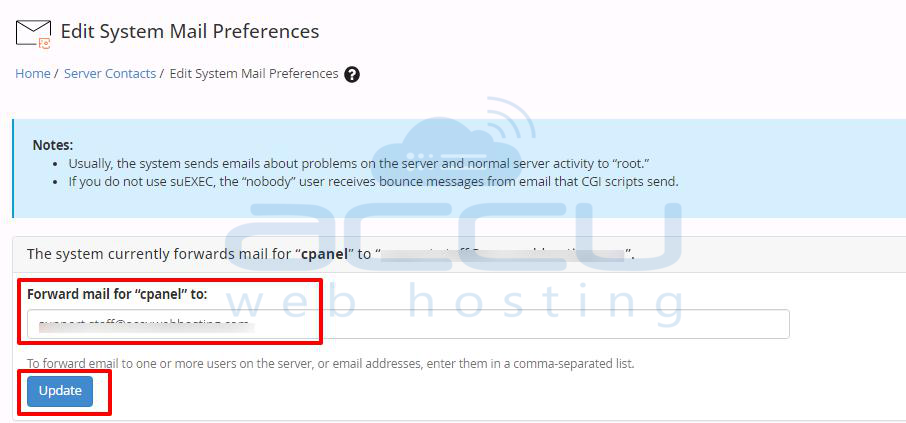
Step 3: Enter your forward email for cPanel notification in the box below in your WHM panel. Click on the update button once you change the email preference.
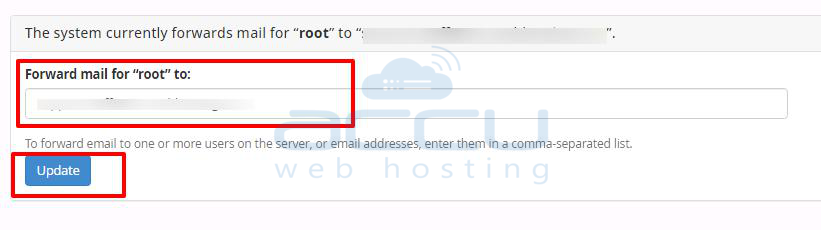
Step 4: Enter your forward email to change the email notification receiving from root@server-hostname.com.
Click on the update button once you change the email preference. You can also add multiple email addresses by adding a comma after each email address.