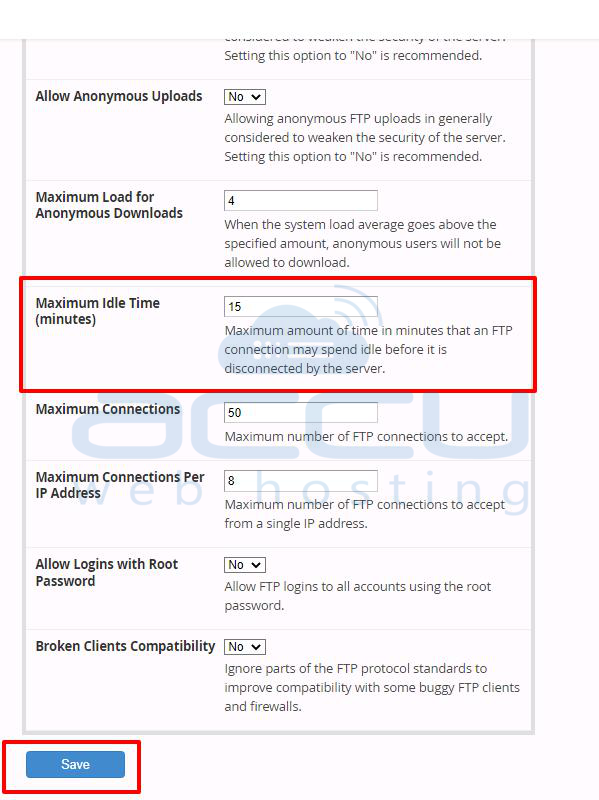
Please refer to the following steps to increase the timeout value for FTP on WHM.
1. Log in to your WHM.
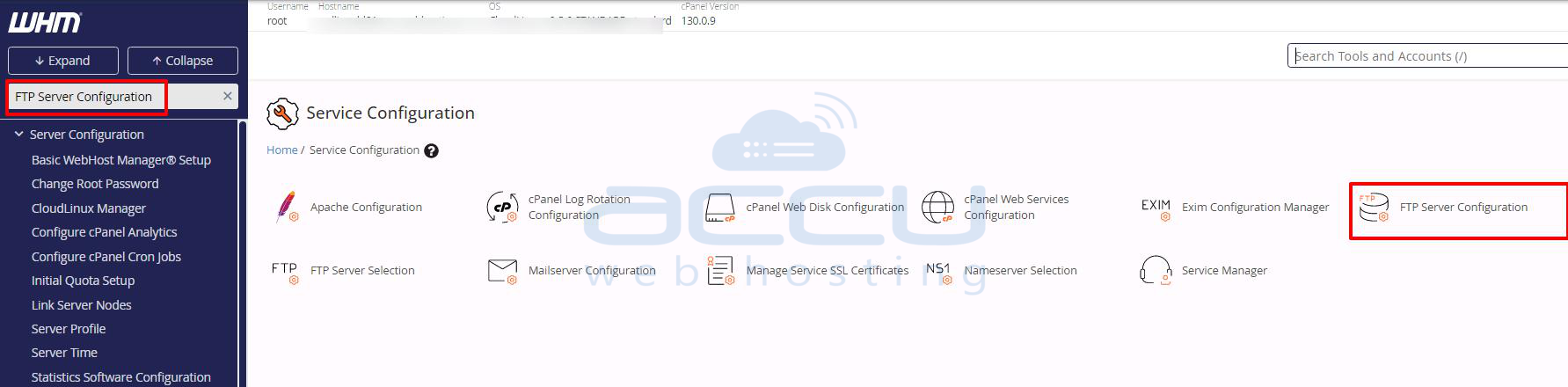
2. Go to the Service Configuration >> FTP Server Configuration.
3. Change the Maximum Idle Time (minutes) value as per your requirement. If you set it to 30, then FTP will not disconnect for 30 minutes.