
cPanel provides a free AutoSSL certificate, which includes the complete automation process. cPanel notifies the clients with each successful renewal, renewal failure, expiration, etc. However, we can enable/disable this notification to stop receiving such notifications from cPanel.
Please refer to the following steps to disable AutoSSL Email notification in cPanel.
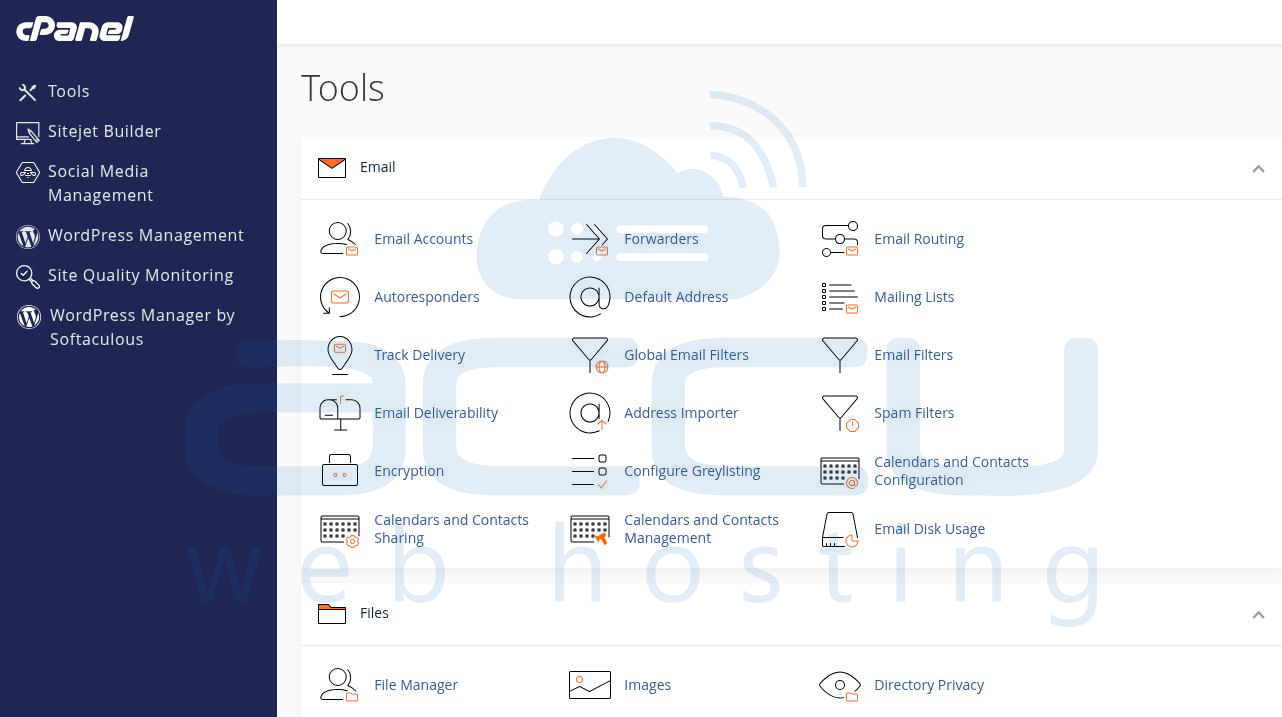
Step 1: Log in to cPanel using your login credentials.
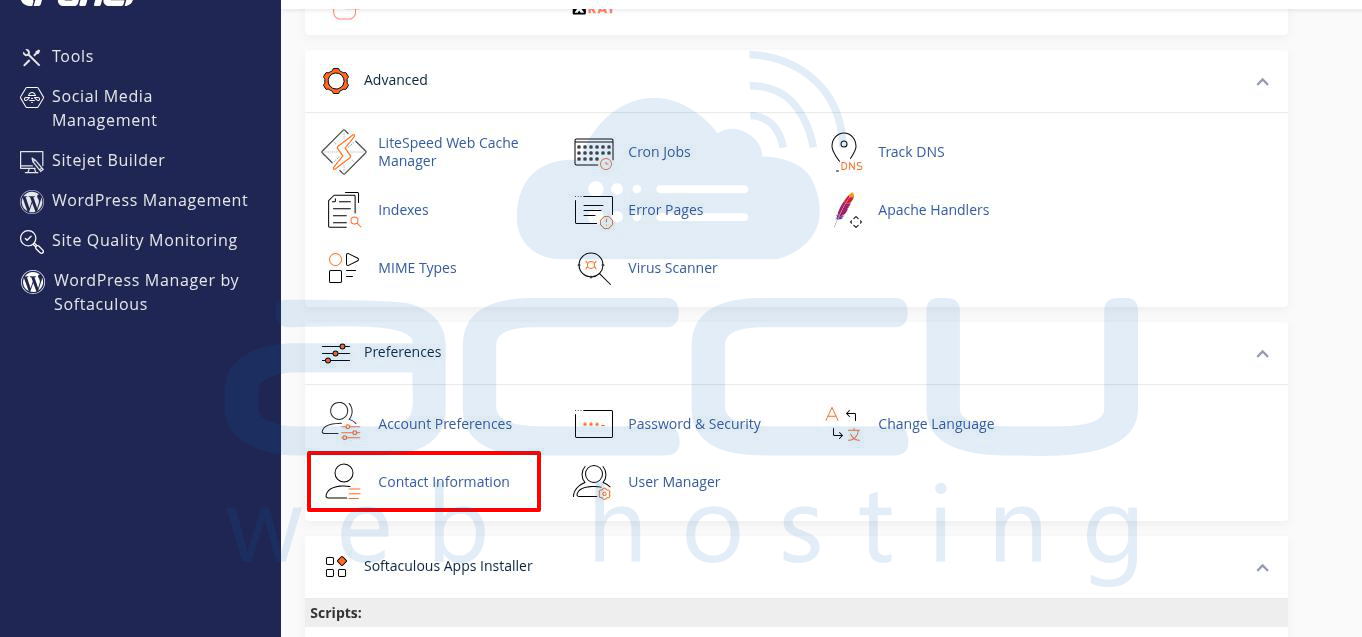
Step 2: In the Preferences section of cPanel, click on Contact Information.
Step 3: Scroll down to the AutoSSL Notifications section.
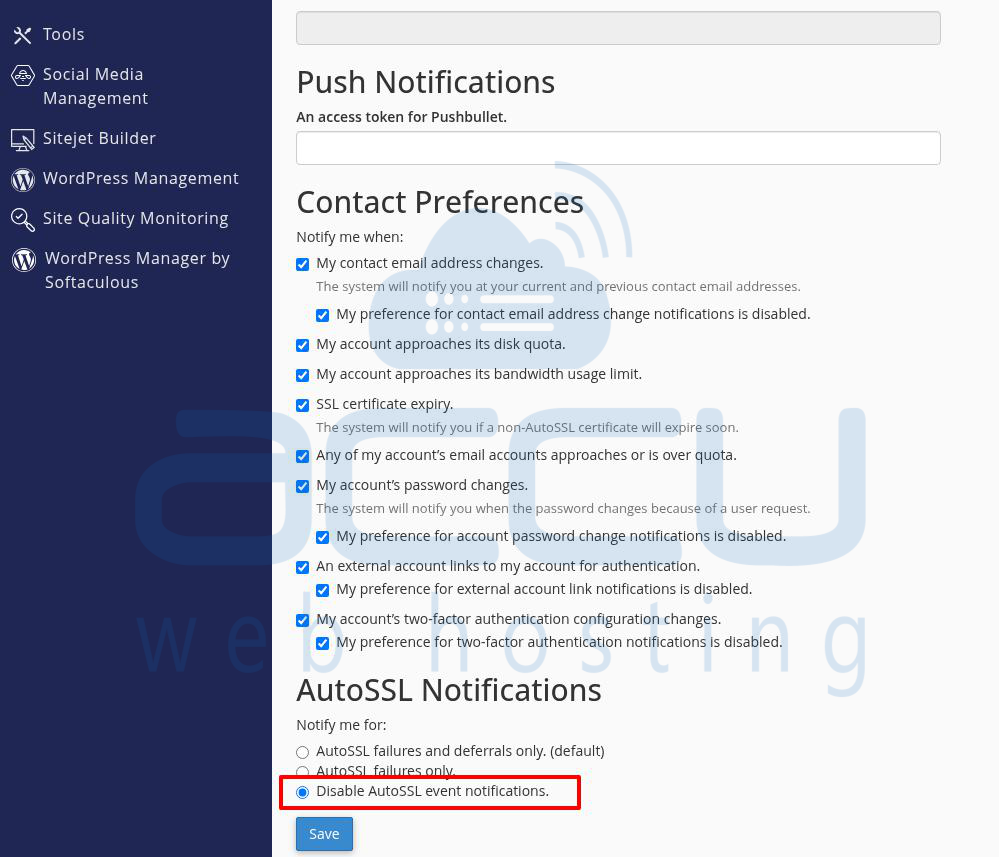
You will see multiple options to control notification preferences:
SSL certificate expiry → Untick this option if you don’t want to receive notifications about AutoSSL certificate expiration.
Disable AutoSSL event notifications → Select this option if you want to stop receiving all AutoSSL-related notifications (such as renewal success/failure, expiry warnings, etc.).
Step 4: After updating the notification preferences, scroll down and click Save to apply the changes.
By disabling AutoSSL email notifications in cPanel, you can prevent unnecessary alerts in your inbox. If needed, you can always re-enable them by following the same steps and checking the notification options again.
