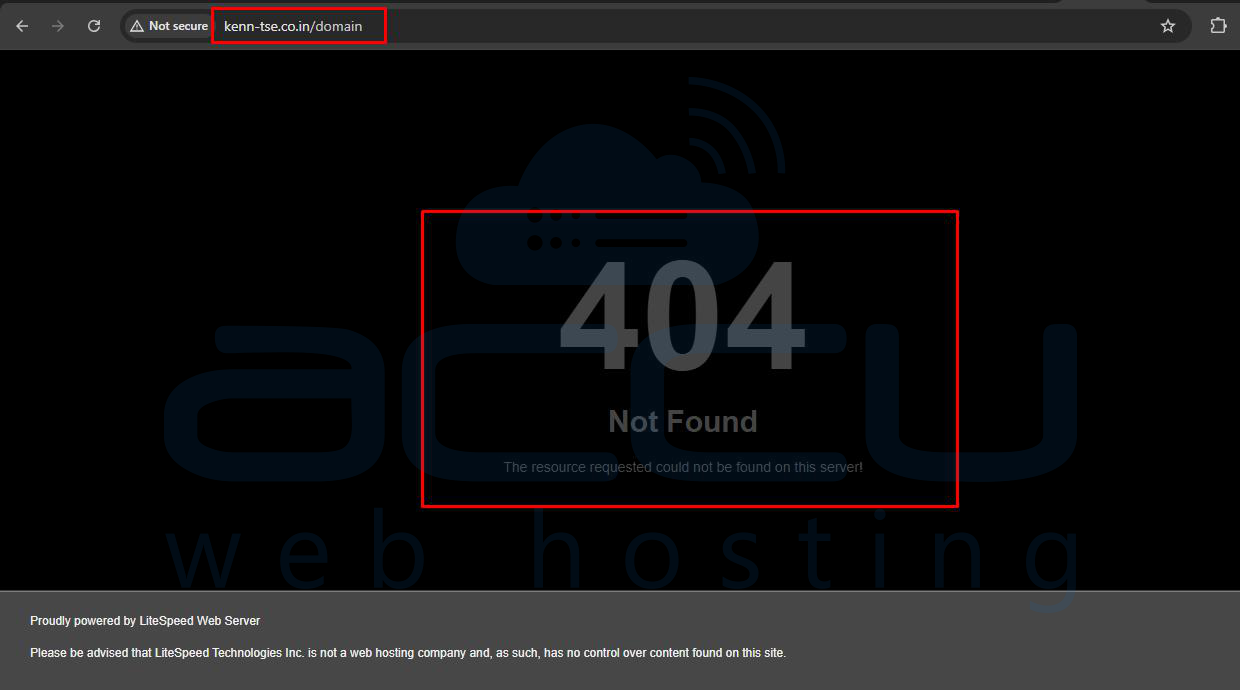
If you are running your websites under cPanel and have addon domains linked with subdomains, and your web host provider forces you to set all the domains inside public_html as below, there might be an issue that your addon domain content can be accessed via the main domain as well.
example.com – /public_html/domain
example1.com – /public_html/domain1
example2.com – /public_html/domain2
To overcome this issue, you can add a small rule in your .htaccess file. This will prevent the Main domain from accessing the addon domain folder. If the addon domain folder is accessed through your main domain, it will give a 404 error message.
Step 1: Log in to your cPanel account using your domain and cPanel credentials.
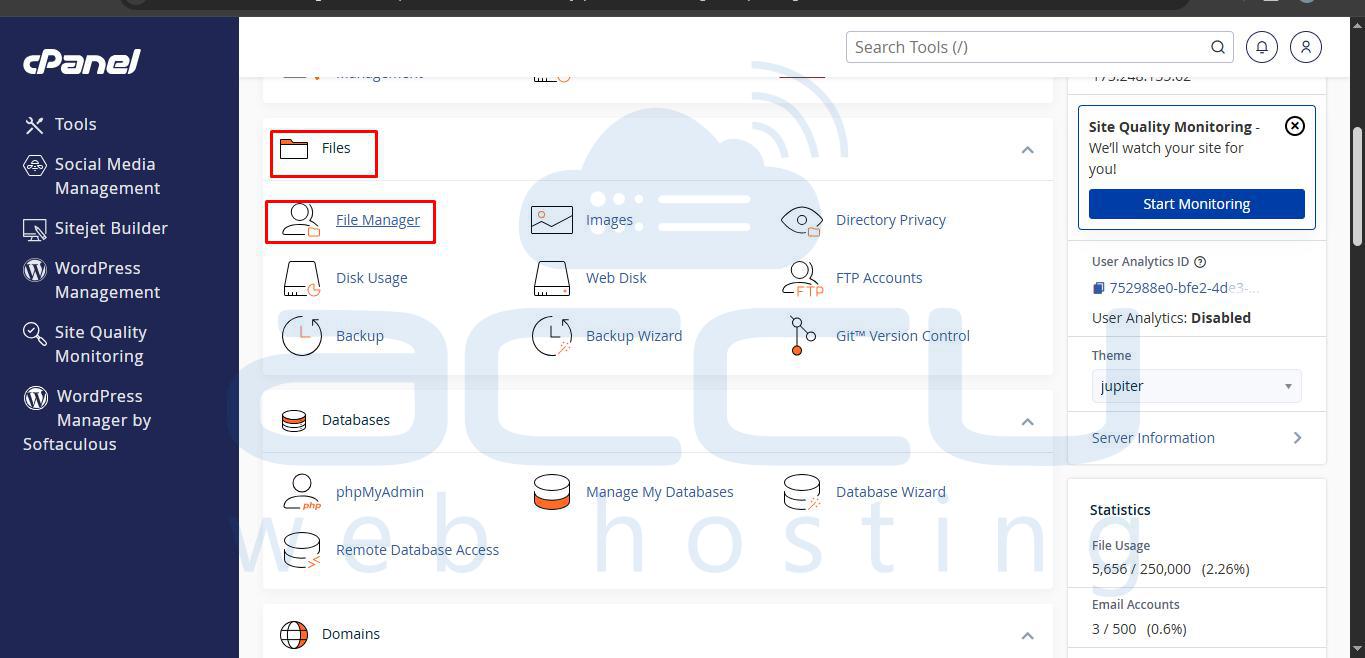
Step 2: Open File Manager from the cPanel dashboard and go to the public_html folder.
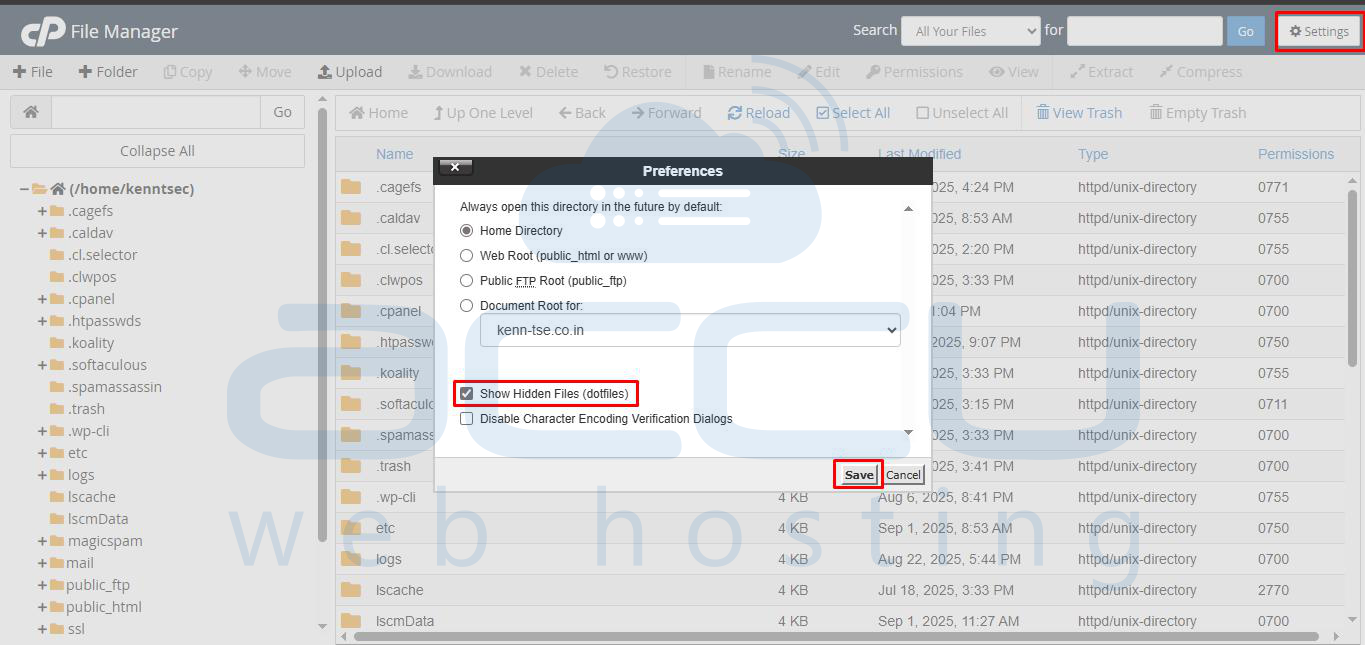
Step 3: Click on Settings in File Manager, enable Show Hidden Files (.dotfiles), and save.
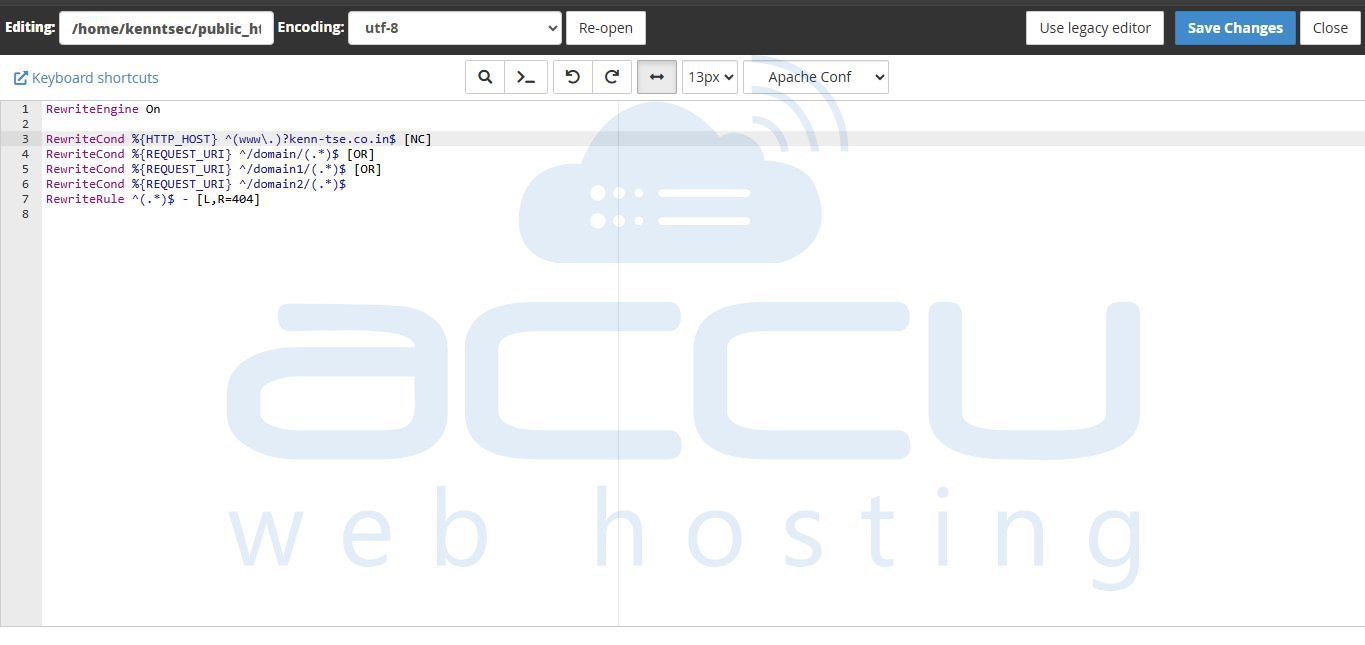
Step 4: Open the .htaccess file inside public_html and add the following rules:
RewriteEngine On
RewriteCond %{HTTP_HOST} ^(www.)?maindomain.com$ [NC]
RewriteCond %{REQUEST_URI} ^/domain/(.*)$ [OR]
RewriteCond %{REQUEST_URI} ^/domain1/(.*)$ [OR]
RewriteCond %{REQUEST_URI} ^/domain2/(.*)$
RewriteRule ^(.*)$ - [L,R=404]
Step 5: Save the changes and test in your browser. Accessing maindomain.com/domain1/ or maindomain.com/domain2/ should now show a 404 error, while the addon domains (example1.com, example2.com) will still work normally.