
OsCommerce is an open-source script. You can host the OsCommerce on cPanel or another hosting platform to launch your eCommerce website. It runs on PHP and MySQL.
Step 1: Download the Oscommerce from this link
Step 2: Log in to your cPanel.
Step 3: Upload the Oscommerce zip file to the public_html of cPanel.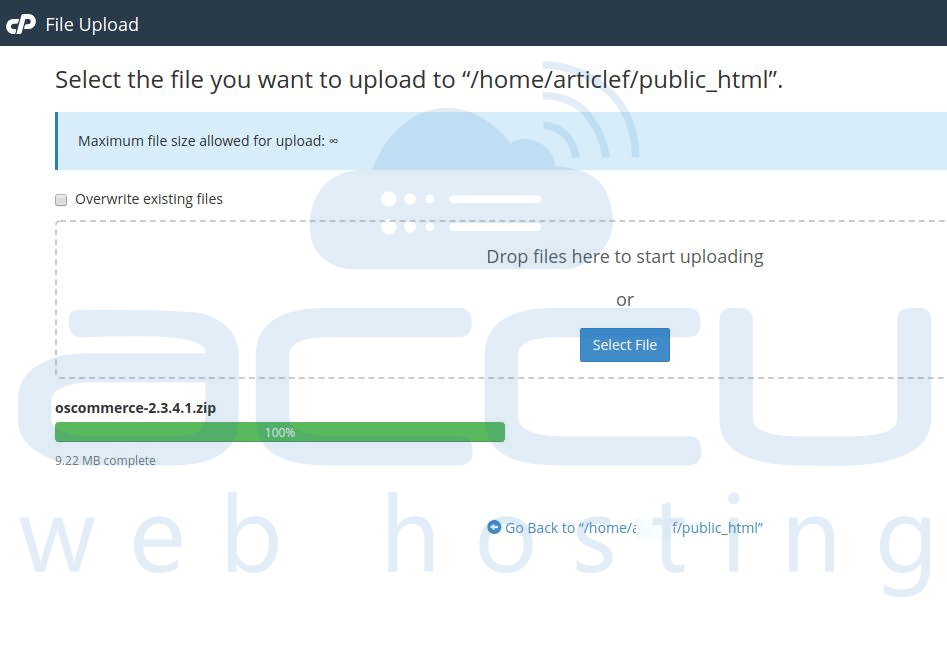
Step 4: Extract the zip and move the files/folders of the catalog to public_html. Your public_html should have the files/folders as per the image below.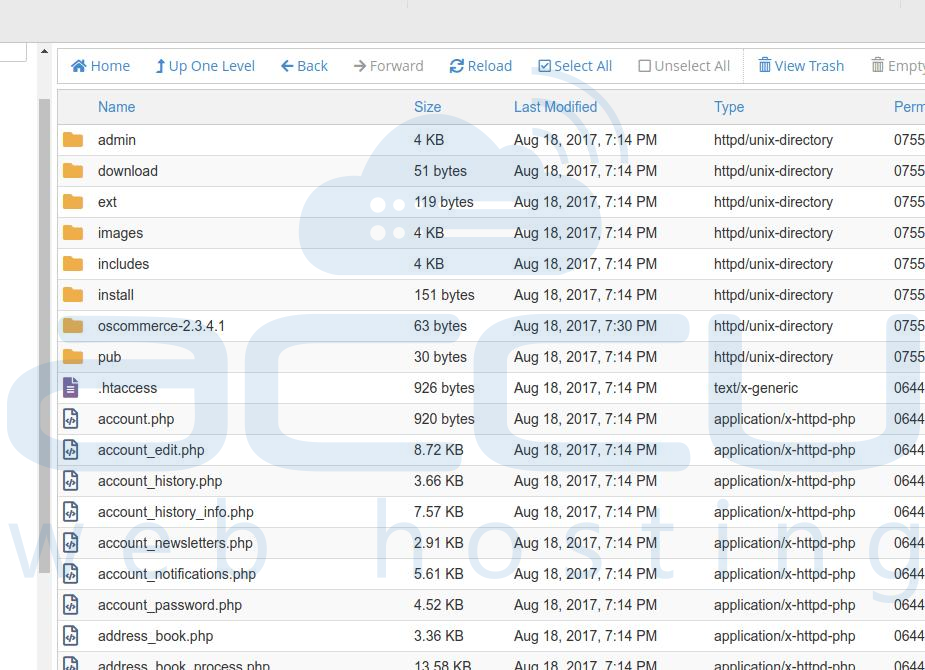
Step 5: Create a MySQL Database and provide full permission to the Database User.
Step 6: Now, access the website and start a new installation, and click on Start.
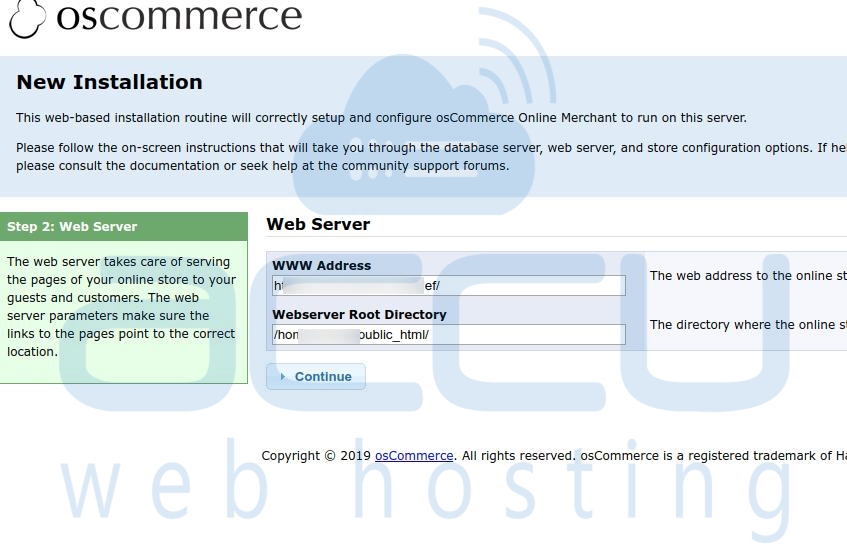
Step 7: On Next steps, add the Database server details that you have created in step (4). Click on the Continue Button.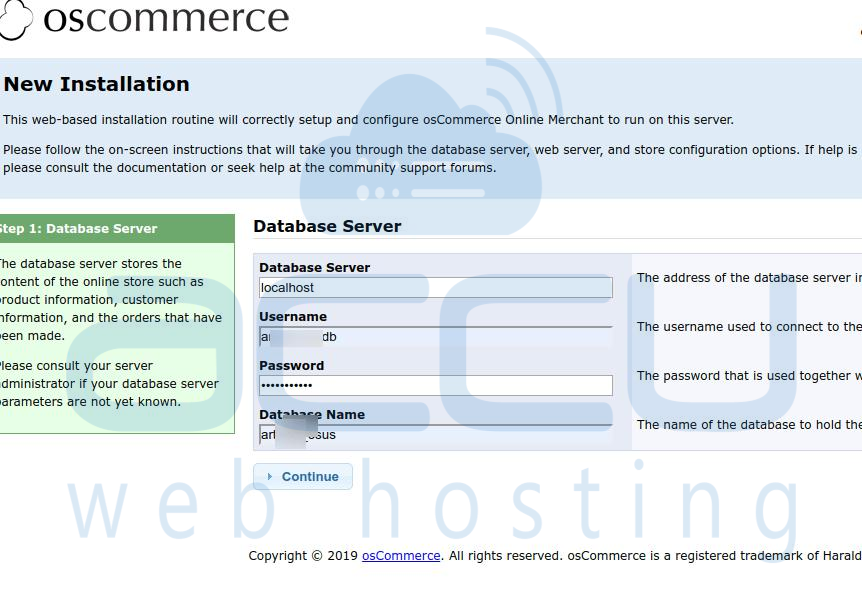
Step 8: Fill in the Details at the Online Store Settings and Click on the Continue Button.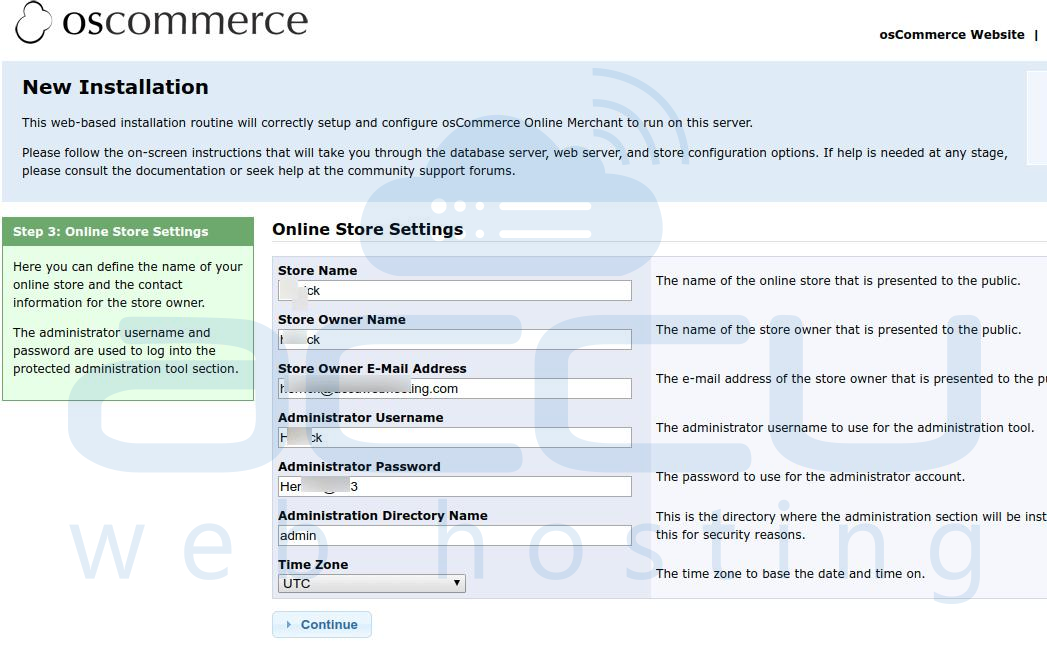
- Store Name
- Store Owner Name Store Owner E-Mail Address
- Administrator Username
- Administrator Password
- Administration Directory Name
- TimeZone
Step 8: Installation finish will give the following screen. 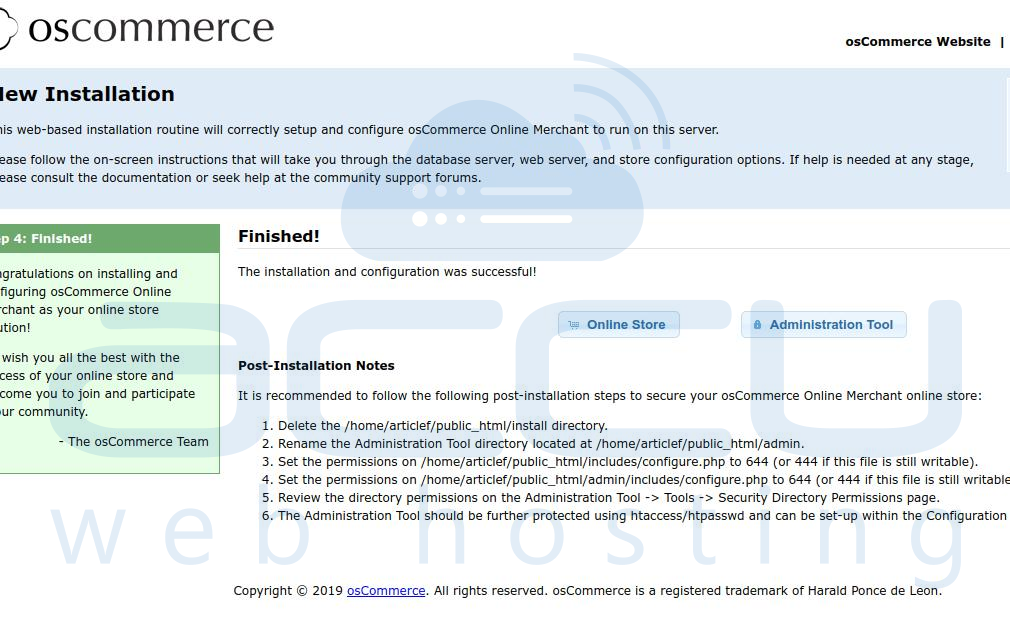
Step 9: You have successfully installed OsCommerce on your website.
