
You may need to check your cPanel account's disk space regularly. Disk usage is one of the cPanel tools where you can check the total Disk space usage. Please refer to the following steps in order to check the Disk space using the Disk Usage tool.
Step 1: Log in to your cPanel account.
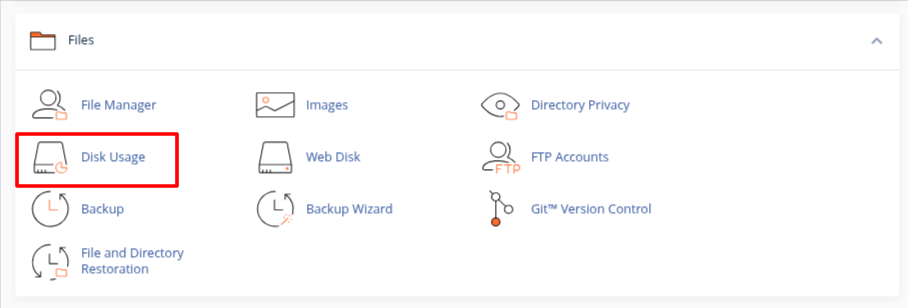
Step 2: Go to Files >> Click on Disk usage.
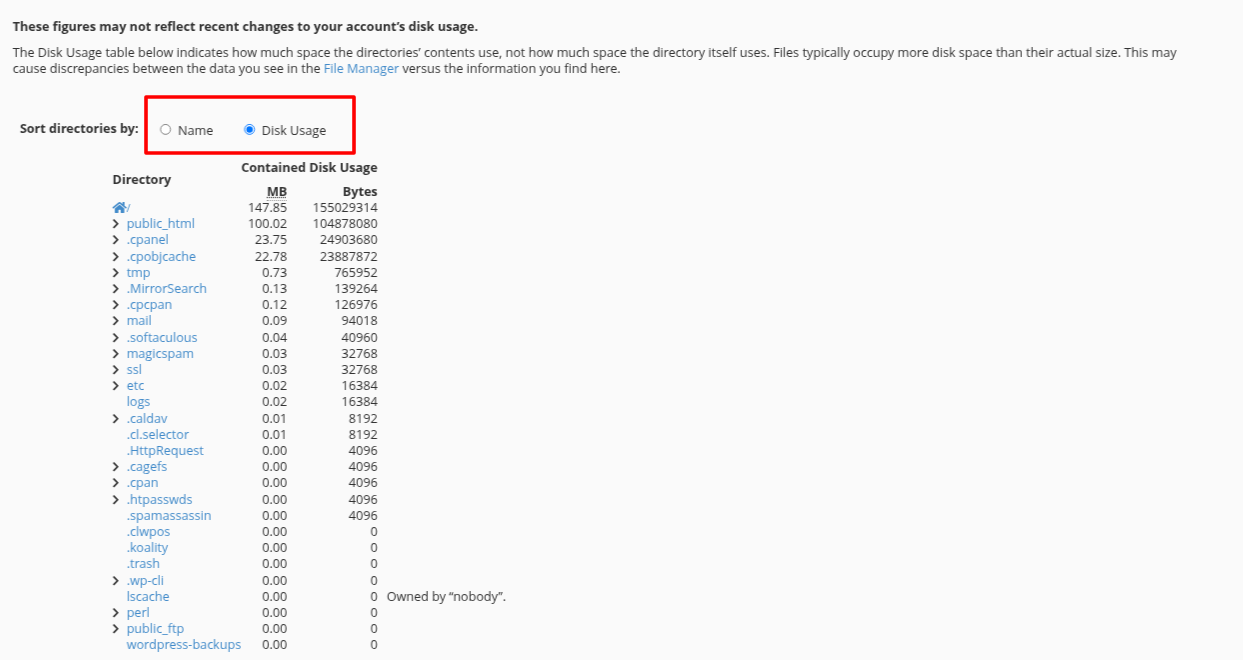
Step 3: Scroll down the Screen, and you will see the disk space usage. You can sort the directories by Name or Disk usage.
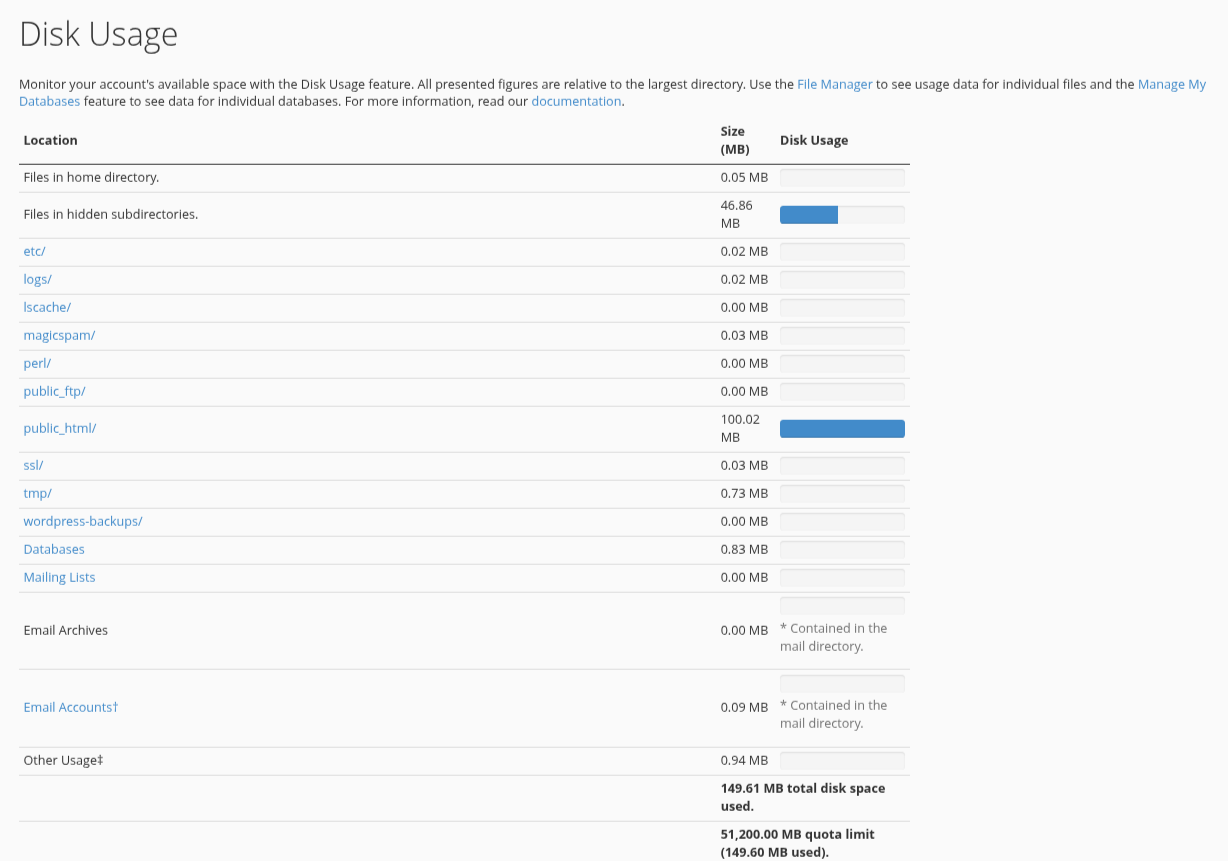
With the help of Disk Usage, you can identify the disk-related issue in your cPanel account as well as keep monitoring the disk space.
