
Engintron (Nginx on cPanel) is an open source NGINX installer that integrates your existing WHM server with the NGINX web server. Engintron improves the performance & web serving capacity of the WHM server by installing & configuring the NGINX web server to act as a reverse caching proxy for static files like CSS, JS, Images, etc.
It also adds a micro-cache layer to improve the performance of dynamic content generated by popular CMS such as WordPress, Joomla & Drupal; forum scripts like vBulletin, phpBB, SMF, and eCommerce scripts like Magento, OpenCart, PrestaShop, etc. In this tutorial, we'll assist you in installing and removing the Engintron NGINX Varnish plugin on the WHM server.
Installing Engintron in the WHM Server
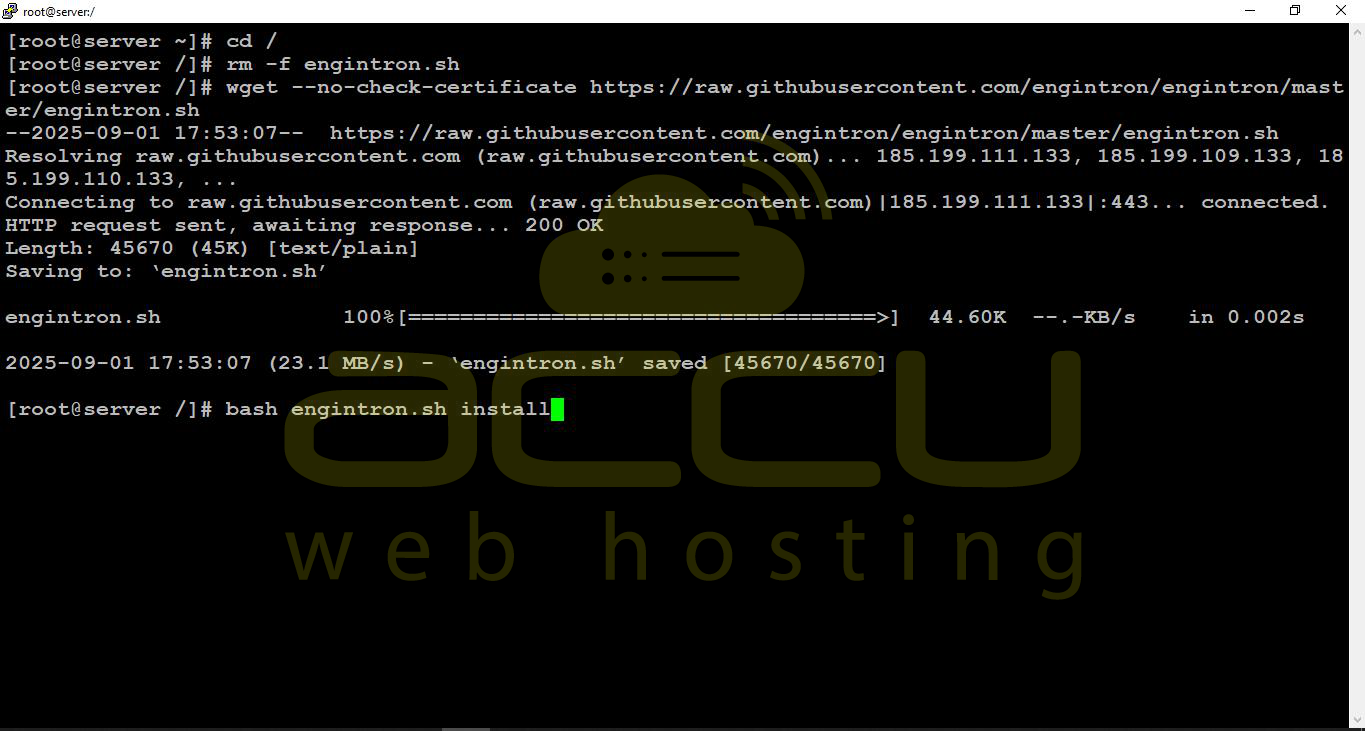
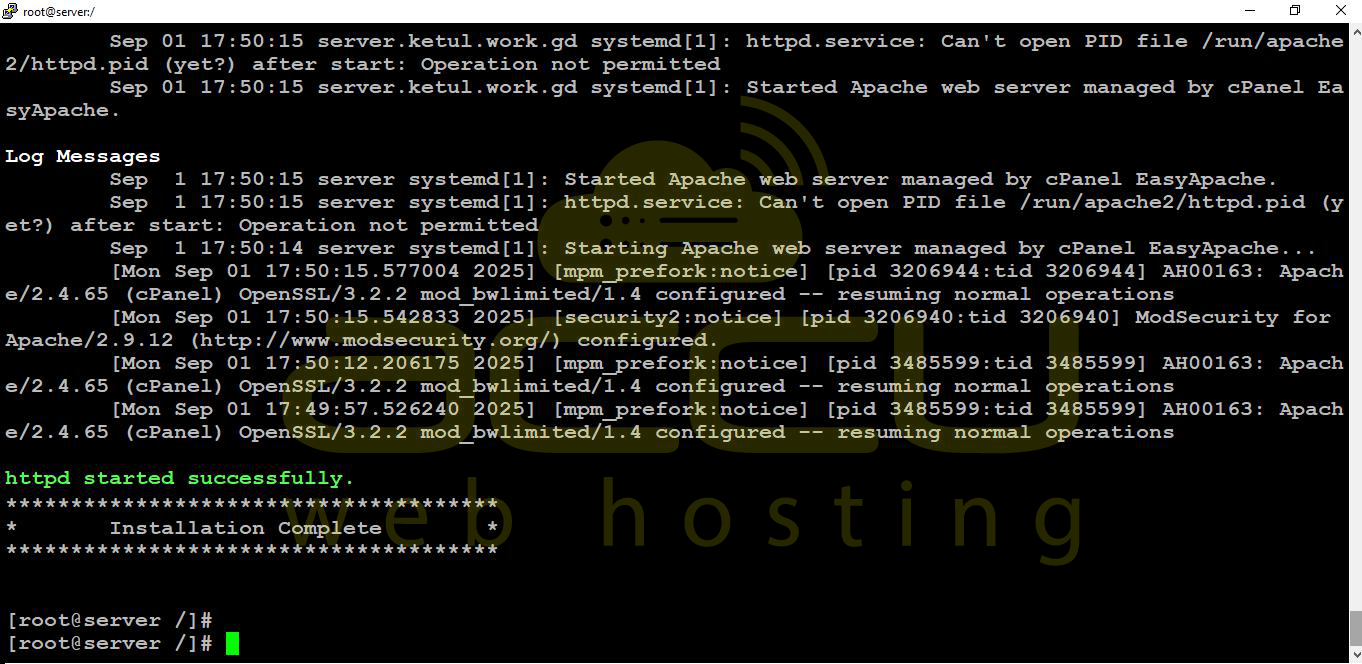
An installation of Engintron is pretty simple and lasts only for few minutes. Just connect to your cPanel server with root SSH access and issue the following command,
# cd /; rm -f engintron.sh; wget --no-check-certificate https://raw.githubusercontent.com/
engintron/engintron/master/engintron.sh; bash engintron.sh install
Removing Engintron from the WHM Server
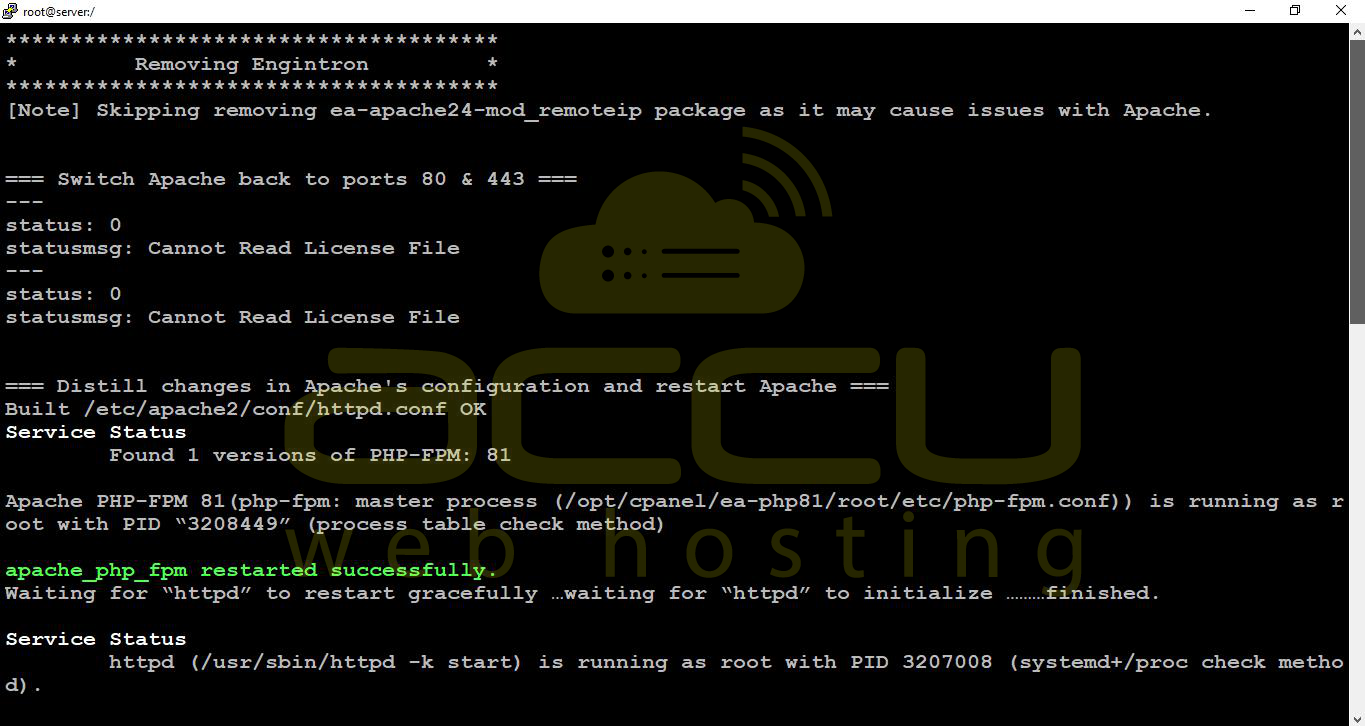
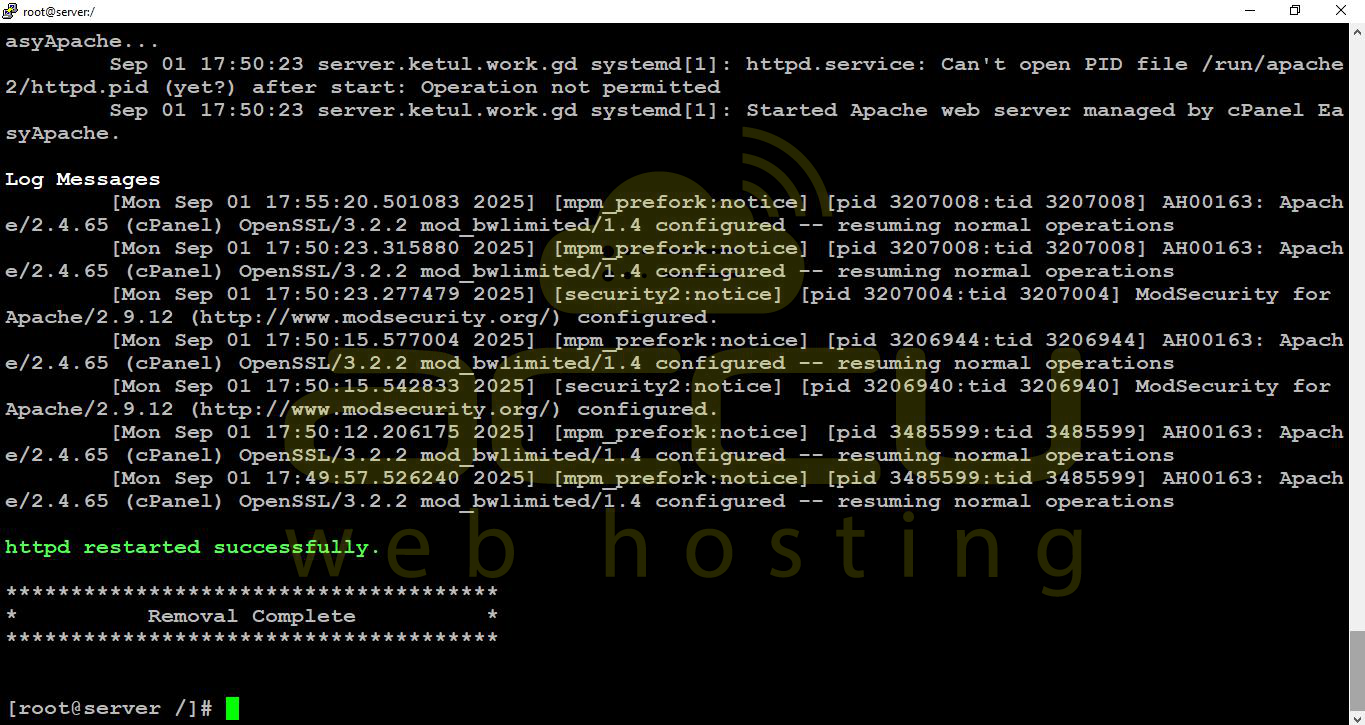
To uninstall Engintron, issue the following command from the server terminal with the root SSH user.
# bash /engintron.sh remove
Installing Engintron on your WHM server allows you to leverage NGINX as a reverse proxy and caching layer, significantly improving your server’s performance for both static and dynamic content. The installation and removal processes are straightforward, and once installed, Engintron seamlessly integrates with your existing cPanel setup, providing enhanced speed and efficiency for popular CMS, forum, and eCommerce platforms.
By following the steps outlined in this tutorial, you can quickly deploy or remove Engintron while monitoring the process through SSH screenshots to ensure successful execution.


