
In WHM, each cPanel account is assigned a web hosting package, which defines the hosting resource limits and several other account-related settings.
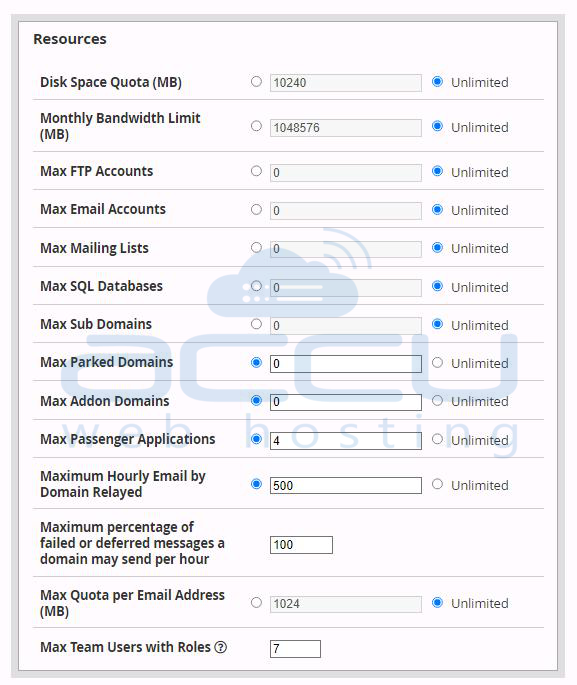
It can limit hosting resources, such as disk space, bandwidth, number of FTP accounts, email accounts, databases, and subdomains. It can also set some important account-specific settings like theme, language, CGI access, Shell access, etc.
The following tutorial will provide you with step-by-step guidance to create a hosting package from WHM.
Step 1: Log in to WHM via URL https://VPS_IP_Address:2087.
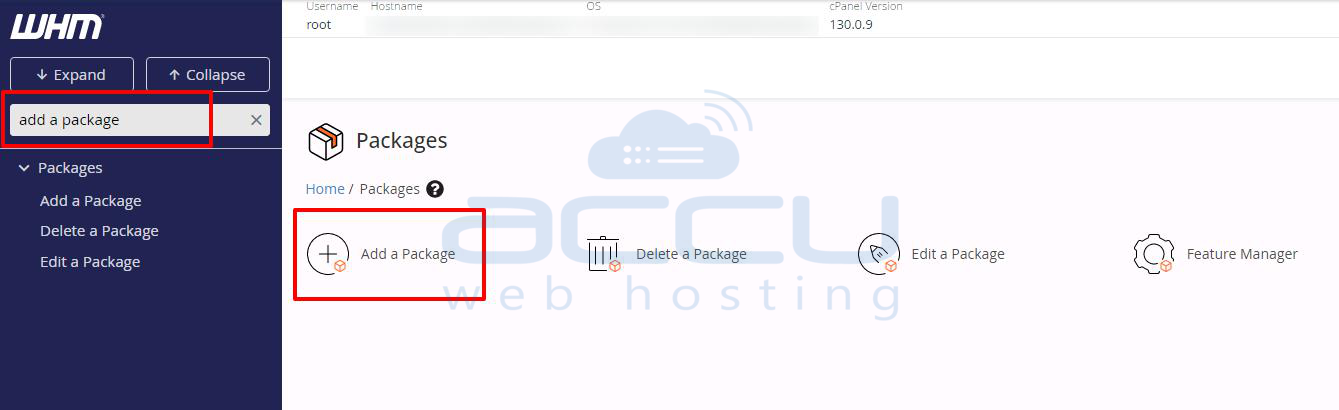
Step 2: Go to Packages → Add a Package.
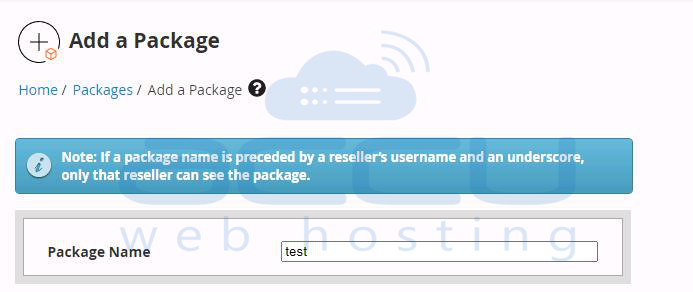
Step 3: Give an appropriate name to this package.
Step 4: Set your desired values in the hosting Resources fields.
Specify your choice of Settings you wish to apply with this hosting package.
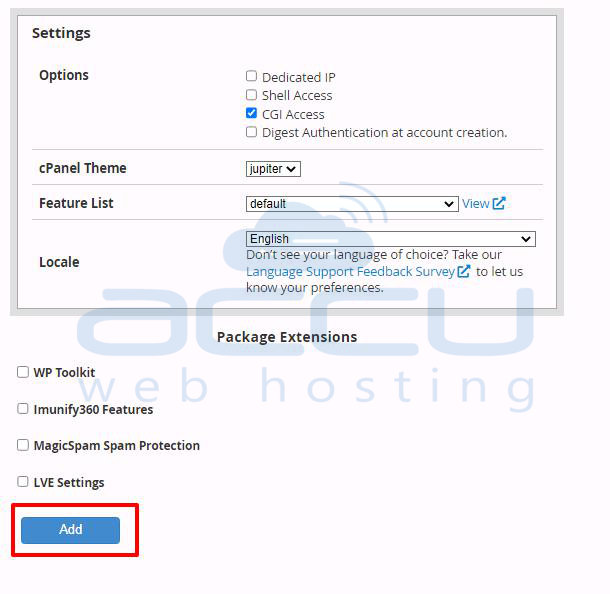
Step 5: Click on the Add button to complete package creation.
Now, you can use this package while creating a cPanel account.


