
More often, you would need to edit the .htaccess file (the most common file for WordPress), and you could not find it in your webspace. .htaccess is a hidden file, and by default, the cPanel file manager does not show hidden files. All hidden files begin with a dot, for example: .htaccess, .cpanel, .ssh, .trash, .htpasswds, etc.
If you want to edit any of these hidden files that don't show up in cPanel file manager, please select an option to show hidden files while accessing cPanel File manager. Here are the steps.
Step 1: Log in to your cPanel.
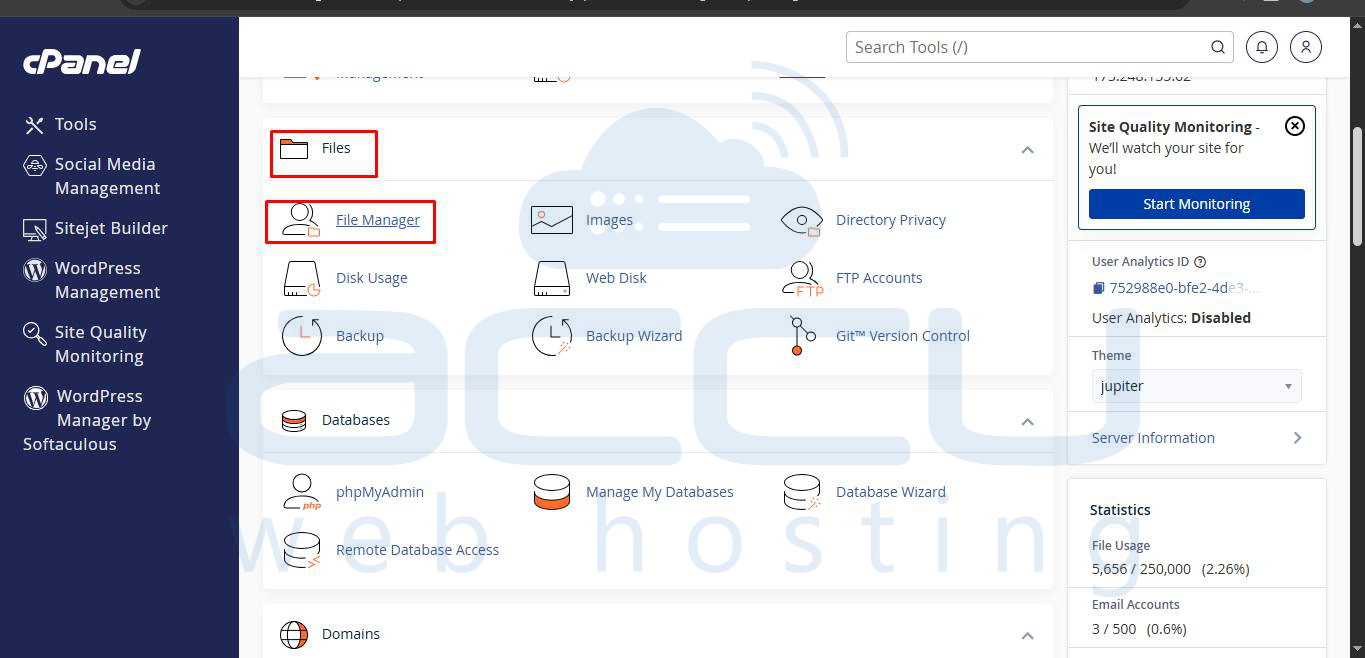
Step 2: Under the Files section, select the File Manager menu.
Step 3: Click on the settings button and the top-right corner. cPanel will pop up a message box. You will see the checkbox in the same window asking if you would like to show hidden files. Check the checkbox Show Hidden Files and click Save.


