
You can delete the add-on domains and sub-domains from the cPanel.
Please refer to the steps below for the same.
Step 1: Log in to the cPanel account.
Step 2: Navigate to domains under the domains section.
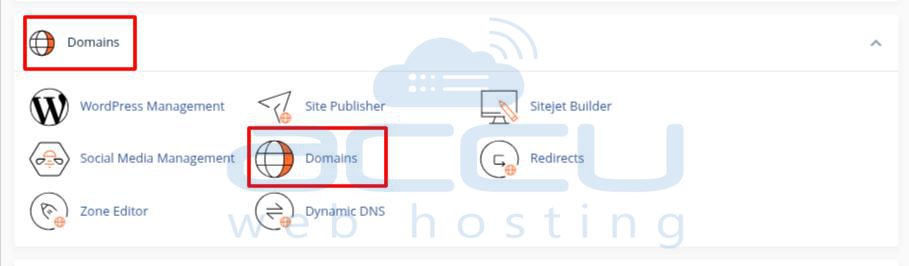
Step 3: Click on the Manage button on which domain addon or, domain/ subdomain you want to remove

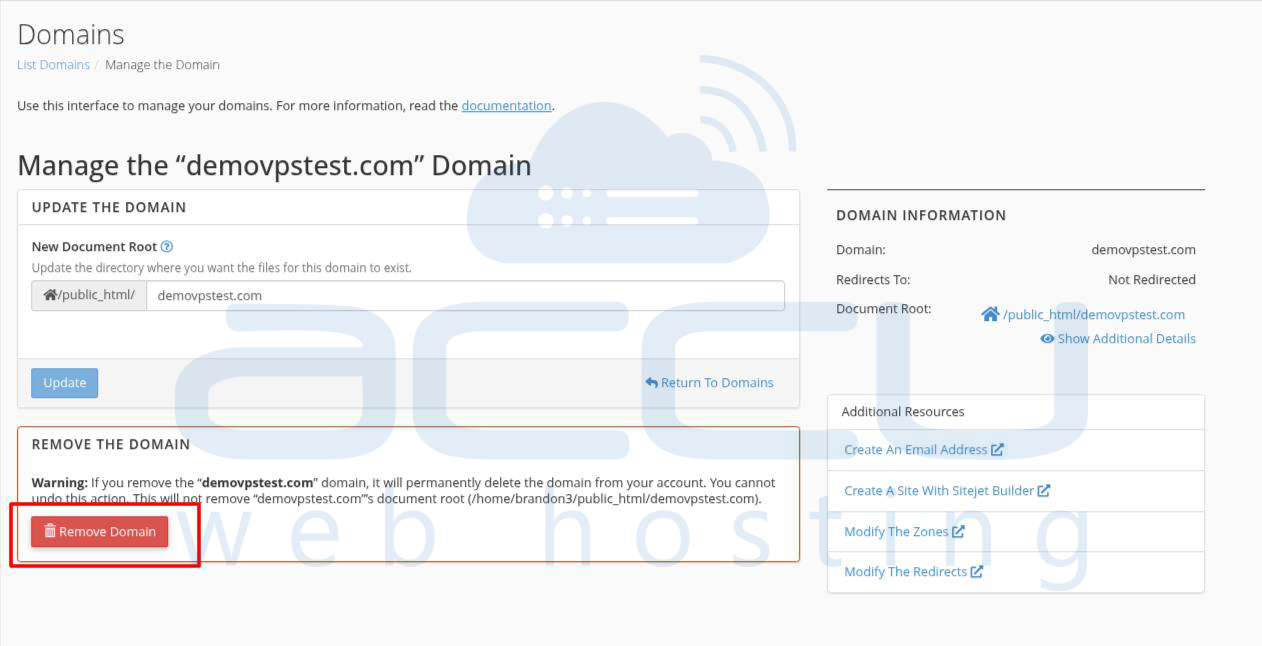
Step 4: At there, click on the Remove Domain option to remove it.
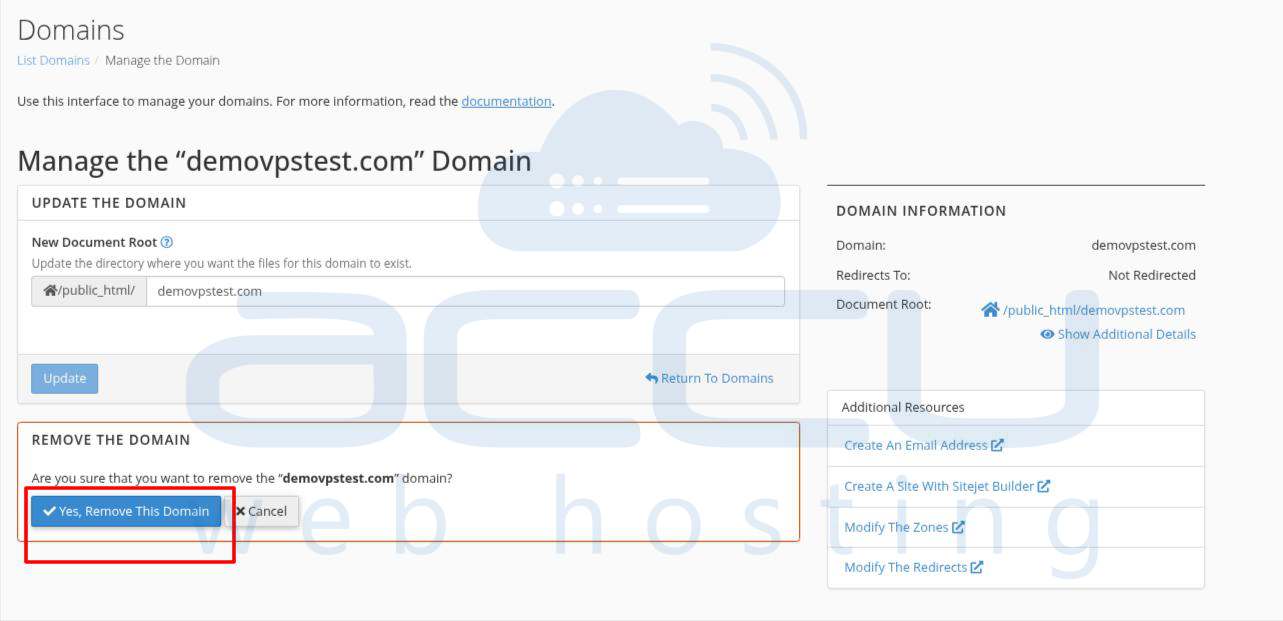
Step 5: You will be asked for confirmation to remove the Add-on domains. Click on Yes, Remove the domain.
Note:
- You can not delete the Main Domain from your cPanel account. If you want to change the Main Domain, please get in touch with our Support Team.
- Deleting the domain will remove the domains/subdomains only. The web files/data will not be removed by the system. You can remove the data from the File Manager.


