- Login to WebsitePanel.
- Click on WebsitePanel user account of interest.
- Click on FTP Accounts.
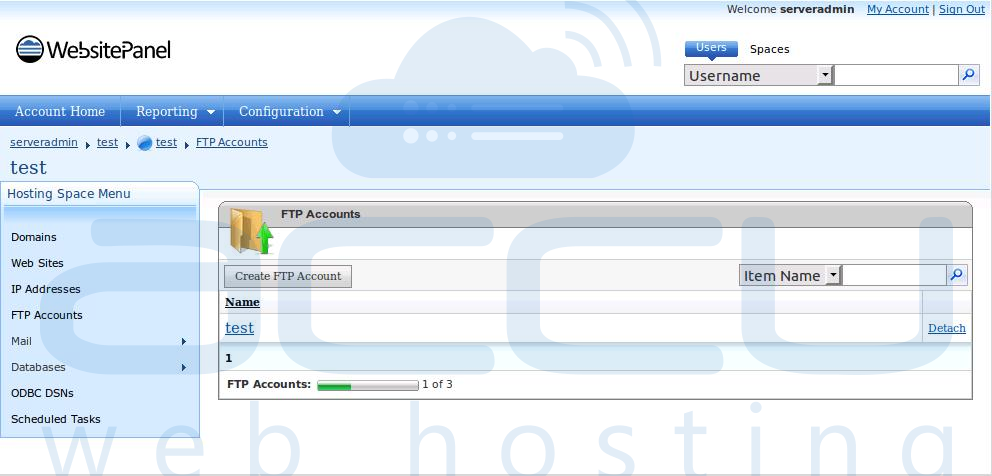
- Click on FTP User for whom you want to change password.
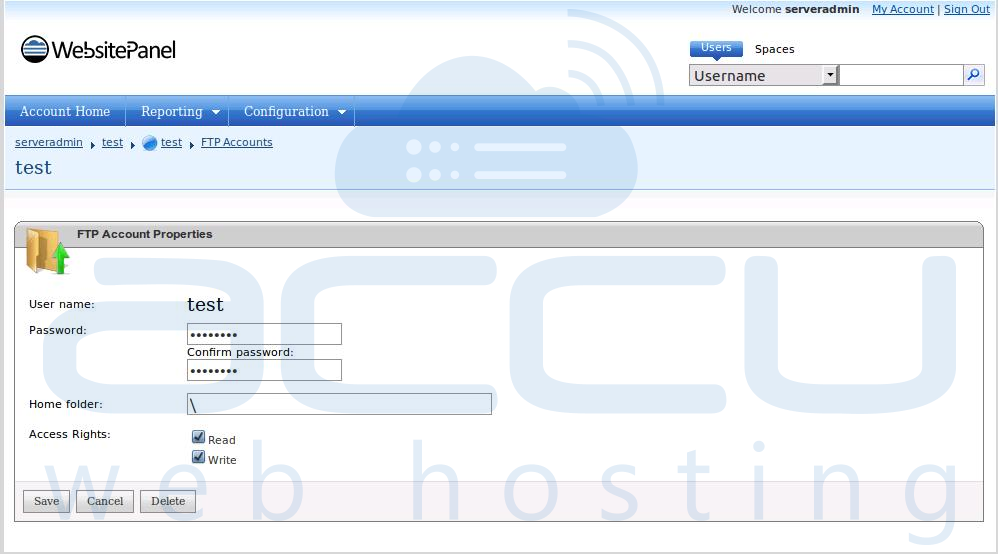
- Click on FTP User for whom you want to change password.
- Change password and click on Save button.

Get Windows VPS
Problem Statement One of our customers facing difficulties while accessing WebsitePanel....
Here are the steps to assign dedicated IP address to a website from WebsitePanel: Login to...
An Instant alias is a temporary sub-domain in the form of customerdomain.com.your-domain.com. It...


