
You can obtain the control panel login details from the client area under the title "Control Panel Details".
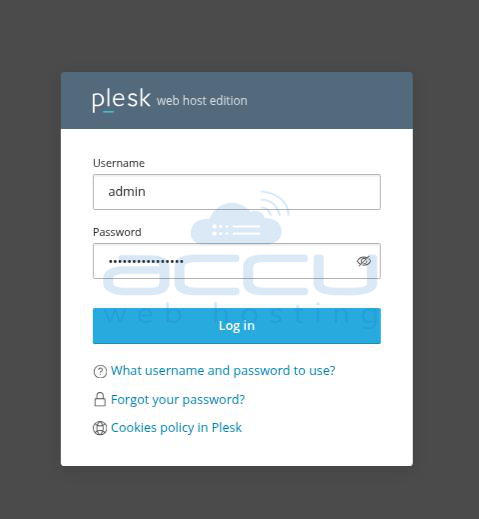
Browse the Plesk Panel URL (http://Your_IP_address:8880).
Enter the username as admin and the password provided in the login details.
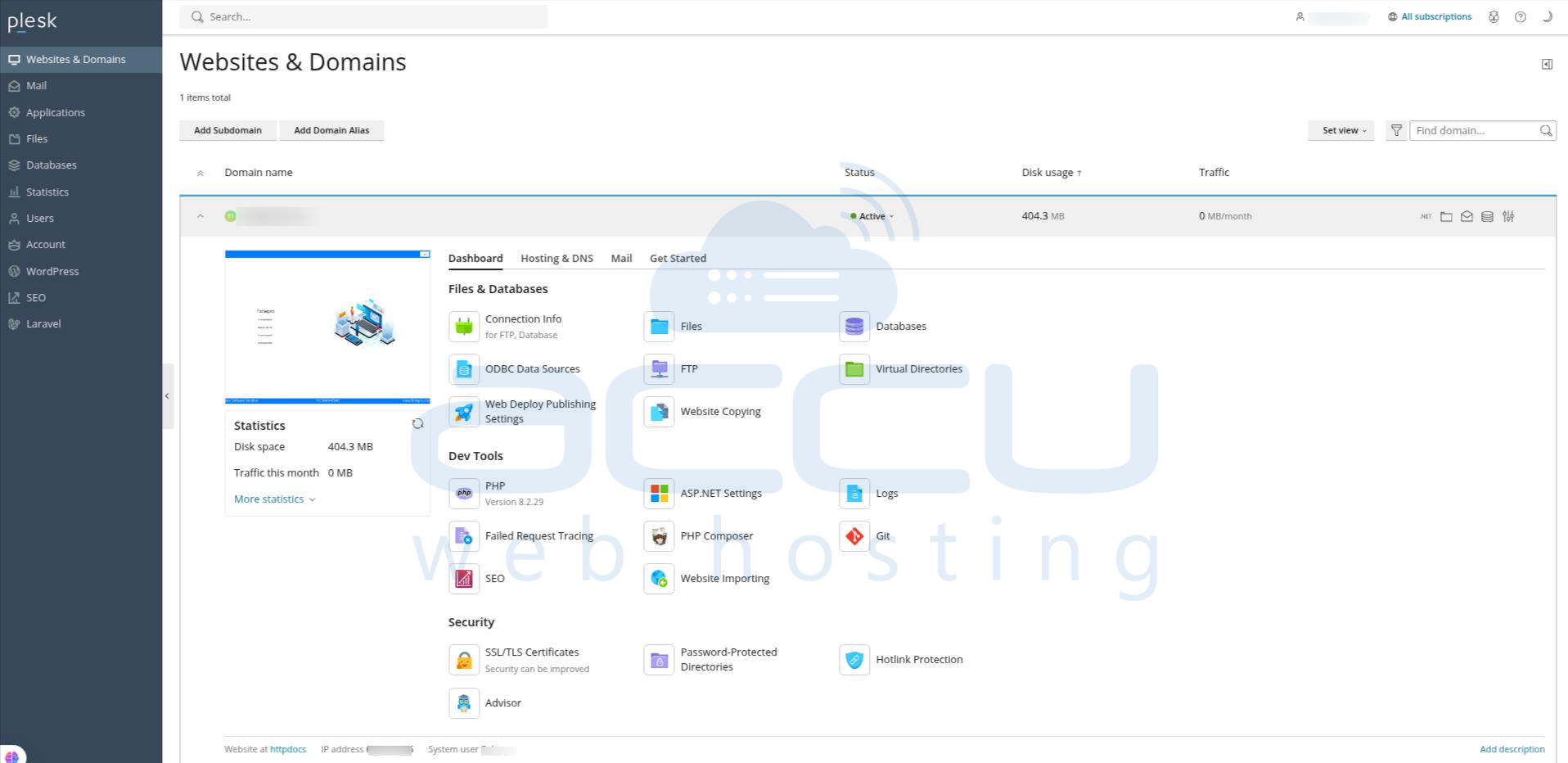
You are now logged into the Plesk control panel.
Note: Replace your VPS IP address with VPS_IP_address in the control panel URL.


