Step 1: Log in to cPanel with the provided credentials.
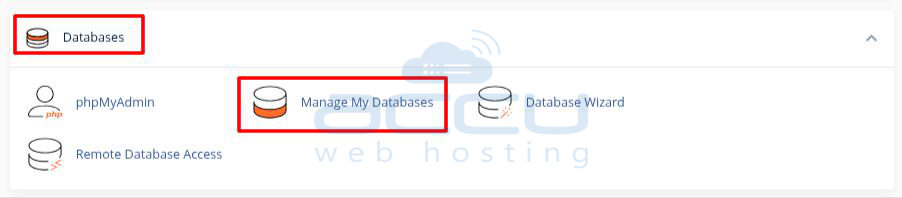
Step 2: Click on MySQL databases under the Databases section in cPanel.
Step 3: Scroll down and locate the Database username from Current Users for which you want to change the password. Then, Click on Change Password.

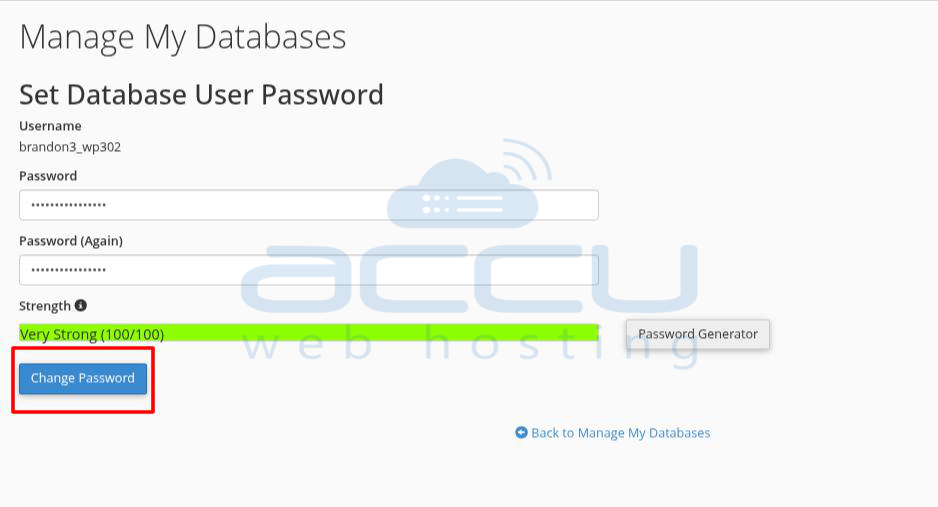
Step 4: Enter the password twice in the Password field and click on Change Password.
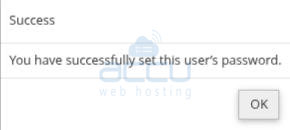
Once you change the password, you will receive the success message.