You can set the custom index page for your website by modifying the .htaccess file. This article will guide you to set the custom index page from cPanel.
Step 1: Log in to cPanel.
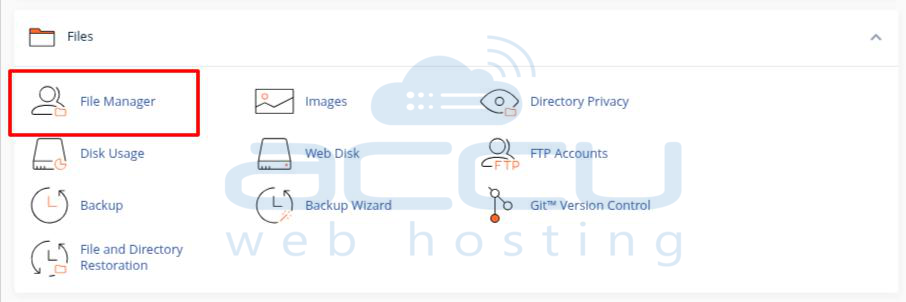
Step 2: Under the Files section, locate and click on the File Manager option.
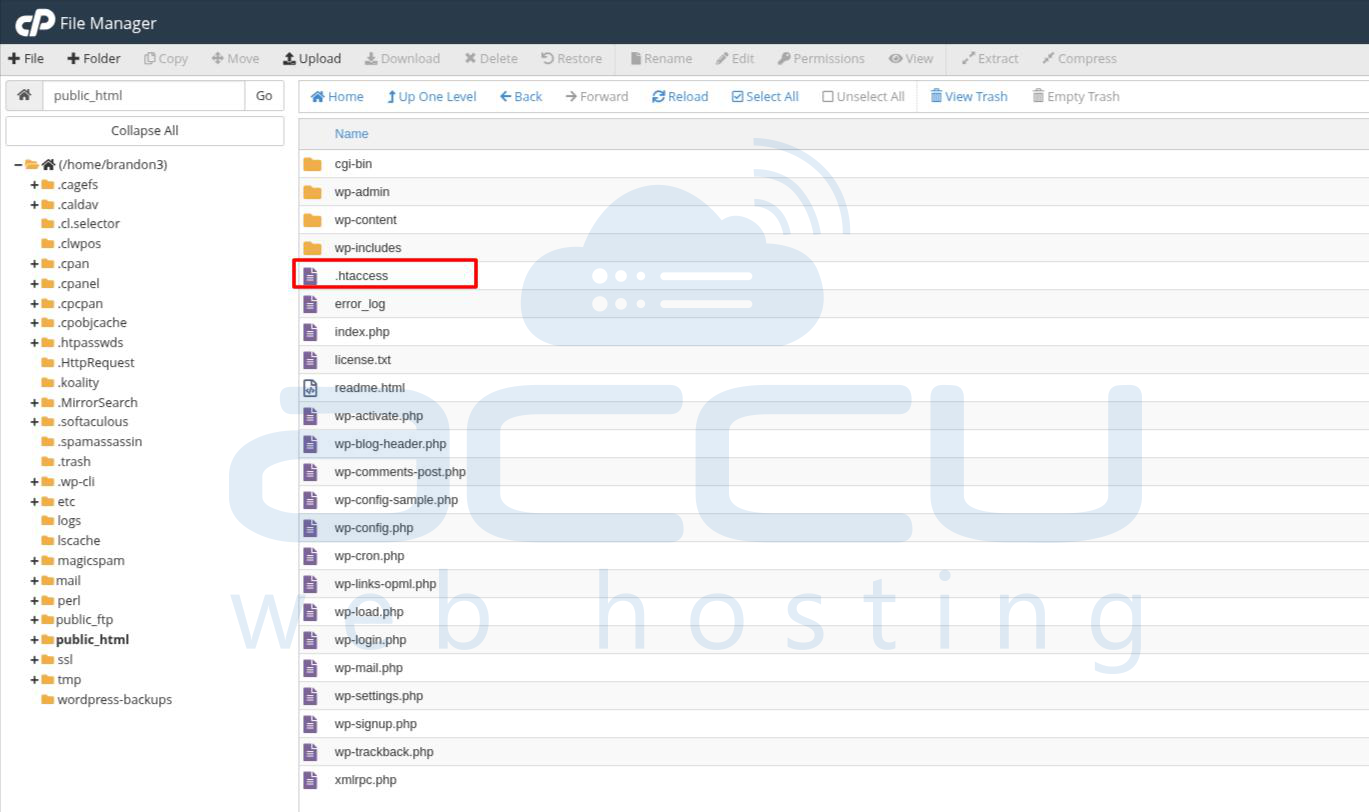
Step 3: Navigate to your website folder (public_html or subdirectory) and search for the .htaccess file. If the .htaccess file is not there in your directory, then create it manually.
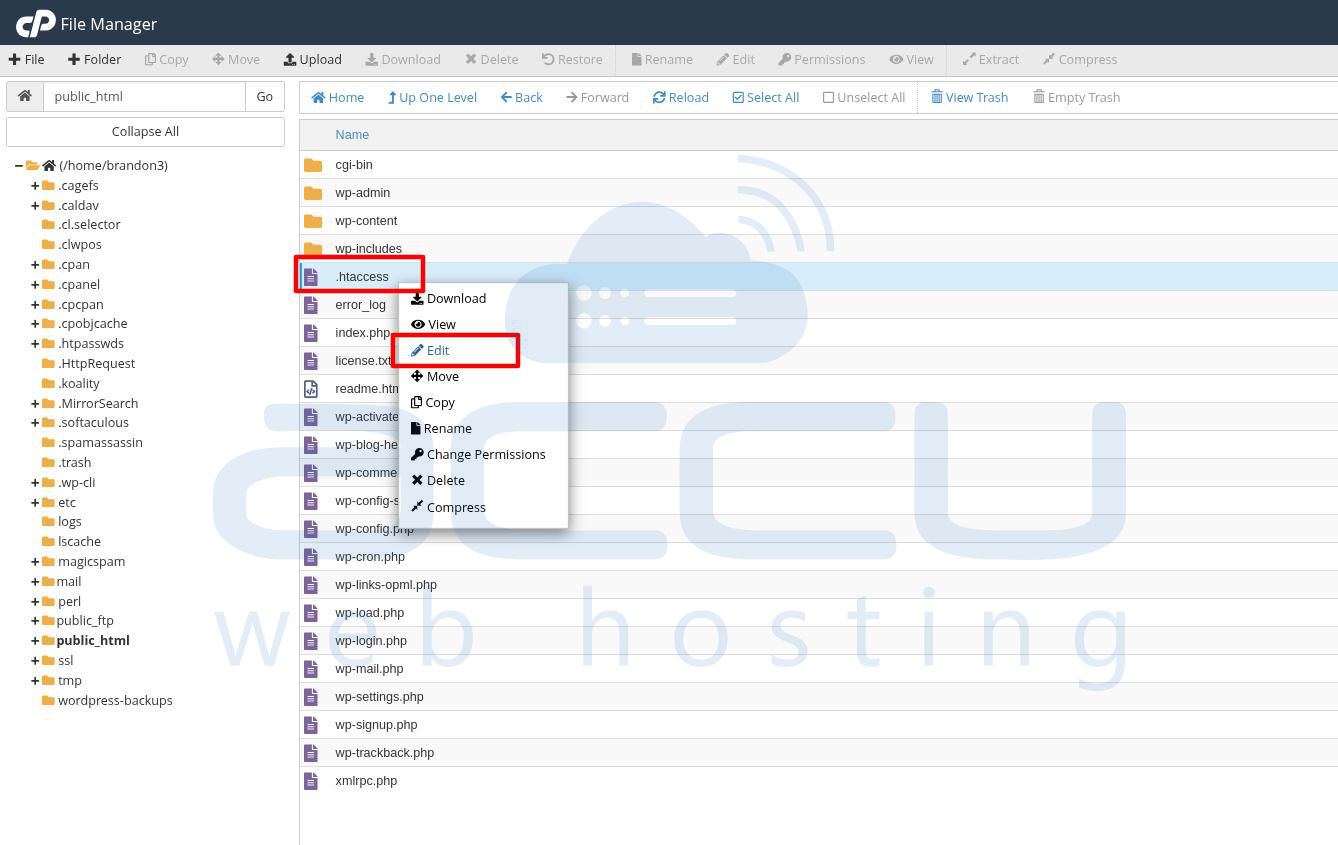
Step 4: Right-click on the .htaccess file and select the Edit option to open this file in an editor.
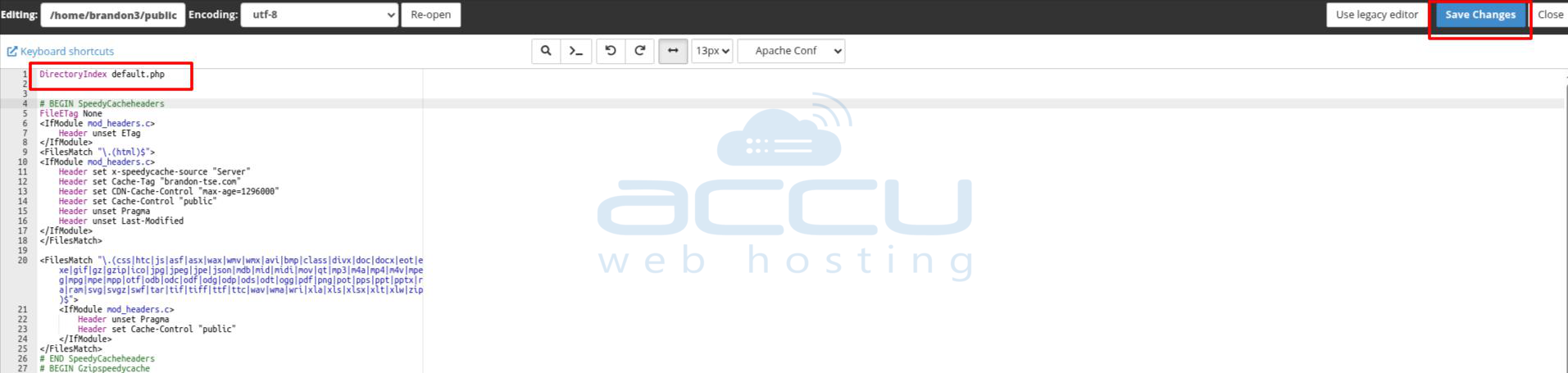
Step 5: Add the following line at the top of this file and save the .htaccess file.
DirectoryIndex FileName.html // Replace FileName.html with your actual index file name.
For example, if you want to set the default.php file as the default page of your website, then add the line below to the .htaccess file.
DirectoryIndex default.php