
Secure Shell (SSH) access is a powerful feature that allows users to manage their web hosting environment via the command line. In Plesk, SSH access is controlled on a per-user basis. By default, it may be disabled for security reasons, but it can be easily enabled through the Web Hosting Access settings.
In this article, we will walk you through the exact steps required to enable SSH access for a domain’s system user in Plesk.
Steps to Enable SSH Terminal in Plesk
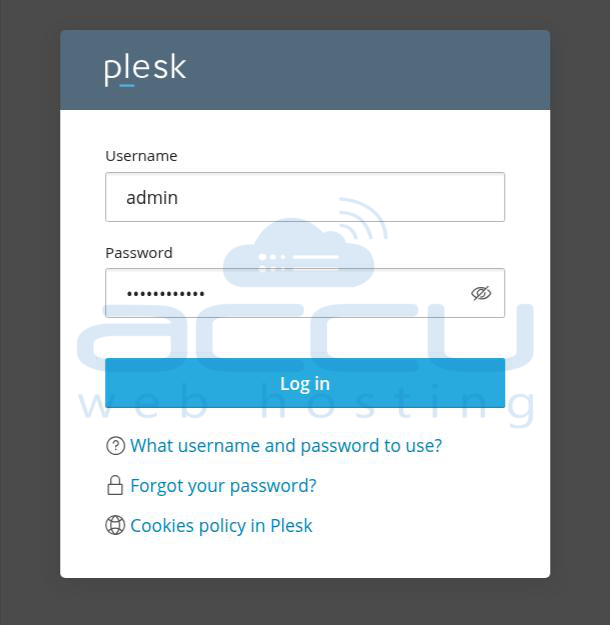
Step 1: Log in to the Plesk Control Panel with the admin or root user.
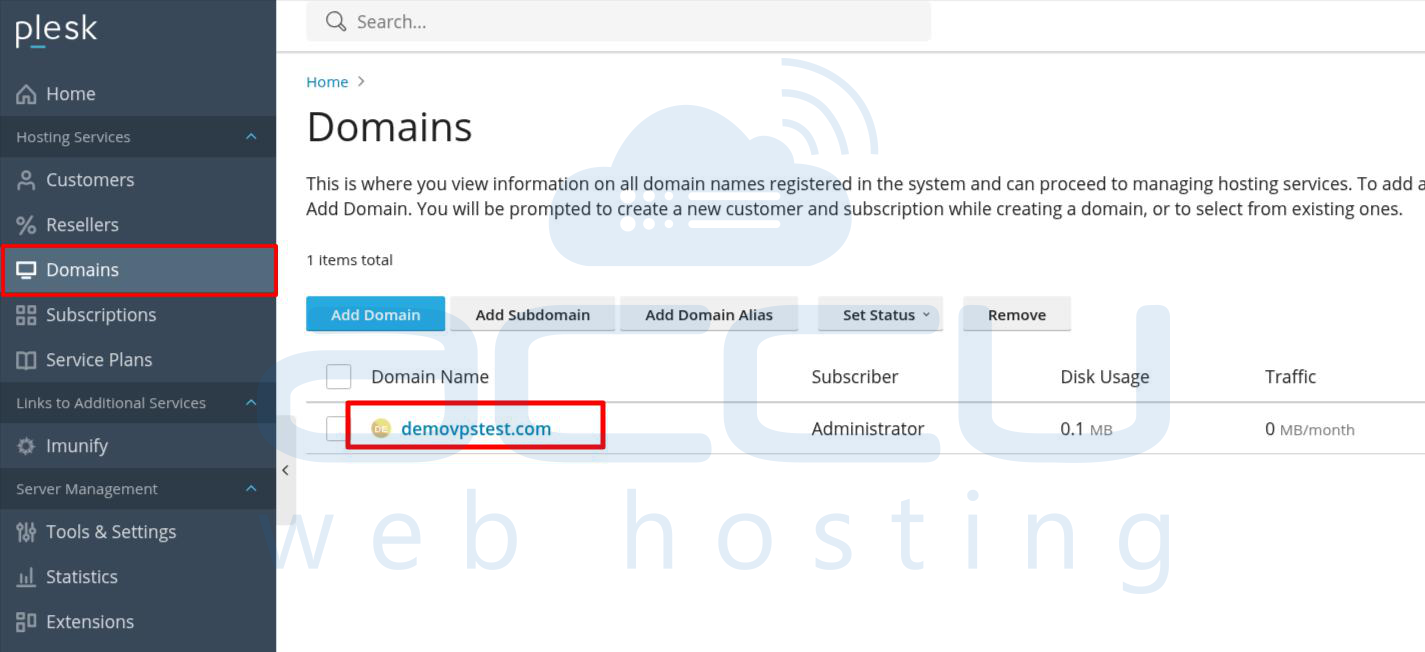
Step 2: In the left navigation menu, click on Domains. Choose the domain for which you want to enable SSH access.
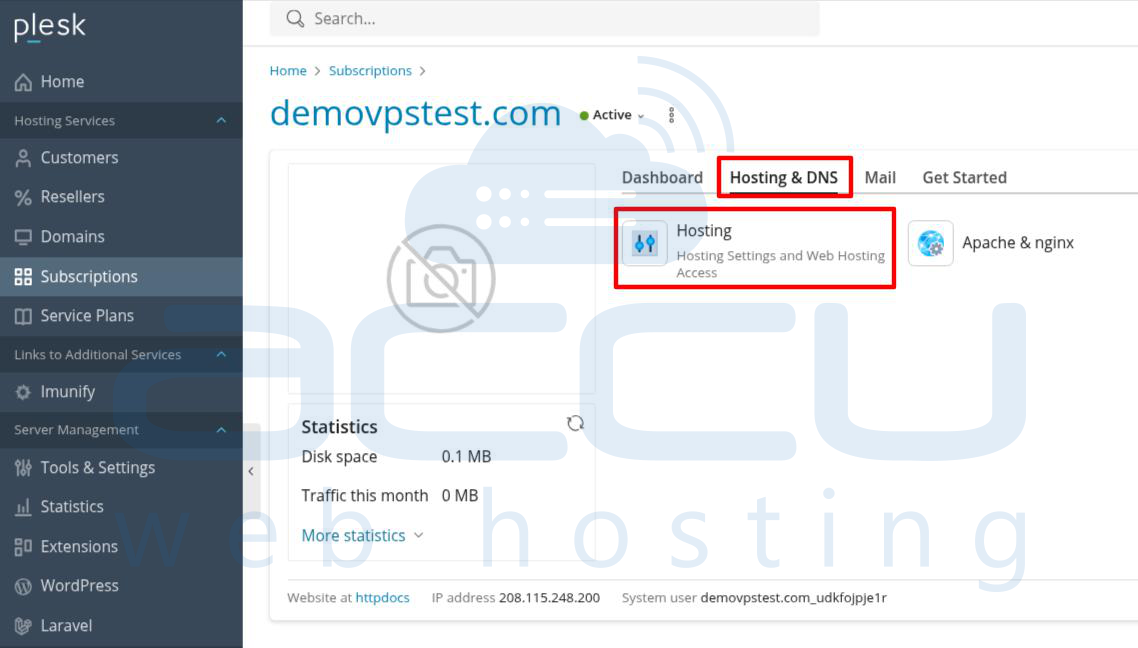
Step 3: Navigate to Hosting & DNS and click Hosting (or Web Hosting Access Settings, depending on the version).
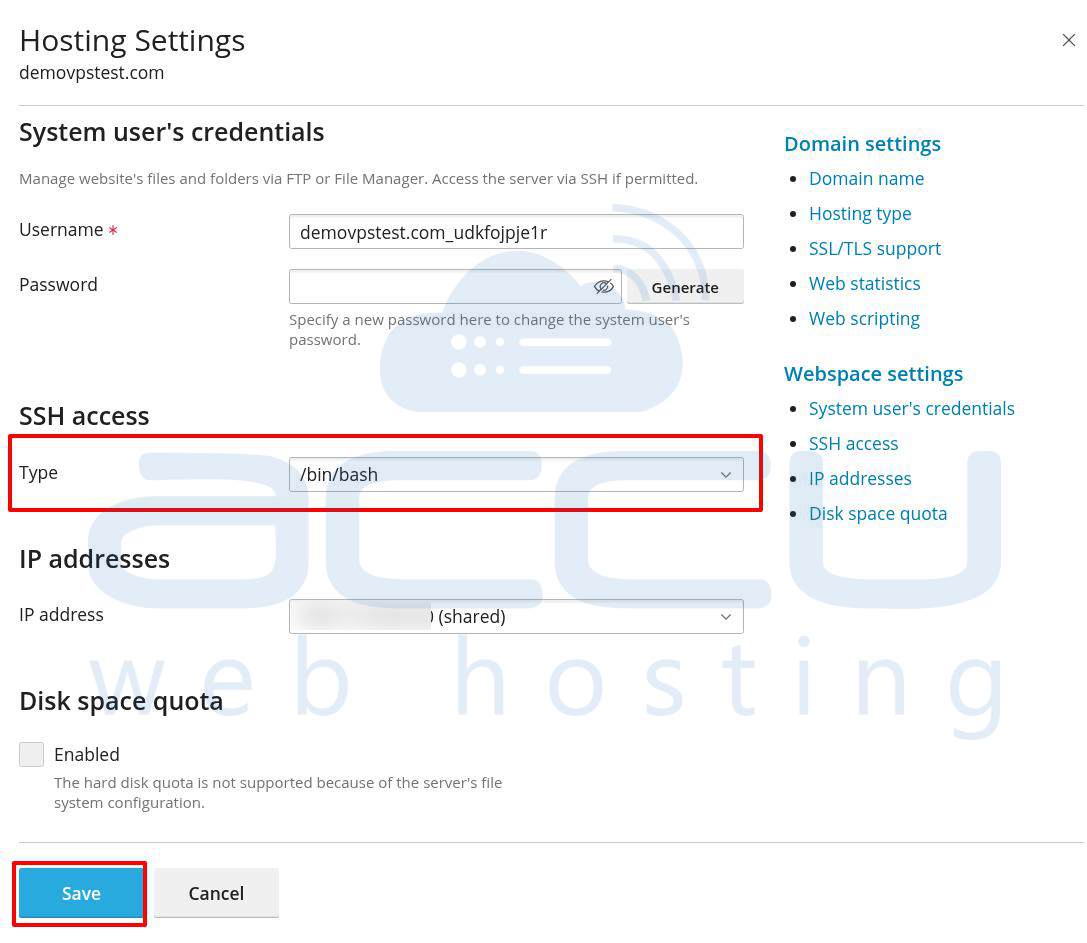
Step 4: Under the System user’s credentials section, locate the SSH access option. From the Type drop-down menu, select the appropriate shell:
|
Option |
Description |
|
Forbidden |
SSH access is completely disabled for this user. |
|
/bin/bash |
Full Bash shell – ideal for advanced users. |
|
/bin/rbash |
Restricted Bash – limits available commands. |
|
/bin/bash (chrooted) |
Provides jailed SSH access, limiting the user to specific directories. |
|
/bin/sh, /bin/dash |
Lightweight shells with basic functionality. |
Best Practice: Use /bin/bash for full access or /bin/bash (chrooted) for restricted environments to enhance security. Set a secure password for the system user if not already configured.
Step 5: Click Save at the bottom of the page to save your settings. SSH access will be enabled immediately using the selected shell type.
Testing SSH Access
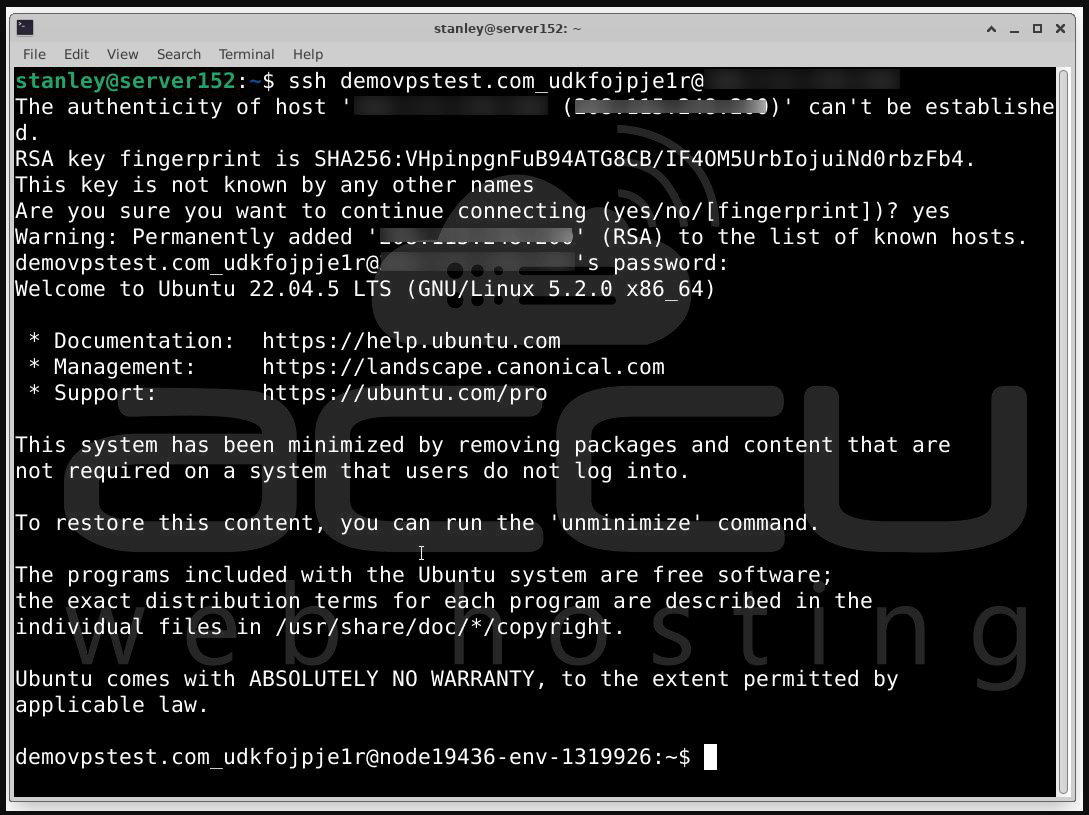
You can now test SSH login using a terminal (macOS/Linux) or SSH client like PuTTY (Windows):
ssh username@server-ip-address
Enter the password when prompted. If successful, you will be logged into the server’s terminal under the selected system user.
Conclusion
Enabling SSH terminal access in Plesk is a secure and efficient way to manage server-level tasks directly. By following the steps outlined above, you can easily configure SSH access for any system user in Plesk.


