
Introduction:
When trying to access phpMyAdmin in WHM/cPanel, you might encounter the error:
"mysqli_sql_exception: Permission denied"
This error typically occurs when phpMyAdmin cannot establish a proper connection to your MySQL/MariaDB server due to permission issues. In this article, we'll explain the solution to resolve this error.
1. Access your server via SSH as the root user.
2. Use the following command to check the permissions and ownership of the MySQL data directory:
stat /var/lib/mysql
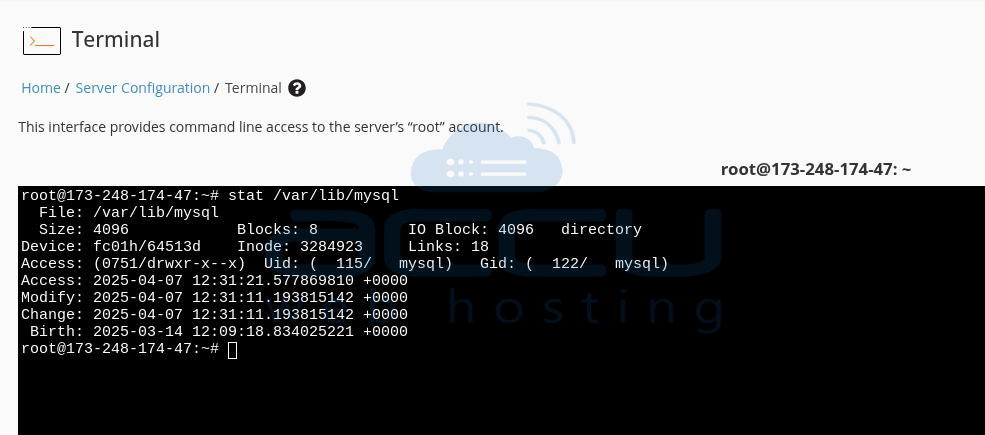
The permissions and ownership above are the default; Access should be set to 751, and the UID/GID owner should be set to "mysql"
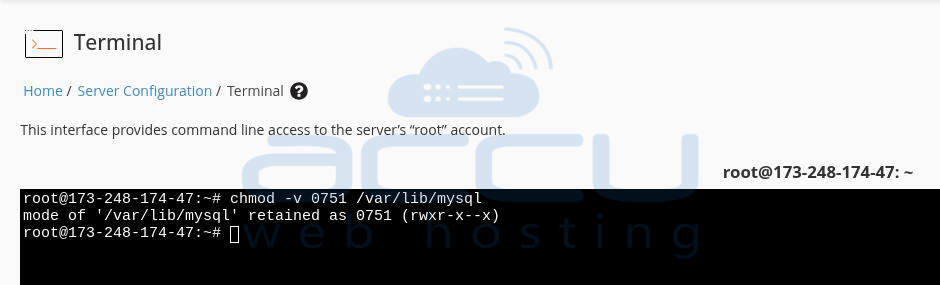
3. If the ownership is not set to 751, kindly use the below command to correct it:
chmod -v 0751 /var/lib/mysql
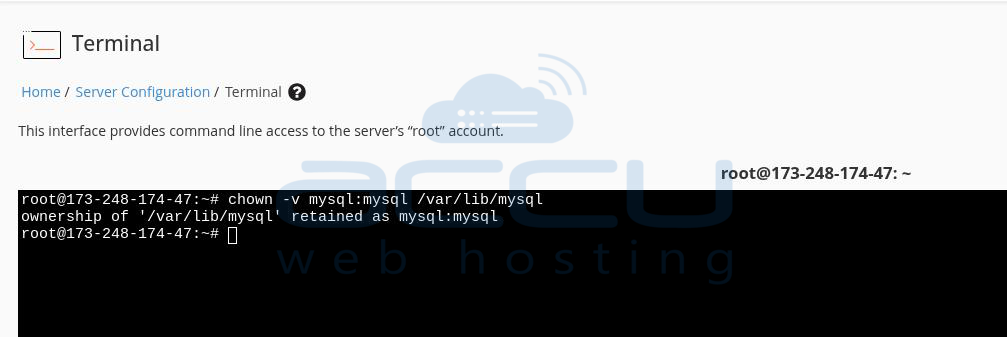
4. If the ownership is not correct, kindly use the below command to correct it:
chown -v mysql:mysql /var/lib/mysql
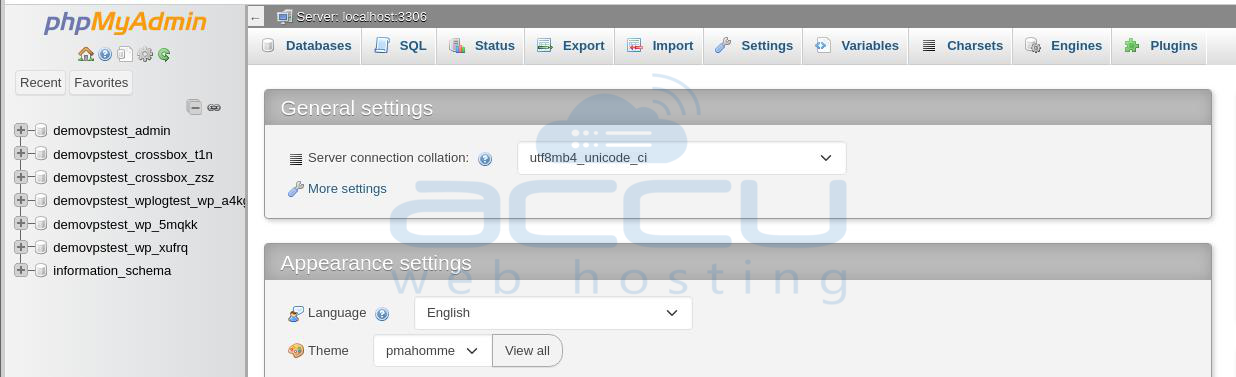
5. With the permissions corrected, try now to access phpMyAdmin.
That's all. If you continue to experience issues after updating the permissions and ownership, please get in touch with us via chat or submit a ticket. Our support team will thoroughly investigate and assist in resolving the problem.


