
cPanel allows you to change the time zone from PHP for your website with a few easy steps. The steps below will assist you with the same.
*Note: Changing the PHP timezone will affect all the domains and subdomains using that PHP version.
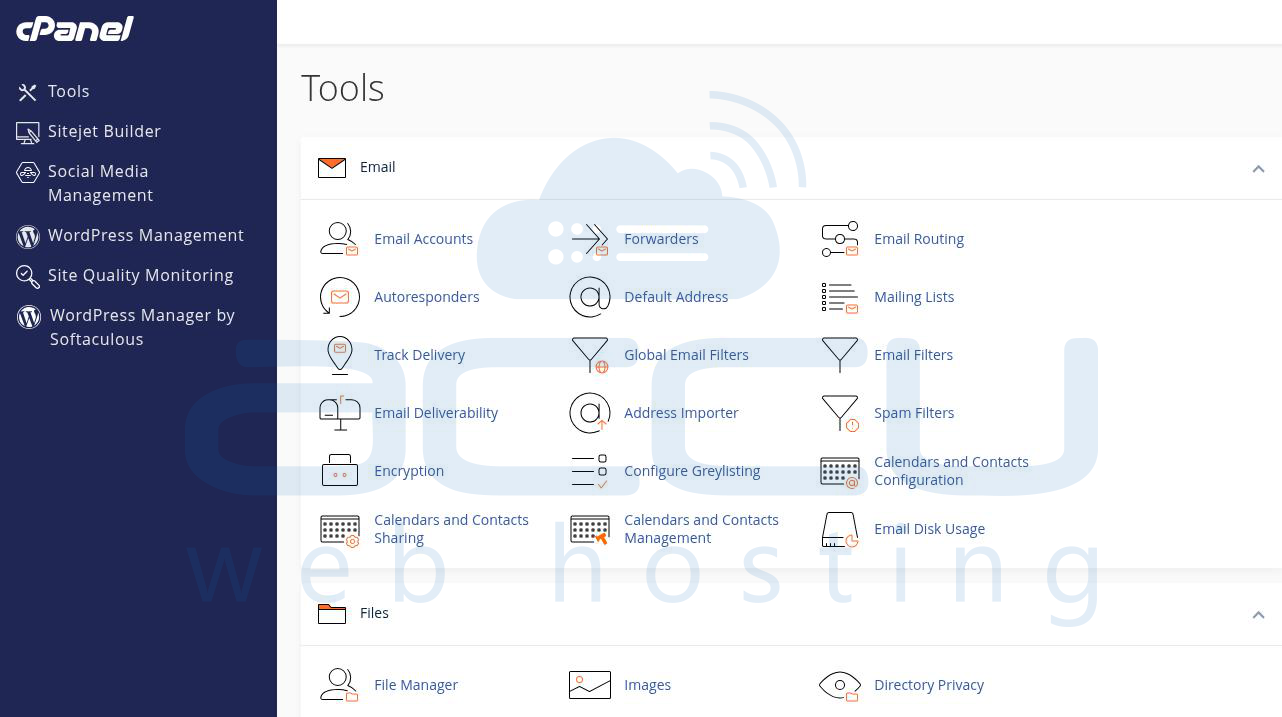
1) Log in to your cPanel account
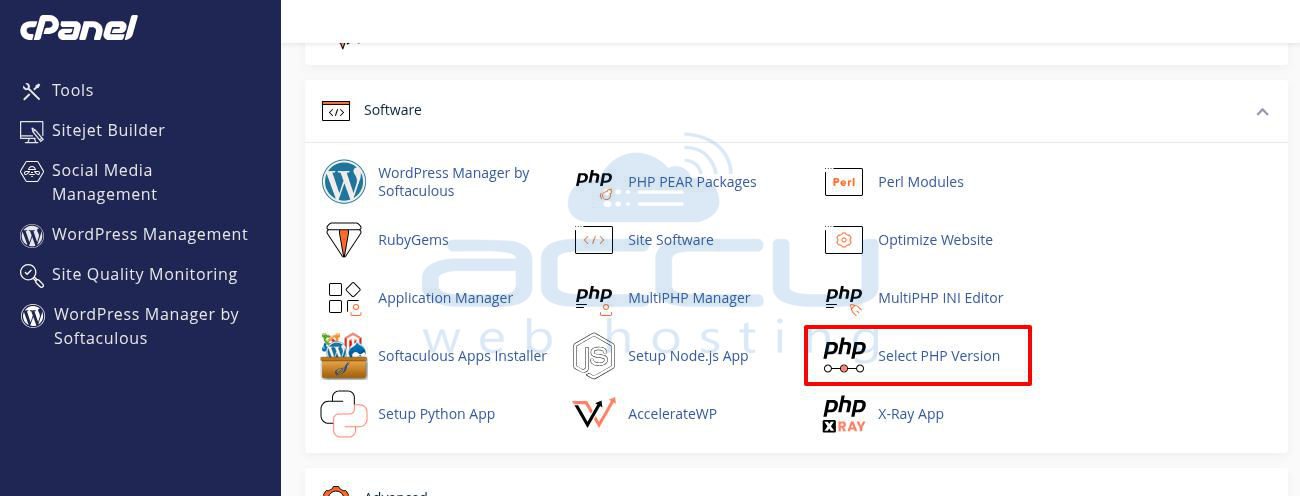
2) Scroll down to the Software section and click Select PHP Version.
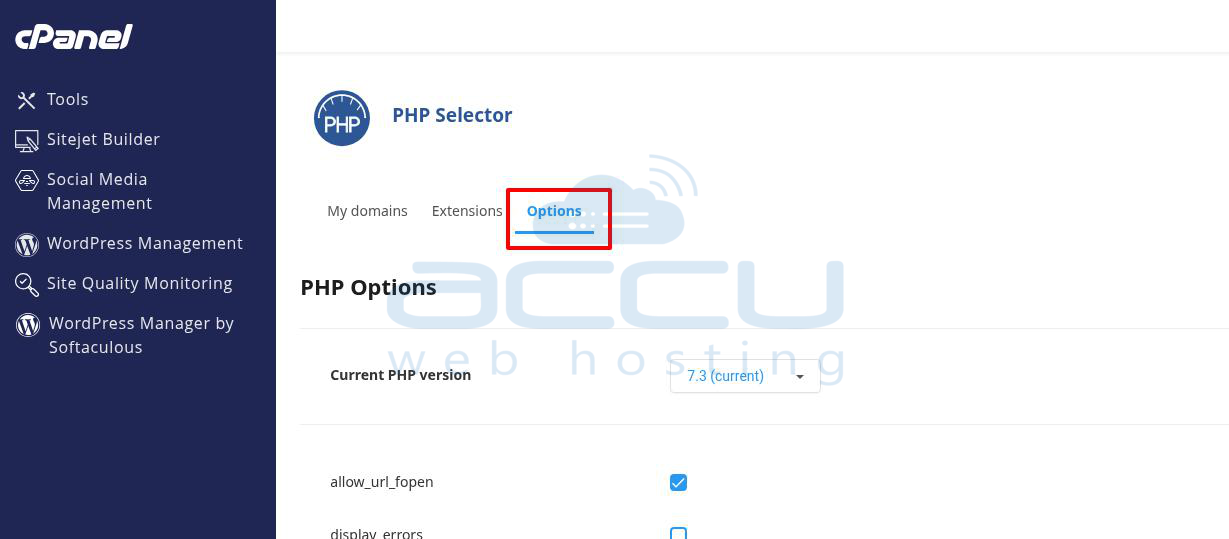
3) Click the Options tab.
4) Click the value next to "date.timezone" to edit the timezone setting.
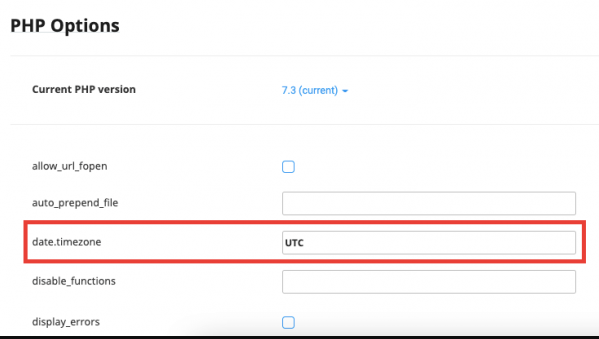
5) Once you select the timezone, your changes will save automatically.


