
IonCube Loader is a free PHP extension used to decode encrypted PHP files at runtime. Please refer to the following steps to install Ioncube on WHM/cPanel.
Step 1: Log in to your WHM Panel.
Step 2: Go to the software and click Easy Apache.
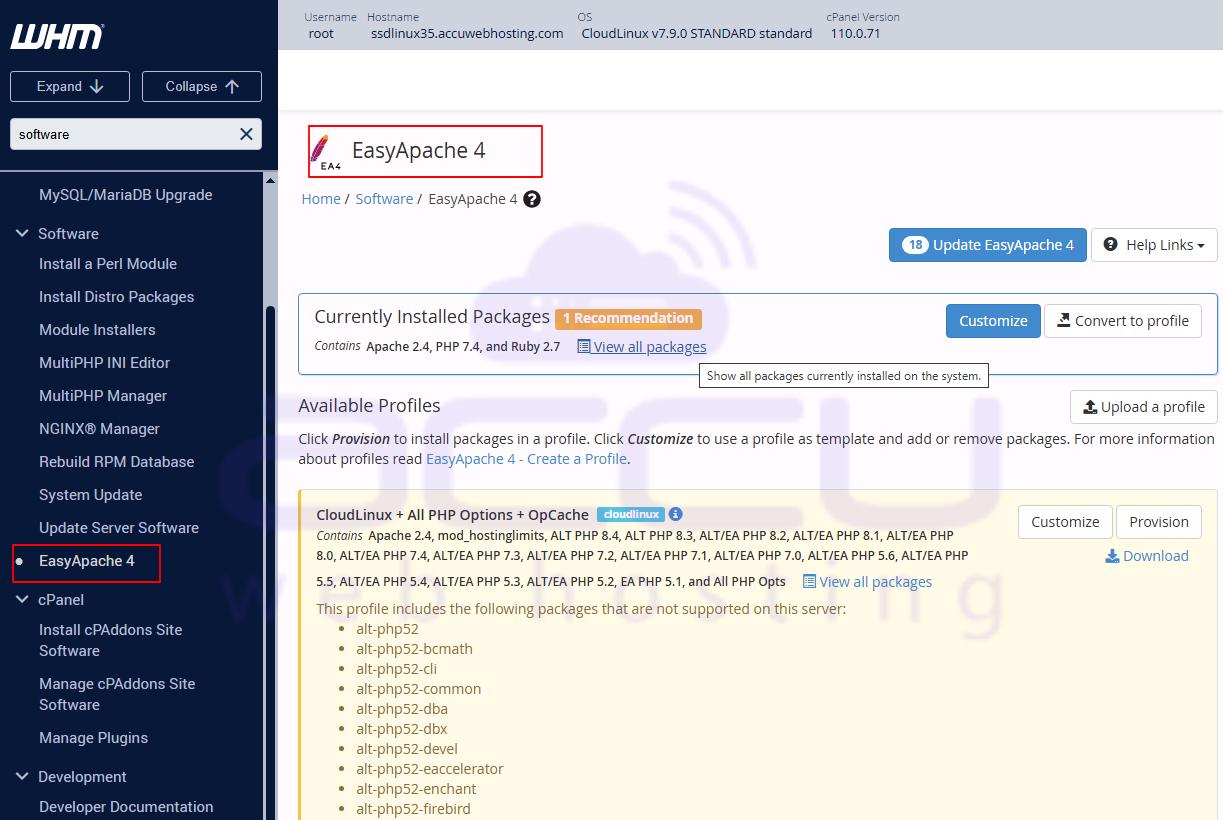
Step 3: At the currently installed package, click on the Customize button.
Step 4: Select the PHP version for which you need to install Ioncube. 
Step 5: Select Ioncube version 10, compatible with PHP 7.4, and click Next.
Step 6: Review the package that needs to be installed. Here, we have selected Ioncube, and it is going to be installed.
Step 7: Click on the provision button.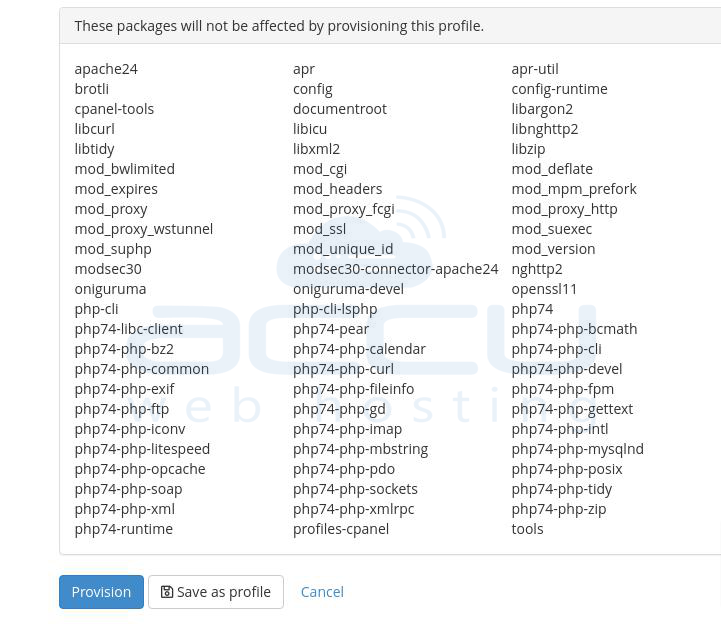
Step 8: After the successful installation, you will find the below option.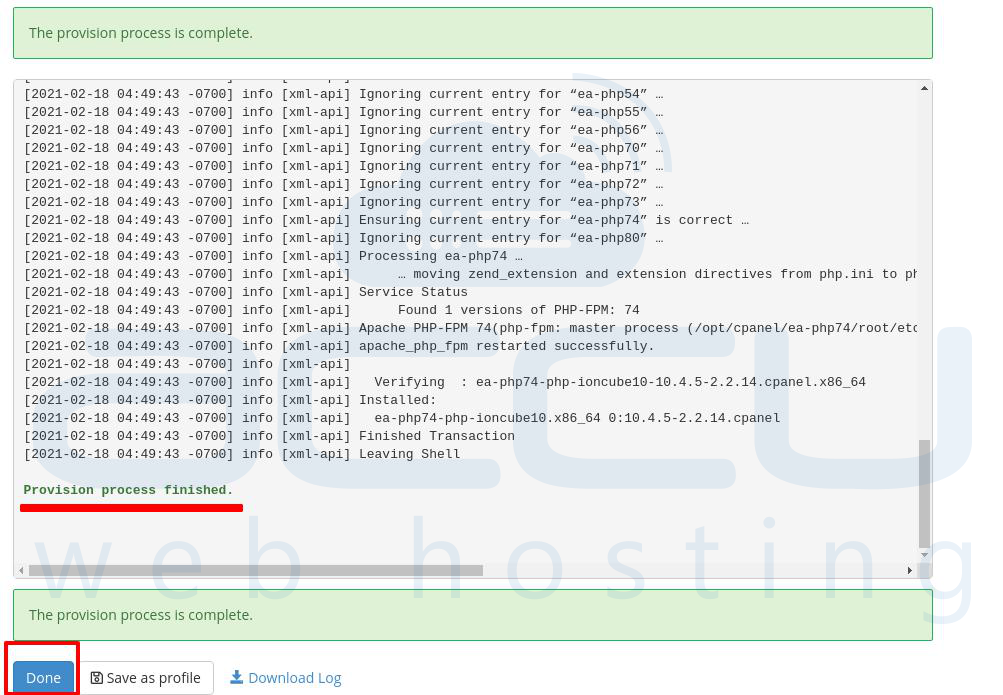
How to verify Ioncube on WHM/cPanel?
We will create a phpinfo file to verify if Ioncube is installed correctly or not. Please refer to How to create a phpinfo file in cPanel?
Now check for the Ioncube; if you find the details below, the Ioncube installation is complete.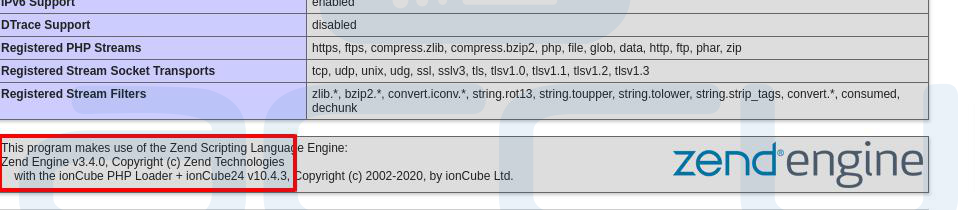
Conclusion:
Installing IonCube on WHM/cPanel is a straightforward process when following the correct steps. By enabling IonCube, you ensure that encrypted PHP files run seamlessly on your server, enhancing both security and compatibility. Always verify the installation using a phpinfo file to confirm that the loader is active. With IonCube properly set up, your server is ready to handle encoded PHP applications efficiently, keeping your hosting environment secure and optimized.


