
Please run the below command to find out the files that are more than 100 MB inside your cPanel server.
find /home/*/public_html/ -type f -size +100M -exec ls -lah {} \; | awk '{ print $9 ": " $5 }'
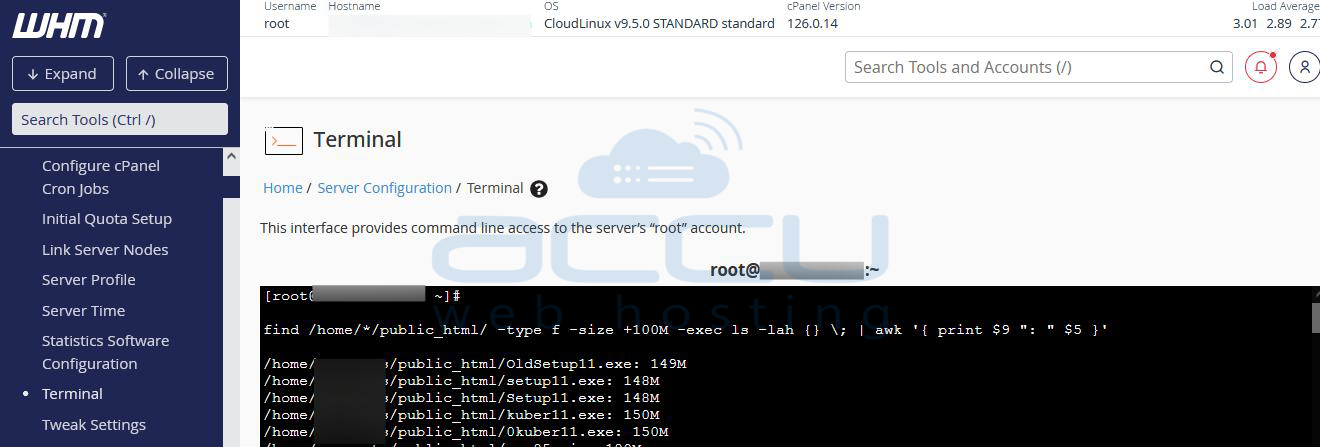
Once you run the above command you will get the files that are more than 100 MB inside the public_html file. However, in your case, you may need to find the files that are more than 100 MB other than the public_html folder and in that case, you just need to change the folder/directory path.
Once you get the list of files that are over 100 MB then you can run the rm -rf command to remove those files.


