File manager is a tool that will help you manage your files, folders, and directories without using FTP. It also allows you to create, upload, delete, and modify files/folders.
You can follow the steps below to access your File Manager from cPanel:
Step 1: Log in to cPanel. Please refer to how to log in to cPanel for more details.
Step 2: Under the File section, you will see File Manager.
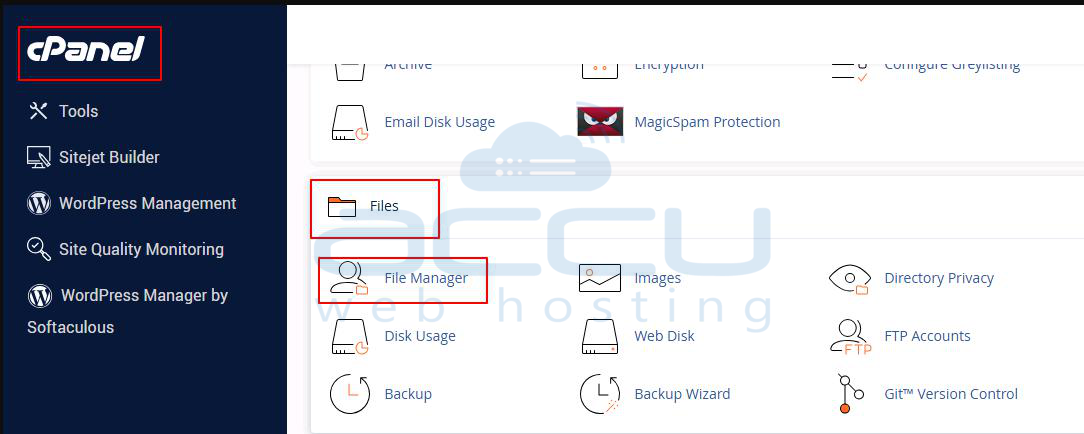
Step 3: Double-click on it to check your Files/Folder.
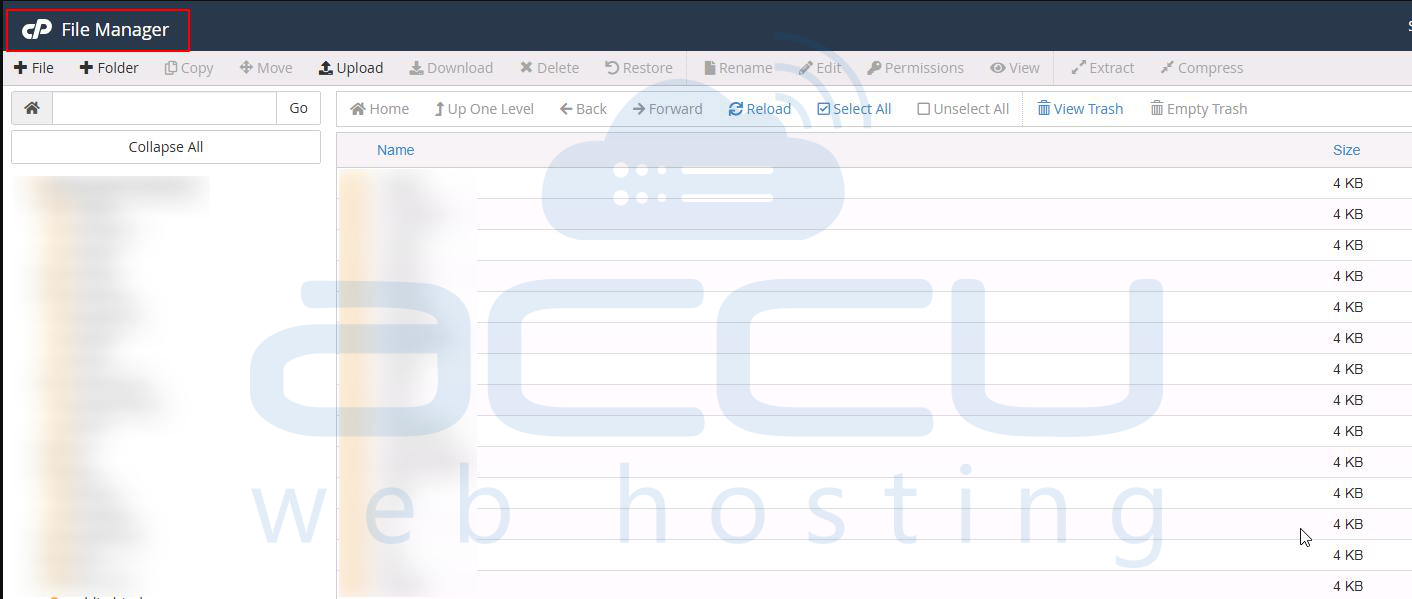
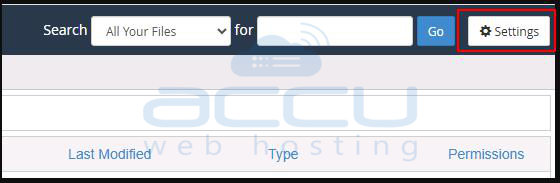
Step 4: If you are using File Manager for the first time, you should go to the settings, which are located in the top right corner, to specify its default settings.
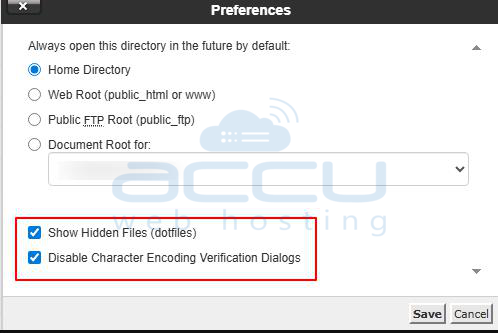
Step 5: From here, you can set the directory that you want the file manager to open. You can also enable/disable the Hidden Files option, which will display the files whose name starts with a dot (.)