
Apache and LiteSpeed are both popular web servers used for hosting websites. While Apache is widely used and has been around longer, LiteSpeed offers better performance, improved security, and faster processing. If you are currently running Apache on your WHM/cPanel server, you can easily switch to LiteSpeed with just a few clicks.
Steps to Switch from Apache to LiteSpeed in WHM
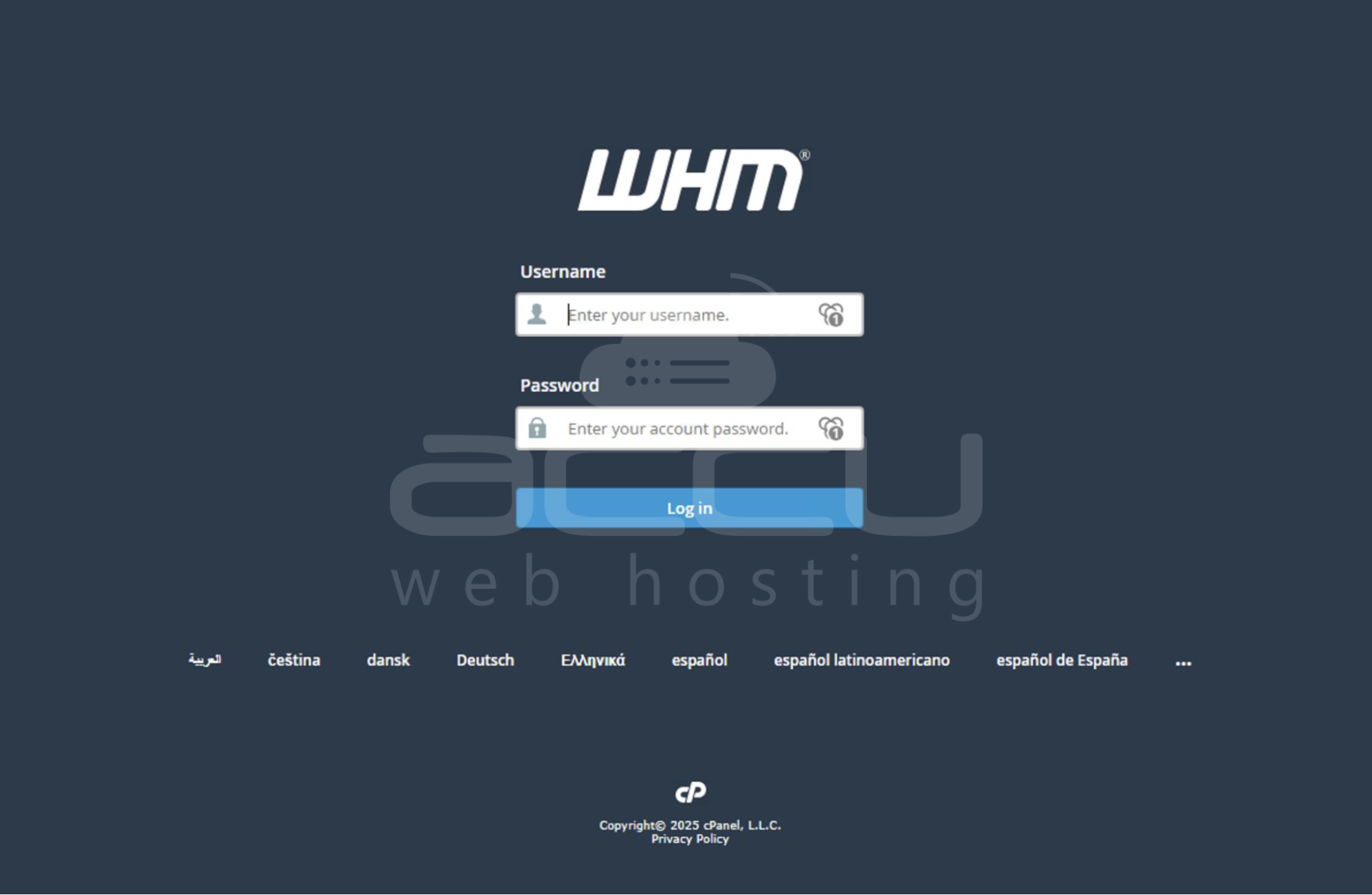
Step 1: Log in to WHM
Use your root credentials to log in to the WHM panel.
Step 2: Access LiteSpeed Plugin
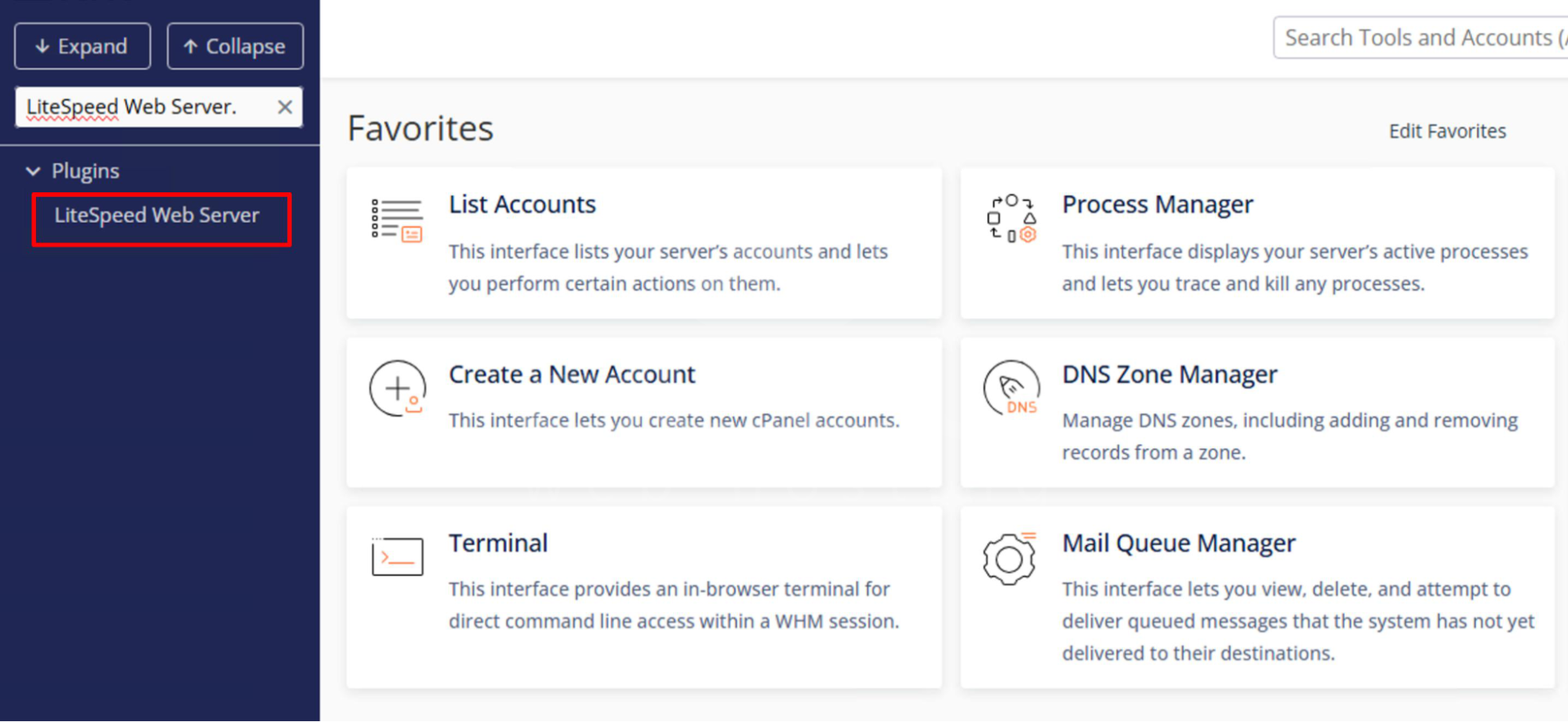
In the left-hand menu, click on Plugins.
Select LiteSpeed Web Server.
Step 3: Switch to LiteSpeed
On the LiteSpeed Web Server page, click Switch to LiteSpeed.

You may need to confirm again by clicking Switch to LiteSpeed on the next page.
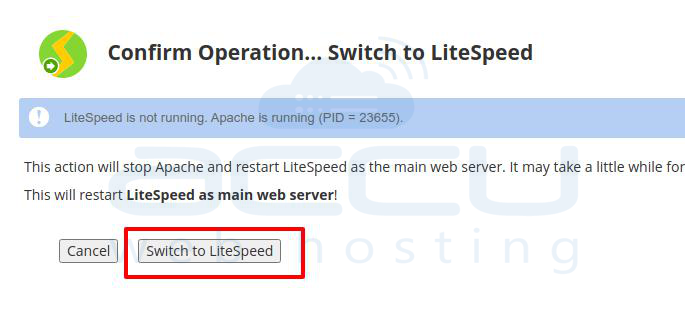
The process may take a few minutes as services restart.
Step 4: Verify the Switch
Once completed, your server will now be running on LiteSpeed Web Server instead of Apache.
Conclusion:
Switching from Apache to LiteSpeed in WHM is a quick process that can significantly enhance your server performance and efficiency. If needed, you can switch back to Apache at any time through the same LiteSpeed plugin in WHM.


