Greylisting is a WHM tool for the Linux server that is used to prevent incoming spam on your VPS. It will temporarily reject any email that fails on initial delivery and is not re-delivered. If the email is legit, the sender's mail server will retry to send the email after a short delay that will be checked by the receiving email server where Greylisting is enabled, and all the legit emails will be passed after their analysis. Greylisting will pass the emails to your Inbox after some time.
Please refer to the following steps to enable/disable Greylisting in WHM.
Step 1: Log in to the WHM Panel.
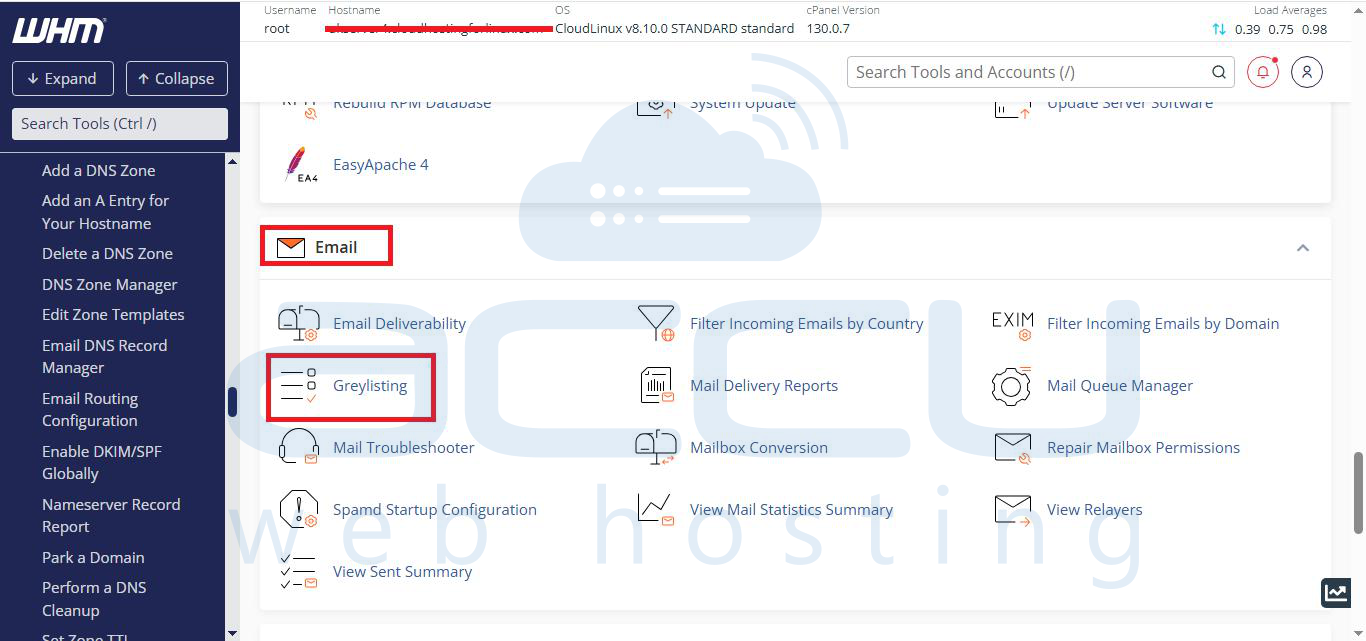
Step 2: Go to the Email section and click on Greylisting.
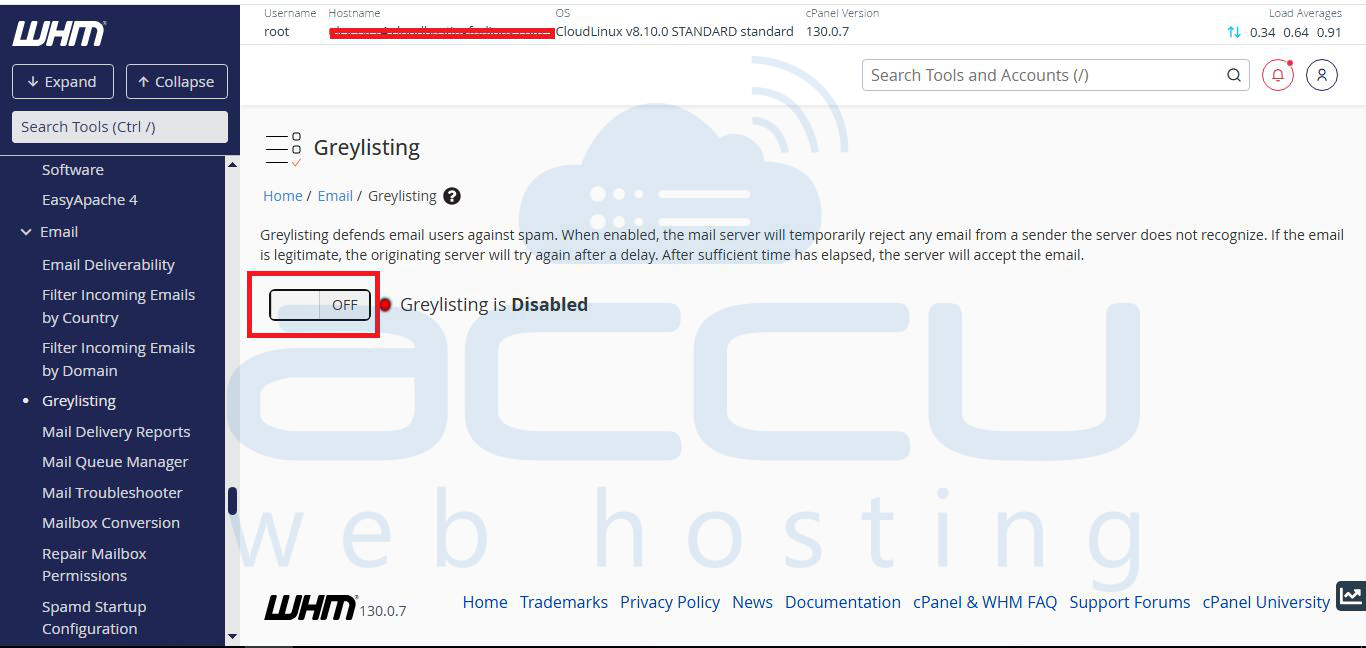
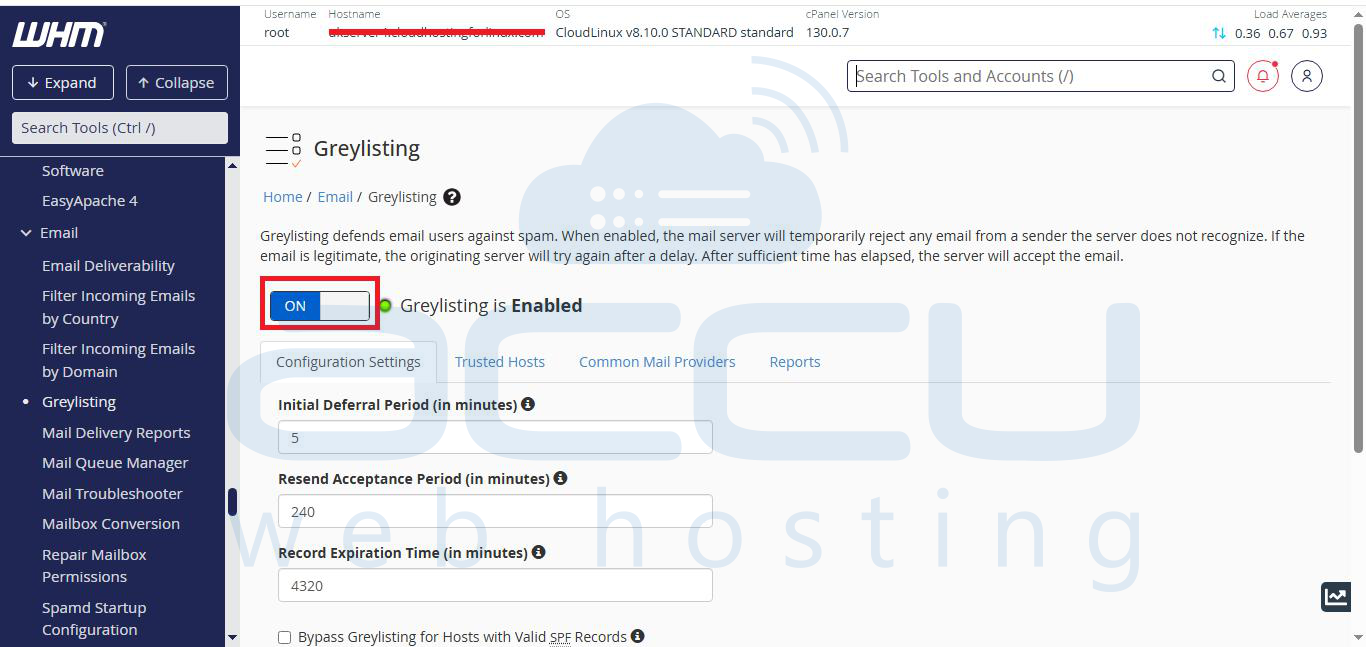
Step 3: By default, Greylisting will be disabled. You can click on the Greylisting button to enable it.