
Please refer to the following steps to add an email account in CWP.
- Login to CWP.
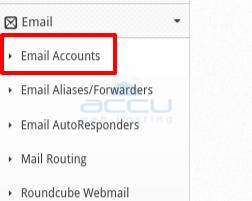
- Expand Email and click on Email Accounts.
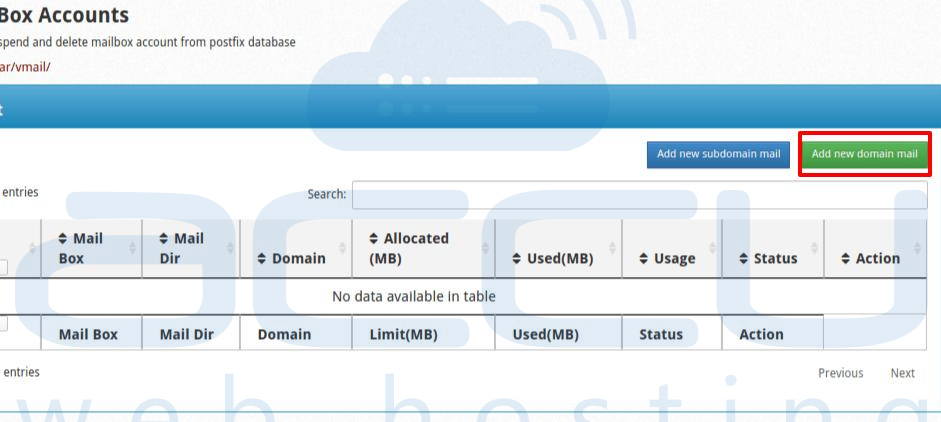
- Click on Add new domain mail.
- At New Email Account dialog box, select user from the drop-down, Enter EmailAddress, Password and Confirm Password.
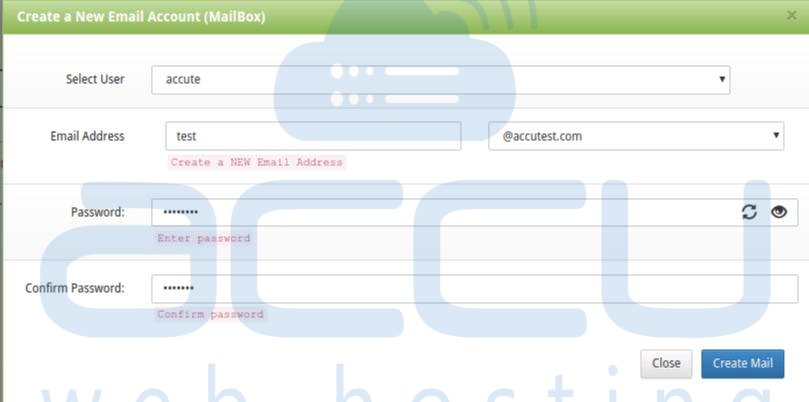
- Hit Create Mail Button.
It will list the email account in List MailBox Accounts.
