Cpnginx is yet a feature-rich, customizable NGINX installer. It allows you to build and deploy your choice of CMS templates, including WordPress and Joomla. It also supports multiple versions of PHP-FPM and multiple caches, such as proxy cache, FCGI cache, etc. In this tutorial, we'll assist you in installing and removing Cpnginx on the WHM server.
Installing Cpnginx NGINX Installer
Download the Installer: Obtain the install.py file from the official Cpnginx website https://cpnginx.com/ and move it to your WHM server using SCP, SFTP, or any file transfer method, placing it in the desired directory
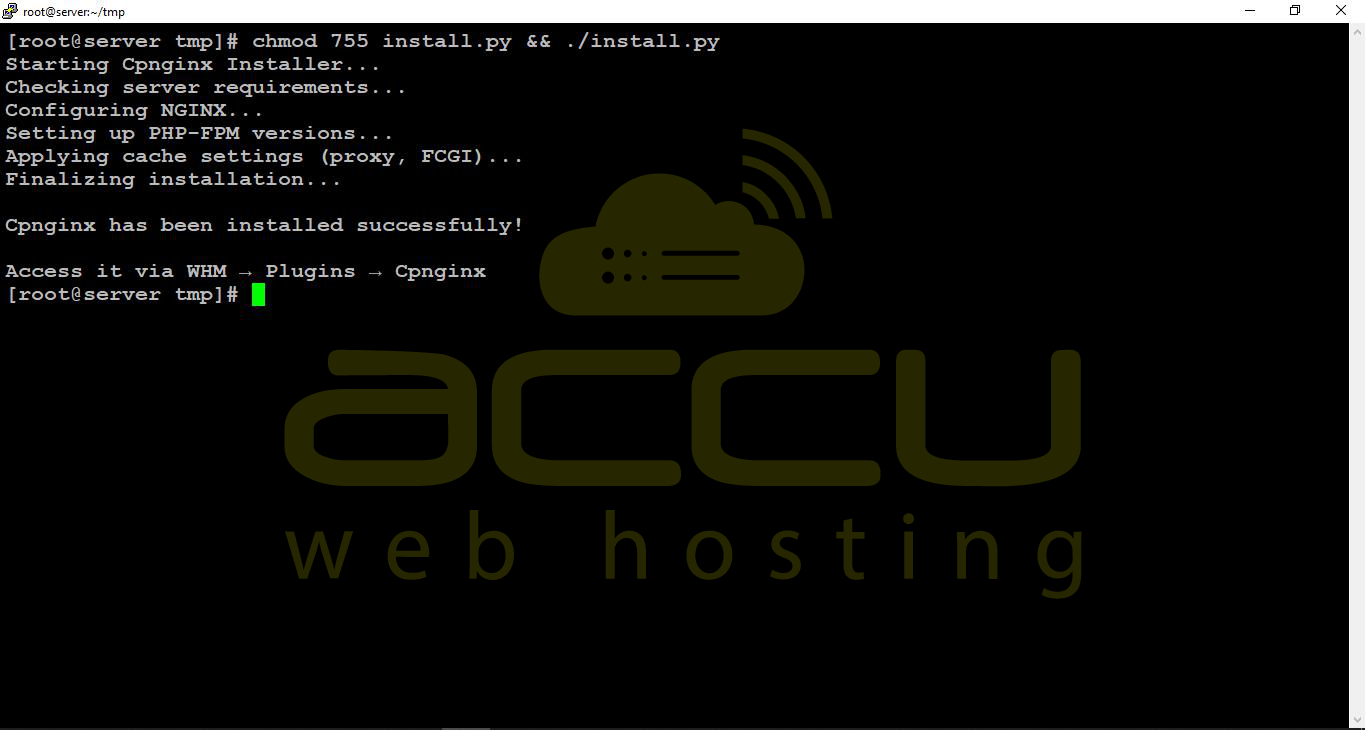
To install Cpnginx in your WHM server, apply the following command in the SSH terminal through the root user.
chmod 755 install.py && ./install.py
Removing Cpnginx NGINX Installer
Log in to your server via SSH as the root user. Navigate to the directory containing install.py.
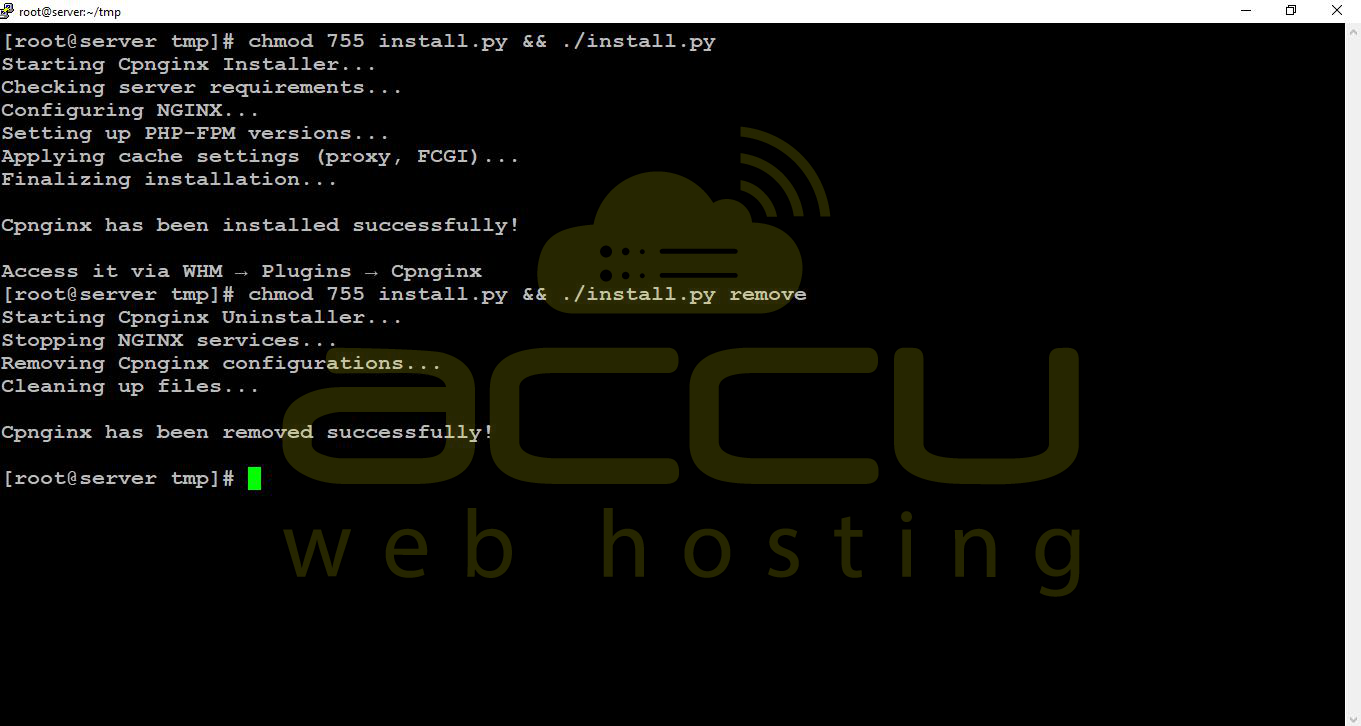
To uninstall Cpnginx, issue the following command from the server terminal with the root SSH user.
chmod 755 install.py && ./install.py remove