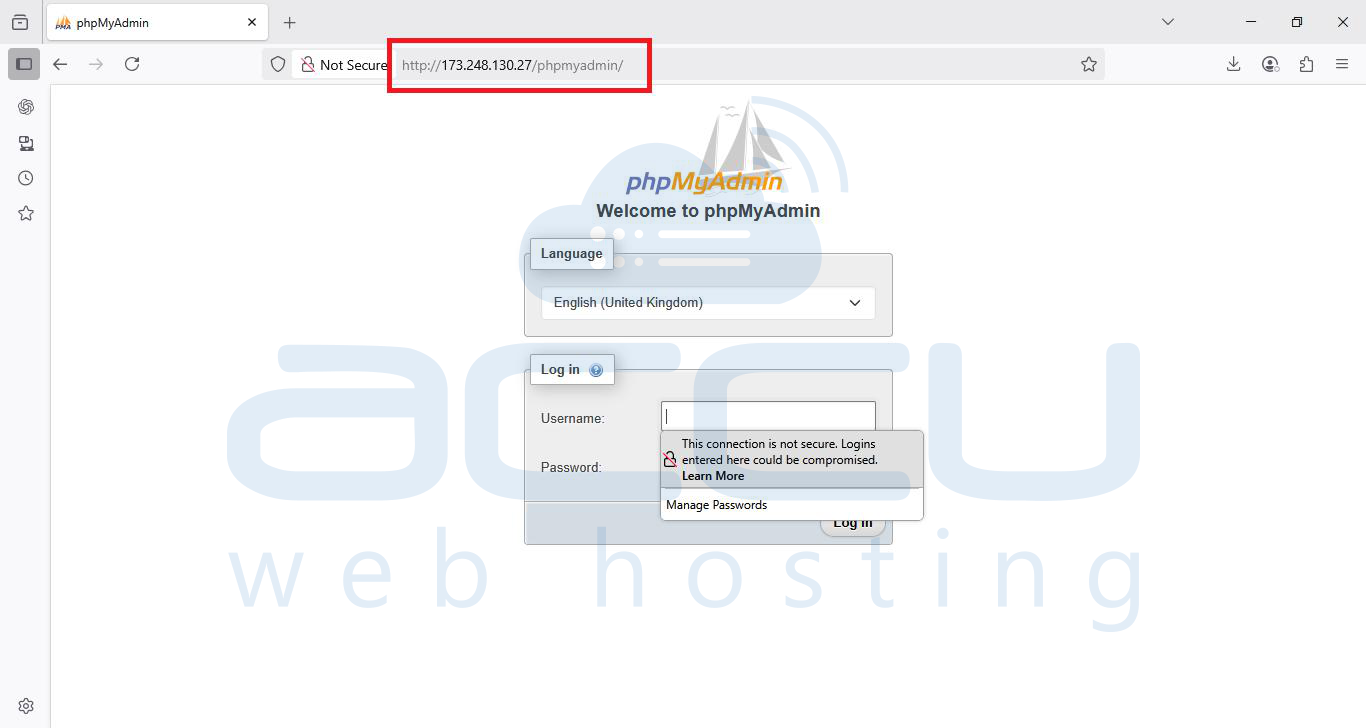
Problem statement
Recently, we upgraded the phpMyAdmin version from 4.0.10.12 to 4.5.3.1 in our customer's Windows VPS. Right after the upgrade, we noticed that the phpMyAdmin login screen no longer appeared and threw an error shown in the following screen capture.
Solution:
The customer was running phpMyAdmin version 4.0.10.12, which is compatible with PHP 5.2 and MySQL 5 only. To run the current version of phpMyAdmin 4.5.3.1, the server must have PHP 5.5 to 7.0 and MySQL 5.5. We performed the following steps to fix this issue.
Step 1: Navigate to the installation path of phpMyAdmin up to the file common.inc.php.
# For Windows server - C:\inetpub\wwwroot\phpMyAdmin\libraries\common.inc.php</strong
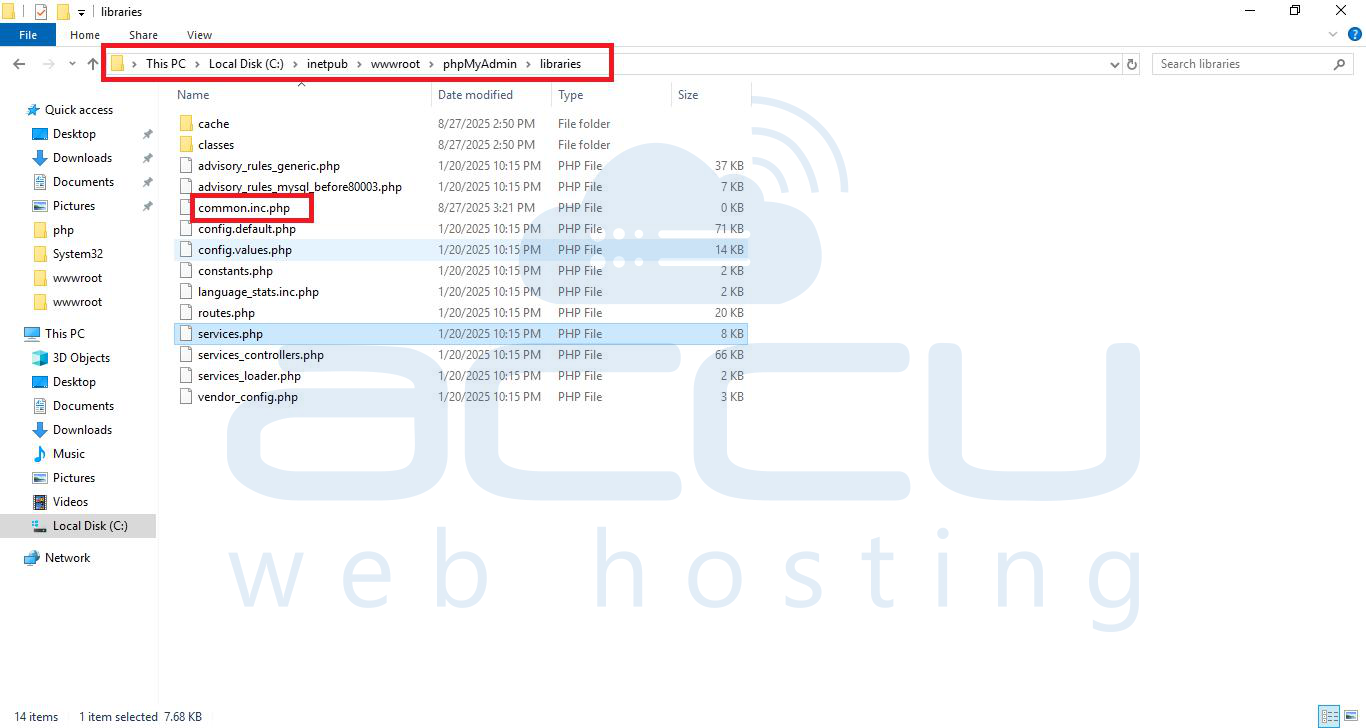
# For Linux server - /usr/share/phpMyAdmin/libraries/common.inc.php
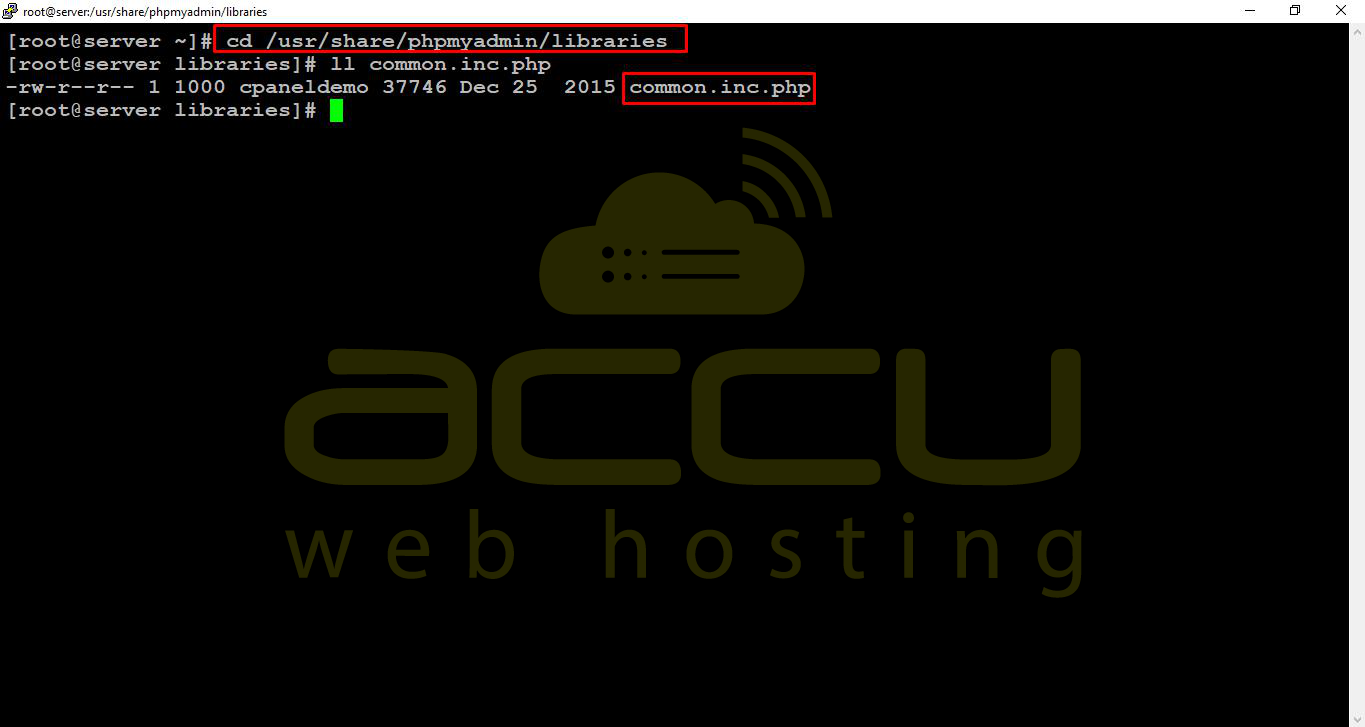
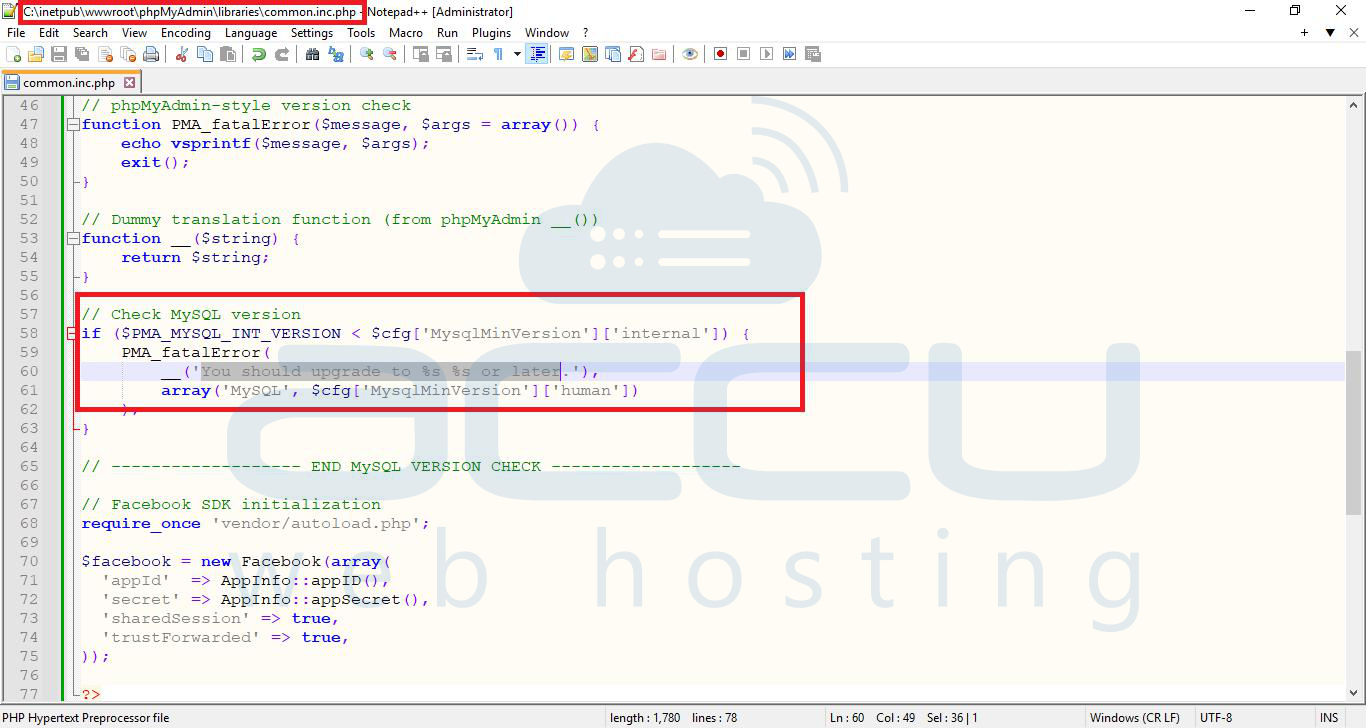
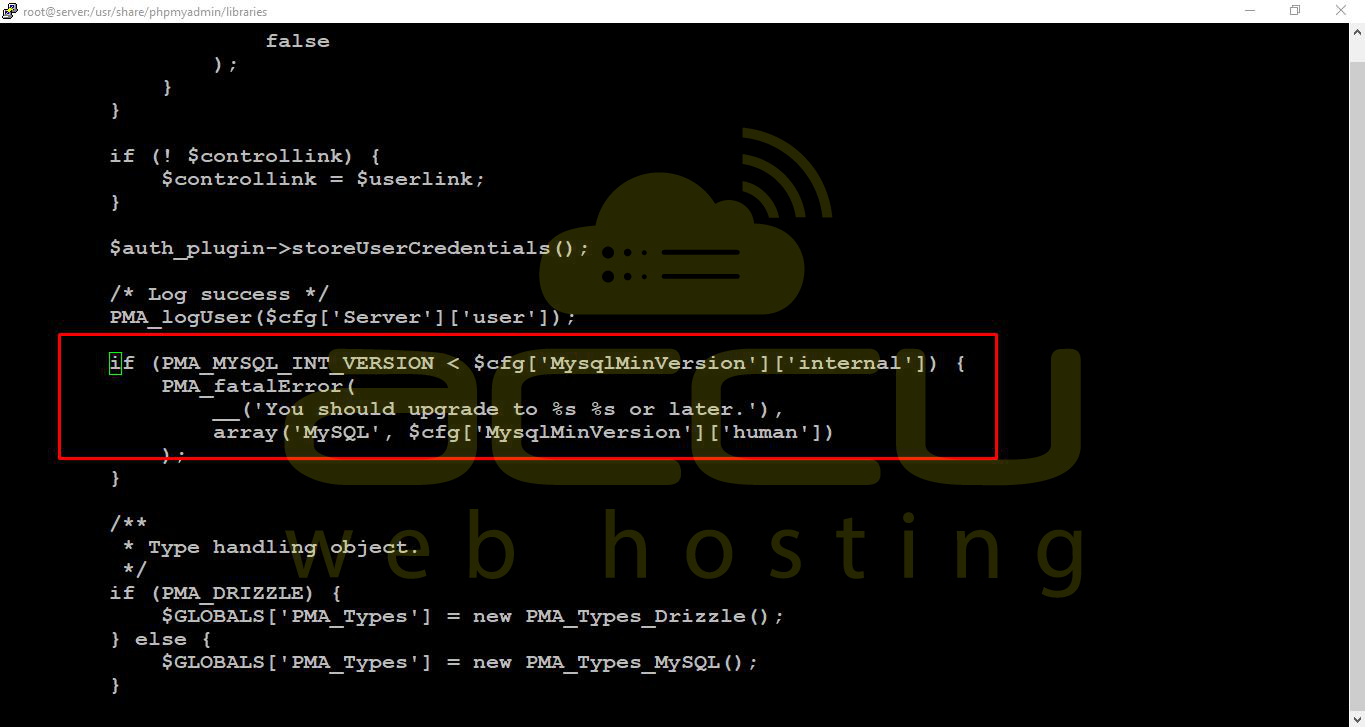
Step 2: Edit the common.inc.php file with an editor and comment out the following code block.
# if (PMA_MYSQL_INT_VERSION < $cfg['MysqlMinVersion']['internal']) {
PMA_fatalError(
__('You should upgrade to %s %s or later.'),
array('MySQL', $cfg['MysqlMinVersion']['human'])
);
} #
Windows
Linux
Step 3: Save the file and access the phpMyAdmin website.