The following article will assist you in installing Memcache on a cPanel/WHM server.
Step 1: Log in to your WHM.
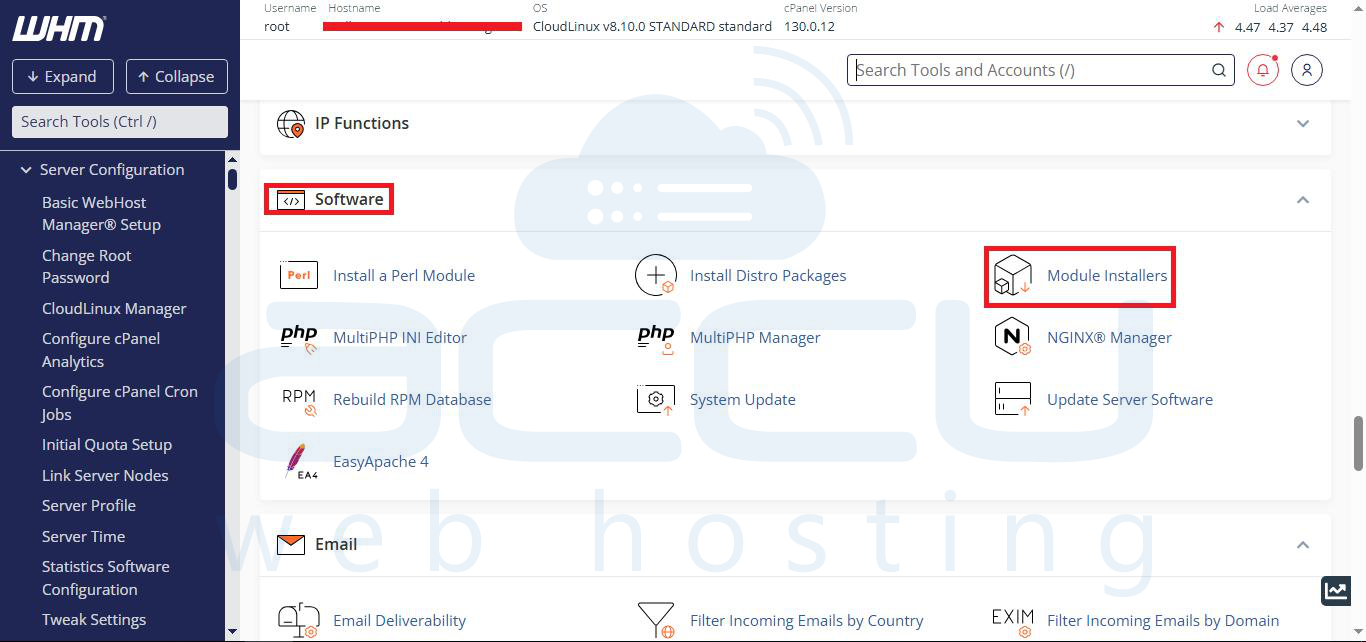
Step 2: Locate the Software section and select Module Installers. Here you will see the list of installed language modules.
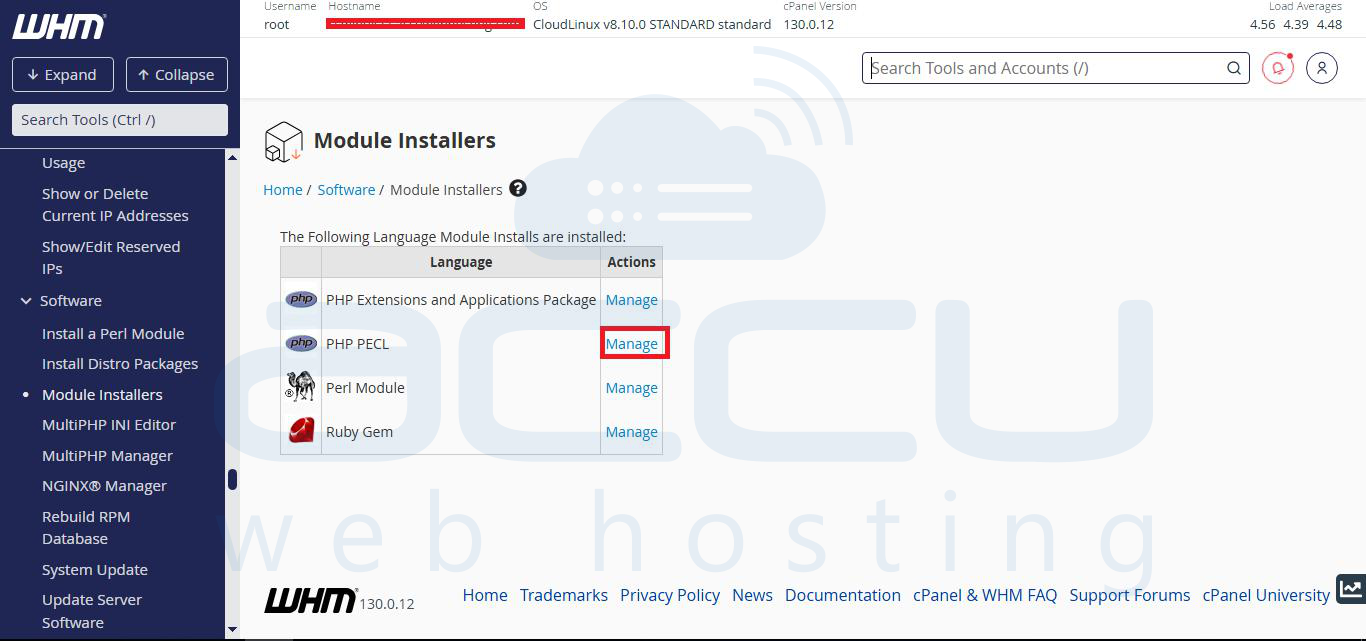
Step 3: Click on the Manage button of the PHP PECL language module.
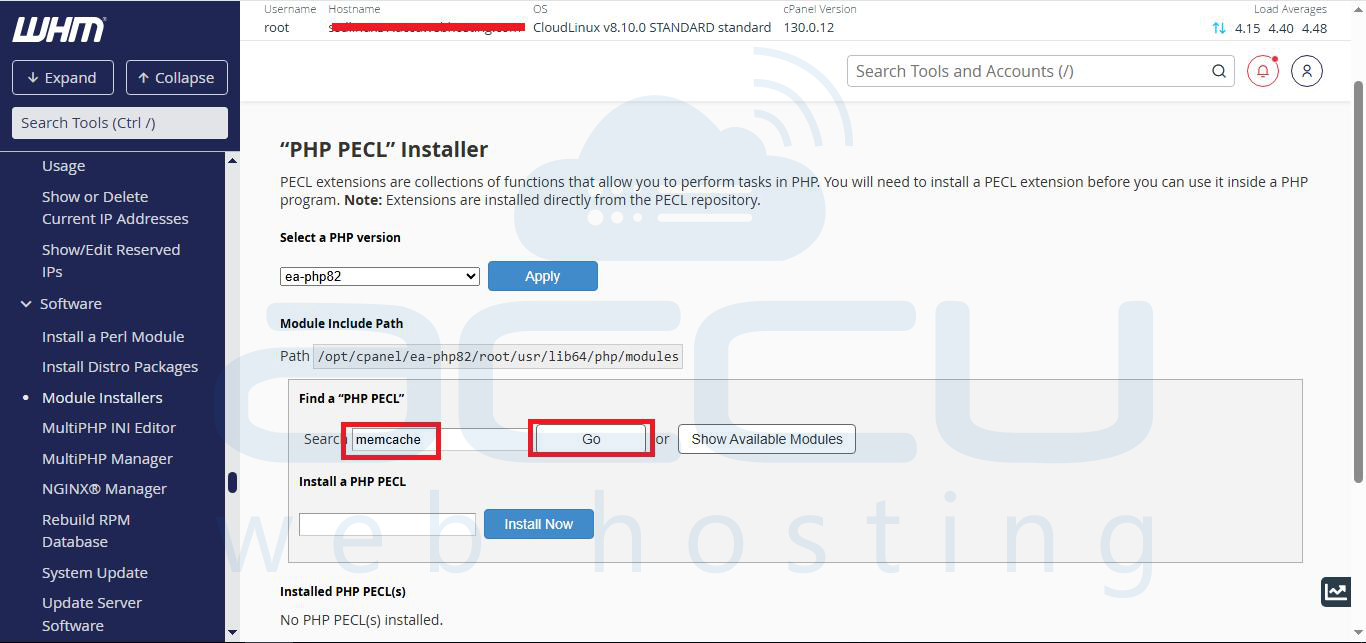
Step 4: Under the Find a PHP Pecl search bar, search for "memcache" and click the Go button.
Step 5: From the search results, install both memcache & memcached.
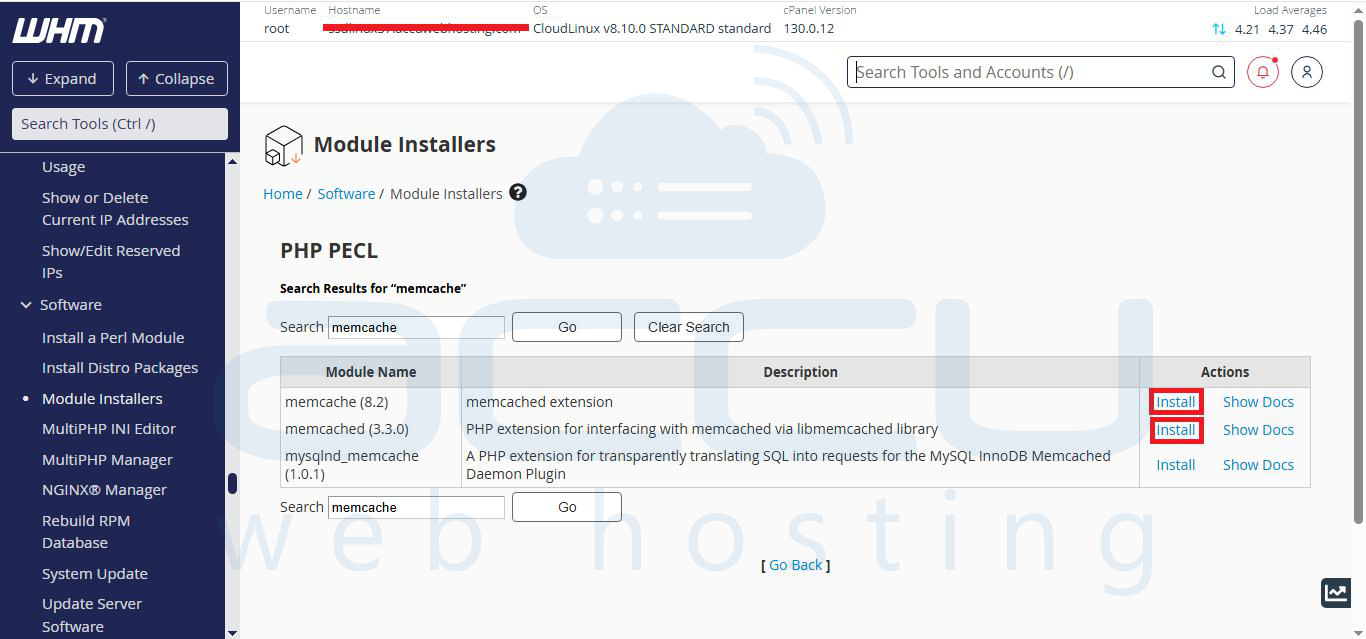
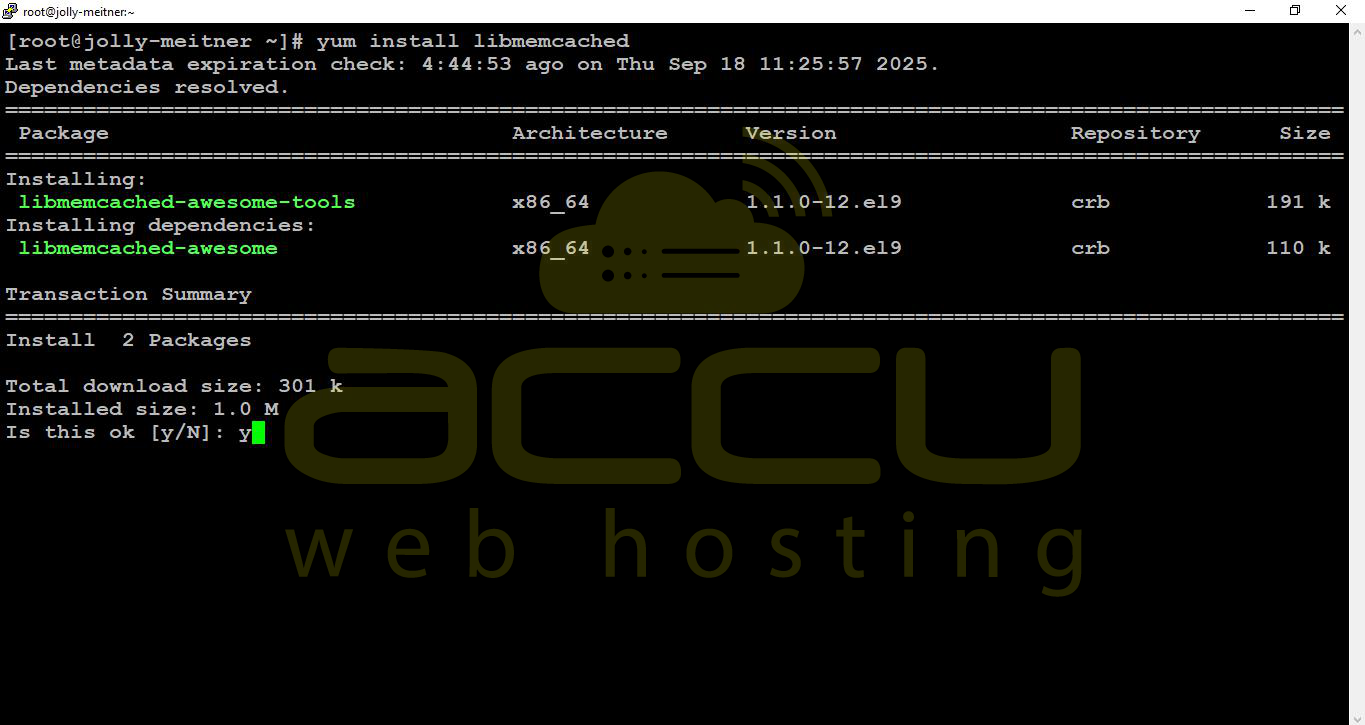
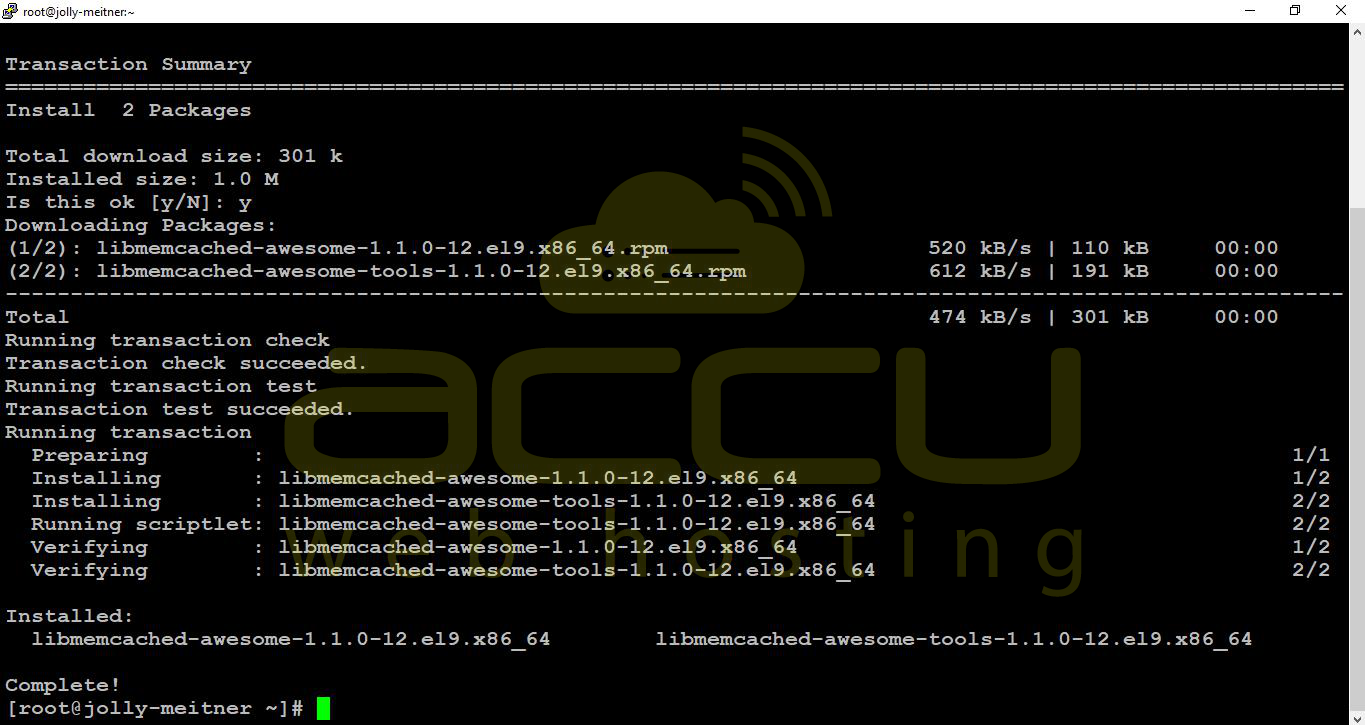
Step 6: At the end of each installation, scroll down to make sure each of them is installed perfectly and does not give any errors. If you receive a dependency error while installing memcached, connect to the server via SSH and run the following command.
# yum install libmemcached
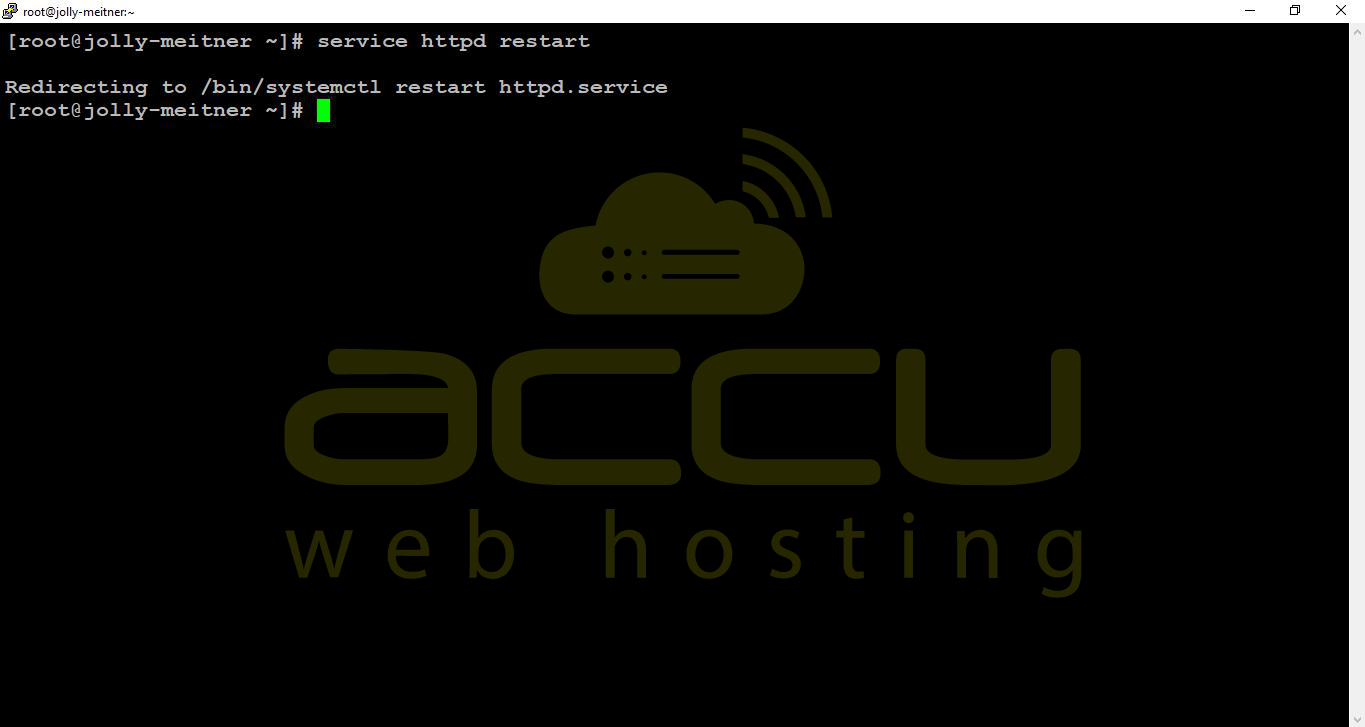
Step 7: Once these PHP Pecls are installed, restart the Apache service by issuing the following command in SSH.
# service httpd restart