
This article will guide you on how to log in to the Cloud VPS Management portal. You can obtain login details from the client area under the "VPS Management Details."
Then follow these steps –
1. Browse the OnApp VPS Management portal URL. The OnApp VPS Management portal login window is shown in the image below -
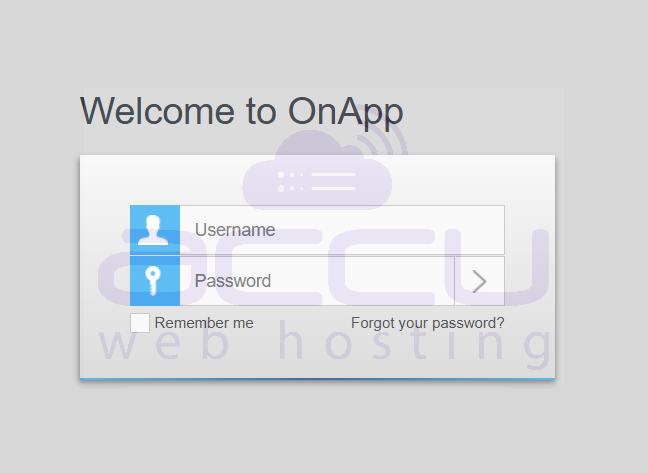
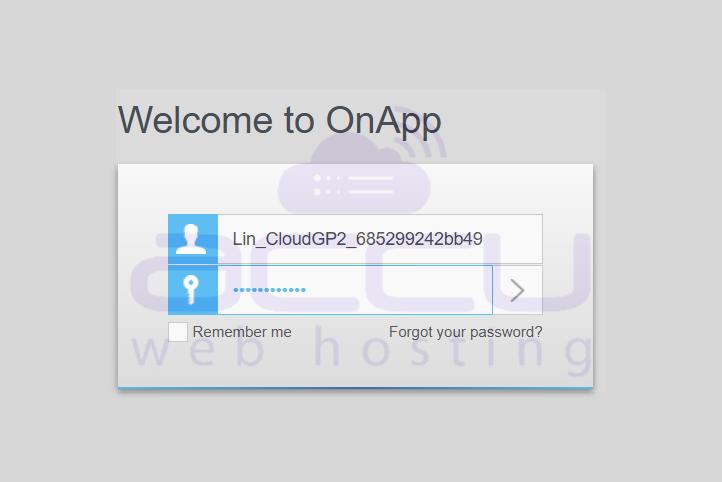
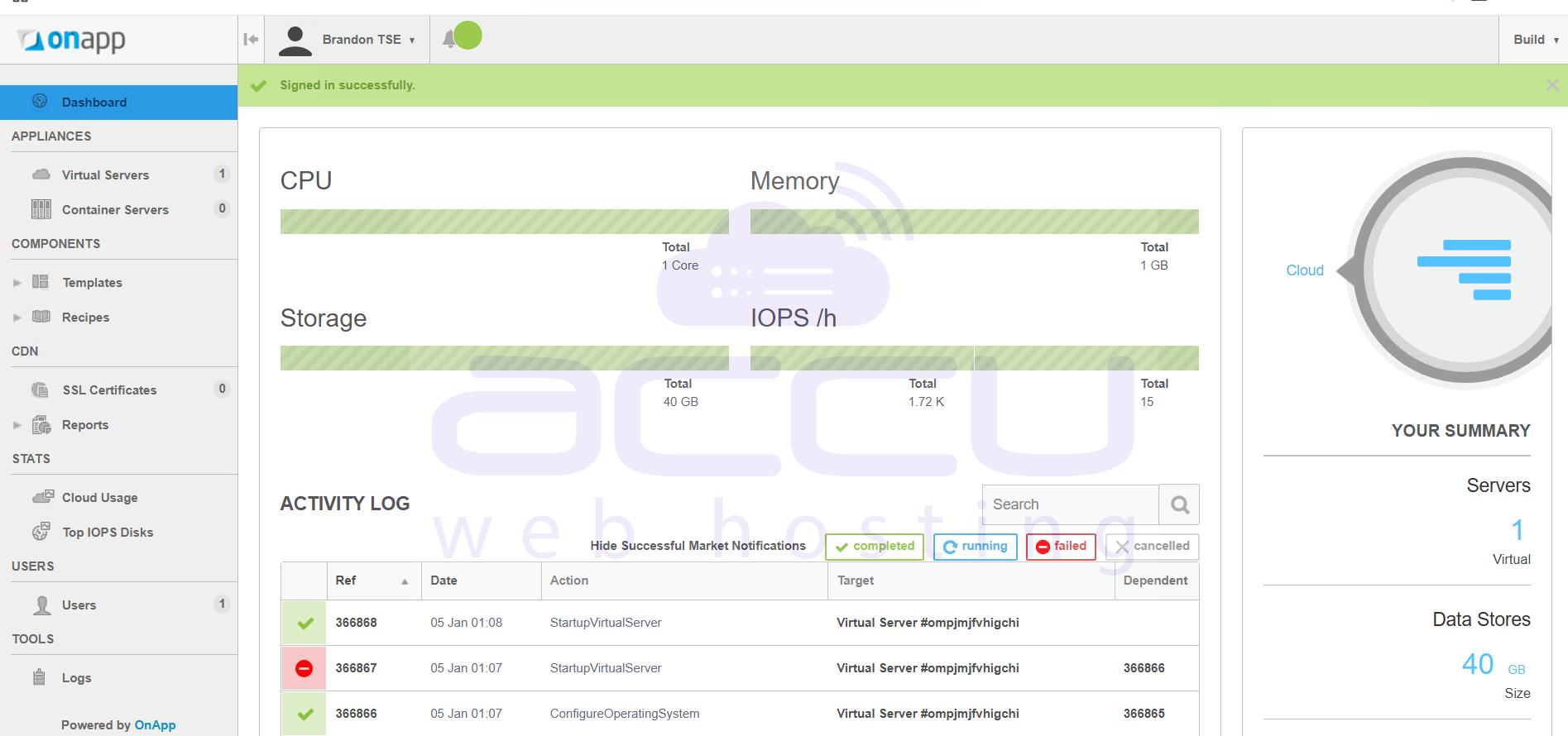
2. Enter your Username and Password in the login window, then click on the > button or enter to log into the OnApp VPS Management Portal.
Read More...
- How do I check the bandwidth of my VPS from the OnApp VPS Management portal?
- How to log in to VPS Console via OnApp?


