
You can add a new domain to the multiple domains Shared Web Hosting plan through the Addon Domain feature of cPanel.
To add a new domain,
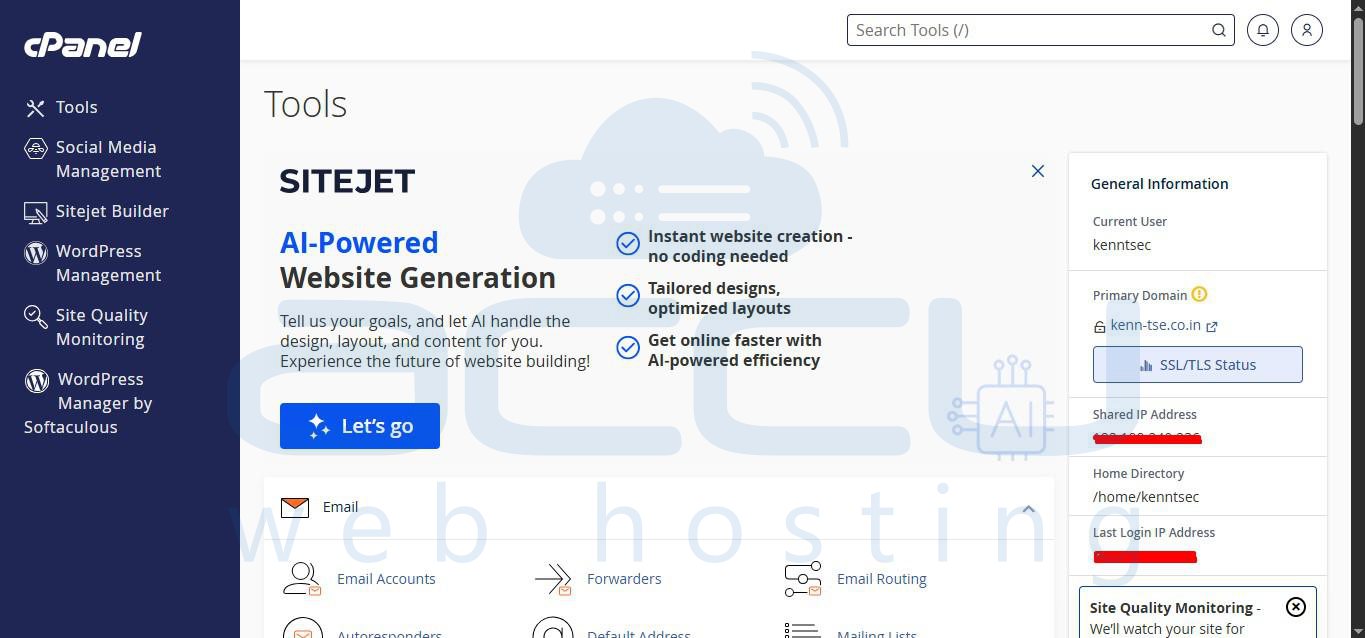
- Log in to your cPanel account.
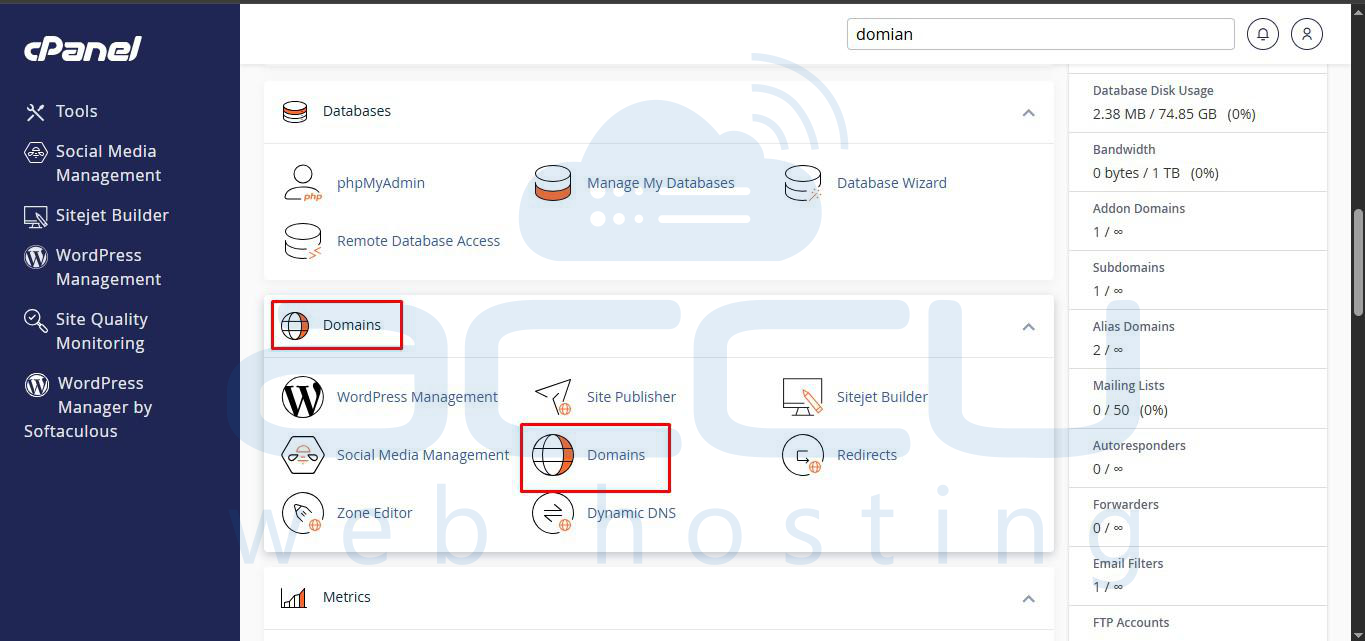
- Search for Domains; you can see it below the Domains category.
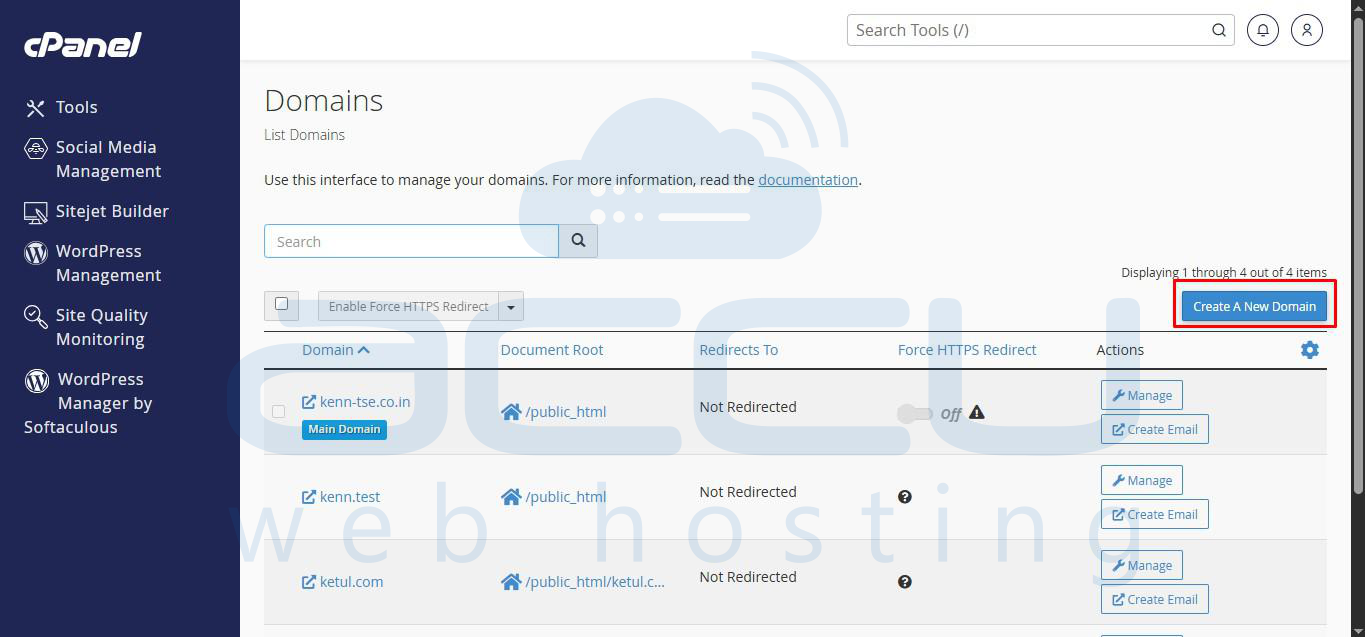
- Click on the Create A New Domains icon and add a new domain.
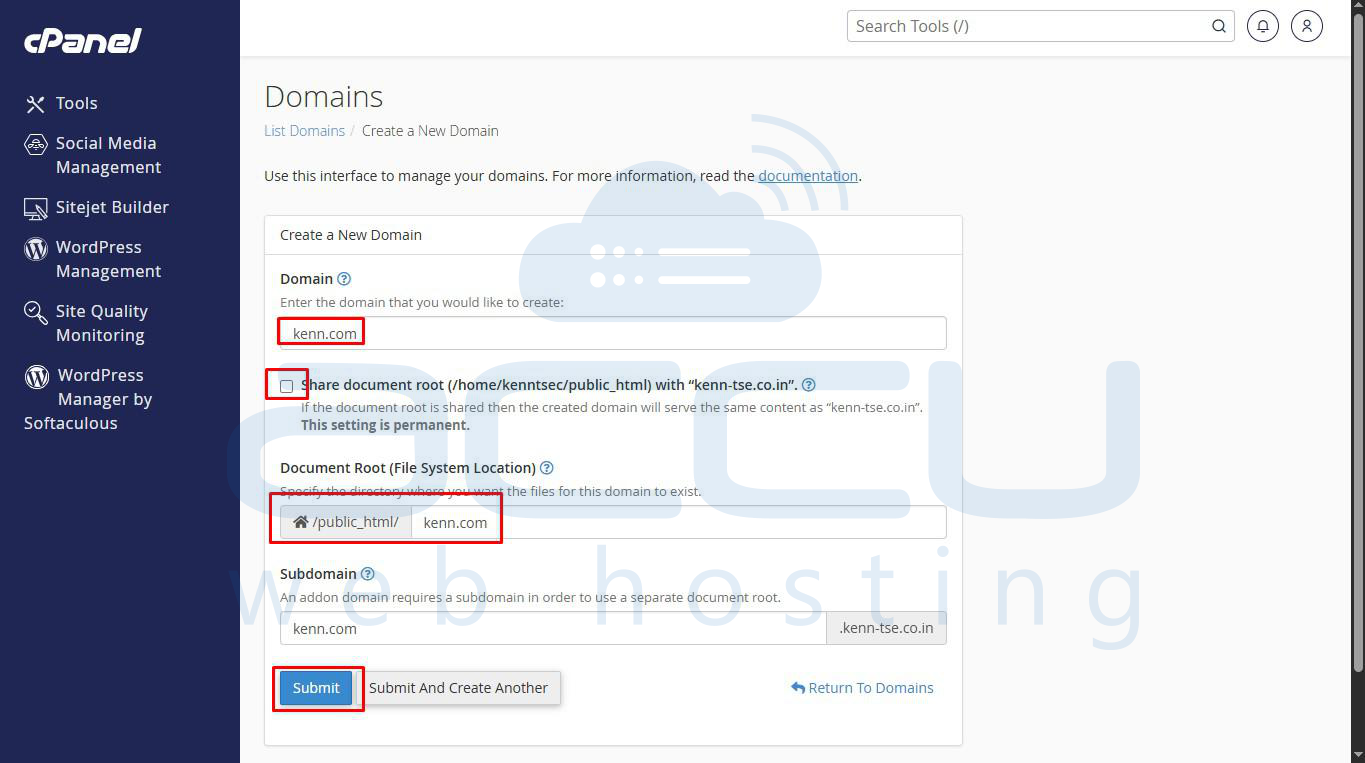
- On the next page, enter your add-on domain name, untick Share document root click on Submit to add an add-on domain
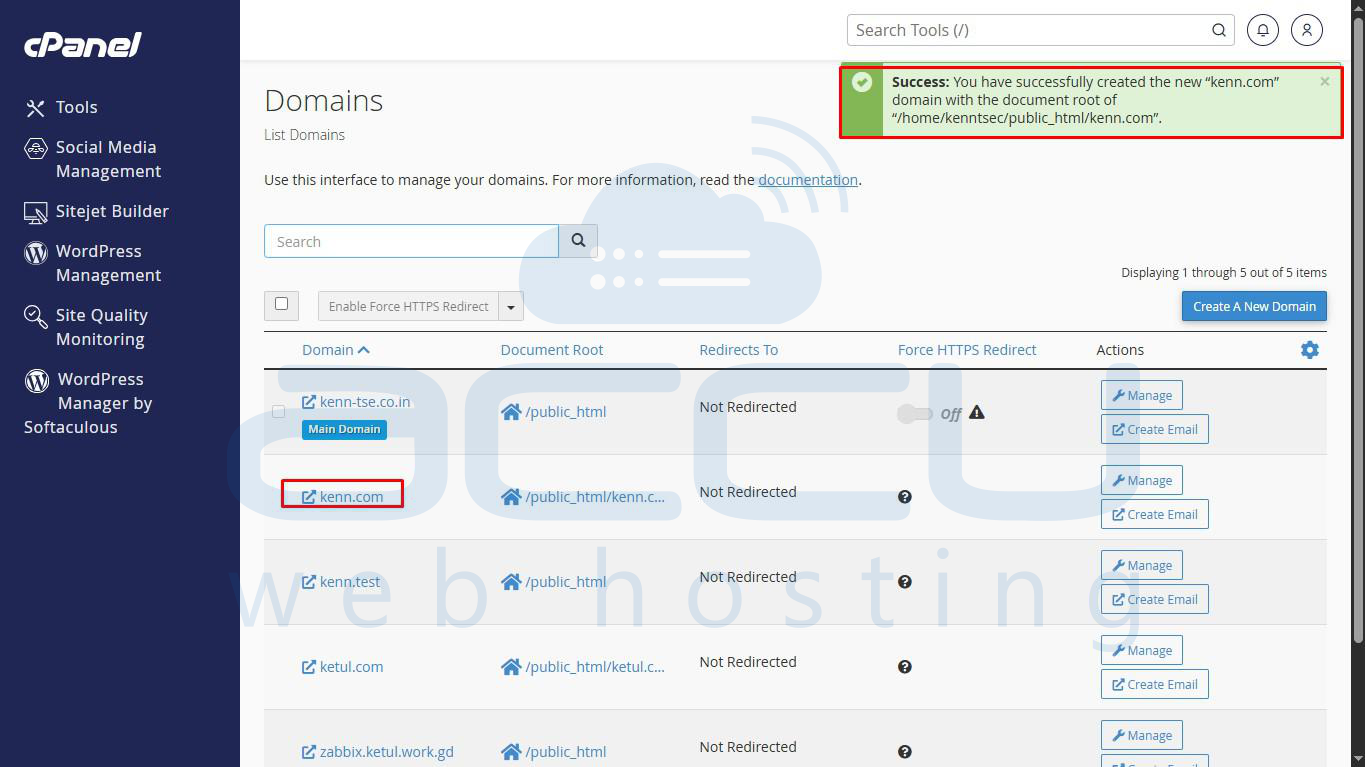
You can refer to our Knowledgebase article for detailed steps on How to Create an Addon domain in cPanel?


