
We offer in-house caching services to ensure your website is delivered faster, no matter where you are in the world. If your site is in production mode and you do not want to wait for the CDN to refresh, you are able to purge your cache.
Steps for setting up Automatic Cache Expiry:
- Login to the client area.
- Go to Services → My Services.

- Click on View Details for the CDN package.

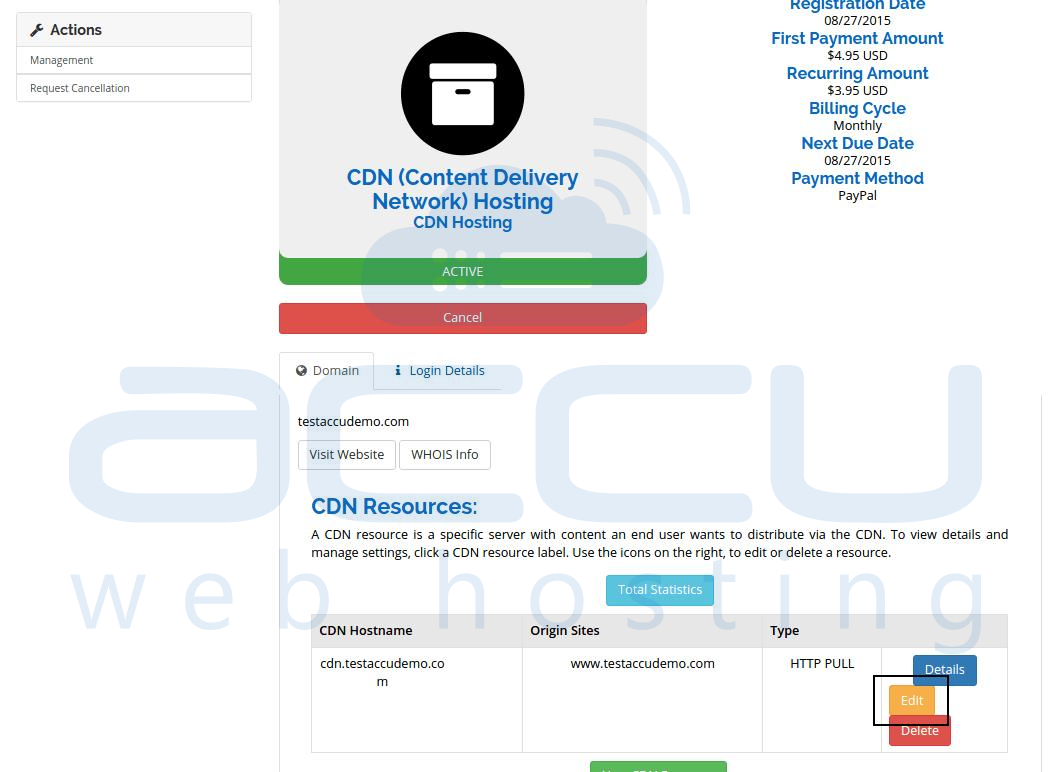
- Click on the Edit button for your CDN resource.
- Click on the Advanced Settings option.

- Here, you will find the option Cache Expiry.

- Set the cache expiry limit in seconds and click the Edit CDN Resource button.
Steps for Purging CDN Cache:
- Login to your client area.
- Go to Services → My Services.
- Click on View Details for the CDN package.
- Click on the Edit button for your CDN resource.
- At the bottom, under Purge, select the Purge All Contents of This Site option and click on the Edit CDN Resource button.

→ Want to know about the Bandwidth usage if you are using the CDN? Please refer to CDN Bandwidth Usage for more details.


