
It is a very important and useful function of PHP to return information. It includes information about PHP compilation options and extensive version, server information and environment, PHP environment, OS version information, paths, HTTP headers and the PHP license. Please note that you can get PHP information not only from the browser but also from the command line.
Please refer to the following steps to create a phpinfo file.
Step 1: Log in to the cPanel account. Please refer to how to log in to cPanel for more details.
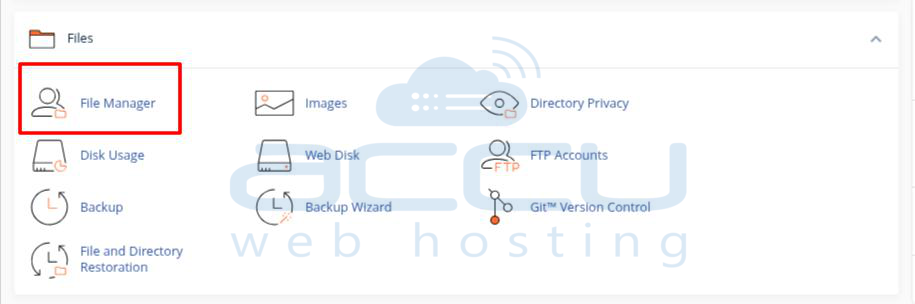
Step 2: Navigate to File Manager and go to the public_html folder.
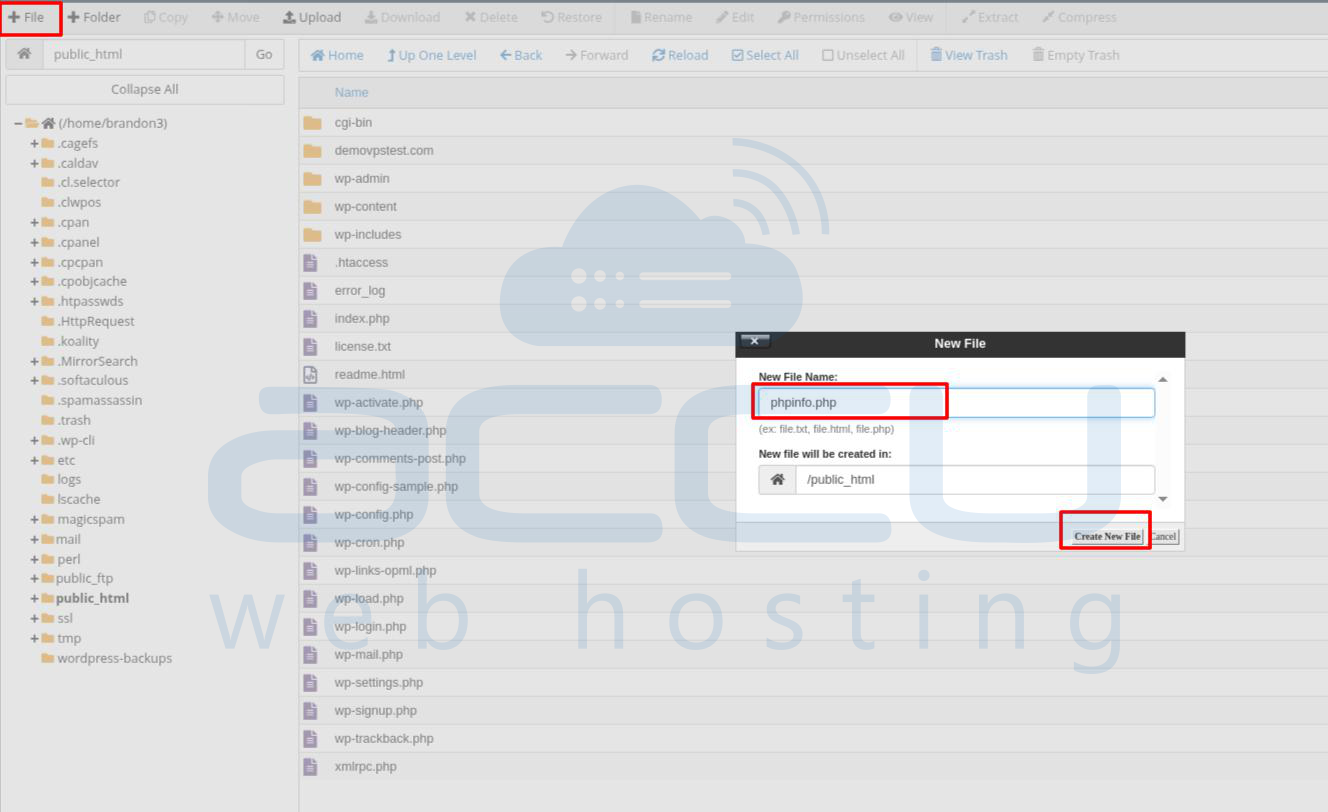
Step 3: From the header, choose to Create New File and give the file name phpinfo.php.
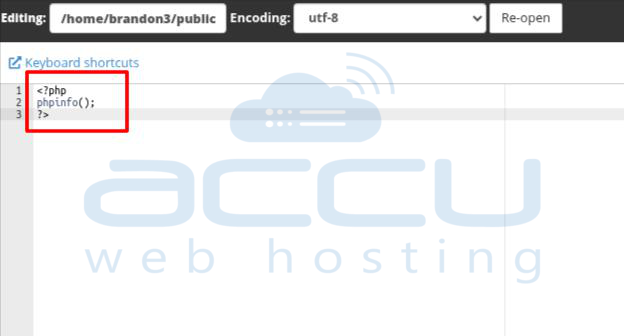
Step 4: Edit the phpinfo.php file and insert the lines below in it.
<?php
 phpinfo();
?>
Step 5: Now, we have created a phpinfo file. So, it is time to view that file.
Step 6: Kindly go to the browser and access it with “your IP Address/phpinfo.php” or with a temporary URL, it will return the PHP information like version, environment.
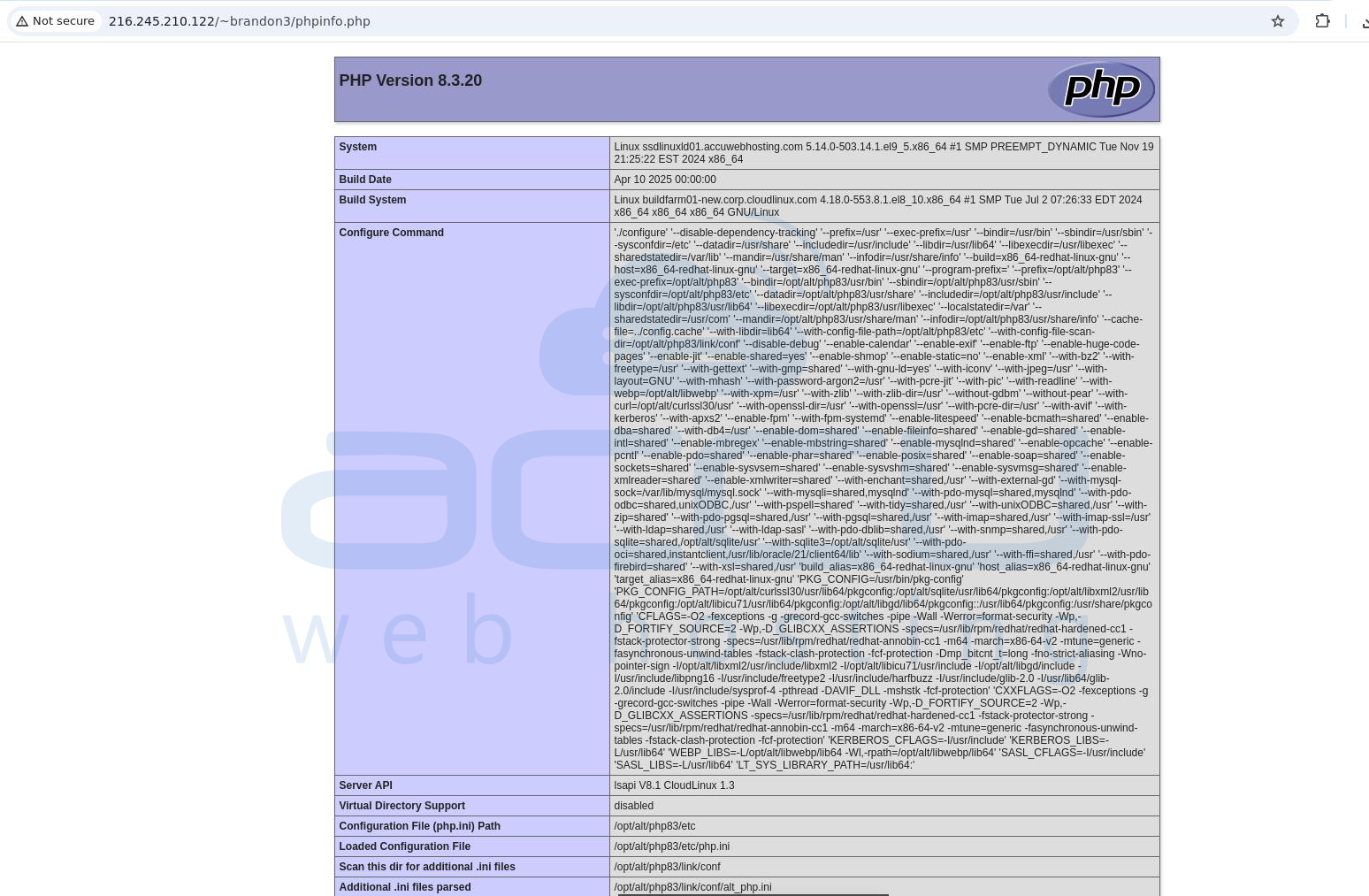
This is how you can create and view the PHPInfo page in Linux.


