
This article is about resolving an error occurring while configuring MySQL service in Website Panel. Net Connector while configuring MySQL service in WebsitePanel in Windows VPS. When we try to configure MySQL service in WebsitePanel, it throws an error as illustrated in the following figure:
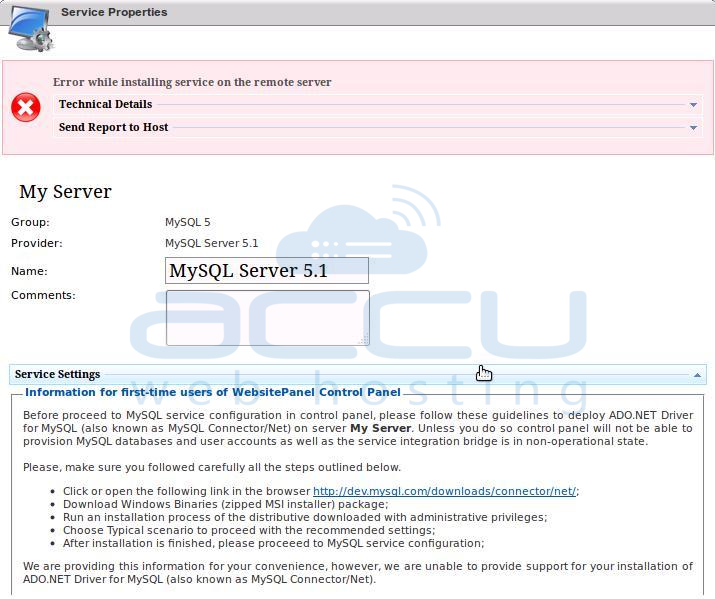
This is the error regarding MySQL Net Connector 6.3.7, which might not be compatible with WebsitePanel version. You need to install My SQL Net Connector 6.2.5 by referring the below-mentioned URL:
http://dev.mysql.com/downloads/connector/net/6.2.html
Step-1: Select MySQL Connector/Net version 6.2.5 and select the platform as Microsoft Windows. Select the appropriate Windows platform of MSI Installer as shown in the below figure:
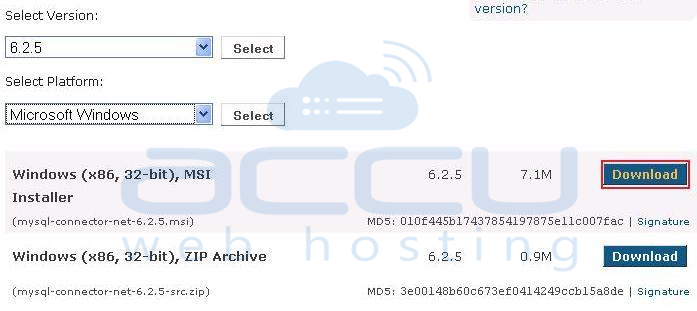
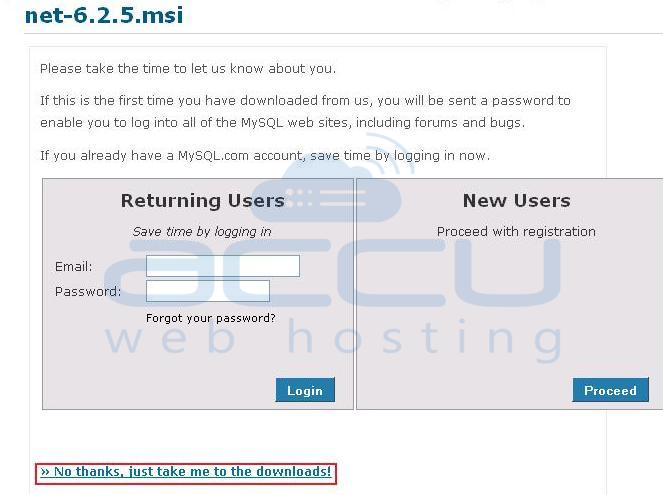
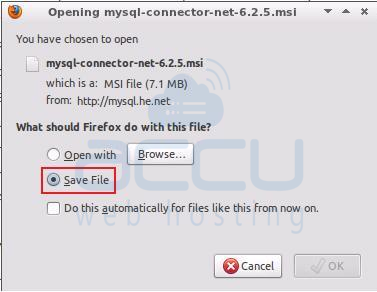
Step-2: Download this connector as shown in the below figures:
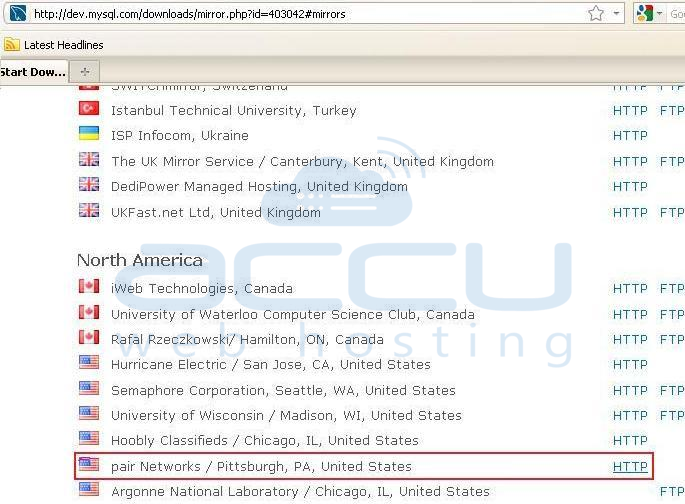
Step-3: Select installer as per the location.
Step-4: Install this .msi file in your VPS and complete the configuration steps. In this way, you can install MySQL Net Connector 6.2.5, in order to avoid the configuration error in the WebsitePanel of your VPS.
However, you can also refer the below mentioned URL, in order to get MySQL connector 6.3.4:
