
Apache HTTP Server is one of the most widely used web servers for hosting websites and web applications on Linux systems. During a fresh installation, configuration change, or service restart, administrators may encounter the following warning:
AH00558: apache2: Could not reliably determine the server's fully qualified domain name, using 192.168.1.10. Set the 'ServerName' directive globally to suppress this message
Although this message appears alarming, it is important to understand that AH00558 is a warning rather than a fatal error. In most cases, Apache continues to start and serve web content without interruption. However, the warning indicates that Apache cannot determine the server's Fully Qualified Domain Name (FQDN), which it uses to identify itself internally.
This warning commonly occurs on newly installed servers, virtual machines, cloud instances, or systems where a global ServerName directive has not been configured. When Apache cannot identify a valid hostname, it falls back to using the server's IP address and displays the AH00558 warning to notify the administrator that additional configuration is recommended.
While the warning may not immediately affect a single website, leaving it unresolved can create confusion when troubleshooting Apache, configuring multiple virtual hosts, or reviewing server logs. Configuring a proper global ServerName helps Apache identify itself correctly and prevents unnecessary warning messages during configuration tests and service restarts.

Symptoms
When the AH00558 warning occurs, you may observe one or more of the following symptoms:
-
Apache displays the warning while restarting the service using systemctl restart apache2 or systemctl restart httpd.
-
The warning appears when testing the Apache configuration with apachectl configtest.
-
The message is displayed immediately after installing Apache on a new server.
-
Apache starts successfully and continues serving websites despite displaying the warning.
-
The server's IP address is shown in place of a valid Fully Qualified Domain Name (FQDN).
-
Running apachectl -S displays the same warning before listing the virtual host configuration.
-
Administrators may experience confusion when configuring multiple virtual hosts because Apache has not been assigned a global server identity.
-
System logs and diagnostic messages may repeatedly include the AH00558 warning until it is resolved.
Understanding the Error
To understand why this warning occurs, it is important to know how Apache identifies the server on which it is running.
Apache uses the ServerName directive as its primary identifier. This directive specifies the hostname that Apache should use when identifying itself, generating redirects, and selecting the appropriate virtual host configuration.
When a global ServerName directive is not configured, Apache attempts to determine its identity automatically by checking several system sources in the following order:
-
The system hostname configured in /etc/hostname.
-
Hostname mappings defined in /etc/hosts.
-
DNS records that resolve the server's hostname into a Fully Qualified Domain Name (FQDN).
If Apache cannot obtain a valid Fully Qualified Domain Name from any of these sources, it falls back to using the server's IP address. Since Apache considers this an incomplete configuration, it generates the AH00558 warning to notify the administrator.
In this case study, you will learn how to reproduce the AH00558 warning on a fresh Ubuntu 24.04 LTS server, investigate its root cause, and resolve it using the recommended Apache configuration. Although the demonstrations in this guide are performed on Ubuntu 24.04, the same concepts and solutions also apply to Debian, CentOS, AlmaLinux, Rocky Linux, and other Linux distributions that use Apache HTTP Server.
Step 1: Update the Server
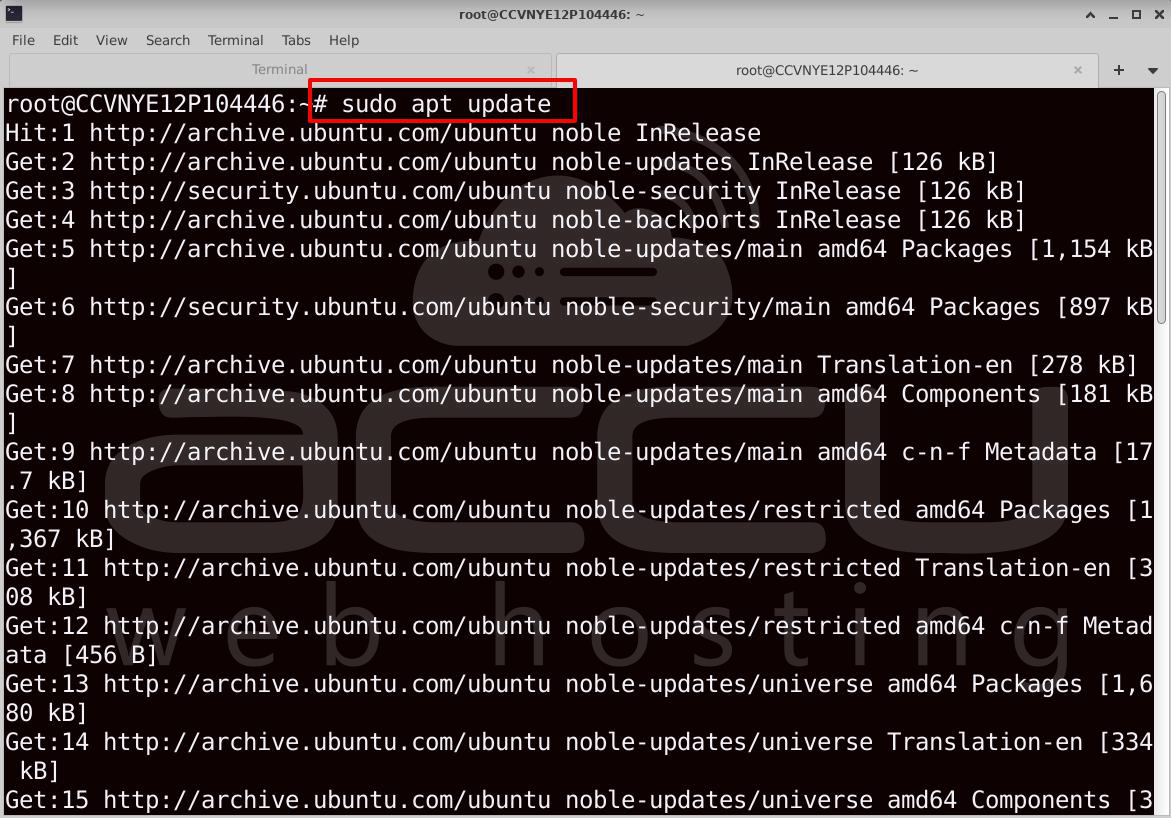
Before installing Apache, ensure that your Ubuntu server is fully up to date. Updating the package repository and upgrading installed packages helps prevent compatibility issues and ensures you are working with the latest security patches.
#sudo apt update
# sudo apt upgrade -y
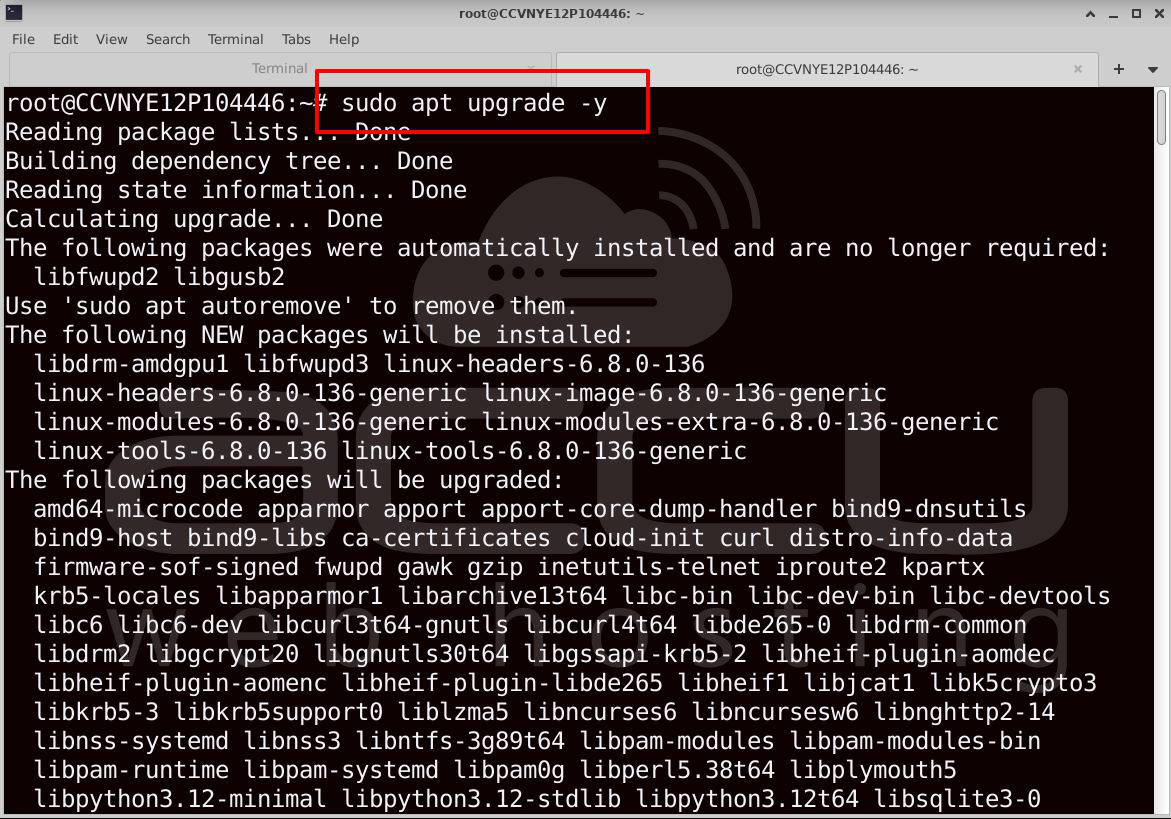
If the upgrade installs a new kernel or requests a reboot, restart the server.
# sudo reboot
Reconnect to the server after it has restarted.
Step 2: Verify the Operating System
Before proceeding with the installation, verify that the server is running Ubuntu 24.04 LTS. This ensures the commands and configuration paths used throughout this guide match your operating system.
# cat /etc/os-release
The output should indicate that the operating system is Ubuntu 24.04 LTS.

Step 3: Install Apache
With the server updated, the next step is to install the Apache HTTP Server from Ubuntu's default package repository.
#sudo apt install apache2 -y
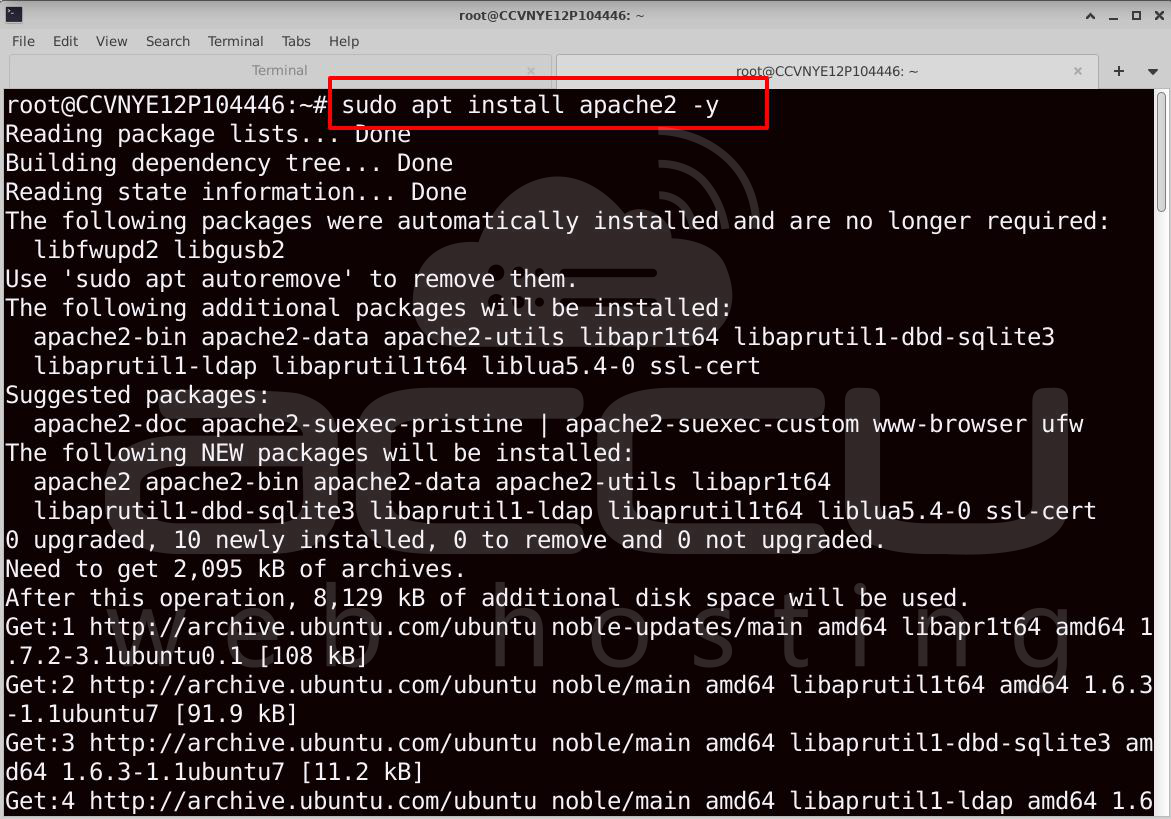
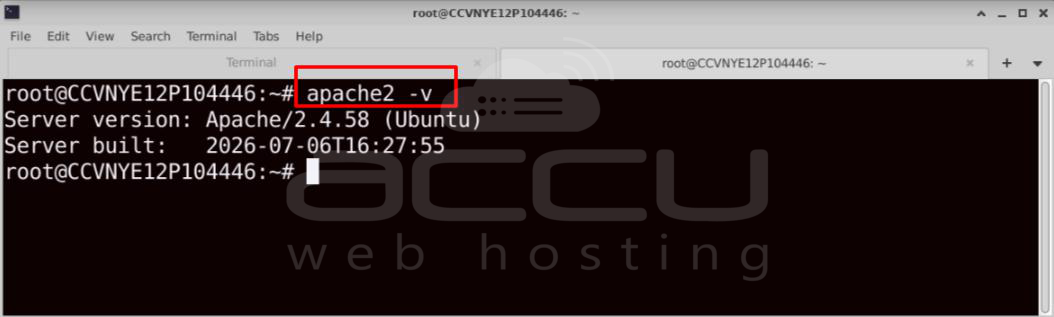
After the installation completes, verify the installed Apache version.
# apache2 -v
The output should display the installed Apache version.
Step 4: Verify the Apache Service
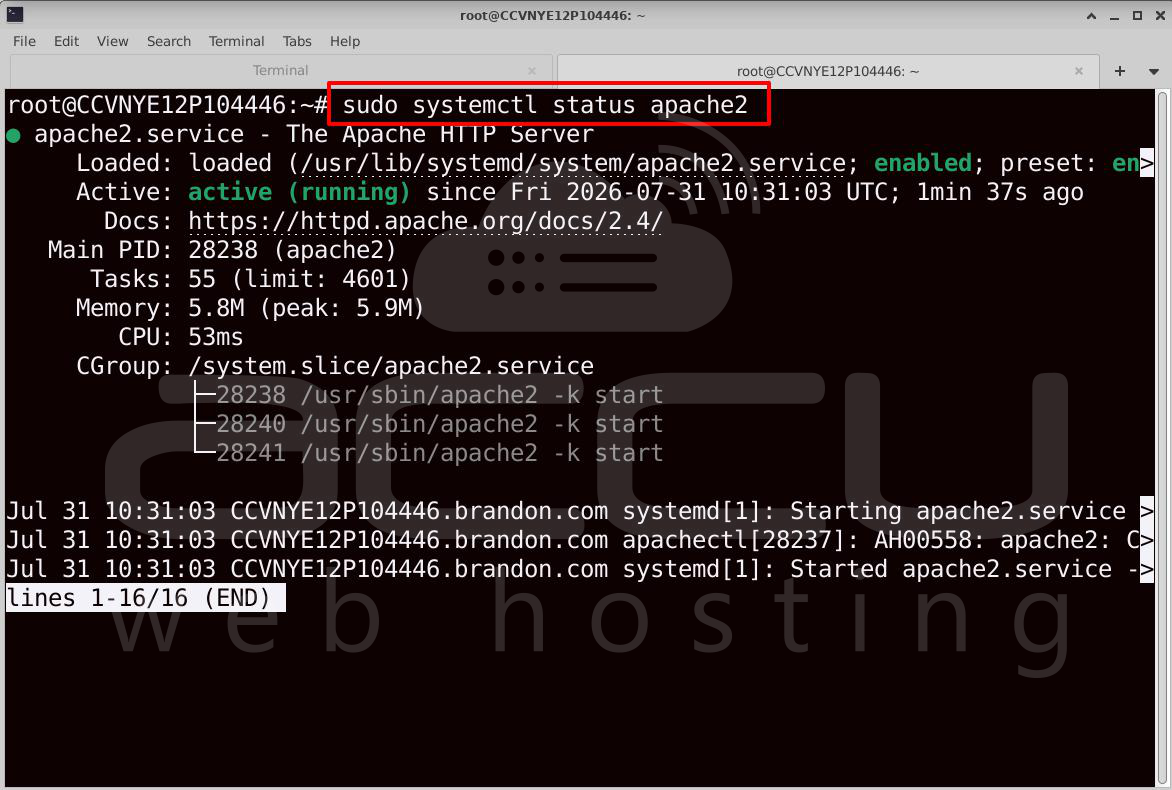
After installation, confirm that the Apache service has started successfully and is running without any issues.
#sudo systemctl status apache2
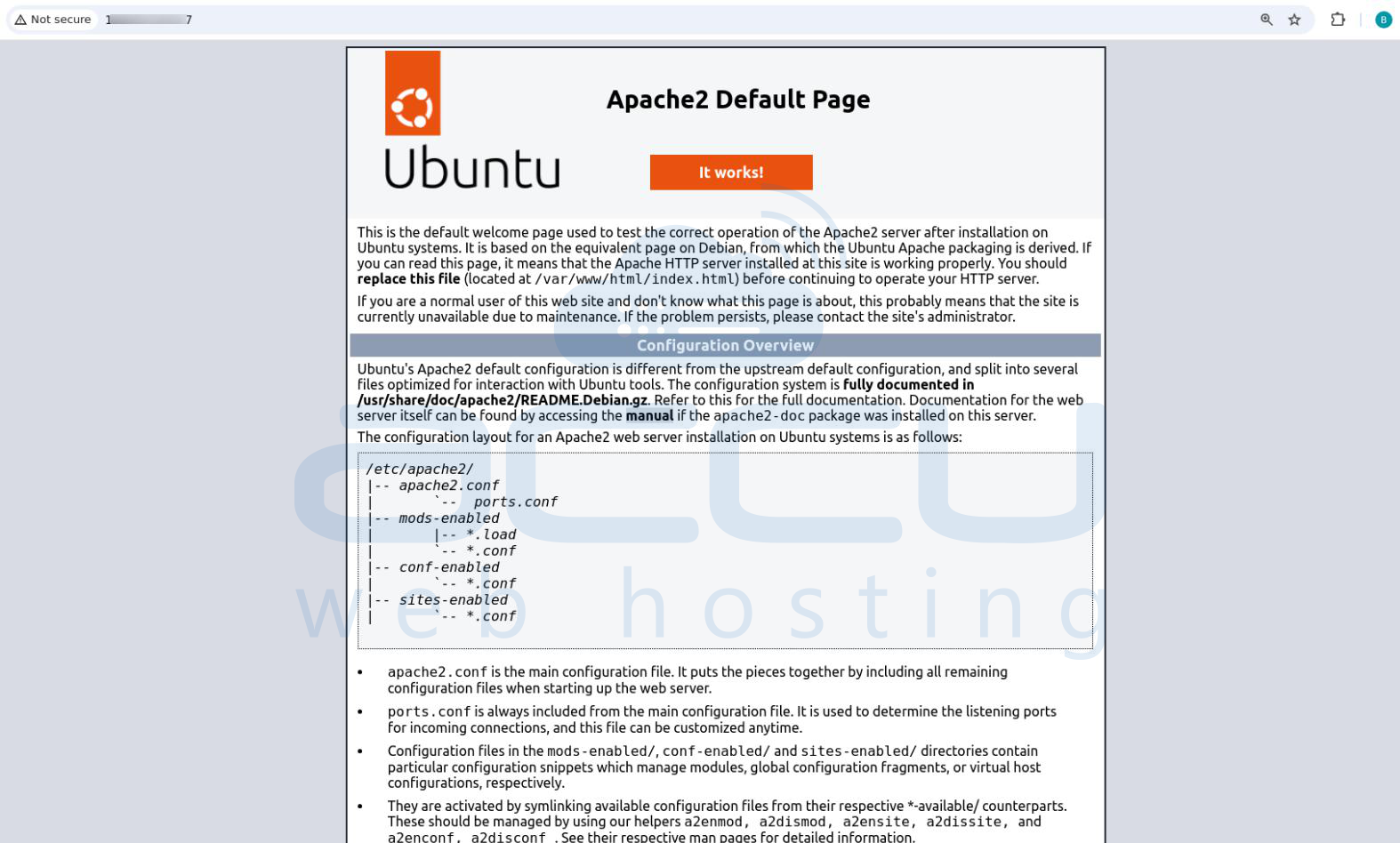
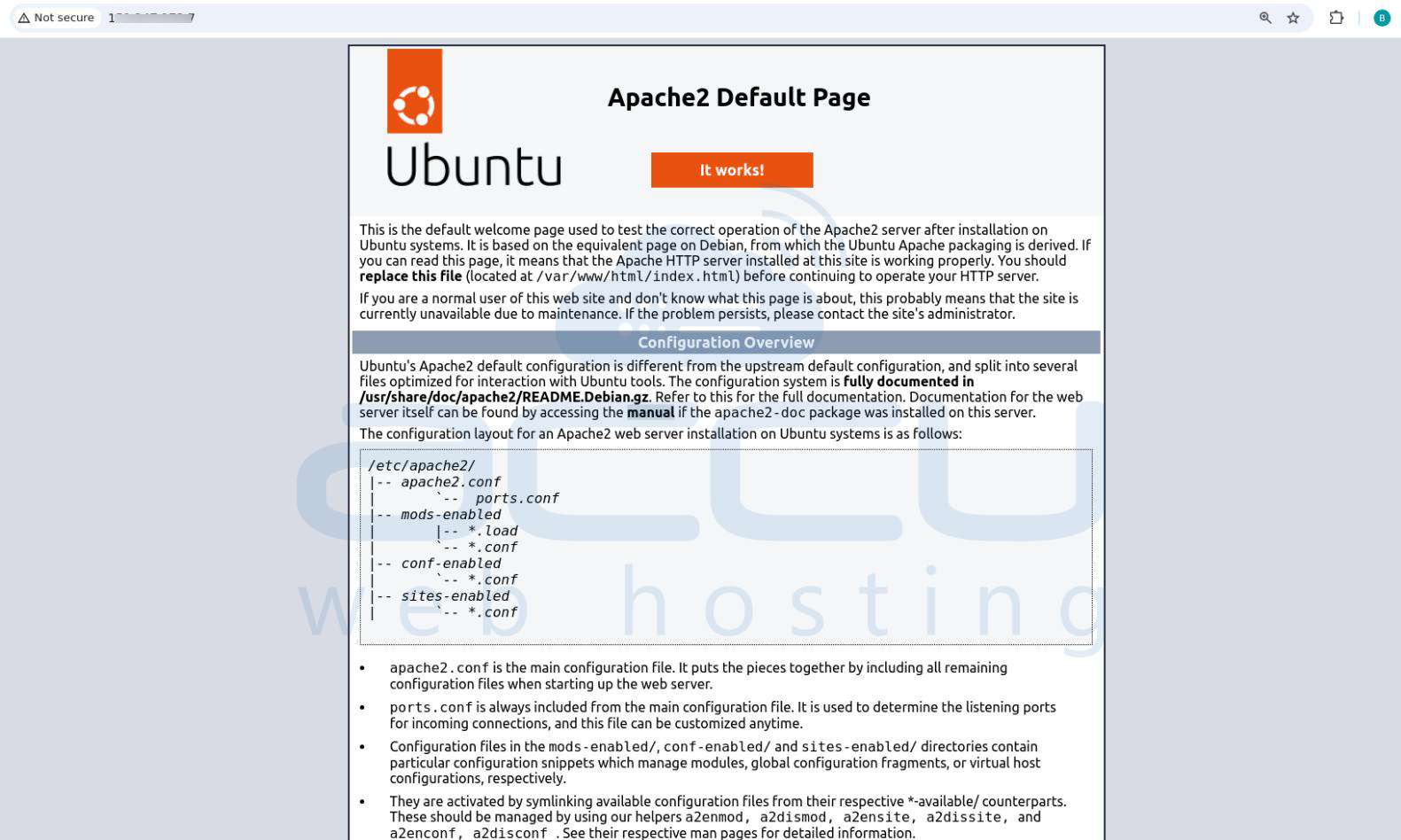
You can also verify the installation by opening the following URL in a web browser:
http://SERVER_IP
If Apache is working correctly, the default Apache welcome page will be displayed.
Step 5: Check the Apache Configuration
Now verify Apache's configuration to determine whether the server already displays the AH00558 warning. This command checks the configuration syntax without making any changes.
# sudo apachectl configtest
On many fresh Ubuntu installations, the following warning may appear:
AH00558: apache2: Could not reliably determine the server's fully qualified domain name, using SERVER_IP.
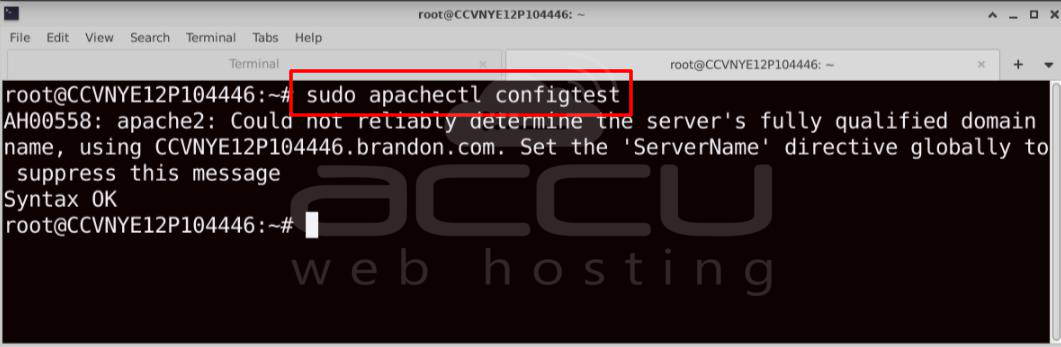
This warning indicates that Apache is unable to determine the server's Fully Qualified Domain Name (FQDN).
Step 6: Verify the Global ServerName Configuration is Disabled
To understand why the warning appears, verify whether a global ServerName configuration exists. Apache generates this warning when no global ServerName directive is configured.
#ls -l /etc/apache2/conf-enabled/
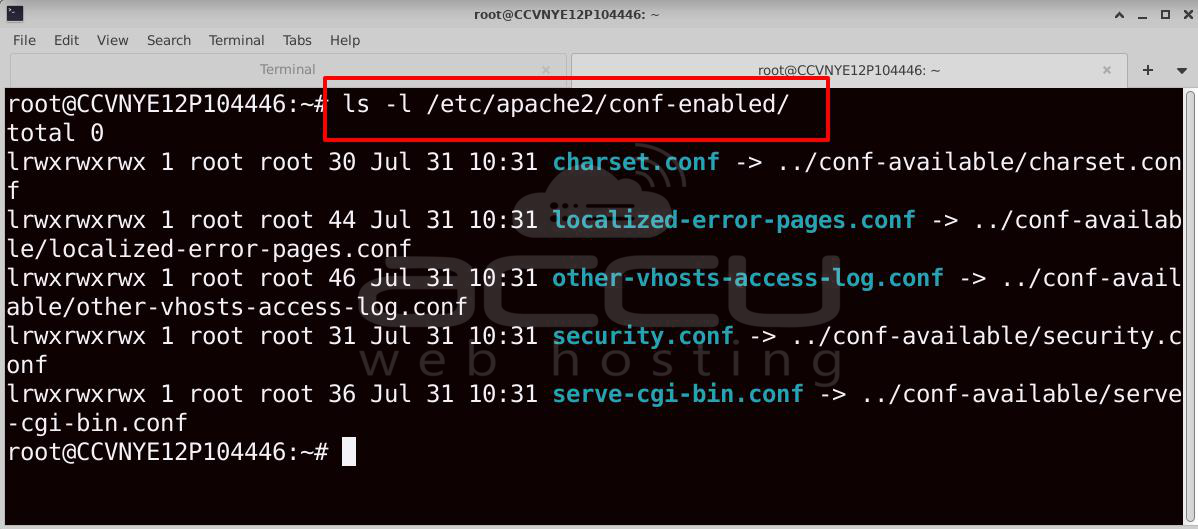
If servername.conf is not present, Apache does not have a global ServerName configured.
You can also display Apache's virtual host configuration by running:
# apachectl -S
The output may begin with:
AH00558: apache2: Could not reliably determine the server's fully qualified domain name...
This confirms that Apache cannot determine its server identity.

Step 7: Investigate the Cause
The next step is to determine why Apache cannot identify its Fully Qualified Domain Name. Begin by checking the system hostname.
# hostname
Then check the Fully Qualified Domain Name:
#hostname -f
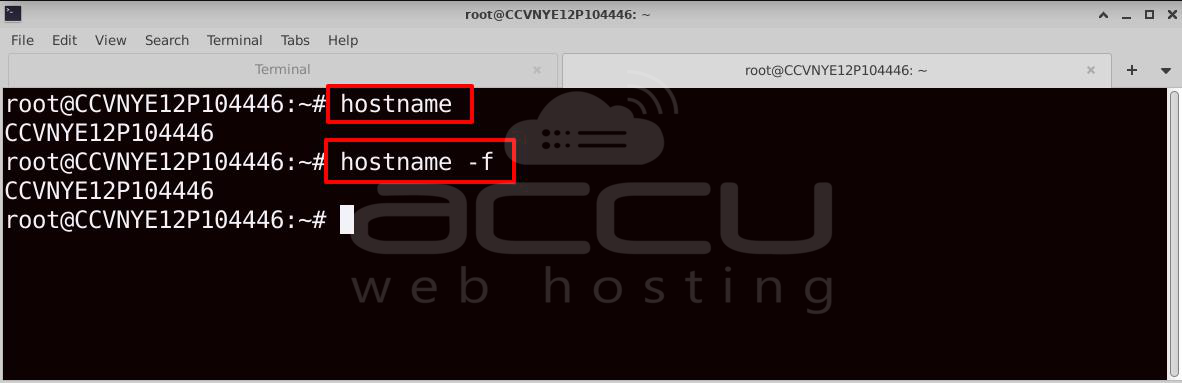
If the server has only a short hostname or cannot resolve a valid FQDN, Apache falls back to the server's IP address and displays the AH00558 warning.
Step 8: Fix the Warning
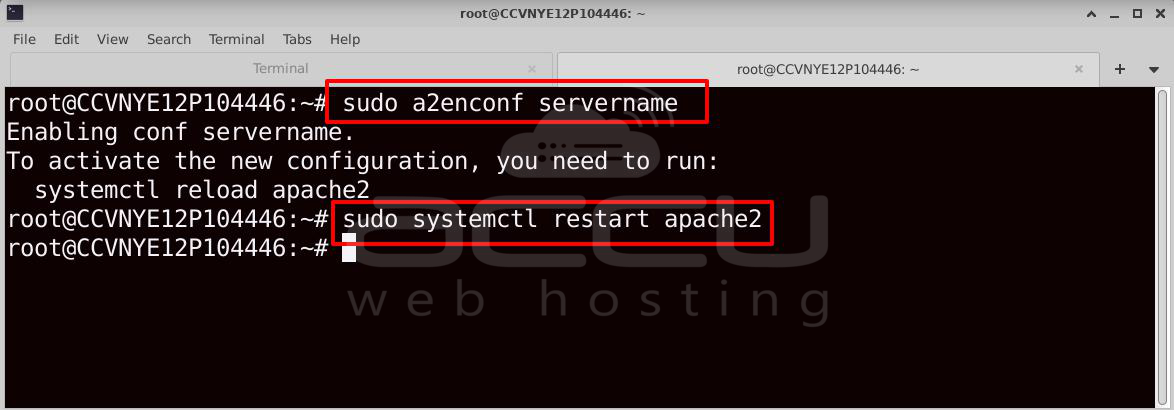
The recommended solution is to configure a global ServerName directive. If you have already created the servername.conf file, simply enable it and restart Apache.
# sudo a2enconf servername
Restart Apache:
# sudo systemctl restart apache2
This allows Apache to identify itself correctly and suppresses the AH00558 warning.
Step 9: Verify the Resolution
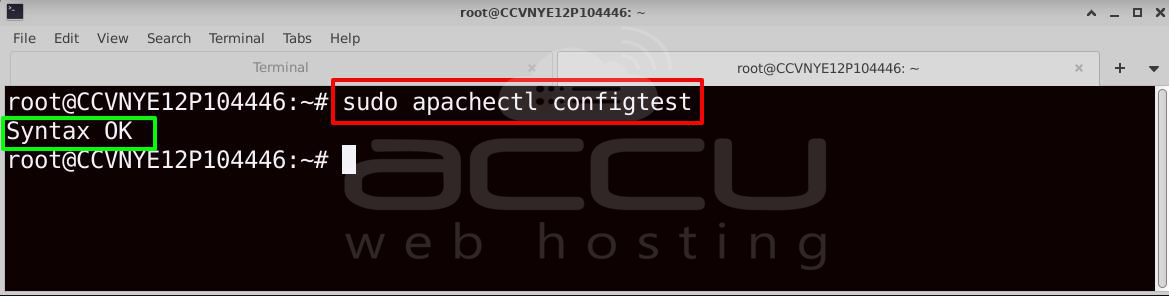
After applying the configuration, verify that the warning has been resolved by running another configuration test.
# sudo apachectl configtest
The expected output is:
Syntax OK
The absence of the AH00558 warning confirms that Apache can now determine its Fully Qualified Domain Name successfully.
Step 10: Confirm Apache is Running Normally
Finally, verify that Apache is operating normally after applying the fix.
#sudo systemctl status apache2
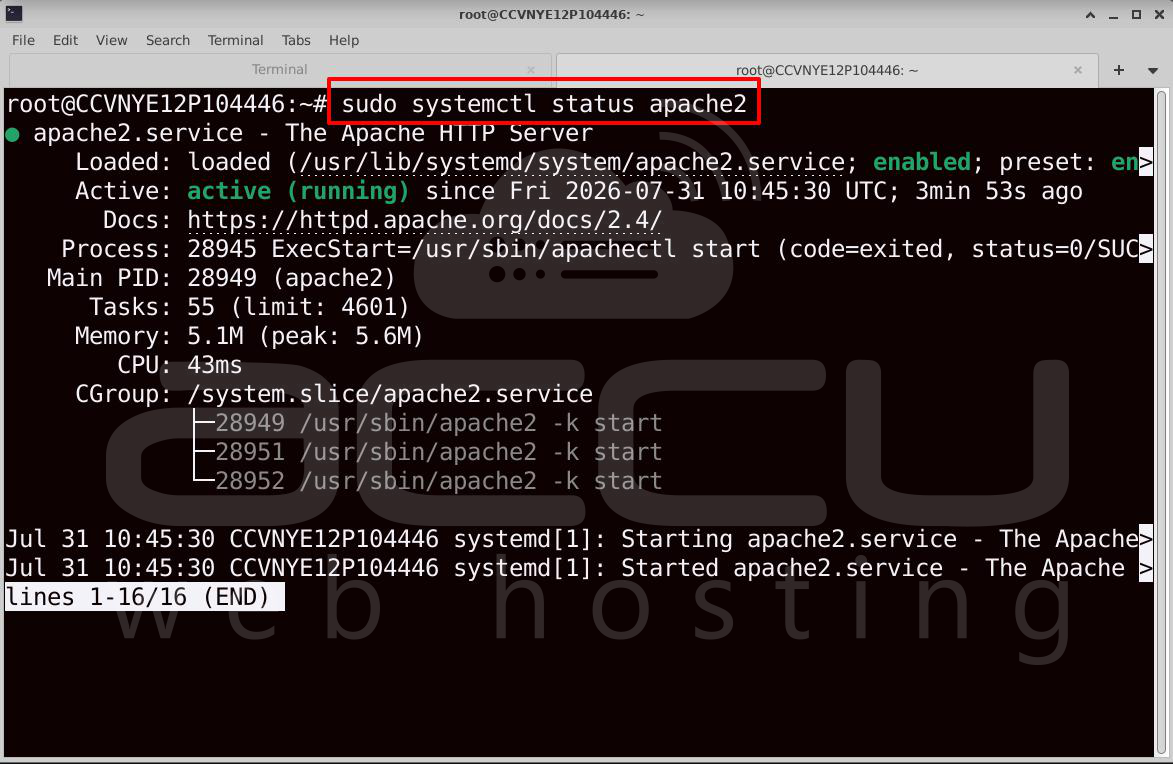
Then open the server in a web browser:
http://SERVER_IP
The default Apache welcome page should load successfully, confirming that Apache is running correctly and the configuration issue has been resolved.
Best Practices
-
Always configure a global ServerName.
-
Use a valid Fully Qualified Domain Name (FQDN) whenever possible.
-
Keep /etc/hosts synchronized with the system hostname.
-
Verify DNS records for production servers.
-
Run apachectl configtest before restarting Apache after configuration changes.
-
Define ServerName for each VirtualHost in addition to the global ServerName.
Conclusion
The Apache AH00558 warning indicates that the server cannot determine its Fully Qualified Domain Name. While it doesn't usually prevent Apache from starting, addressing it improves server identification, avoids unnecessary warnings, and helps ensure consistent behavior across virtual hosts. In most cases, adding a global ServerName directive and verifying the system hostname and /etc/hosts configuration permanently resolves the issue.


