
What is Redis?
Redis (Remote Dictionary Server) is a fast, open-source, in-memory data structure store. It is commonly used as a database, cache, and message broker.
Unlike traditional databases that store data on disk, Redis keeps data in memory (RAM), which allows it to perform operations extremely quickly. It also supports saving data to disk for persistence when needed.
Key Features of Redis:
Redis offers several powerful features that make it widely used in modern applications:
1. In-Memory Storage: Redis stores data in RAM, making read and write operations very fast.
2. Multiple Data Structures Redis supports a variety of data types, including: Strings, Lists, Sets, Hashes, Sorted Sets, Bitmaps, and HyperLogLogs
3. Persistence Options: Although Redis is in-memory, it provides persistence options such as:
-
RDB (snapshot-based)
-
AOF (Append-Only File)
4. High Performance: Redis can handle millions of operations per second, making it ideal for high-performance applications.
5. Pub/Sub Messaging: Redis supports Publish/Subscribe messaging, allowing real-time communication between applications.
6. Replication and Clustering
-
Master-Slave replication for data redundancy
-
Redis Cluster for scalability
7. Security: Redis includes basic authentication and can be secured with firewalls and access controls.
Common Use Cases of Redis:
Redis is used in a variety of real-world scenarios:
1. Caching: Redis is widely used as a cache to store frequently accessed data, reducing database load and improving performance.
2. Session Management: It is commonly used to store user session data in web applications.
3. Real-Time Analytics: Redis helps process real-time data such as counters, statistics, and live dashboards.
4. Message Queues: Using Pub/Sub or streams, Redis can act as a lightweight message broker.
5. Leaderboards and Ranking Systems: Sorted sets make Redis ideal for gaming leaderboards or ranking systems.
6. Rate Limiting: Redis can track request counts to limit API usage.
How to Install Redis on Ubuntu 24.04?
Follow these steps to install Redis on Ubuntu 24.04:
Step 1: Update System Packages
Before installing any new software, it is recommended to update your system packages. This ensures you have the latest updates and helps prevent potential installation issues.
Run the following commands:
sudo apt update && sudo apt upgrade -y
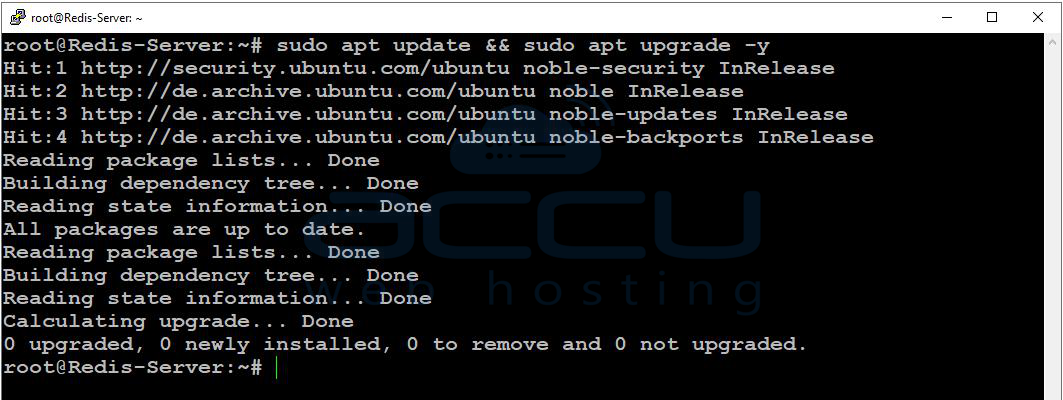
Once completed, your system is ready for Redis installation.
Step 2: Install Redis from the Ubuntu Repository
Install Redis using the command below:
sudo apt install redis-server -y
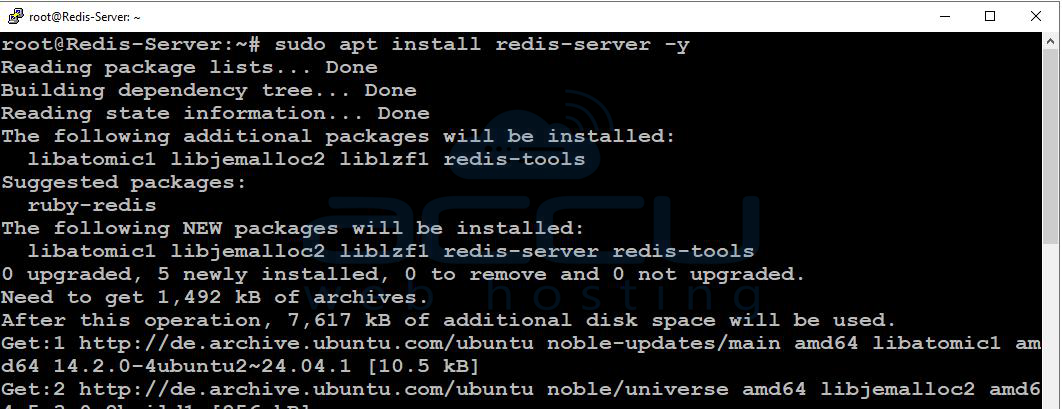
After installation, verify the installed version:
redis-server --version
Example Output:
Redis server v=7.0.15 ...

If a version number is displayed, Redis has been installed successfully.
Step 3: Start and Enable Redis Service
Redis usually starts automatically after installation. However, you can manage it manually if needed.
Start Redis:
sudo systemctl enable redis-server
Enable Redis at boot:
sudo systemctl start redis-server
Verify status:
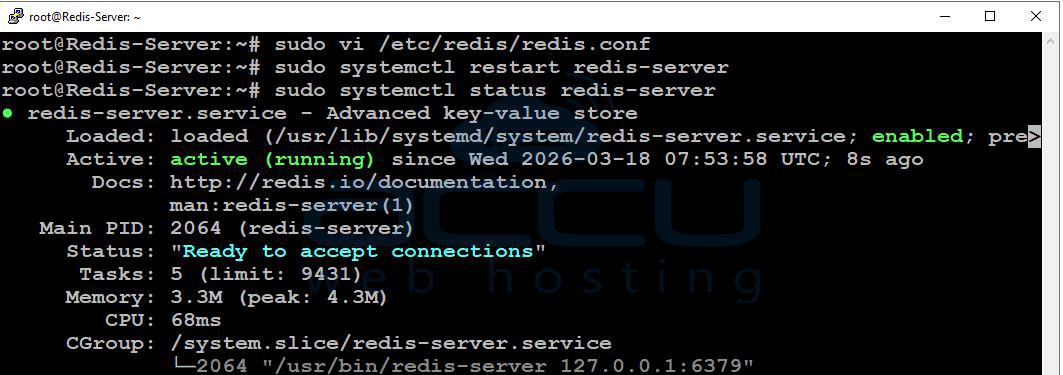
sudo systemctl status redis-server
Ensure the service shows as active (running) with no errors.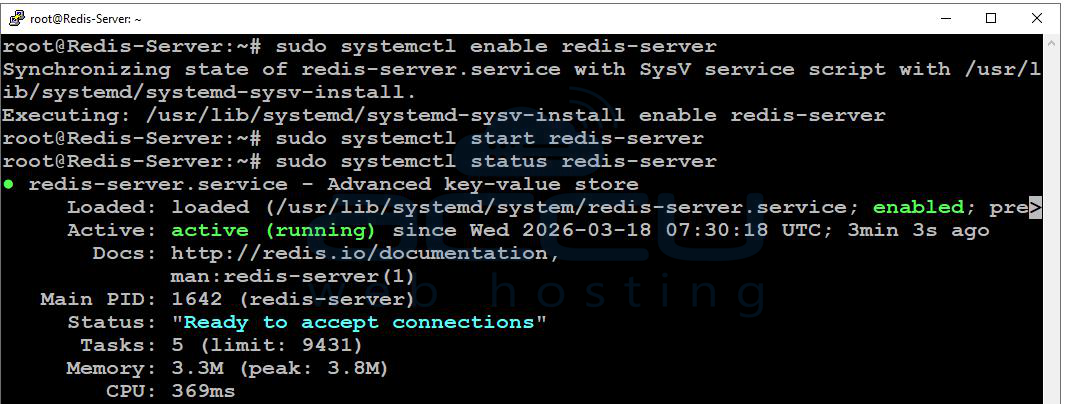
Step 4: Test Redis Connection
To confirm Redis is working properly, use the Redis command-line interface.
Open Redis CLI:
redis-cli
Test the connection:
ping
Expected Output:
PONG
Exit the CLI:
exit

Receiving a The PONG response confirms that Redis is functioning correctly.
=> Configuring Redis:
Redis configuration settings are stored in:
/etc/redis/redis.conf
It is strongly recommended to back up the file before making changes.
Open the configuration file:
sudo vi /etc/redis/redis.conf
Bind Redis to Localhost (Security Best Practice):
By default, Redis listens on the local interface.
Locate the bind directive and ensure it includes:
bind 127.0.0.1 ::1
-
Remove
#If the line is commented. -
This setting restricts access to local connections only, improving security.
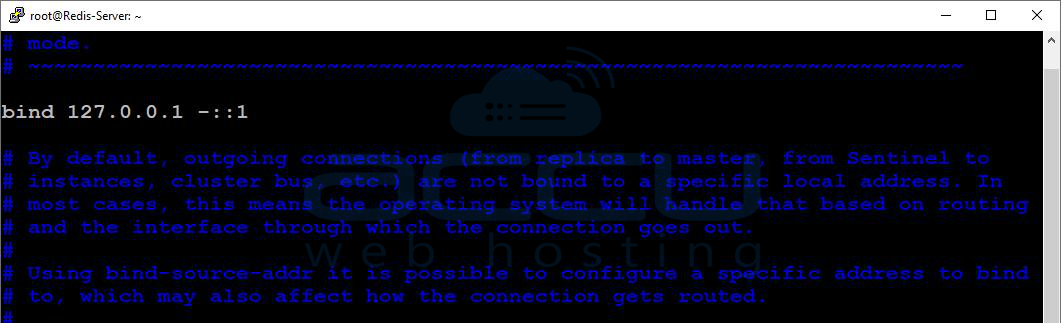
After making changes, restart Redis:
sudo systemctl restart redis-server
Set a Password for Redis:
To secure Redis, you can enable password authentication.
Find the following line in the configuration file:
# requirepass foobared
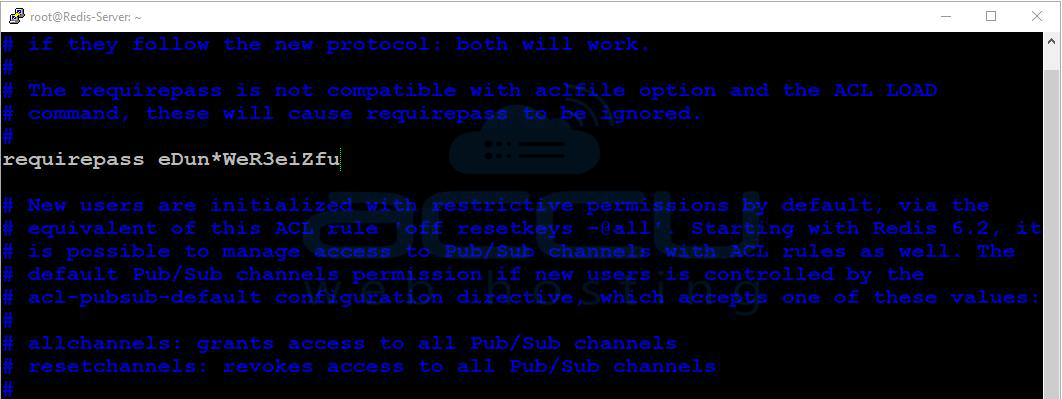
Uncomment it and set your desired password:
requirepass Your-Strong-Password
Restart Redis:
sudo systemctl restart redis-server
Authenticate in Redis CLI:
redis-cli
auth Your-Strong-Password

Expected Output:
OK
Change the Default Redis Port (Optional):
By default, Redis uses port 6379. You may change it if needed.
Locate this line:
port 6379
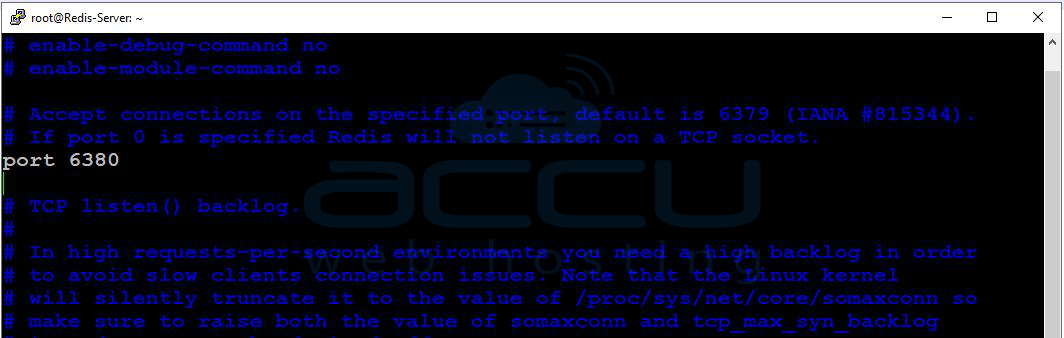
Modify it, for example:
port 6380
Restart Redis:
sudo systemctl restart redis-server
Connect using the new port:
redis-cli -p 6380

Conclusion:
Redis is a powerful and flexible tool that plays an important role in modern application development. Its speed, versatility, and support for various data structures make it ideal for caching, real-time processing, and scalable systems.
By following the steps above, you can easily install and start using Redis on Ubuntu. Once installed, you can integrate Redis into your applications to improve performance and efficiency.
If you encounter any issues during installation, please feel free to contact us via chat or support. Our support team will assist you with the installation process.


