
What is Sakai LMS?
Sakai LMS is a powerful open-source learning management system (LMS) developed and maintained by the Apereo Foundation. It is designed to support teaching, research, and collaboration in higher education, making it an excellent choice for universities, colleges, and training organizations.
Being community-driven, Sakai is continuously updated with features that meet the evolving needs of educators and learners worldwide.
Key Features
- Course Management – Build, organize, and manage courses with modules, assignments, assessments, and grading.
- Collaboration Tools – Includes messaging, forums, wikis, announcements, and chat.
- Assessment & Grading – Tools for quizzes, assignments, gradebook, and analytics.
- Content Delivery – Upload, organize, and share files, videos, and resources.
- Customization – Flexible UI, permissions, and tools that adapt to institutional needs.
- Integrations – Supports LTI (Learning Tools Interoperability) for third-party apps.
- Multi-language Support – Accessible for global educational institutions.
Typical Use Cases
- Universities & Colleges – Deliver online or blended courses.
- Corporate Training – Upskill and reskill employees.
- Non-profits & Community Education – Provide accessible learning platforms.
- Research Collaboration – Create workspaces for research groups.
Technology Stack
- Backend: Java (Apache Tomcat application server)
- Database: PostgreSQL (recommended), MySQL, or Oracle
- Frontend: Web-based, responsive for desktop & mobile
- License: Open Source (Educational Community License 2.0)
Why Institutions Choose Sakai
- Free & Open Source – No licensing costs.
- Community-Driven – Developed with input from educators.
- Scalable & Secure – Works for small classes or large universities.
- Long-Term Support – Backed by the global Apereo community.
Prerequisites
Before starting the installation, ensure you have:
- AlmaLinux 8 or AlmaLinux 9 VPS (at least 2 CPU cores & 4GB RAM recommended)
- Root or sudo access to the VPS
- Domain name pointing to your server (optional but recommended)
- Firewall access to ports 80 (HTTP) and 443 (HTTPS)
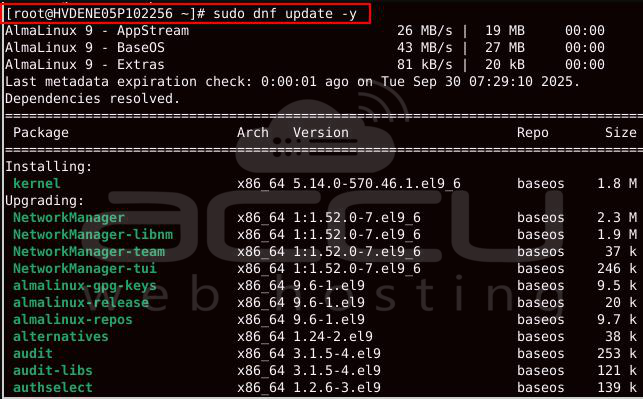
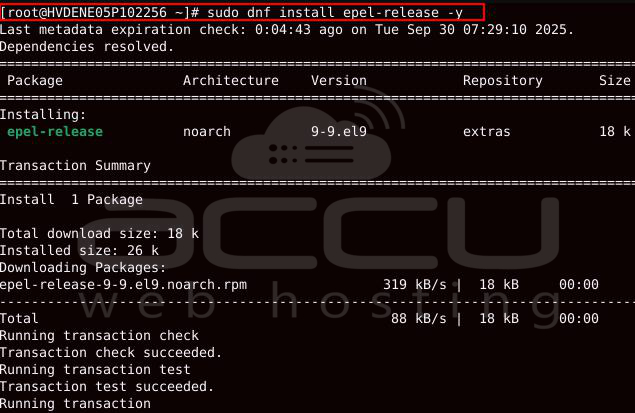
Update system packages:
How to Install Sakai LMS on AlmaLinux VPS
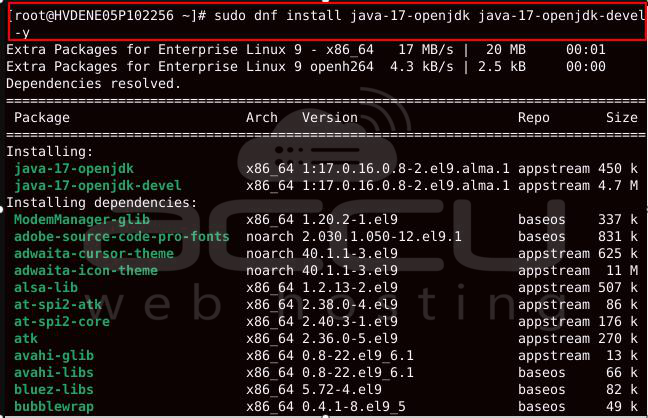
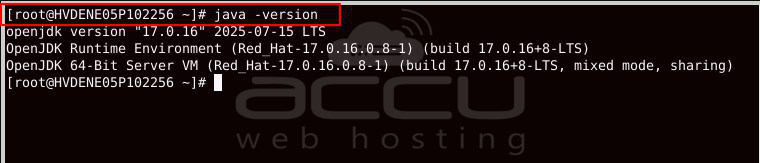
1. Install Java (OpenJDK 17)
Sakai requires Java 17 or newer.
2. Install and Configure PostgreSQL
Install PostgreSQL server and initialize the database:
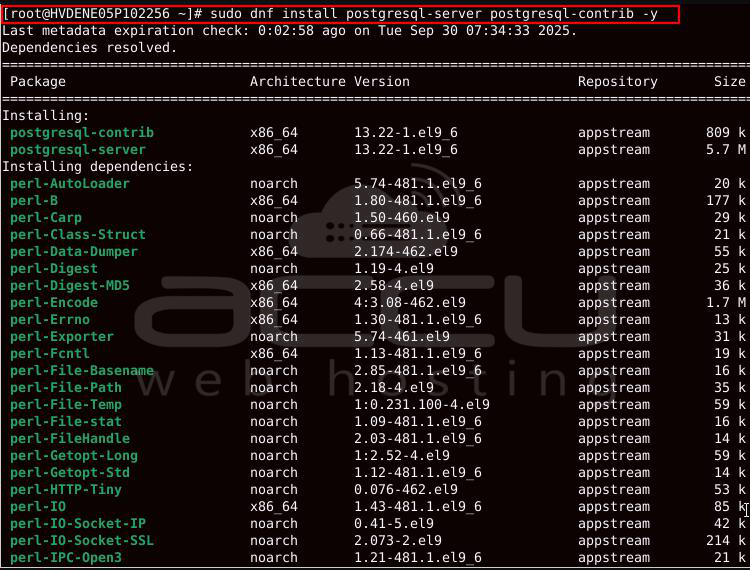
sudo systemctl enable --now postgresq

Create a user and database for Sakai:
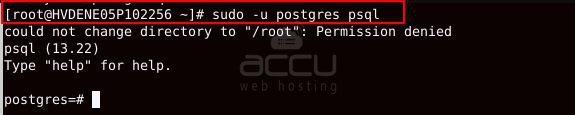
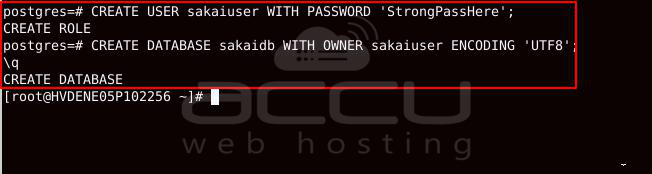
Inside the PostgreSQL shell:
CREATE DATABASE sakaidb WITH OWNER sakaiuser ENCODING 'UTF8';
\q
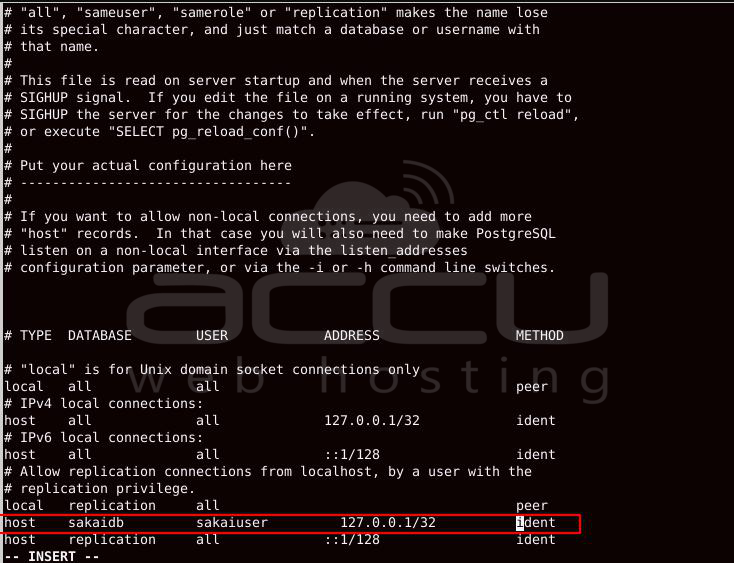
Edit authentication settings:
sudo vi /var/lib/pgsql/data/pg_hba.conf
Change to:
Restart PostgreSQL:

3. Install Apache Tomcat
Download and install Tomcat:
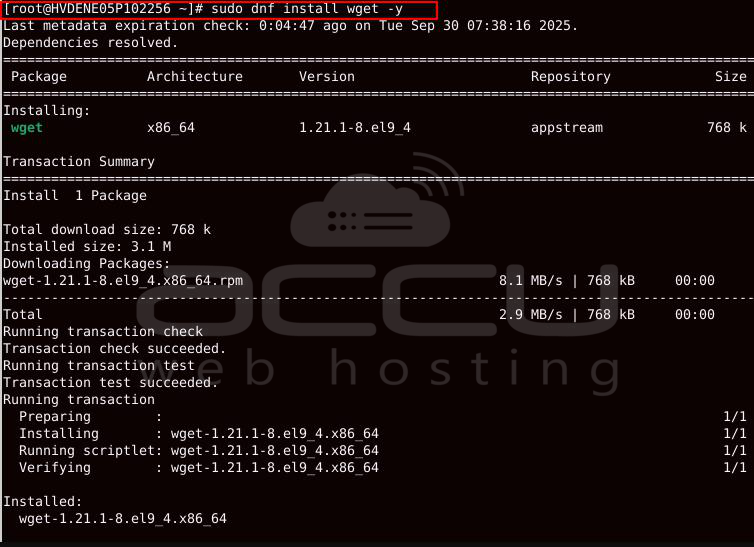
sudo wget https://dlcdn.apache.org/tomcat/tomcat-9/v9.0.109/bin/apache-tomcat-9.0.109.tar.gz
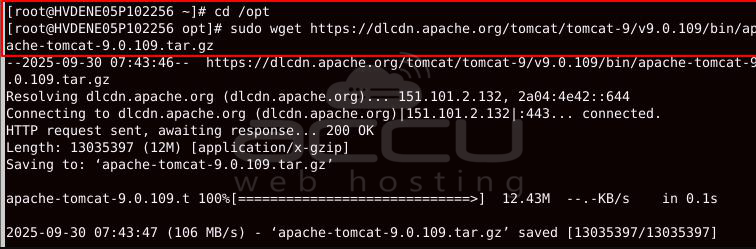
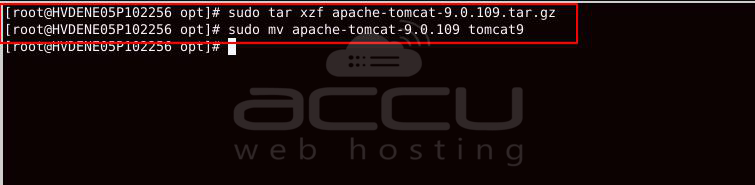
sudo mv apache-tomcat-9.0.109 tomcat9
Create Tomcat user and set permissions:
sudo chown -R tomcat:tomcat /opt/tomcat9

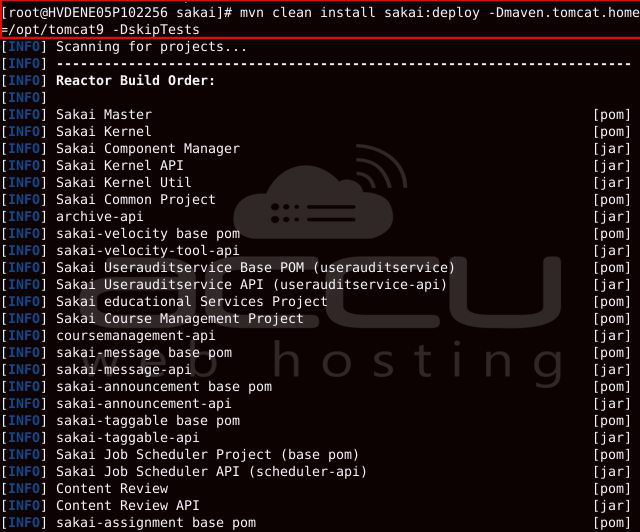
4. Download and Deploy Sakai LMS
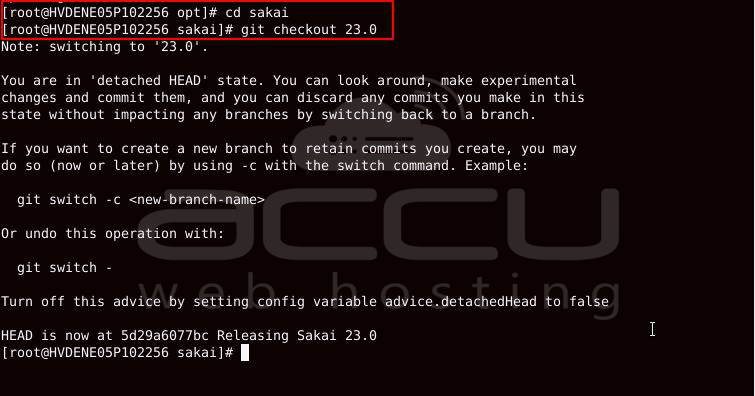
Download the latest Sakai release (example: v23):
git clone https://github.com/sakaiproject/sakai.git
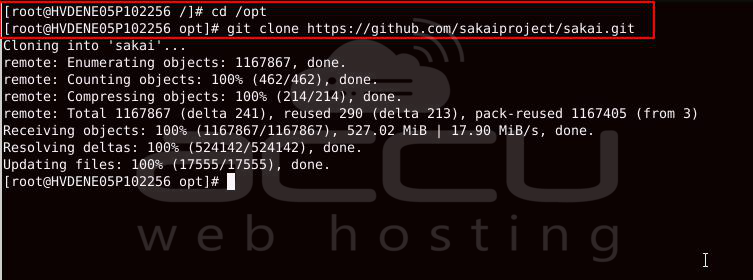
cd sakai
# Checkout a stable release,
5. Configure Sakai Database Connection
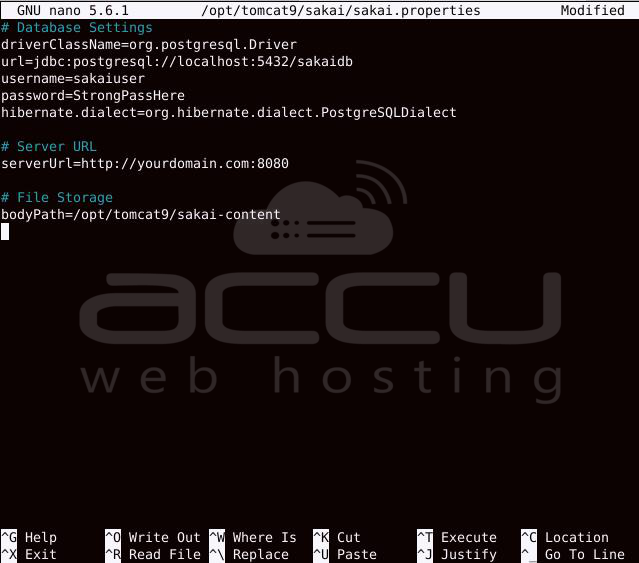
Create Sakai configuration directory:
sudo nano /opt/tomcat9/sakai/sakai.properties

Add the following:
# Database Settings
driverClassName=org.postgresql.Driver
url=jdbc:postgresql://localhost:5432/sakaidb
username=sakaiuser
password=StrongPassHere
hibernate.dialect=org.hibernate.dialect.PostgreSQLDialect
# Server URL
serverUrl=http://yourdomain.com:8080
# File Storage
bodyPath=/opt/tomcat9/sakai-content
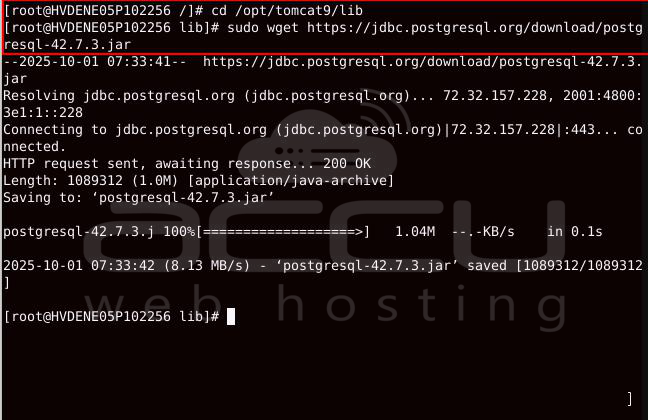
6. Add PostgreSQL JDBC Driver
sudo wget https://jdbc.postgresql.org/download/postgresql-42.7.3.jar
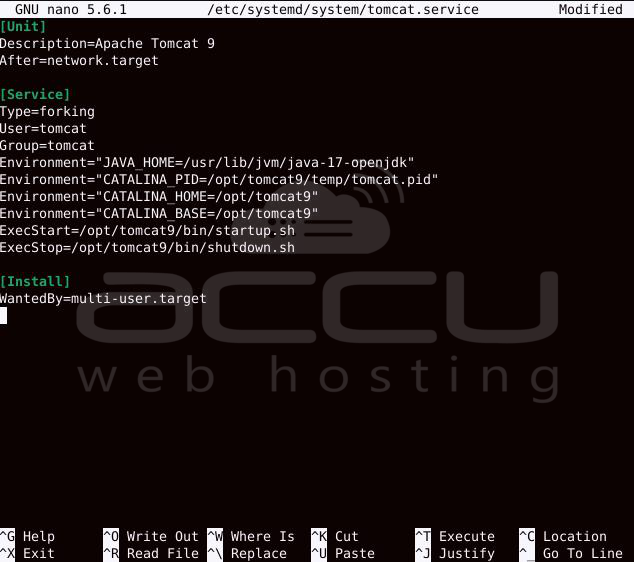
7. Create a Systemd Service for Tomcat
sudo nano /etc/systemd/system/tomcat.service
Paste:
[Unit]
Description=Apache Tomcat 9
After=network.target
[Service]
Type=forking
User=tomcat
Group=tomcat
Environment="JAVA_HOME=/usr/lib/jvm/java-17-openjdk"
Environment="CATALINA_PID=/opt/tomcat9/temp/tomcat.pid"
Environment="CATALINA_HOME=/opt/tomcat9"
Environment="CATALINA_BASE=/opt/tomcat9"
ExecStart=/opt/tomcat9/bin/startup.sh
ExecStop=/opt/tomcat9/bin/shutdown.sh
[Install]
WantedBy=multi-user.target
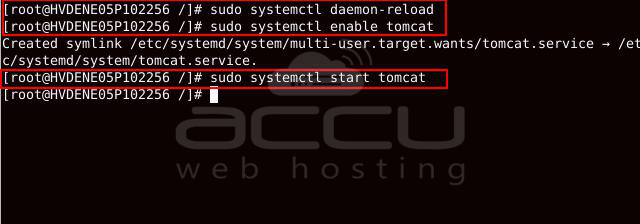
Enable and start Tomcat:
sudo systemctl enable tomcat
sudo systemctl start tomcat
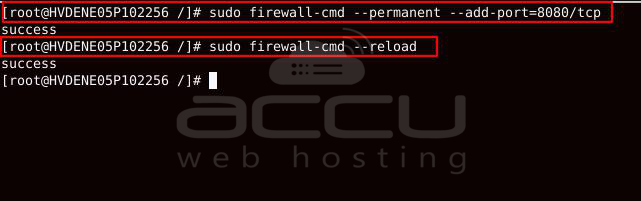
8. Open Firewall Ports
sudo firewall-cmd --reload
9. Access Sakai LMS
Open your browser and visit:
http://yourdomain.com:8080/sakai
Follow the web installer to complete setup.
Conclusion
You have successfully installed Sakai LMS on AlmaLinux VPS with Java, PostgreSQL, and Tomcat. With this setup, you now have a robust, scalable, and open-source platform to power online learning and collaboration at your institution.
