
OnlyOffice is a powerful open-source office suite that provides word processing, spreadsheet editing, and presentation tools. It is fully compatible with Microsoft Office formats (DOCX, XLSX, PPTX) and can be installed as OnlyOffice Desktop Editors for personal use or integrated with servers for collaborative editing.
In this guide, we’ll cover how to install OnlyOffice on Ubuntu 24.04 step by step.
Installing OnlyOffice on Ubuntu 24.04
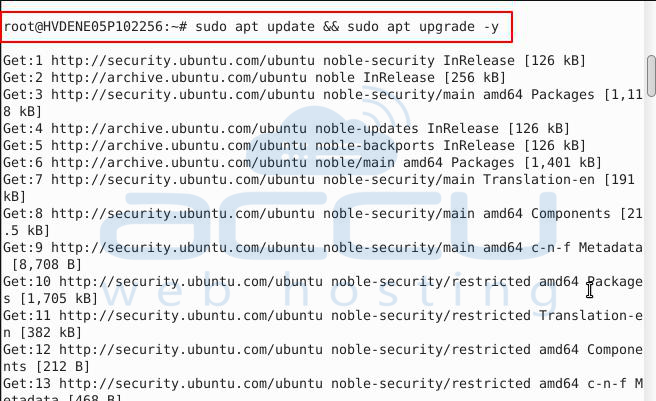
Step 1: Update System Packages
Before installation, ensure your system is up to date:
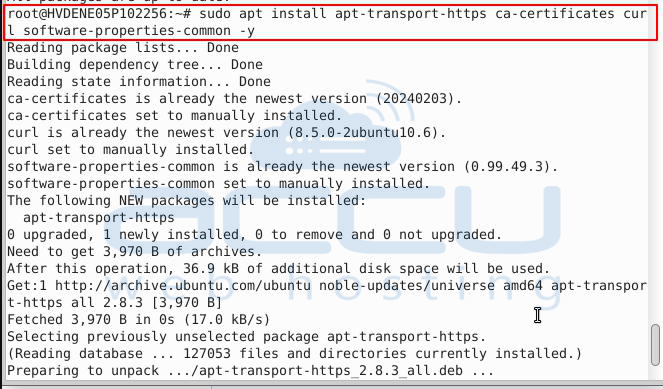
Install Docker on Ubuntu
Run these commands:
echo "deb [arch=$(dpkg --print-architecture) signed-by=/usr/share/keyrings/docker.gpg] https://download.docker.com/linux/ubuntu $(lsb_release -cs) stable" | sudo tee /etc/apt/sources.list.d/docker.list

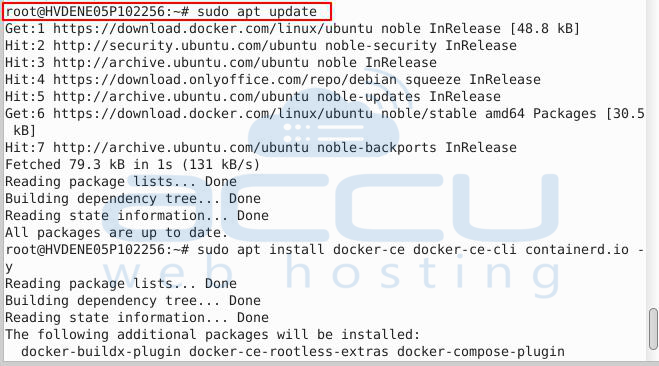
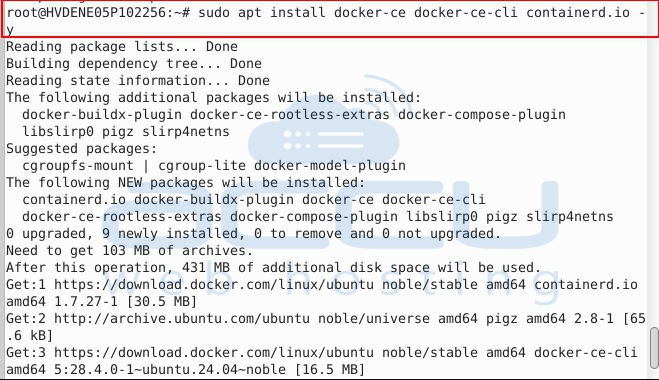
Enable & start Docker

Verify:

Run OnlyOffice Document Server
Now pull and run OnlyOffice:
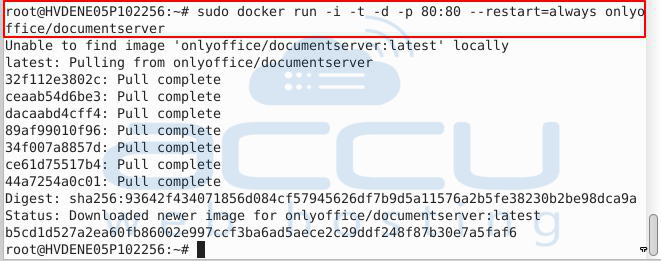
This will:
- Download the onlyoffice/documentserver image
- Start the service bound to port 80
Access in browser
Open:
http://<your-server-ip>/welcome/
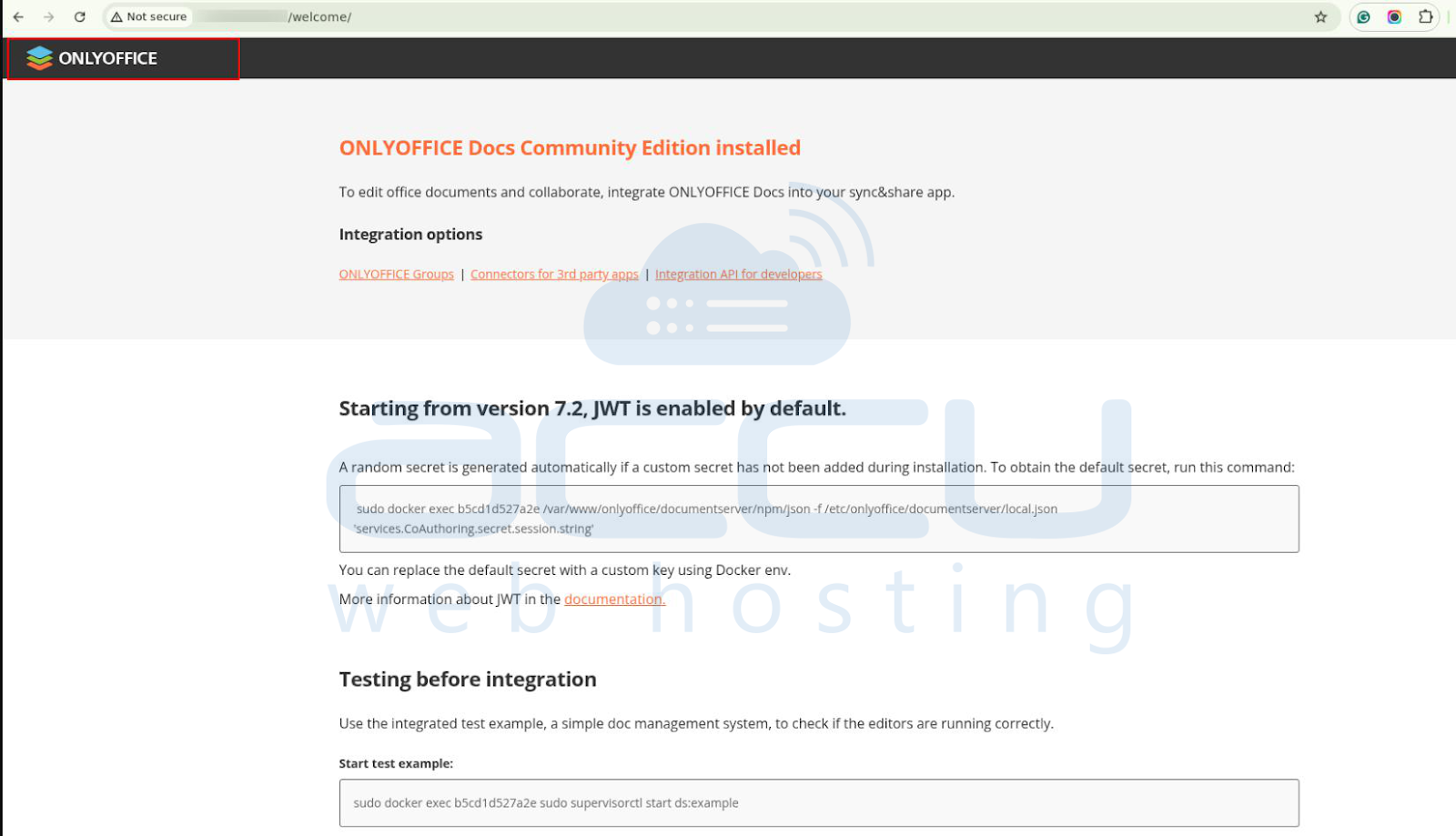
You should now see the OnlyOffice Document Server welcome page
Conclusion
You have successfully installed OnlyOffice Desktop Editors on Ubuntu 24.04.
With OnlyOffice, you can enjoy a full-featured, Microsoft Office–compatible suite for personal or professional use.


