
Binary logging in MySQL and MariaDB is used for replication and point-in-time recovery. However, if you're not using these features, the log files generated by binary logging can rapidly consume disk space. This guide explains how to disable binary logging on a WHM/cPanel server to free up disk space and improve server performance.
Steps to Disable Binary Logging in MySQL/MariaDB on a WHM Server
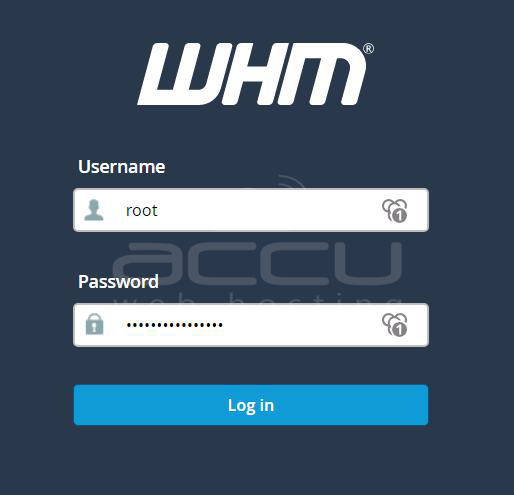
Step 1. Access WHM (WebHost Manager) using your root login. Enter your root username and password to access the dashboard.
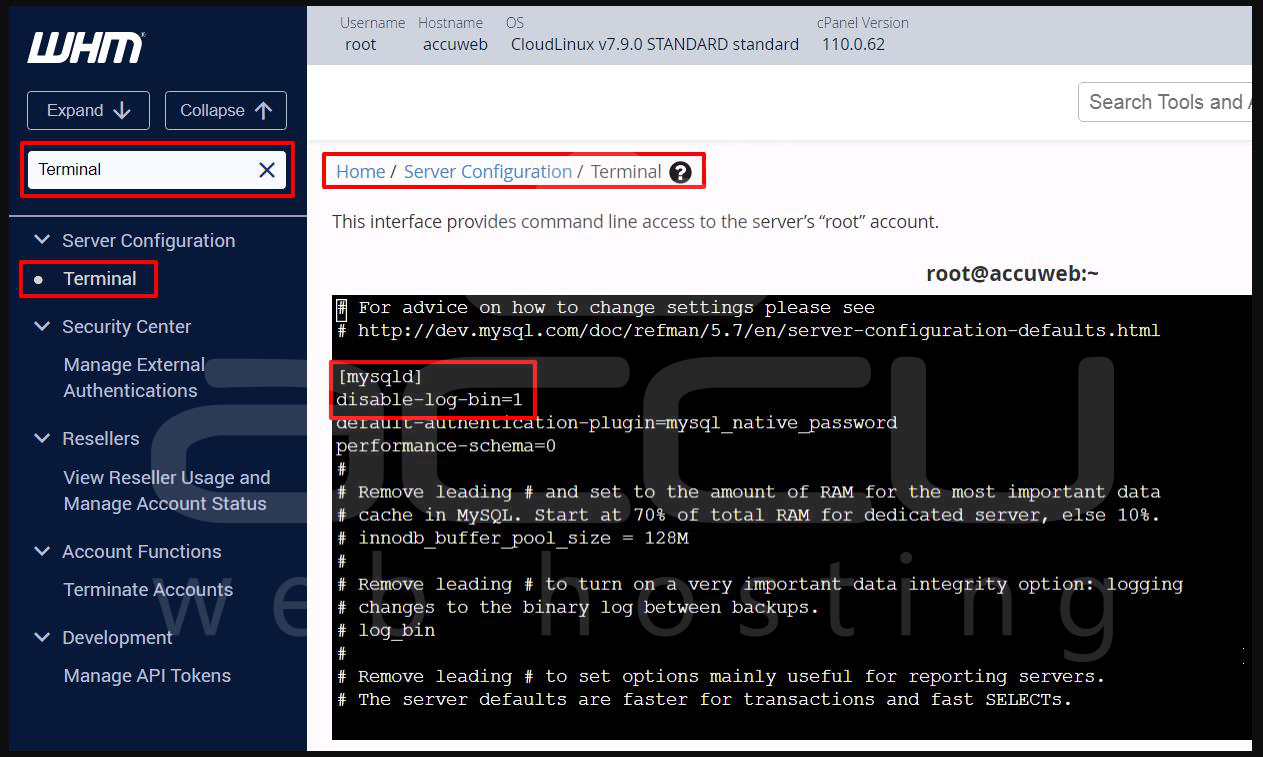
Step 2. In the WHM dashboard: Go to Server Configuration > Terminal, or use the top-left search bar and type Terminal, then click the result. This opens a root shell where you can run commands.
Step 3. Once in the terminal, open the MySQL configuration file (/etc/my.cnf) using a text editor like nano:
nano /etc/my.cnf
Step 4. Inside the file, look for the [mysqld] section. Now add this line
under [mysqld]:
disable-log-bin=1
If you see a line like log-bin=mysql-bin or log-bin=..., comment it out by adding a # at the beginning:
#log-bin=mysql-bin
Your final [mysqld] section should look like:
[mysqld]
disable-log-bin=1
#log-bin=mysql-bin
Step 5. In Nano, press Ctrl+O to save changes, Enter to confirm the filename, and press Ctrl+X to exit.
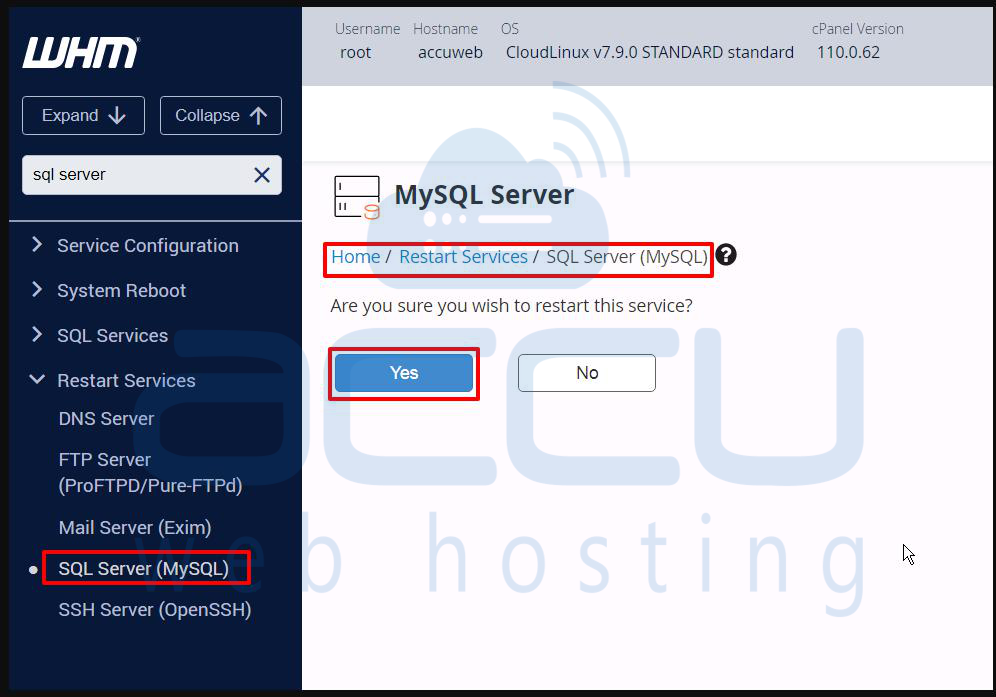
Step 6. Now, restart the SQL service so the changes take effect. In WHM: Go to Home > Restart Services > SQL Server (MySQL) and click Yes to restart.
Conclusion
Disabling binary logging in MySQL or MariaDB on a WHM server is a straightforward process that can help reduce unnecessary disk space usage if you're not using replication or advanced recovery features.
That’s all.


