
IPTables is a tool in Linux that controls the firewall by setting rules for network traffic. Opening a port in IPTables is necessary to let specific services connect to other devices.
This guide explains how to open a port so users and administrators can manage network traffic and ensure secure access to services on a server.
Requirements:
- You should have SSH access to the server with root privileges.
- You should have a basic understanding of networking and IPTables commands
Step to open a port with IPtables in the Linux server
Here are the steps to open a port using IPTables on a Linux server. We performed these steps on AlmaLinux, but you can use them on any Linux distribution.
Step 1: Connect to Your Server via SSH
To access your server, use SSH by typing this command in the terminal:
ssh root@server-ipaddress
For example:
# ssh [email protected]
Step 2: Check Current IPTables Rules
Before making changes, check the existing rules to see the current settings. Run this command:
# iptables -L

This will show the rules in the INPUT, OUTPUT, and FORWARD chains.
Step 3: Open a Port for Incoming or Outgoing Traffic
To open a specific port (e.g., 8081), you can replace the port number with the one you need.
To allow incoming traffic on a port:
# iptables -A INPUT -p tcp --dport 8081 -j ACCEPT

This allows incoming TCP traffic on port 8081.
To allow outgoing traffic on a port:
# iptables -A OUTPUT -p tcp --dport 8081 -j ACCEPT

This allows outgoing TCP traffic on port 8081.
Note: You might not need to configure both incoming and outgoing traffic. Set it based on your requirements.
Step 4: Open Multiple Ports at Once
To open several ports (e.g., 8000, 8001, and 8002) at the same time, use this command:
# iptables -A INPUT -p tcp -m multiport --dports 8000,8001,8002 -j ACCEPT
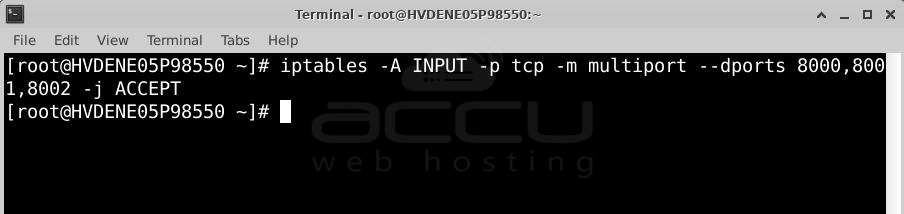
This will allow incoming TCP traffic on all the specified ports simultaneously.
Step 5: Open a Range of Ports
To open a range of ports (e.g., 8500 to 8600), run this command:
# iptables -A INPUT -p tcp --dport 8500:8600 -j ACCEPT

This allows incoming TCP traffic on all ports between 8500 and 8600.
Step 6: Save the IPTables Rules
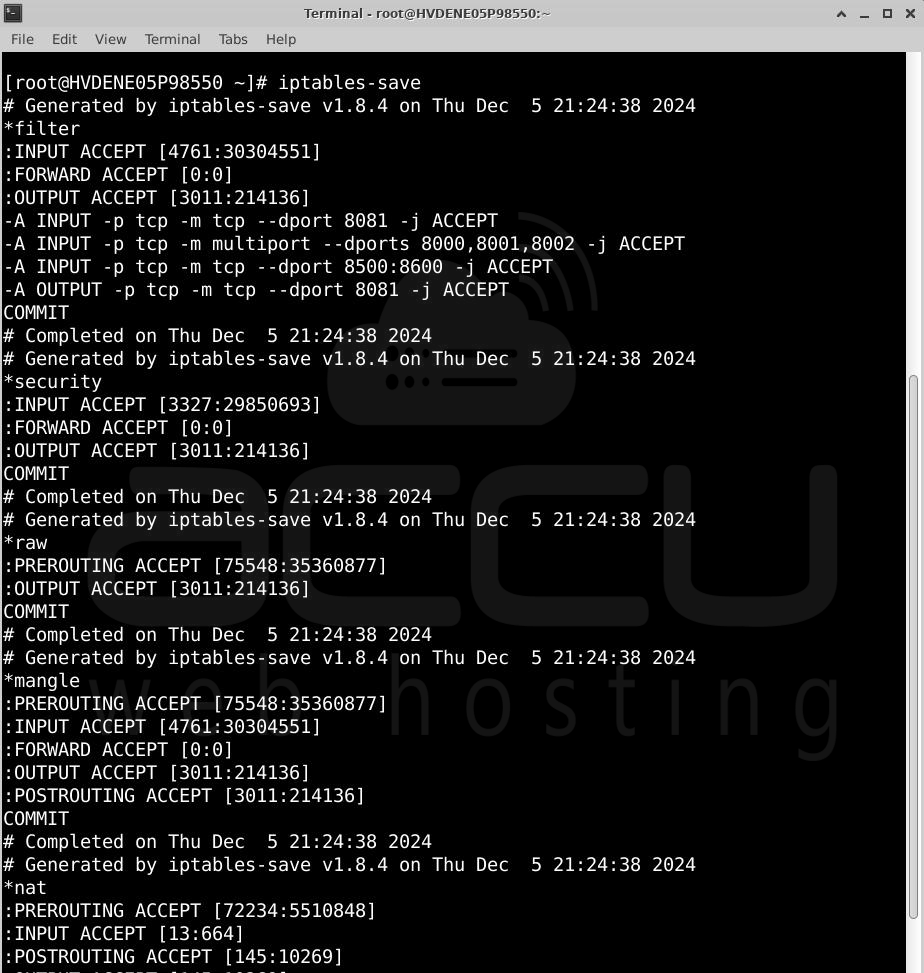
To make sure your rules stay active after a server reboot, save them using the right command for your Linux system:
For Debian-based systems (e.g., Ubuntu, Debian):
# netfilter-persistent save
For RHEL-based systems (e.g., Rocky Linux, AlmaLinux):
# iptables-save
Conclusion
Following these steps, you can configure IPTables to allow connections on the required ports, ensuring your services can communicate over the network.


