
What is tr command?
Tr is a short form of translate. It is a text-processing command.
Using the tr command, you can perform many transformations such as changing lowercase to uppercase and visa-versa, deleting characters, and squeezing repeating characters and replacing them.
tr command reads input from standard input and performs specified translations or deletions on characters.
Whether you need to translate characters, delete specific characters, or squeeze duplicates, 'tr' provides an efficient solution.
Syntax
tr [options] SET1 [SET2]
Options
-s: This option will squeeze the occurrence of multiple characters into one.
-d: This option is used to delete characters.
-t: It first truncates SET1 to the length of SET2
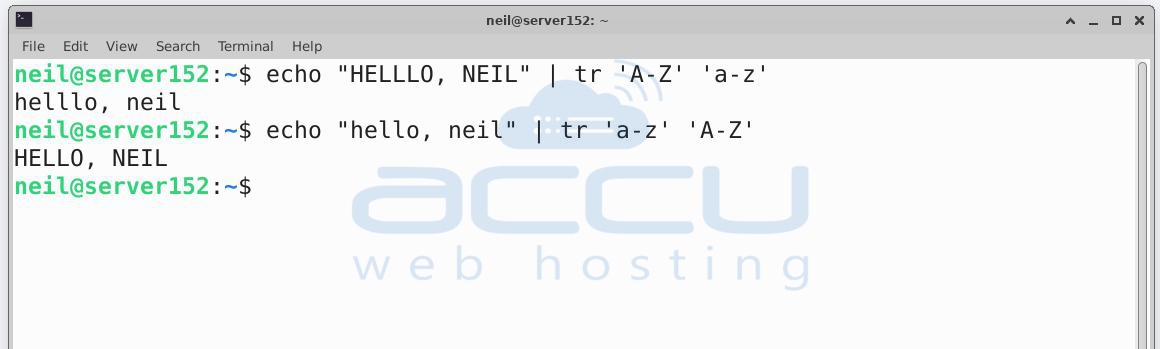
=> Translate uppercase to lowercase
echo "HELLLO, NEIL" | tr 'A-Z' 'a-z'
Output: helllo, neil
In the above command input the string "HELLLO, NEIL" will be converted from all uppercase letters to lowercase.
Translate lowercase to uppercase
echo "hello, neil" | tr 'a-z' 'A-Z'
Output: HELLO, NEIL
In the above command input the string "hello, neil" will be converted from all lowercase letters to uppercase.
The 'A-Z' argument demonstrates uppercase letters and the second argument 'a-z' demonstrates lowercase letters.
=> Delete particular characters
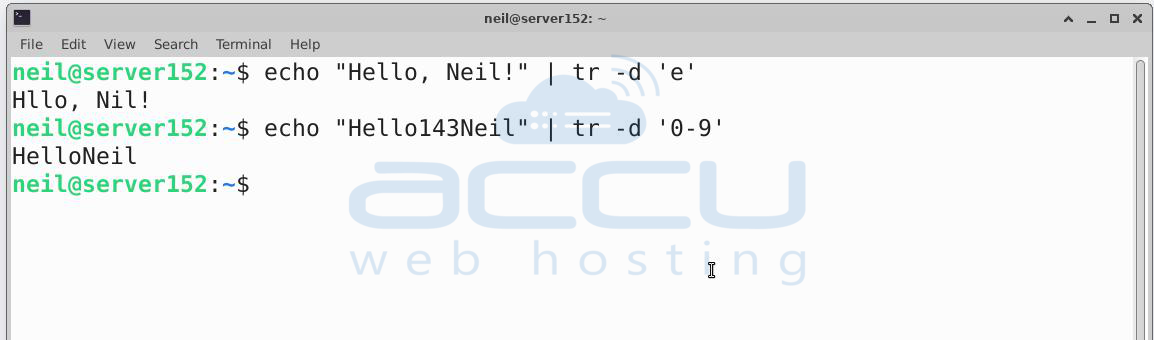
echo "Hello, Neil!" | tr -d 'e'
All occurrences of the letter 'e' from the input string "Hello, Neil!" will be removed in the above command.
echo "Hello143Neil" | tr -d '0-9'
All numeric digits (0-9) from the input string "Hello143Neil" will be deleted in the above command.
-d option is used to specify characters that we want to delete. The argument '0-9' indicates that we want to delete all numeric digits from 0 to 9.
=> Replace a specific character with another
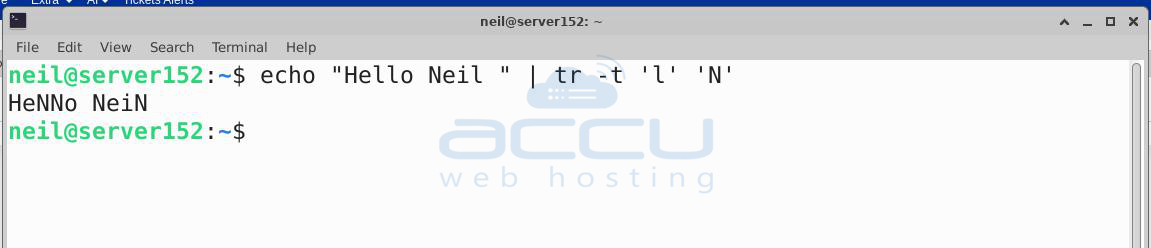
echo "Hello Neil " | tr -t 'l' 'N'
We have replaced all occurrences of the lowercase letter 'l' with the uppercase letter 'N'.
=> Squeezing Characters
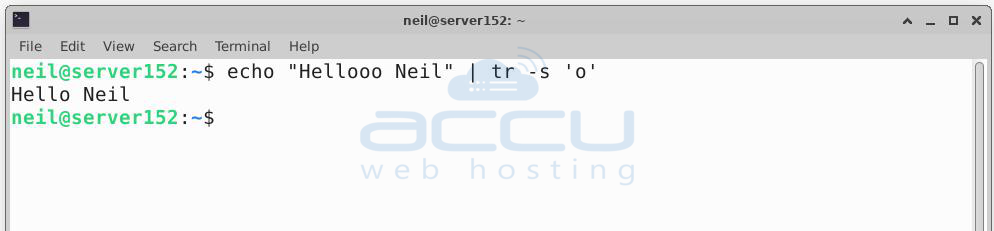
echo "Hellooo Neil" | tr -s 'o'
The above command will squeeze consecutive occurrences of the letter 'o' into a single occurrence, resulting in the output string "Helo Neil".
That's all. You can follow the command mentioned in this article to use the tr command.


