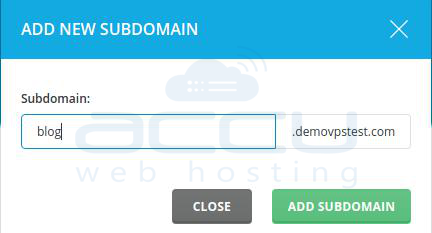
Please refer to the following steps to add a sub-domain to your existing domain.
- Log in to your DirectAdmin panel user account for which you want to create a sub-domain. Please refer to how to add a user account in DirectAdmin?
- Once you are logged in, verify your main domain and click on add sub-domain.

- Click on add sub-domain button to add your sub-domain.